Provib Tech PT2060/53-A0 Spare for ProVib Automation: Spare Replacement & Industrial Downtime Risk Control
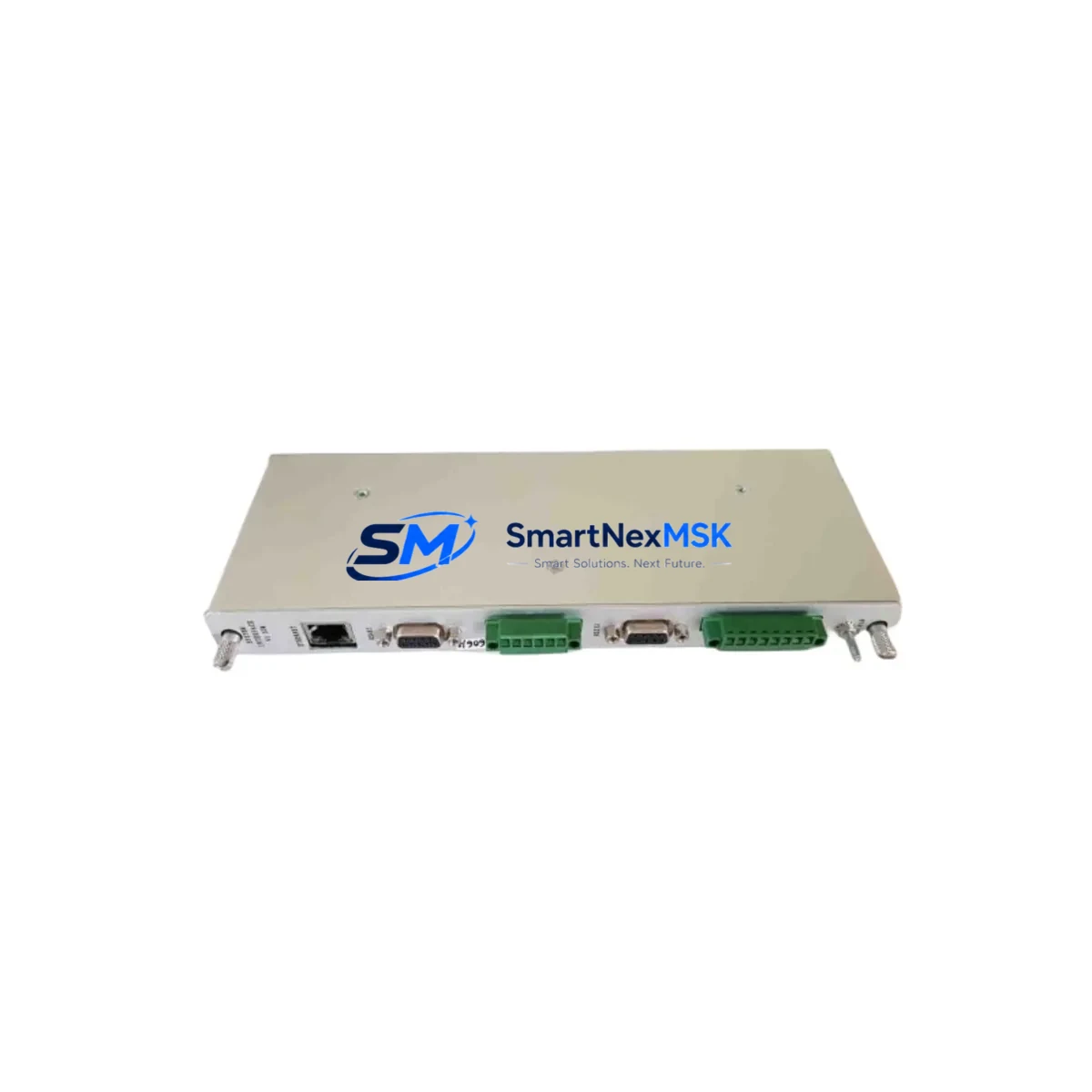
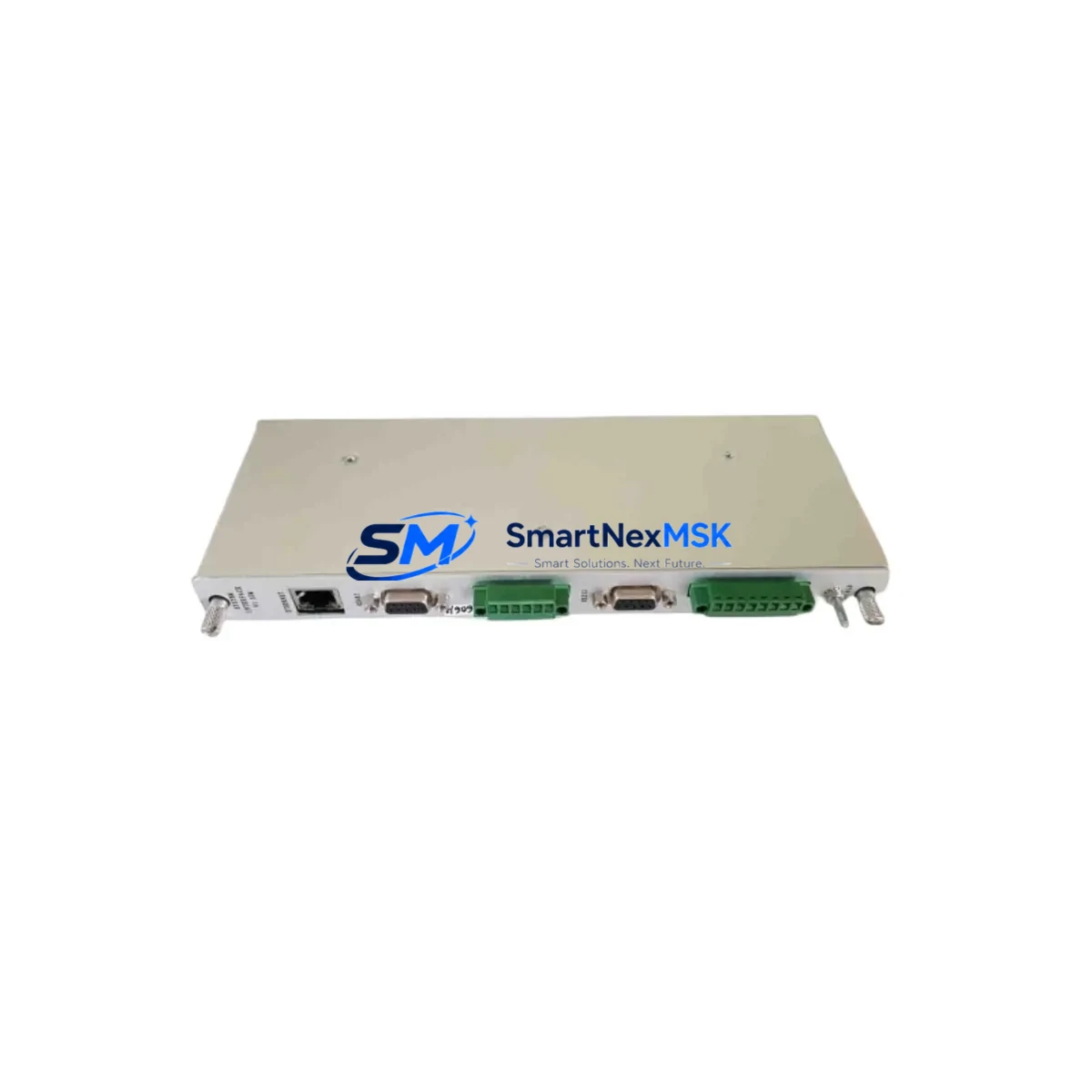
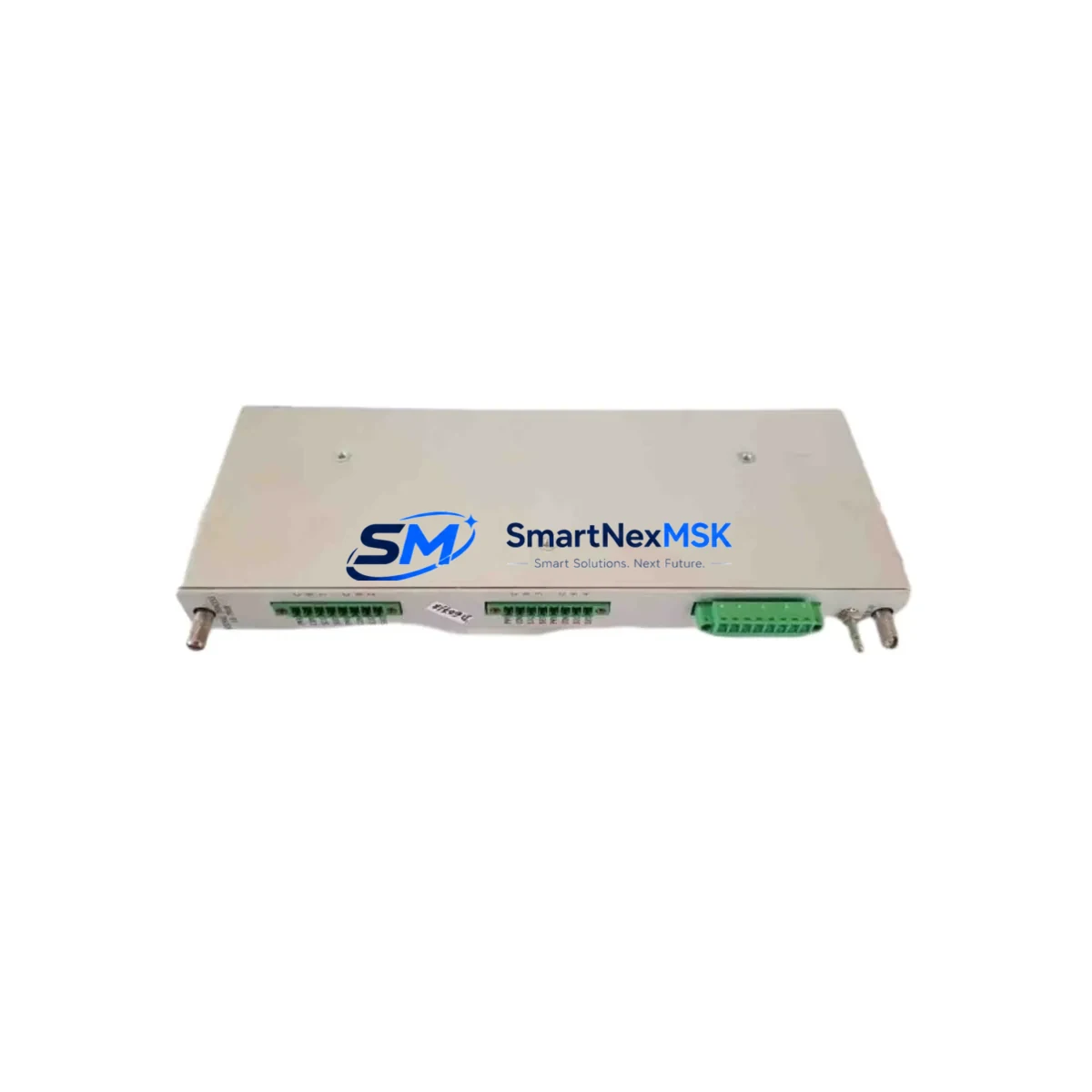
The Provib Tech PT2060/53-A0 is an original vibration monitor module designed for the ProVib PT2060 series condition monitoring and machinery protection systems. In industrial environments where rotating equipment — turbines, compressors, pumps, and motors — operates continuously, the PT2060/53-A0 serves as a critical front-line component for vibration signal acquisition, threshold alarming, and trip relay output. When this module degrades or fails, the entire vibration protection loop is compromised, exposing rotating machinery to undetected mechanical faults and catastrophic failure.
At SMARTNEXMSK, we supply original, tested PT2060/53-A0 units with a 12-month warranty, pre-shipment functional verification, and fast worldwide dispatch — ensuring your maintenance team can restore protection coverage with minimal downtime.
Spare Maintenance Table
| Parameter | Specification / Detail |
|---|---|
| Part Number / SKU | PT2060/53-A0 |
| Brand | Provib Tech |
| Series | ProVib PT2060 |
| Product Type | Vibration Monitor Module |
| Function | Vibration signal monitoring, alarm & trip relay output for rotating machinery protection |
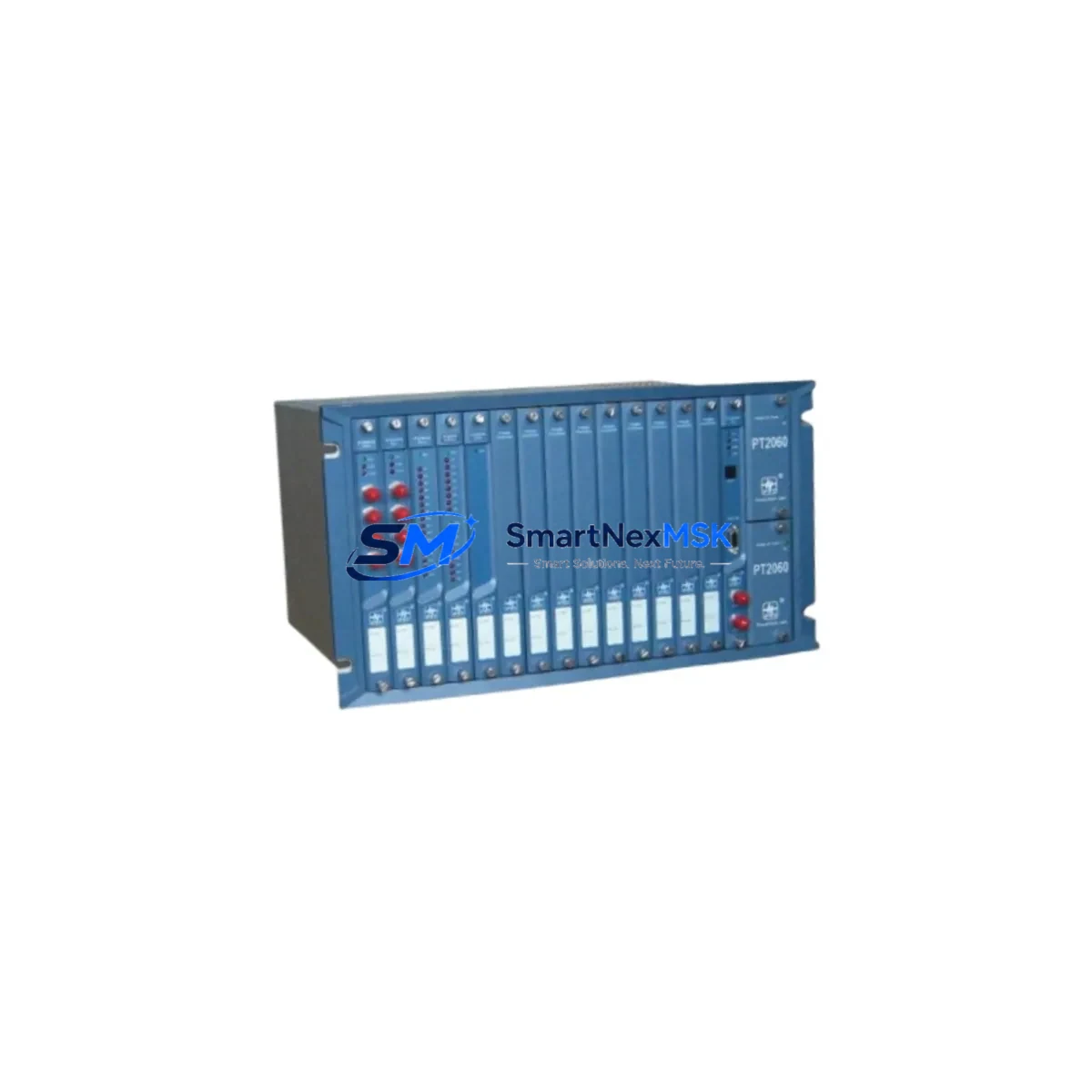
| Compatibility | ProVib PT2060 series condition monitoring racks; replaces legacy PT2060 variants |
| Signal Input | Velocity / acceleration / displacement transducer inputs (eddy current, piezoelectric) |
| Output | 4–20 mA analog output; relay alarm/trip contacts |
| Power Supply | 24 VDC (rack-supplied); verify rack PSU output before installation |
| Mounting | DIN-rail / rack-mount card format; ProVib PT2060 backplane compatible |
| Operating Temperature | 0°C to +55°C (industrial panel environment) |
| Origin | Germany |
| Weight | 800 g (packaged) |
| Condition | Original, new or refurbished-to-spec; 100% functionally tested before shipment |
| Warranty | 12 months from date of shipment |
| Maintenance Recommendation | Inspect every 12 months; verify relay contact integrity, analog output calibration, and transducer wiring continuity |
| Application Environment | Power generation, oil & gas, petrochemical, heavy manufacturing, water treatment |
Maintenance Planning for Continuous Operation
Replacing the PT2060/53-A0 in a ProVib PT2060 rack is rarely an isolated task. Maintenance engineers and procurement engineers working on vibration protection systems should treat this replacement as an opportunity to audit the entire protection loop and adjacent control cabinet components.
Begin with the rack power supply module — the PT2060 series relies on a dedicated 24 VDC backplane supply, and a degraded PSU can cause intermittent module resets or false trip signals that mimic a faulty PT2060/53-A0. Verify output voltage stability under load before condemning the monitor card itself.
Next, inspect the transducer wiring and terminal blocks. Eddy current probes, velocity transducers, and accelerometers connected to the PT2060/53-A0 are subject to cable fatigue, connector corrosion, and shield grounding issues — all of which produce erratic vibration readings. Check the Bently Nevada 3300 XL series proximitors or equivalent eddy current driver/extension cable assemblies if your installation uses proximity probes, as these are common companion components in turbomachinery protection panels.
The relay output wiring from the PT2060/53-A0 feeds into the machine trip logic — typically through intermediate relay modules (such as Phoenix Contact or Weidmüller relay terminal blocks) or directly into a safety PLC input card. Inspect relay contact wear, coil resistance, and DIN-rail terminal tightness. Loose terminals in the trip circuit are a leading cause of nuisance trips during module replacement.
For systems integrated with a DCS or PLC, the 4–20 mA analog output from the PT2060/53-A0 feeds an AI (analog input) card — commonly a Siemens S7-300/400 SM331, ABB S800 AI810, or equivalent. Verify the AI channel scaling, HART configuration (if applicable), and loop resistance before commissioning the replacement module. A misconfigured AI channel will produce incorrect vibration trend data even with a perfectly functional PT2060/53-A0 installed.
If your facility uses a signal isolator or signal conditioner between the PT2060/53-A0 analog output and the DCS AI card — such as a Pepperl+Fuchs KFD2 series or MTL5000 series isolator — inspect the isolator for output drift or power supply faults. These devices are often overlooked during vibration monitor replacements but are a common source of signal errors.
Finally, review the HMI or SCADA trend historian for the affected machine train. Before declaring the PT2060/53-A0 as the root cause of a vibration alarm, compare historical trend data across the X/Y proximity probe channels, axial position channel, and phase reference (Keyphasor) input. A sudden step-change in all channels simultaneously points to a power or grounding issue rather than a failed monitor card. Selective channel degradation is more indicative of a faulty PT2060/53-A0 or its associated transducer.
Maintaining a minimum stock of one spare PT2060/53-A0 per critical machine train is standard practice in ISO 55000-aligned asset management programs. For facilities with multiple PT2060 racks, consider stocking spare backplane connectors, rack fuses, and communication interface cards alongside the monitor modules to support rapid like-for-like replacement during planned outages.
Site Replacement Workflow
Step 1 — Isolation & Permit: Obtain a work permit and coordinate with the control room. Inhibit the vibration trip for the affected machine train in the DCS/SIS before removing the PT2060/53-A0 to prevent a spurious machine trip during card extraction.
Step 2 — Document Current Configuration: Record the existing module’s channel configuration, alarm setpoints, trip setpoints, and analog output scaling. The PT2060/53-A0 may store configuration in onboard DIP switches or via a configuration tool — photograph or log all settings before removal.
Step 3 — Physical Replacement: Power down the rack slot (if hot-swap is not supported), extract the faulty PT2060/53-A0, and insert the replacement unit. Verify backplane connector seating and secure the card retainer. Restore rack power.
Step 4 — Configuration Transfer: Apply the documented alarm/trip setpoints and channel configuration to the replacement module. For legacy PT2060 variants being replaced by the PT2060/53-A0, confirm that the /53-A0 firmware revision is compatible with your rack’s backplane communication protocol.
Step 5 — Loop Verification: With the machine at rest (or using a calibration signal source), verify the 4–20 mA analog output reads correctly at the DCS AI card. Confirm alarm and trip relay contacts operate at the configured setpoints using a loop calibrator or test signal.
Step 6 — Return to Service: Remove the trip inhibit in the DCS/SIS, restore normal monitoring, and document the replacement in the CMMS (Computerized Maintenance Management System). Update the spare parts inventory to trigger reorder of the consumed PT2060/53-A0 unit.
This workflow minimizes machine exposure time, ensures configuration integrity, and maintains full vibration protection coverage — reducing the risk of undetected mechanical faults during the transition period.
Spare Parts Support FAQ
Q1: What is the shelf life and storage requirement for a PT2060/53-A0 spare unit?
The PT2060/53-A0 should be stored in its original anti-static packaging in a dry, temperature-controlled environment (10°C–30°C, <70% RH). Under these conditions, electronic spare modules typically maintain full functionality for 3–5 years. SMARTNEXMSK performs pre-shipment functional testing on all units, and the 12-month warranty period begins from the date of shipment — not from the date of installation — so plan your spare stock rotation accordingly.
Q2: Is the PT2060/53-A0 a direct drop-in replacement for earlier PT2060 variants?
The /53-A0 designation indicates a specific hardware and firmware revision of the PT2060 monitor card. In most ProVib PT2060 rack installations, it is backward-compatible with earlier /50 and /52 variants, but you should verify the rack’s backplane revision and the configuration tool version before installation. If you are replacing a significantly older variant, contact our technical team with your rack serial number for compatibility confirmation before ordering.
Q3: What pre-shipment testing does SMARTNEXMSK perform on the PT2060/53-A0?
Every PT2060/53-A0 unit undergoes power-on functional verification, analog output accuracy check (4–20 mA loop), relay contact continuity test, and visual inspection for connector damage or component anomalies before dispatch. A test report is available upon request. Units that do not pass all checks are not shipped. This process ensures that the replacement module is ready for immediate installation upon arrival at your site.
Q4: What does the 12-month warranty cover, and what is the RMA process?
The 12-month warranty covers manufacturing defects and functional failures under normal operating conditions. It does not cover damage caused by incorrect installation, overvoltage, or environmental conditions outside the module’s rated specifications. To initiate a warranty claim, contact [email protected] with your order number, a description of the fault, and site installation details. SMARTNEXMSK will arrange return shipping and provide a replacement or repair within an agreed lead time.
© 2026 SMARTNEXMSK. All rights reserved.
Original Source: https://smartnexmsk.com
Contact: [email protected] | +86 18259474341