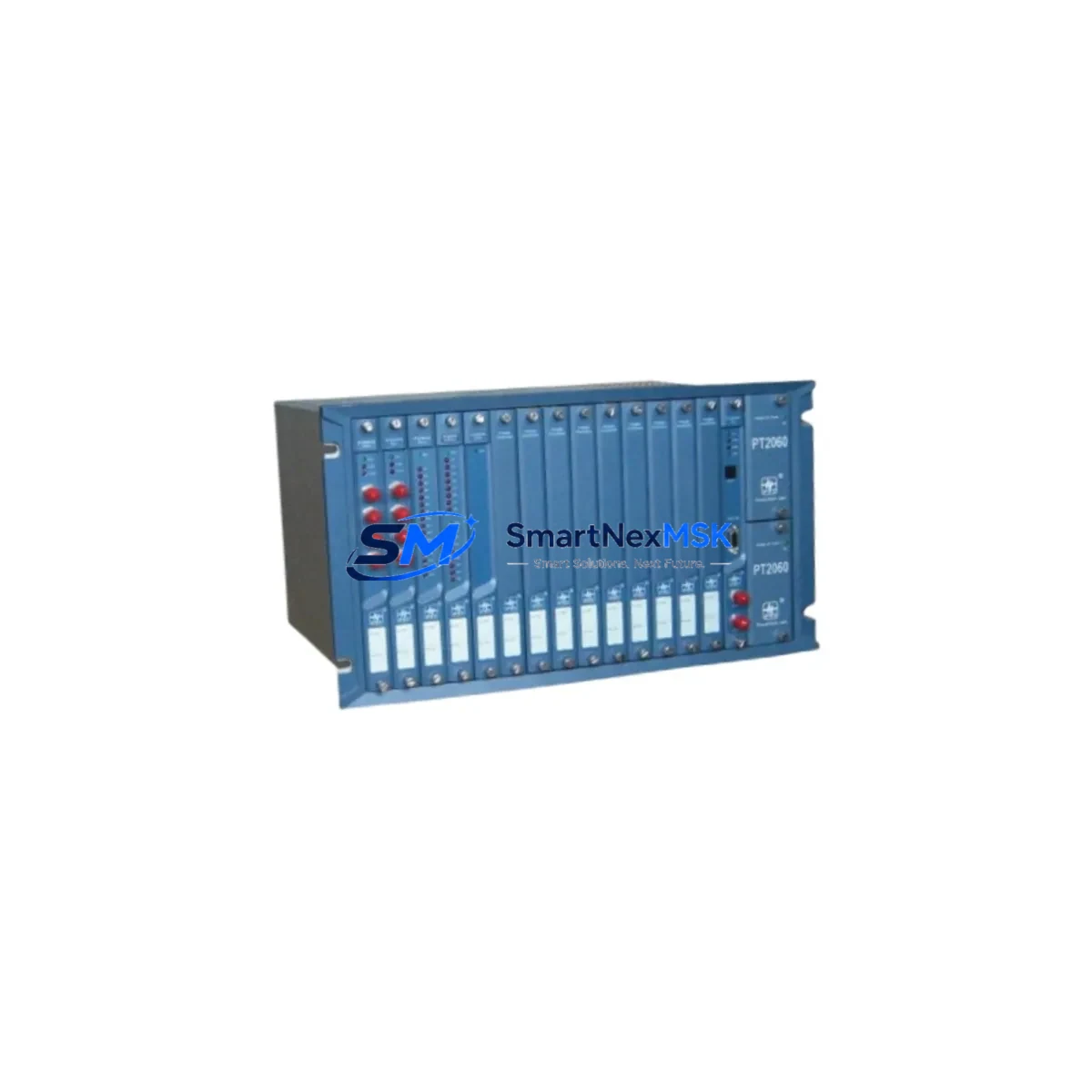
Provib Tech PT2060/90-A1-B1 Maintenance-Ready Spare for PT2060 Automation
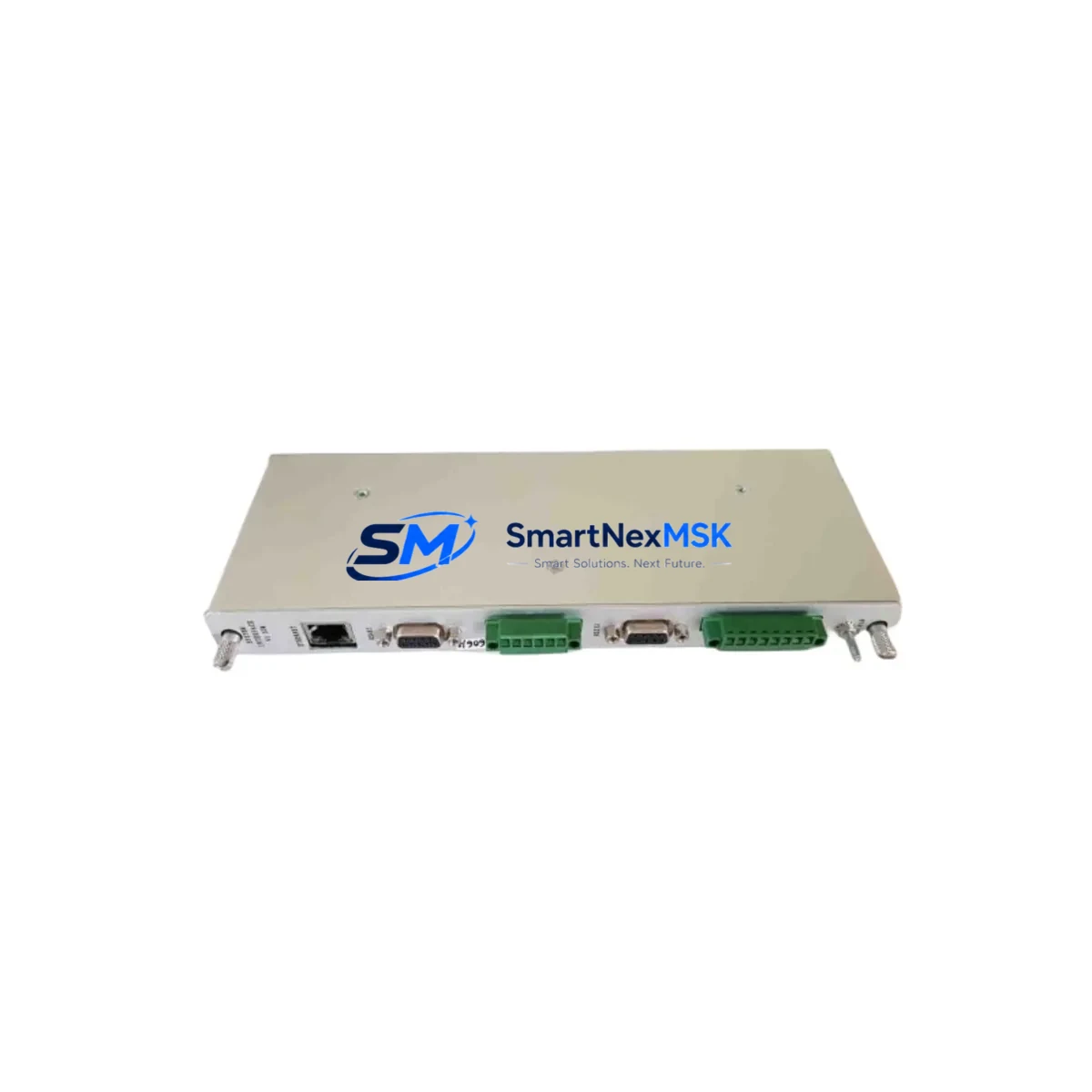
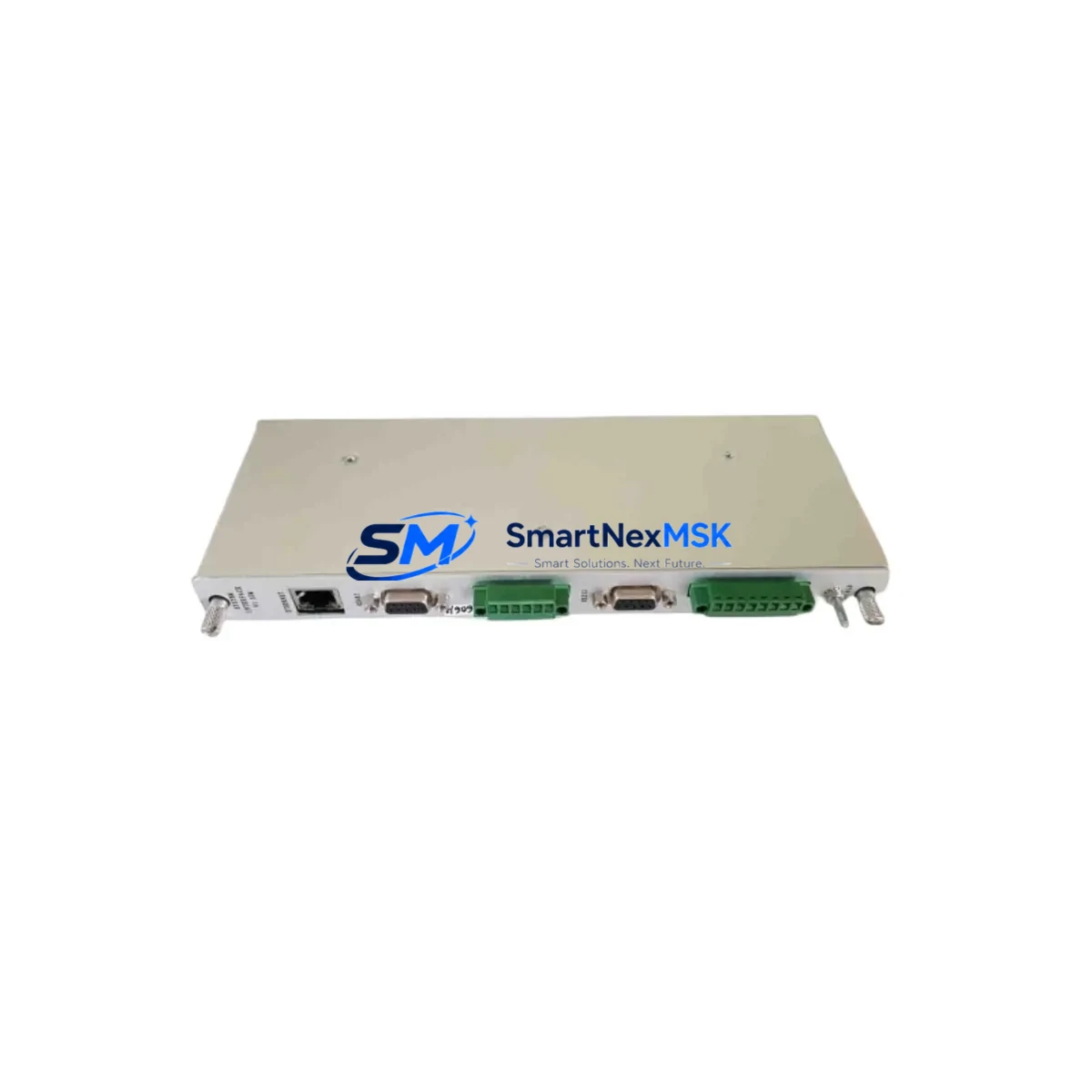
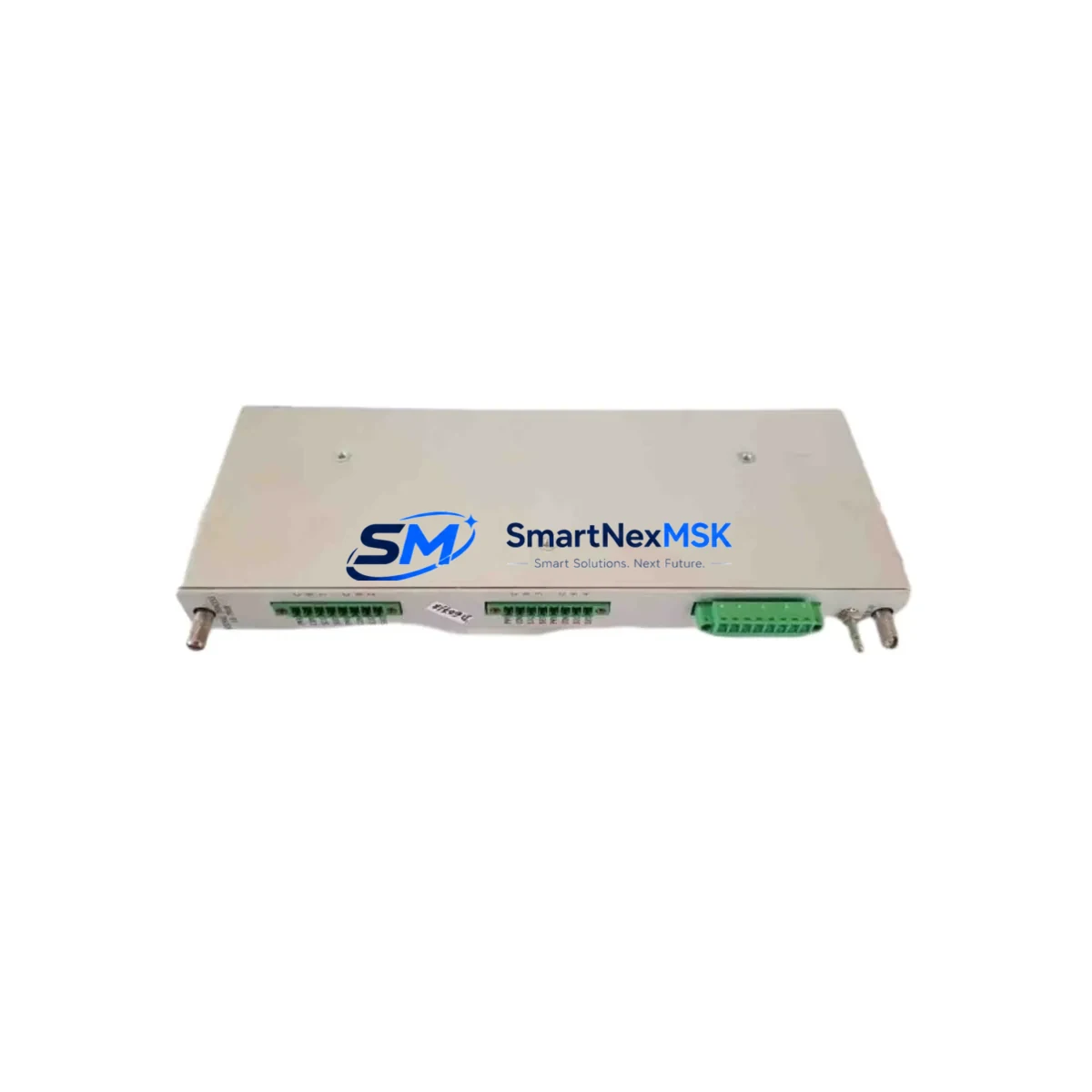
The Provib Tech PT2060/90-A1-B1 is an original, factory-sourced vibration monitoring module designed for continuous machinery protection in industrial automation environments. Built to API 670 standards, this unit serves as a direct maintenance-ready replacement for aging or failed PT2060 series monitors deployed across rotating equipment protection systems, turbomachinery panels, and critical asset monitoring cabinets. For maintenance engineers managing planned shutdowns or responding to unplanned trips, having a verified spare of the PT2060/90-A1-B1 on the shelf is a fundamental risk-reduction strategy.
This module is engineered for high-reliability environments where vibration exceedance events must be detected, alarmed, and tripped within milliseconds. The PT2060/90-A1-B1 variant supports dual-channel proximity probe inputs, configurable alarm and danger setpoints, and 4–20 mA analog output for integration with DCS or SCADA systems. Its compact DIN-rail or rack-mount form factor makes it compatible with existing PT2060 series backplanes and enclosures without mechanical modification.
Each unit shipped by SMARTNEXMSK undergoes pre-dispatch functional verification including channel calibration check, output signal integrity test, and visual inspection of terminal blocks and front-panel indicators. Units are packaged in anti-static, shock-resistant materials and dispatched with a 12-month warranty covering manufacturing defects and functional failure under normal operating conditions.
Spare Maintenance Table
| Parameter | Specification |
|---|---|
| Part Number | PT2060/90-A1-B1 |
| Brand | Provib Tech |
| Series | PT2060 |
| Product Type | Vibration Monitor Module |
| Standard Compliance | API 670 (Machinery Protection Systems) |
| Input Channels | Dual-channel proximity probe (eddy current) |
| Analog Output | 4–20 mA (per channel) |
| Alarm/Danger Setpoints | Configurable via front-panel or software |
| Supply Voltage | 24 VDC (nominal), ±10% tolerance |
| Operating Temperature | -20°C to +70°C |
| Mounting | DIN-rail / PT2060 series rack backplane |
| Country of Origin | Germany |
| Compatibility | PT2060 series backplanes, API 670 probe systems |
| Warranty | 12 Months — functional and manufacturing defect coverage |
| Pre-Shipment Test | Channel calibration, output signal, terminal inspection |
| Application | Turbomachinery, compressors, pumps, rotating equipment |
Maintenance Planning for Continuous Operation
When a PT2060/90-A1-B1 vibration monitor is flagged for replacement during a scheduled outage or emergency shutdown, the replacement scope should extend beyond the module itself. A disciplined maintenance engineer will treat this event as an opportunity to audit the full vibration monitoring loop and adjacent control cabinet components.
Begin with the proximity probe and extension cable assembly — the Bently Nevada 3300 XL or equivalent eddy-current probe paired with the PT2060 input is a common wear point. Probe gap voltage should be verified at the driver output before the new monitor is energized. Next, inspect the 24 VDC power supply module feeding the PT2060 rack; a degraded supply rail can cause false trips or erratic analog output even after a monitor swap. Redundant power supply configurations should be checked for load-sharing balance.
The PT2060 series rack backplane itself warrants inspection — connector pins, backplane bus integrity, and slot seating should be confirmed before inserting the replacement PT2060/90-A1-B1. If the cabinet also houses a PT2060/90-A2-B2 or PT2060/90-A1-B2 variant for axial position or differential expansion monitoring, those channels should be cross-checked for drift or alarm inhibit status during the same maintenance window.
For DCS-integrated installations, verify the 4–20 mA signal loop integrity at the marshalling cabinet terminal strips. Corroded or loose terminal block connections — particularly on Phoenix Contact or Weidmüller terminal rail assemblies — are a frequent source of signal noise that gets misattributed to the monitor itself. A signal isolator or loop-powered isolator module between the PT2060 output and the DCS analog input card can prevent ground loop interference and extend the service life of the new module.
If the plant runs a Yokogawa CENTUM VP or Honeywell Experion PKS DCS, confirm that the analog input card scaling and engineering unit conversion for the vibration channel are correctly configured after module replacement. Alarm rationalization records should be updated to reflect the new module serial number. Where a Modbus RTU or HART communication interface is used for remote diagnostics, re-commission the communication address and verify polling response before returning the loop to service.
Finally, update the spare parts register to reflect consumption of the PT2060/90-A1-B1 unit and trigger a reorder to maintain minimum stock levels. For critical rotating equipment, a minimum of one cold-standby spare per monitored machine train is the industry-standard recommendation.
Site Replacement Workflow
Step 1 — Isolation and Permit: Obtain a Permit to Work (PTW) and isolate the vibration monitoring loop. Inhibit the trip output at the Safety Instrumented System (SIS) or DCS to prevent spurious shutdown during the swap. Document the current alarm and danger setpoints from the existing PT2060/90-A1-B1 before removal.
Step 2 — Module Removal: Disconnect the probe cable, power supply wiring, and analog output terminals. Label all connections before removal. Slide the module from the PT2060 backplane slot, noting any visible damage to connector pins or the front-panel display.
Step 3 — Replacement Installation: Insert the new PT2060/90-A1-B1 into the same backplane slot. Reconnect all terminals in reverse order. Verify probe gap voltage is within the specified range (typically -10 VDC ±1 V for standard eddy-current probes) before powering the module.
Step 4 — Configuration Restore: Re-enter alarm and danger setpoints as documented in Step 1. Verify 4–20 mA output scaling against the DCS engineering unit range. Confirm front-panel OK/Alert/Danger LED status matches expected machine condition.
Step 5 — Loop Test and Return to Service: Perform a simulated vibration input test (using a calibrated signal generator or probe simulator) to confirm alarm and trip relay operation. Remove the trip inhibit, restore the PTW, and log the replacement in the maintenance management system (CMMS). Update the spare parts inventory accordingly.
This workflow minimizes downtime to under two hours for a prepared maintenance team with the correct spare on hand, compared to multi-day delays when sourcing a replacement reactively.
Spare Parts Support FAQ
Q1: Is the PT2060/90-A1-B1 a direct drop-in replacement for older PT2060 series monitors?
Yes. The PT2060/90-A1-B1 is designed for backward compatibility with the PT2060 series backplane and wiring infrastructure. No mechanical or wiring modifications are required for a like-for-like swap. Configuration parameters (setpoints, output scaling) must be re-entered after installation, as they are stored in the module’s non-volatile memory.
Q2: What does the 12-month warranty cover, and how is a claim initiated?
The 12-month warranty covers functional failure and manufacturing defects under normal operating conditions. It does not cover damage from incorrect installation, overvoltage, or physical impact. To initiate a warranty claim, contact SMARTNEXMSK at [email protected] with the order reference, serial number, and a description of the fault. Replacement or repair will be arranged within the warranty period.
Q3: How do you verify compatibility before shipment for legacy PT2060 installations?
SMARTNEXMSK cross-references the customer’s existing part number, backplane revision, and probe type against the PT2060/90-A1-B1 specification sheet prior to dispatch. For installations with non-standard configurations or mixed-series racks, our technical team can review the cabinet layout and wiring diagram to confirm fit before the order is processed. Contact us at [email protected] or +86 18259474341.
Q4: What is the recommended inventory strategy for PT2060/90-A1-B1 spares in a multi-train plant?
For plants with two or more monitored machine trains using PT2060 series monitors, the recommended strategy is to maintain one cold-standby spare per two trains, with a maximum replenishment lead time of 30 days. Given that the PT2060 series is a mature product line, proactive stocking is advisable to mitigate the risk of extended lead times as the product approaches end-of-availability. SMARTNEXMSK maintains long-term supply capability and can support blanket order arrangements for volume customers.
© 2026 SMARTNEXMSK. All rights reserved.
Original Source: https://smartnexmsk.com
Contact: [email protected] | +86 18259474341