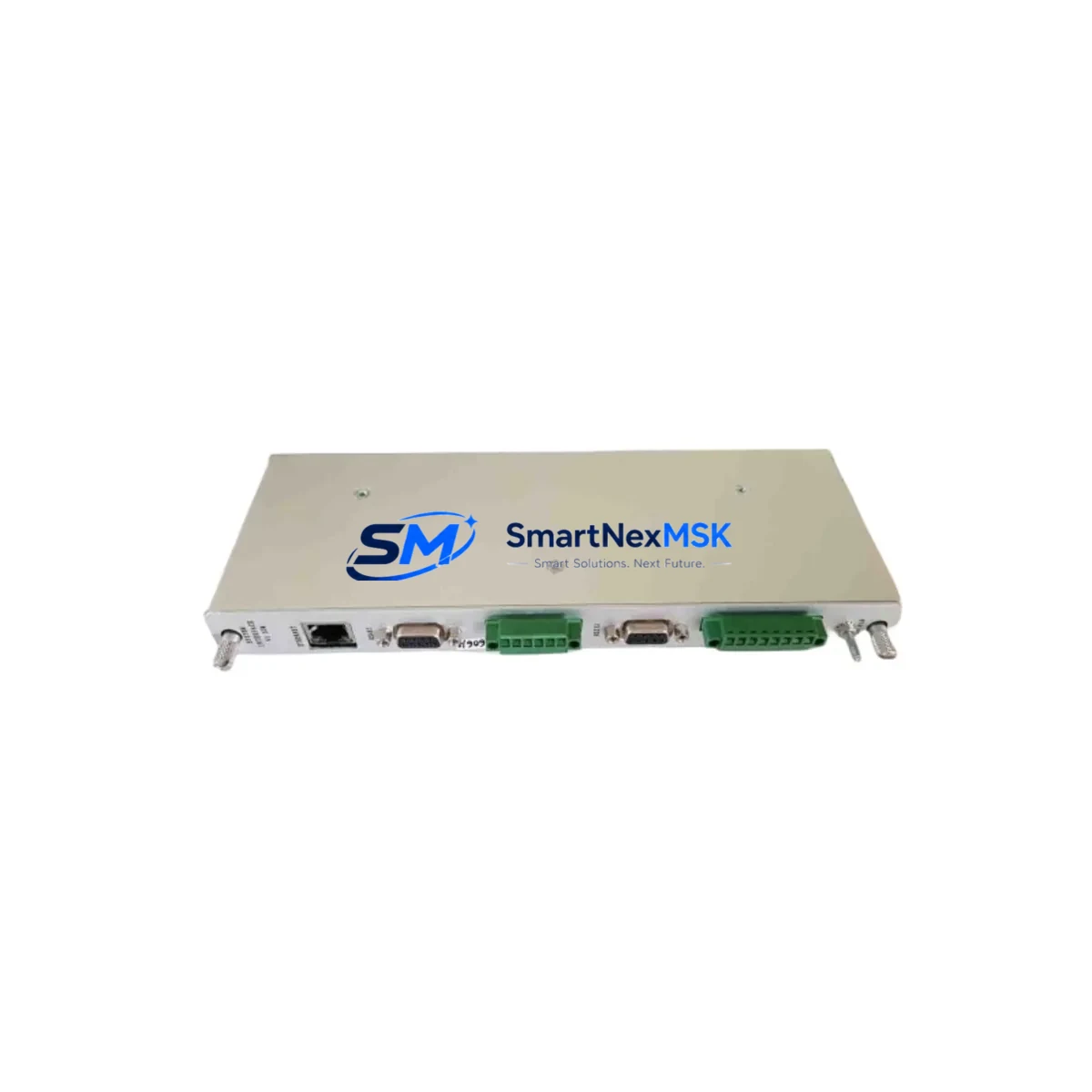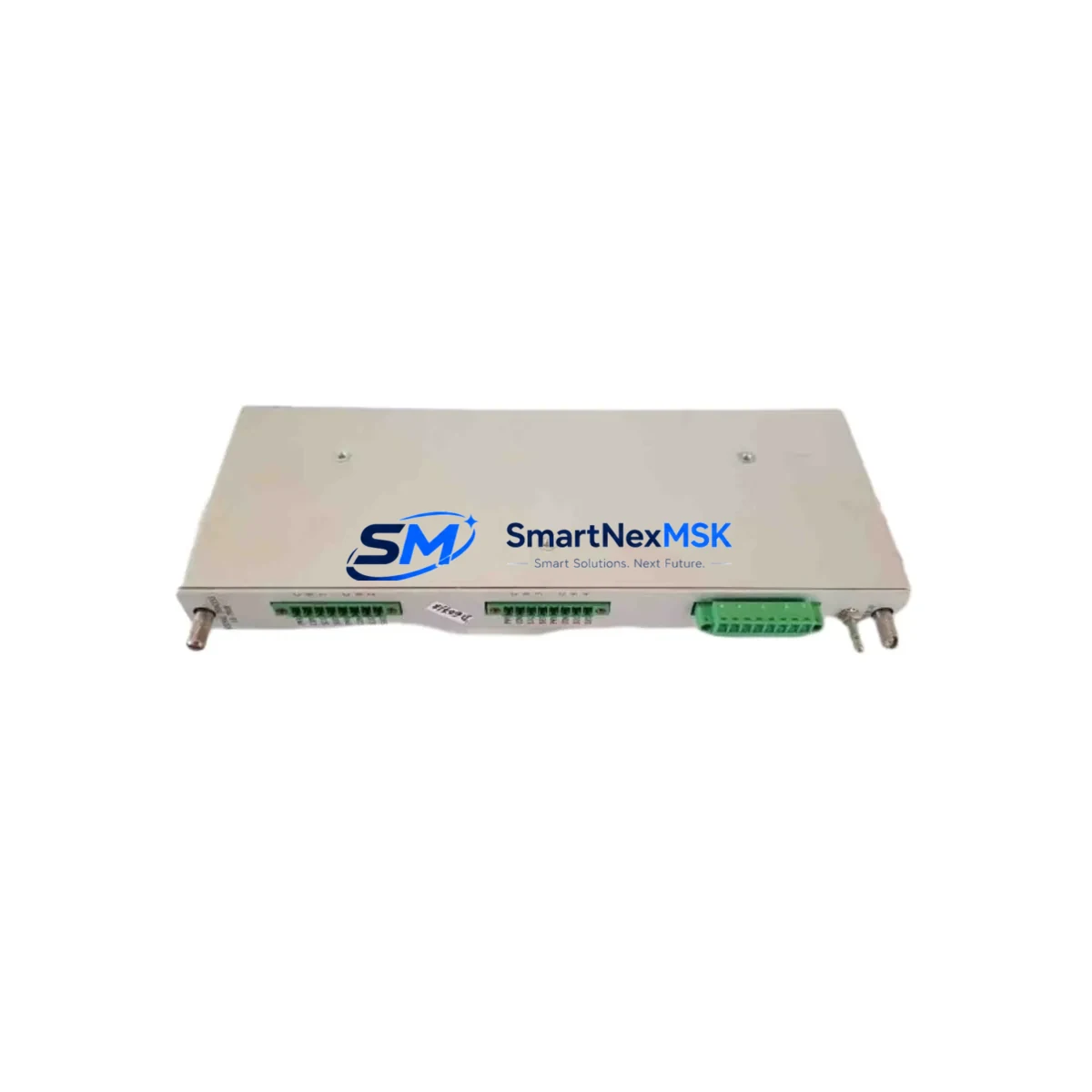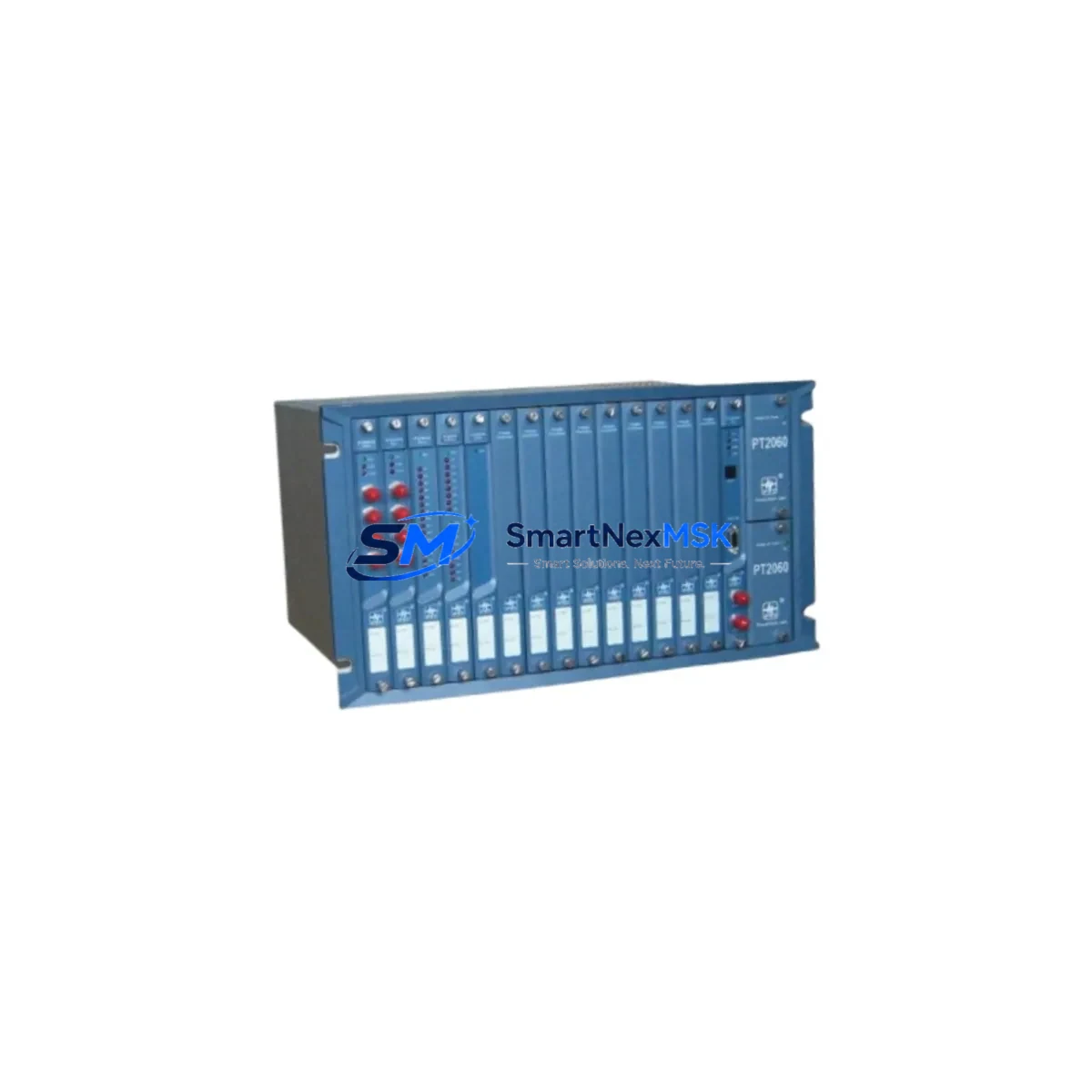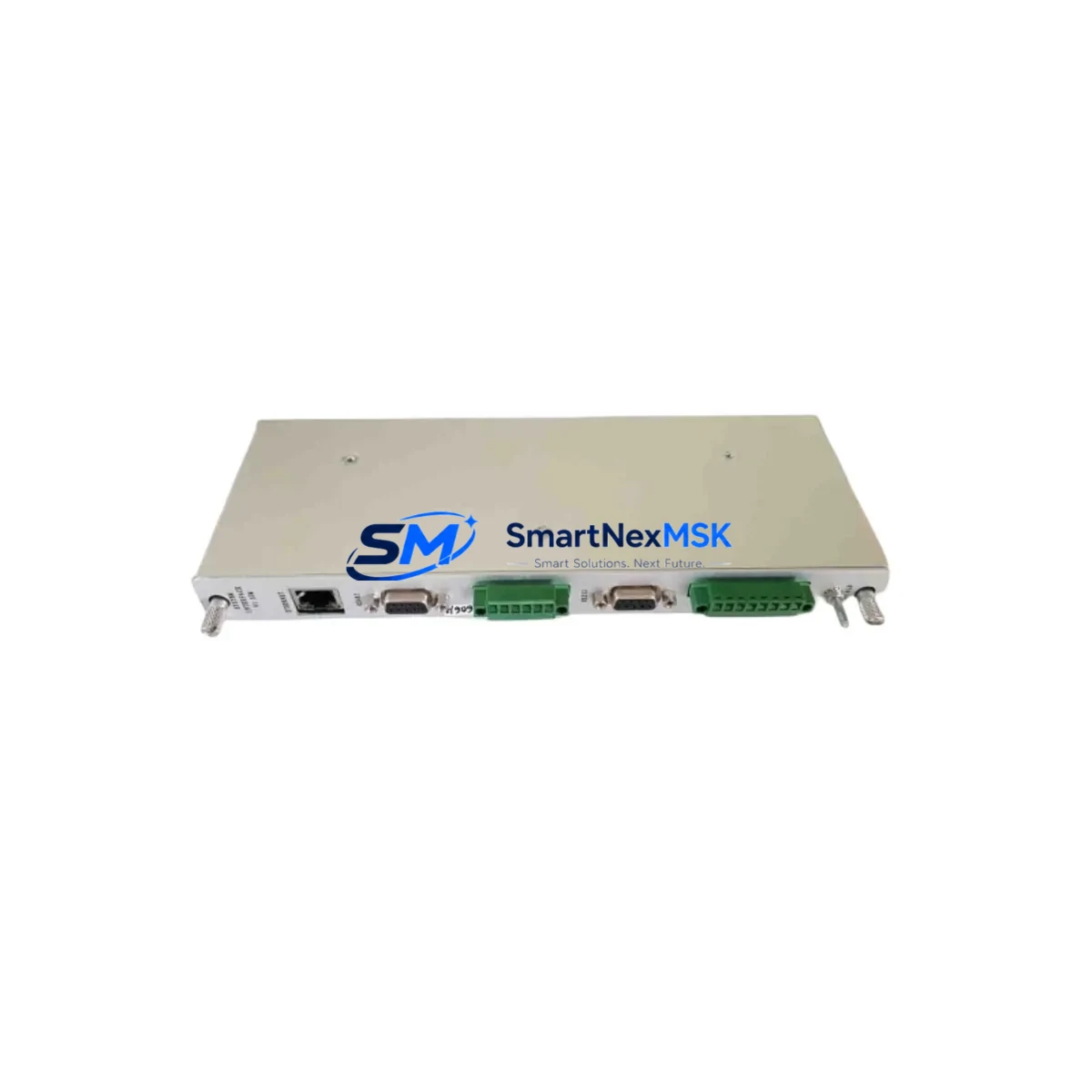
Provib Tech PT2060/91-A0 Retrofit-Ready Vibration Monitor for PT2060 Series Control Systems
The Provib Tech PT2060/91-A0 is a retrofit-ready Signal Interface Module (SIM) engineered for seamless integration into existing PT2060 series vibration monitoring racks. As legacy condition monitoring systems age out of manufacturer support, the PT2060/91-A0 provides a verified drop-in replacement path that preserves original rack architecture, terminal wiring, and channel configuration — eliminating the need for full-system overhaul and dramatically reducing planned downtime during upgrade cycles.
Designed for industrial environments where continuous machinery protection is non-negotiable, this module supports direct substitution in rotating equipment monitoring applications including turbines, compressors, pumps, fans, and gearboxes. Engineers and maintenance teams working on brownfield retrofit projects will find the PT2060/91-A0 compatible with the existing PT2060 rack backplane, preserving the original I/O channel mapping and signal conditioning paths without requiring re-engineering of the monitoring loop.
Upgrade Compatibility Table
| Parameter | Details |
|---|---|
| SKU / Part Number | PT2060/91-A0 |
| Brand | Provib Tech |
| Series | PT2060 Vibration Monitoring Series |
| Module Type | Signal Interface Module (SIM) |
| Backplane Interface | PT2060 series rack backplane (direct slot-in) |
| Installation Requirement | No rack modification required; direct card replacement |
| Terminal Wiring | Compatible with existing PT2060 terminal block wiring |
| Communication Compatibility | Supports PT2060 series internal communication bus |
| Replacement Recommendation | Direct drop-in for PT2060/91-A0; verify firmware revision before commissioning |
| Commissioning Notes | Confirm channel address settings, sensor type configuration, and alarm setpoints post-installation |
| Origin | China (CN) |
| Warranty | 12-Month Warranty — covers manufacturing defects and functional failure under normal operating conditions |
Retrofit Planning for Existing Automation Systems
Successful retrofit of the PT2060/91-A0 into an operational plant environment requires systematic pre-installation planning. Before removing the legacy module, maintenance engineers should document the existing channel configuration, including sensor type assignments (velocity, acceleration, or proximity probe), full-scale range settings, and alarm/danger trip thresholds stored in the PT2060 rack controller.
Power supply capacity is a critical verification step. The PT2060 rack power supply module — typically a dedicated 24 VDC or dual-redundant supply unit within the monitoring cabinet — must be confirmed to provide adequate current headroom for the replacement SIM card. In aging installations, power supply modules themselves may be candidates for concurrent replacement, and sourcing a compatible PT2060 series power supply unit in parallel with the PT2060/91-A0 is recommended practice for high-availability sites.
Terminal block wiring should be photographed and mapped prior to card extraction. The PT2060/91-A0 uses the same terminal block interface as its predecessor, but field wiring should be verified against the original loop drawing to confirm sensor cable shielding, grounding continuity, and correct polarity on each channel. In multi-rack installations, the rack address jumper or DIP switch settings on the replacement module must match the original card’s rack and slot address to ensure the PT2060 system controller — which manages data acquisition across all installed SIM cards — correctly identifies the new module without requiring a full system re-scan.
For plants running integrated condition monitoring platforms, the PT2060/91-A0 data output feeds into the broader monitoring architecture. In many installations, this includes a dedicated condition monitoring workstation running vibration analysis software, connected via serial or Ethernet communication to the PT2060 rack controller. Verifying that the communication link between the rack controller and the monitoring workstation remains intact after module swap is essential. If the site uses a DCS integration — for example, passing vibration alarm status to a Honeywell, ABB, or Emerson DCS via hardwired relay outputs or a serial gateway — those interface points should be tested as part of the commissioning checklist.
In larger control cabinet installations, the PT2060 rack may share cabinet space with other protection and control components: relay output modules for trip circuit integration, barrier modules for intrinsically safe sensor loops in hazardous area applications, and communication gateway modules bridging the vibration monitoring system to the plant DCS or SCADA. Each of these adjacent components should be inspected for condition during the retrofit window, as the planned outage represents an efficient opportunity to address any marginal components before they cause unplanned downtime.
For sites migrating from older Provib Tech hardware to current-generation monitoring platforms, the PT2060/91-A0 serves as a bridge solution — maintaining the existing rack infrastructure while the broader migration plan is developed and budgeted. This approach is particularly valuable in facilities where a full monitoring system replacement would require simultaneous re-engineering of trip relay wiring, DCS integration points, and HMI alarm displays, all of which represent significant engineering and commissioning cost.
Downtime Control During System Migration
Minimizing production impact during a vibration monitoring module replacement requires a structured hot-swap or controlled-outage procedure. For non-redundant PT2060 installations, the recommended approach is to pre-configure the replacement PT2060/91-A0 off-line before the maintenance window: set channel addresses, verify sensor type configuration, and confirm alarm setpoint values against the site’s current setpoint register. This preparation reduces in-cabinet commissioning time to a card swap and functional verification sequence, typically achievable within a two-to-four hour planned outage window.
Where the PT2060 rack supports hot-swap capability, the module can be replaced under power with the rack controller maintaining monitoring continuity on unaffected channels. In this scenario, the affected channels will enter a bypass or inhibit state during the swap interval — a condition that should be formally authorized under the site’s Management of Change (MOC) procedure and communicated to the control room operator to prevent spurious trip responses.
Original program logic and alarm configuration stored in the PT2060 rack controller are not affected by a SIM card replacement, provided the replacement module is correctly addressed and the rack controller performs a successful module recognition sequence on power-up. Engineers should confirm that the rack controller’s module inventory scan completes without fault before returning the system to normal monitoring service. HMI displays showing channel status, trend data, and alarm history should be verified to confirm correct data flow from the new module through to the operator interface.
For sites with historian integration — where vibration trend data is logged to a plant historian such as OSIsoft PI or a similar time-series database — a brief data gap will occur during the swap interval. This gap should be documented in the maintenance record and flagged to the reliability engineering team to avoid misinterpretation of trend data during post-maintenance review.
Retrofit Support FAQ
Q: Is the PT2060/91-A0 a direct replacement for the original Provib Tech PT2060/91-A0 module?
A: Yes. The PT2060/91-A0 is supplied as a direct functional replacement for the original Provib Tech part of the same designation. It is compatible with the PT2060 series rack backplane and terminal block interface. Customers should verify the firmware revision level and channel configuration settings match their site requirements before commissioning.
Q: What pre-installation checks are required before fitting the replacement module?
A: Prior to installation, confirm rack power supply capacity, document existing channel address and sensor type settings, photograph terminal block wiring, and verify the replacement module’s address jumper or DIP switch configuration matches the original card. A functional loop test on each channel is recommended after installation before returning the system to service.
Q: Will the replacement module affect existing DCS integration or HMI alarm displays?
A: A correctly configured PT2060/91-A0 replacement will not alter DCS relay output wiring or HMI alarm tag assignments. Communication links between the PT2060 rack controller and connected systems should be verified post-installation as part of the commissioning checklist. Any channel inhibit or bypass states applied during the swap should be cleared and confirmed before handover.
Q: What warranty coverage is provided, and what does the pre-shipment test include?
A: All PT2060/91-A0 units supplied by SMARTNEXMSK are covered by a 12-month warranty against manufacturing defects and functional failure under normal operating conditions. Each unit undergoes functional verification testing prior to shipment to confirm module integrity. Expedited shipping options are available to support urgent maintenance requirements.
© 2026 SMARTNEXMSK. All rights reserved.
Original Source: https://smartnexmsk.com
Contact: [email protected] | +86 18259474341