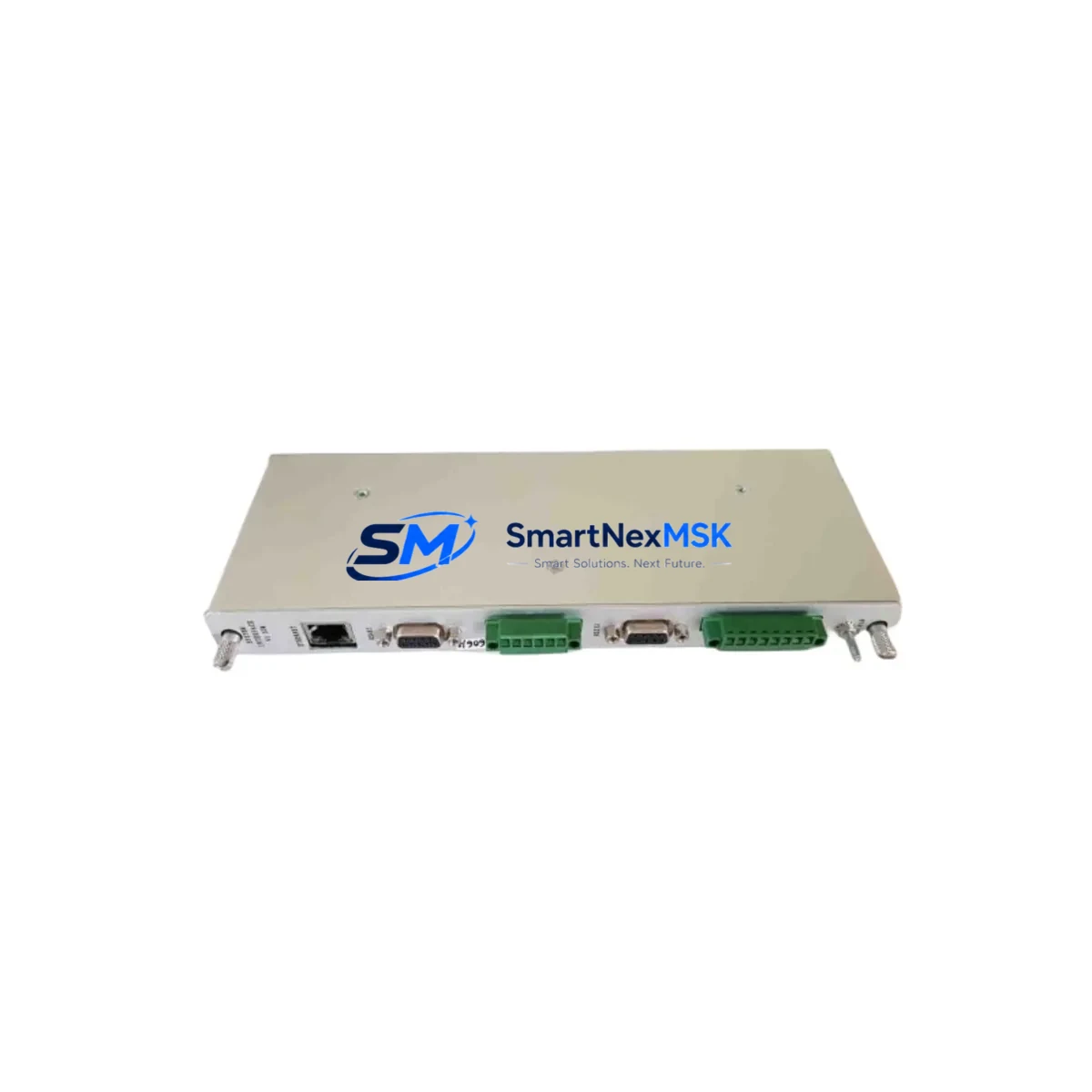
Provib Tech PT2060/91-A0-H Retrofit-Ready Vibration SIM Module: Compatible Modernization for Legacy Control Systems
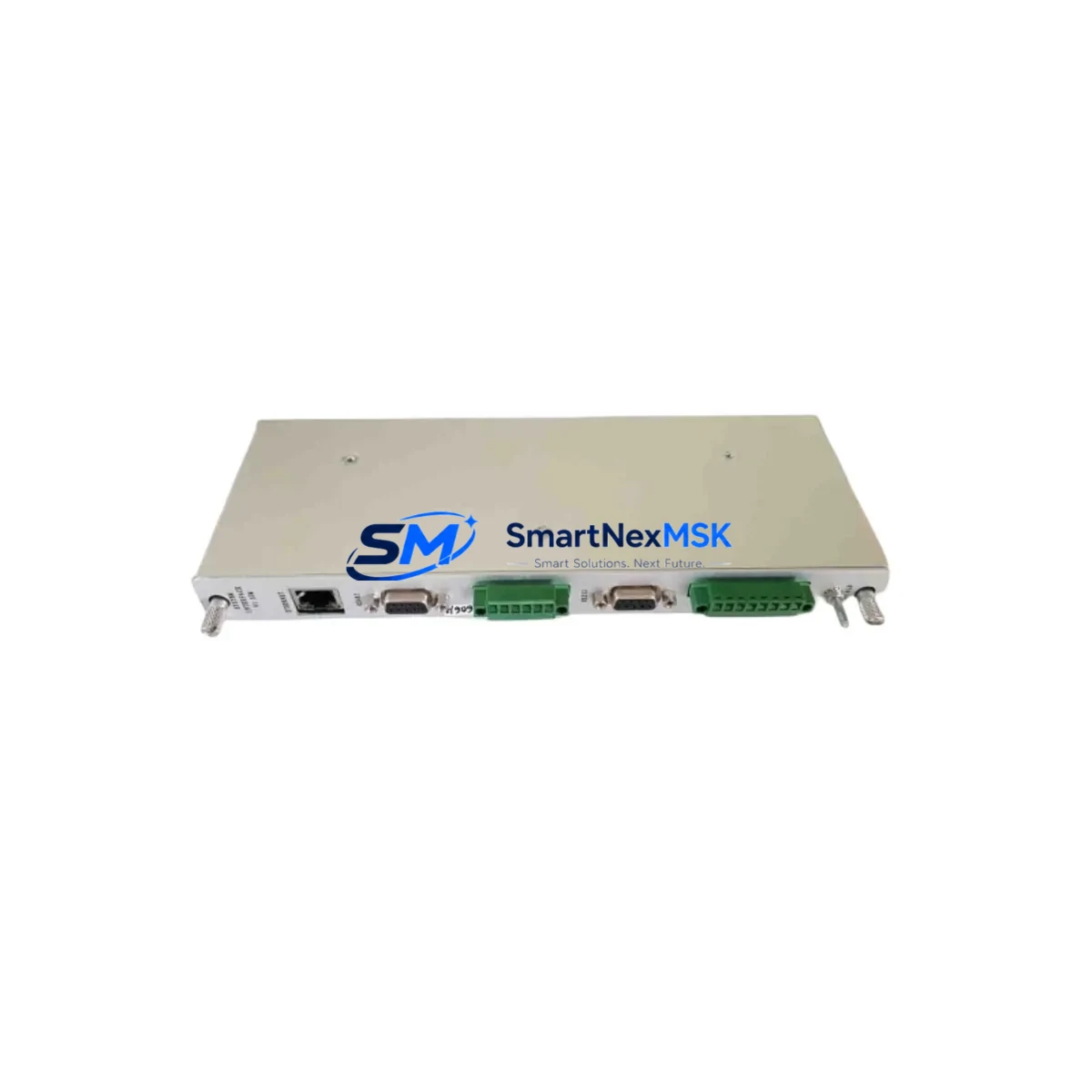
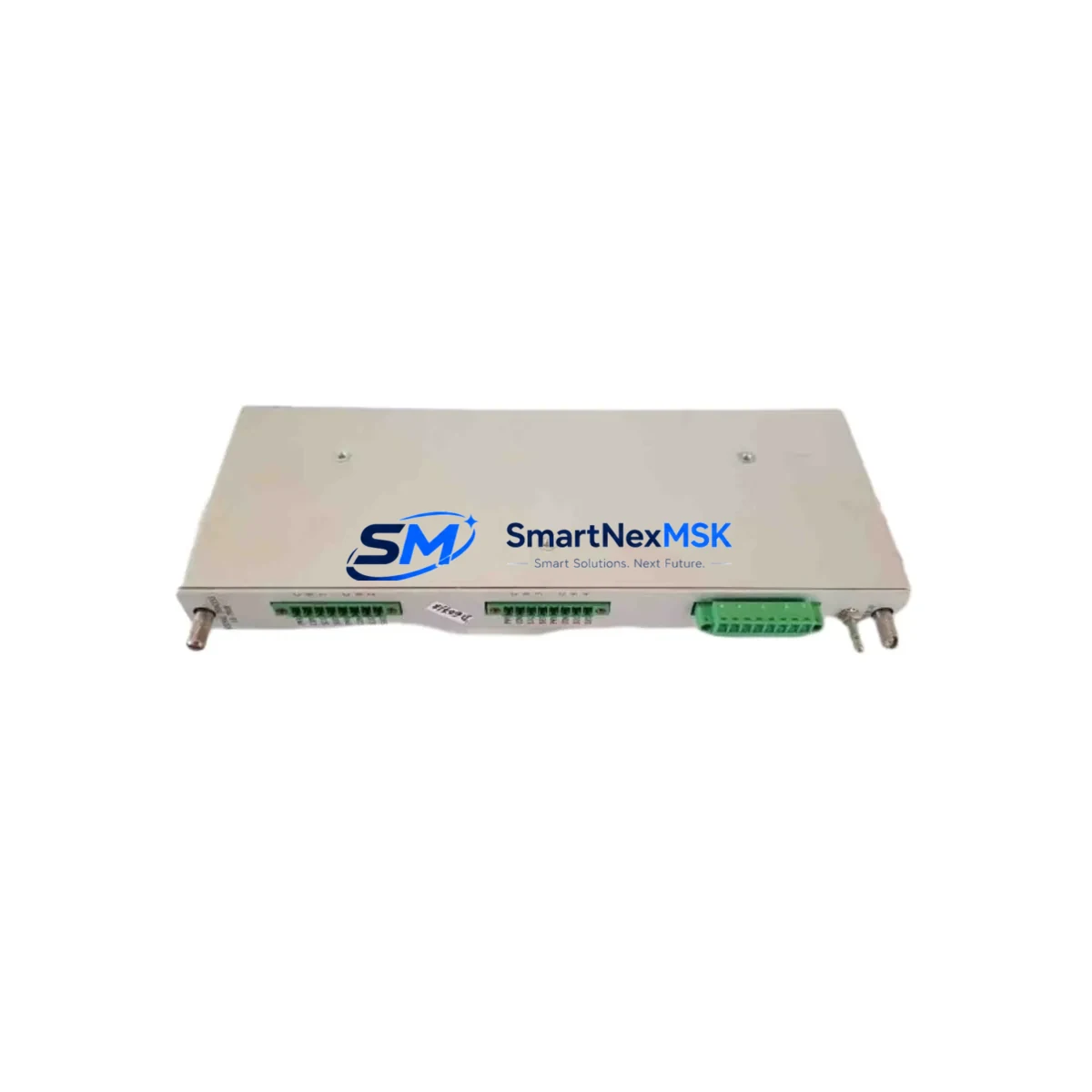
The Provib Tech PT2060/91-A0-H is a retrofit-ready Signal Interface Module (SIM) engineered for vibration monitoring applications in industrial rotating machinery protection systems. As legacy condition monitoring platforms reach end-of-life or become increasingly difficult to source, the PT2060/91-A0-H serves as a proven drop-in replacement and upgrade solution for engineers managing turbine protection panels, compressor monitoring racks, and critical rotating equipment control cabinets. With full compatibility across standard rack backplane interfaces, terminal wiring conventions, and analog signal chains, this module enables smooth system modernization without requiring full panel redesigns or extended production shutdowns.
Whether you are replacing a failed unit in an existing Provib Tech monitoring rack, upgrading a legacy vibration protection system, or sourcing a long-lead spare for a critical asset, the PT2060/91-A0-H delivers the signal conditioning, channel isolation, and output drive capability required for continuous machinery health monitoring. The module is fully tested prior to shipment, backed by a 12-month warranty, and available from verified stock in Xiamen for fast global dispatch.
Upgrade Compatibility Table
| Parameter | PT2060/91-A0-H Specification | Retrofit Notes |
|---|---|---|
| Module Type | Signal Interface Module (SIM) | Direct replacement for same-series SIM slots |
| Backplane Interface | Standard Provib Tech rack connector | Verify rack generation; confirm pin-out with existing backplane documentation |
| Terminal Wiring | Screw-terminal field wiring block | Existing field cables reusable; confirm terminal numbering against original loop drawings |
| Signal Input | Vibration transducer / proximity probe input | Confirm sensor type (eddy-current, velocity, or accelerometer) matches channel configuration |
| Communication Compatibility | Analog 4–20 mA / relay output | Verify DCS or PLC analog input card scaling; no protocol migration required for analog chains |
| Power Supply Requirement | 24 VDC rack-supplied | Confirm rack PSU capacity before adding replacement module; check PT2060 series power budget |
| Installation Format | Card-slot insertion, standard rack | No mechanical modification required for same-generation rack |
| Replacement Scope | Like-for-like SIM replacement | Suitable for corrective maintenance and planned upgrade programs |
| Commissioning Requirement | Channel address and alarm setpoint verification | Re-enter trip/alarm setpoints via system configurator after module swap |
| Warranty | 12 Months | Covers manufacturing defects; full functional test report available on request |
Retrofit Planning for Existing Automation Systems
Successful integration of the PT2060/91-A0-H into an existing machinery protection system requires a structured pre-installation review. Before removing the failed or obsolete module, engineers should document the current rack configuration, including the slot address assigned to the SIM, the channel numbering scheme used in the monitoring software, and the alarm and trip setpoints active on each vibration channel. This baseline documentation is critical for restoring the system to its pre-outage state with minimal commissioning time.
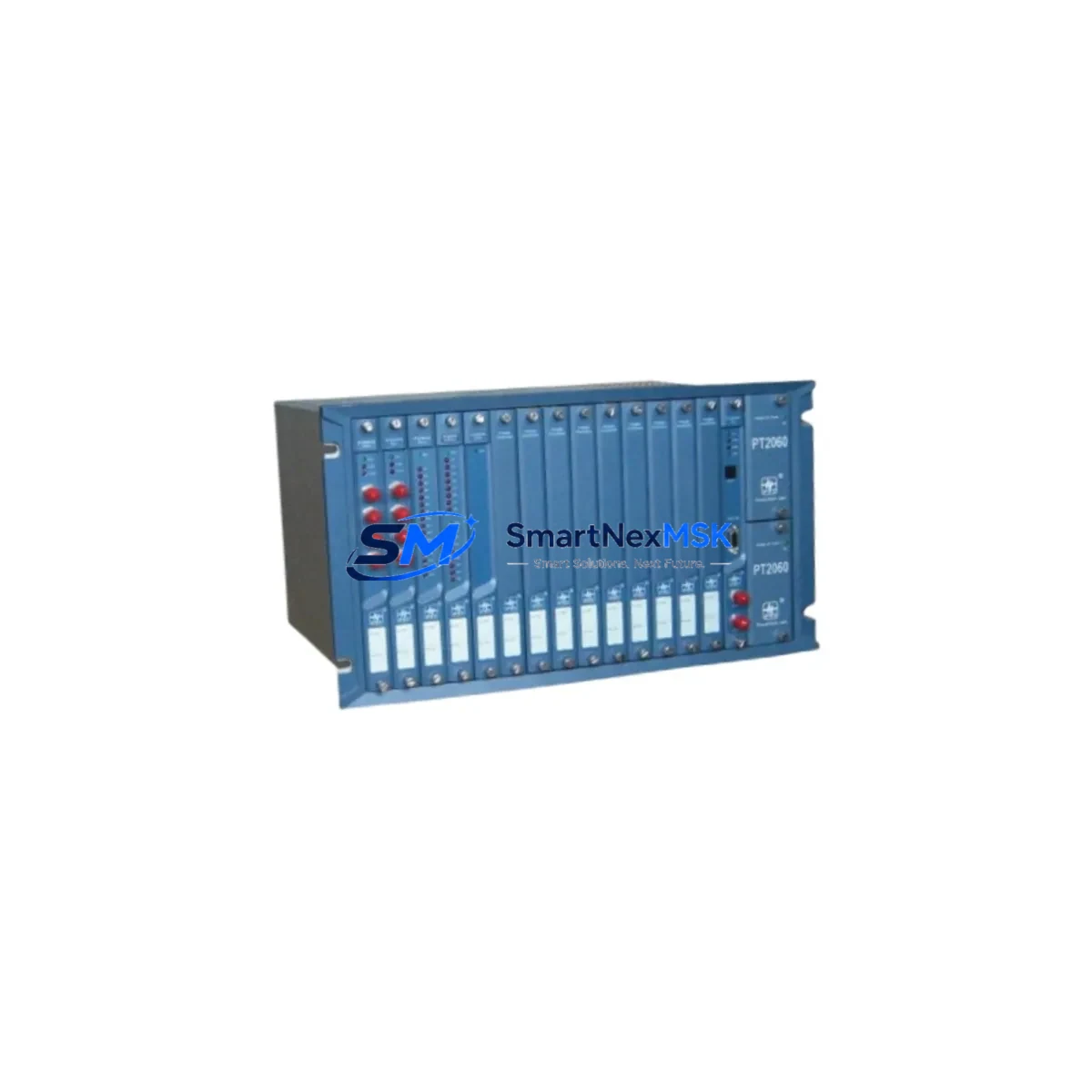
In a typical Provib Tech monitoring rack, the PT2060/91-A0-H occupies a dedicated SIM slot adjacent to the main processing card. The rack backplane distributes 24 VDC power and carries the internal communication bus between the SIM and the rack controller. Before insertion of the replacement module, verify that the rack power supply unit — often a dedicated PT-series PSU card — has sufficient headroom to support the additional load. In aging installations where multiple modules have been replaced over time, cumulative power draw can approach the PSU’s rated capacity, making a power budget review an essential pre-commissioning step.
Field wiring connected to the original SIM terminal block should be photographed and labeled before disconnection. Proximity probe cables, velocity transducer leads, and accelerometer signal wires are typically routed through cable trays to the control cabinet, and incorrect reconnection is a common source of commissioning delays. Where the original installation used a separate junction box or marshalling panel, confirm that the terminal strip numbering in the marshalling cabinet matches the loop drawings before re-terminating at the new module.
For systems where the PT2060/91-A0-H interfaces with a DCS analog input card — such as those found in Emerson DeltaV, Honeywell Experion, or ABB 800xA platforms — verify that the 4–20 mA output scaling configured in the DCS matches the engineering unit range of the replacement module. If the original module had been field-calibrated to a non-standard range, this calibration data must be retrieved from the DCS historian or the original commissioning records before the new module is placed in service.
In upgrade projects where the vibration monitoring rack is being migrated from an older Provib Tech platform to a newer generation system, the PT2060/91-A0-H can serve as an interim solution, maintaining protection coverage on critical channels while the broader migration is planned and executed. During this transition period, it is common to operate a mixed rack containing both legacy SIM cards and newer I/O modules, with the rack controller managing channel assignments across both generations. Confirm that the rack firmware version supports mixed-module operation before proceeding with a phased upgrade approach.
Where the control system includes an HMI — whether a standalone operator panel or a SCADA workstation running the machinery monitoring software — verify that the channel tag names and engineering unit displays associated with the replaced SIM are correctly mapped after the module swap. In some configurations, the HMI screen layout references specific module slot addresses, and a slot change during replacement can cause display anomalies that require a tag re-mapping exercise in the HMI configuration tool.
For installations that include a programmable logic controller handling interlock logic based on vibration trip signals from the Provib Tech rack, confirm that the relay output contacts of the PT2060/91-A0-H are correctly wired to the PLC digital input card. Verify the PLC ladder logic or function block diagram to ensure that the trip relay polarity — normally open or normally closed — matches the original module’s output configuration. A mismatch in relay polarity is a safety-critical error that must be resolved before the system is returned to service.
Downtime Control During System Migration
Minimizing unplanned downtime during a SIM module replacement on a live machinery protection system requires careful sequencing of isolation, replacement, and recommissioning steps. The recommended approach is to coordinate the module swap with a planned maintenance window on the protected equipment, ensuring that the machinery is safely shut down and isolated before the vibration monitoring channel is taken out of service.
Where a hot-swap procedure is permitted by the rack design and the site safety management system, the PT2060/91-A0-H can be inserted into the rack slot while the rack remains powered, provided that the associated machinery is offline and the channel is placed in bypass mode in the monitoring software. Confirm the hot-swap capability of the specific rack generation with the system documentation before attempting this procedure.
To protect the original program logic and alarm configuration during the replacement, export the full channel configuration from the monitoring system software before removing the old module. Most Provib Tech configuration tools support a channel-level export function that captures setpoints, filter settings, and output assignments in a file that can be re-imported after the new module is installed and recognized by the rack controller. This approach eliminates the need to manually re-enter setpoints and reduces the risk of transcription errors during recommissioning.
After insertion of the PT2060/91-A0-H, perform a channel-by-channel functional verification using a calibrated signal source to confirm that the module is responding correctly across the full measurement range. Verify that alarm and trip relay outputs are activating at the correct setpoints, and confirm that the 4–20 mA analog output is tracking the simulated input signal within the specified accuracy band. Document the as-found and as-left readings for each channel as part of the maintenance record, and retain the pre-shipment test report supplied with the module for inclusion in the equipment maintenance file.
Retrofit Support FAQ
Q1: Is the PT2060/91-A0-H a direct drop-in replacement for the original module in my Provib Tech rack?
In most cases, yes. The PT2060/91-A0-H is designed to fit the same rack slot and use the same backplane connector as the original SIM in the PT2060 series. However, you should verify the rack generation and backplane revision against the module’s compatibility documentation before installation. If you can provide the rack model number and the original module’s full part number, our technical team can confirm compatibility before shipment.
Q2: What commissioning steps are required after installing the replacement module?
After physical installation, you will need to verify the module’s slot address in the rack configuration software, re-enter or re-import the channel setpoints (alarm and trip levels), confirm the analog output scaling against the DCS or PLC input card configuration, and perform a functional test using a calibrated signal source. If the rack uses a communication link to a SCADA or DCS system, confirm that the channel tags are correctly mapped and that the HMI displays are updating as expected.
Q3: Can I use this module in a system that has been partially upgraded to a newer Provib Tech platform?
Yes, the PT2060/91-A0-H can typically operate in a mixed-generation rack alongside newer modules, provided the rack controller firmware supports mixed-module configurations. This makes it suitable for phased upgrade programs where not all channels are being migrated simultaneously. Confirm the firmware version of your rack controller and check the release notes for mixed-module support before proceeding.
Q4: What does the 12-month warranty cover, and is a pre-shipment test report available?
The 12-month warranty covers manufacturing defects and functional failures under normal operating conditions. Each PT2060/91-A0-H unit is fully tested prior to shipment, and a pre-shipment test report is available on request. The warranty period begins from the date of shipment. For warranty claims, contact our technical support team with the module serial number and a description of the observed fault.
© 2026 SMARTNEXMSK. All rights reserved.
Original Source: https://smartnexmsk.com
Contact: [email protected] | +86 18259474341