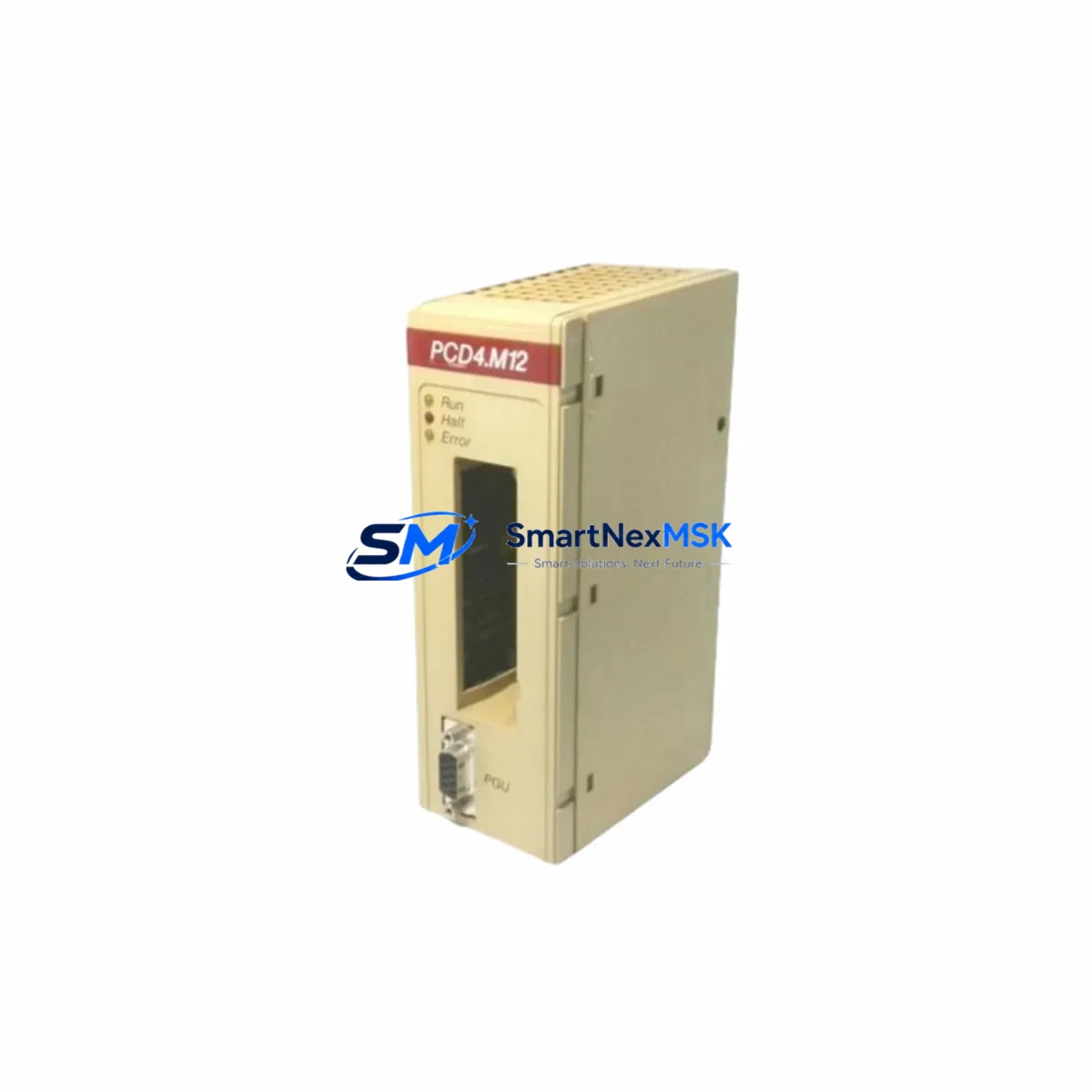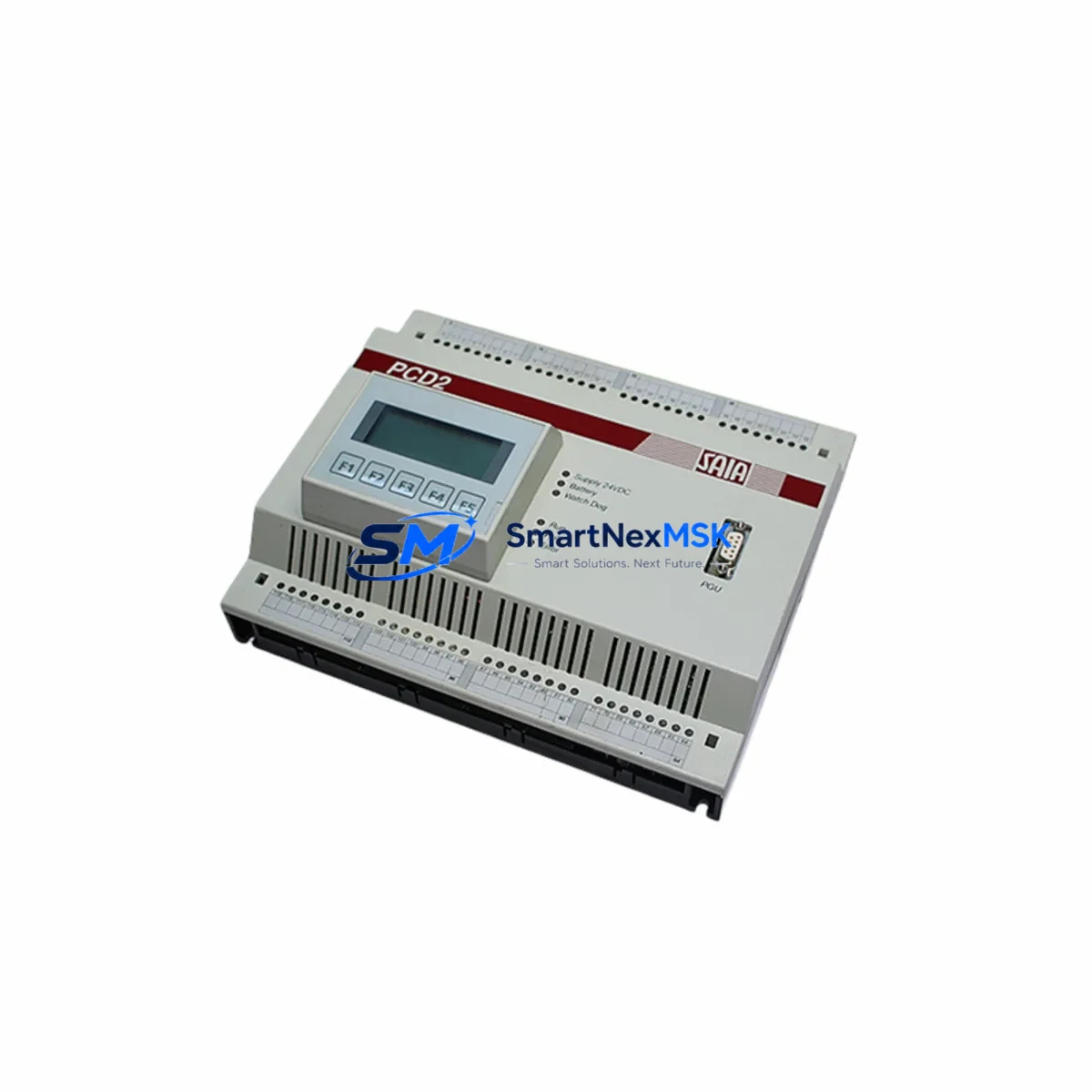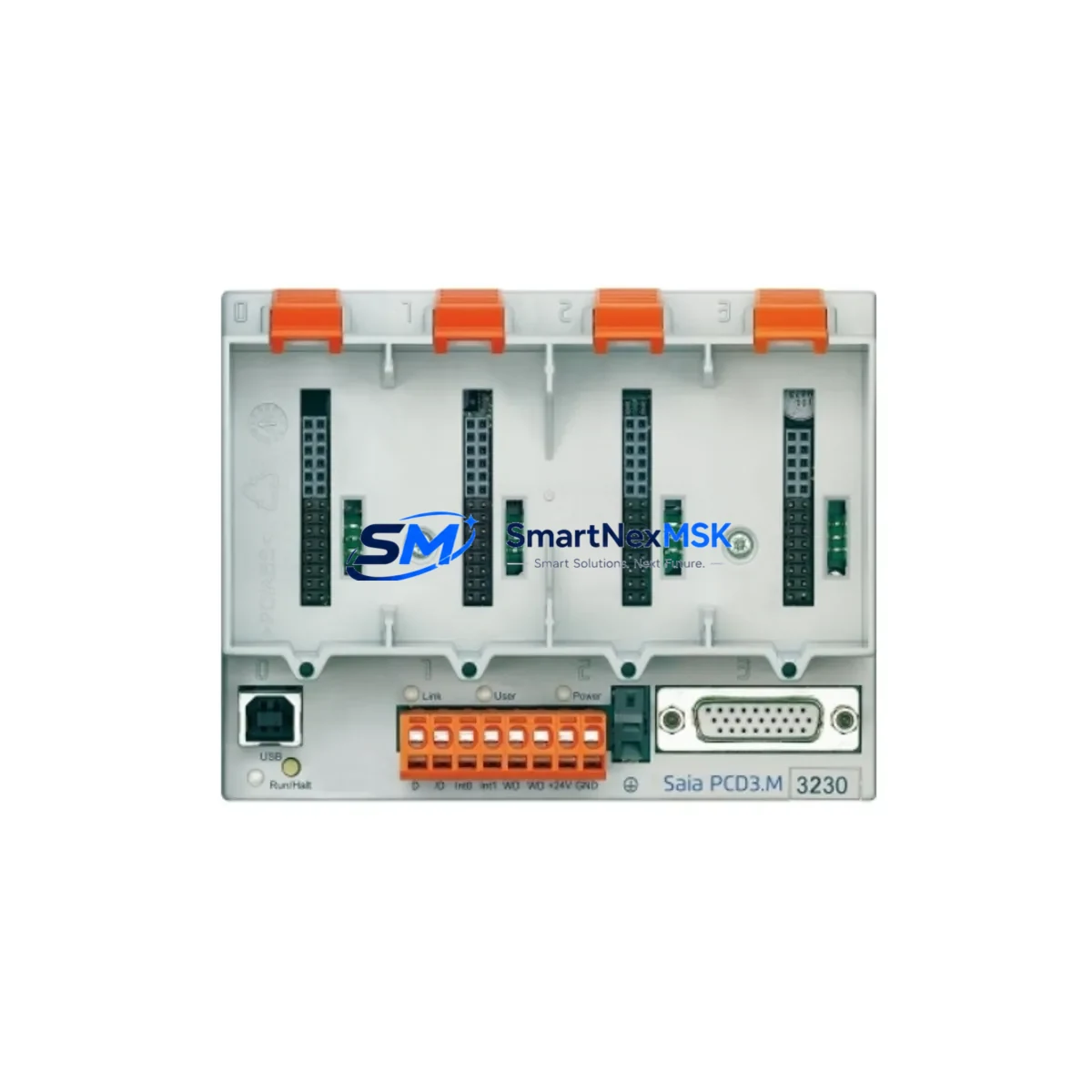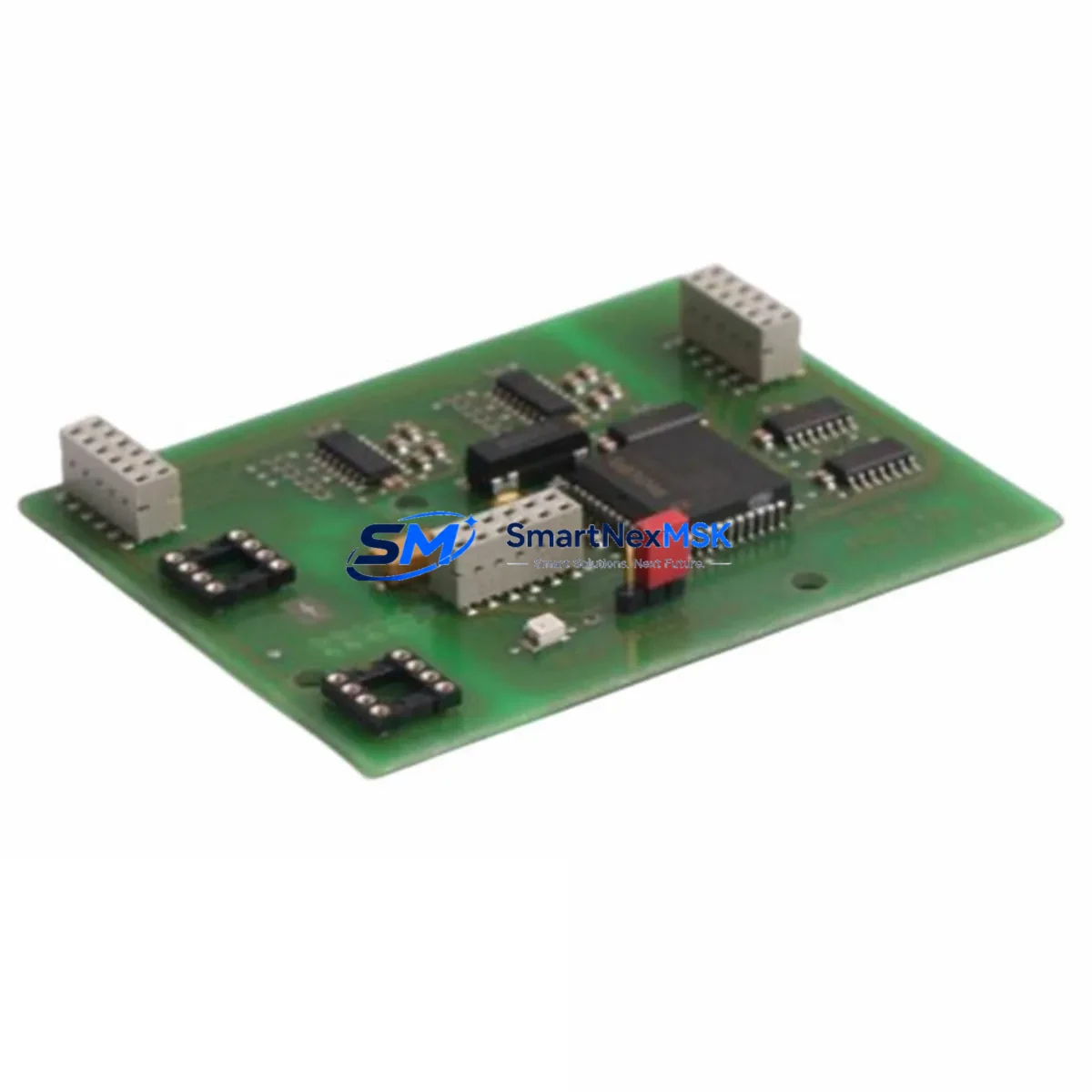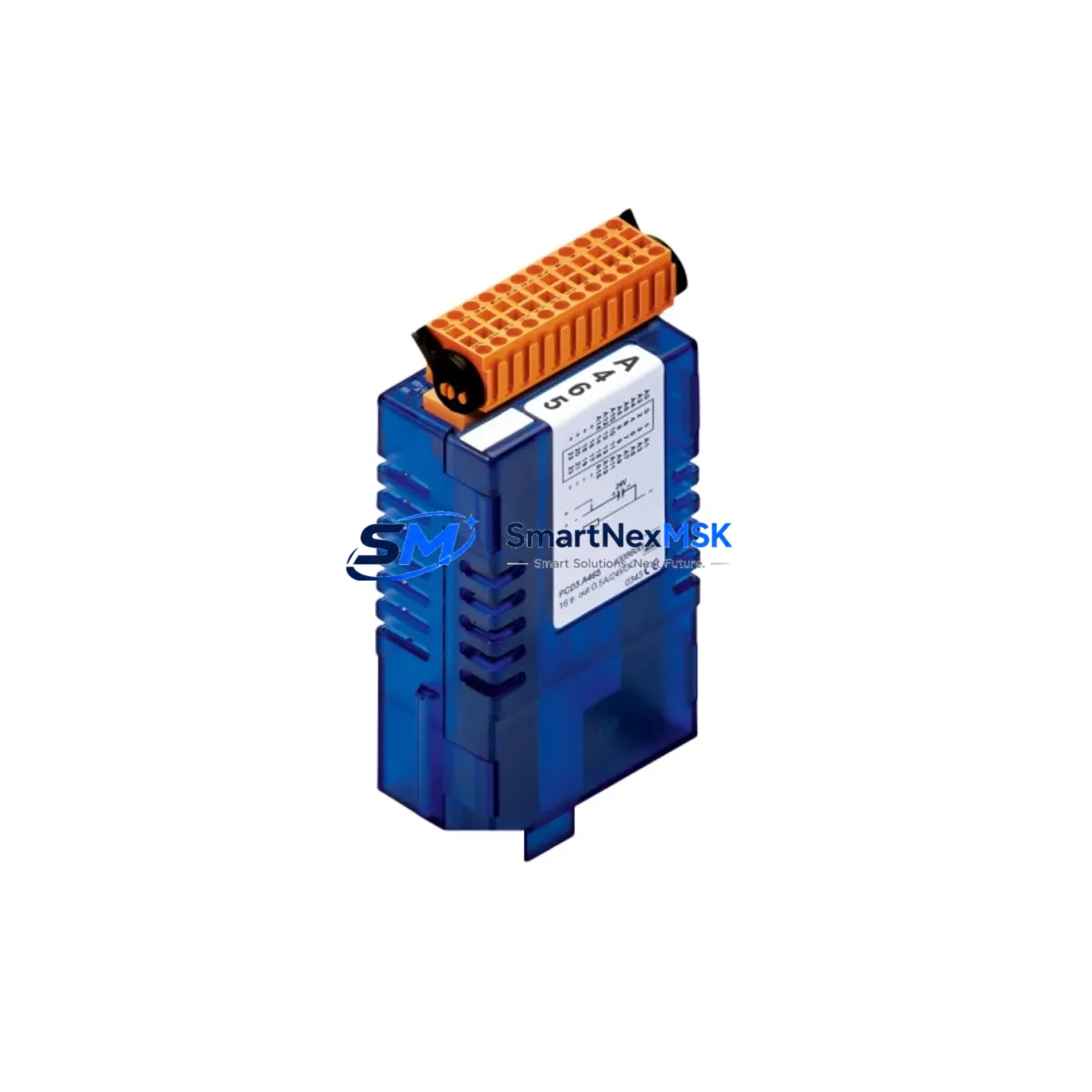
Saia PCD3.A465 Maintenance-Ready Spare for PCD3 Automation
The Saia PCD3.A465 is a 16-channel PNP transistor digital output module designed for the Saia PCD3 modular PLC platform. As a critical output interface between the controller and field actuators — including solenoid valves, motor contactors, indicator lamps, and relay coils — this module is a high-priority spare in any PCD3-based control system. Unplanned failure of a digital output module can halt an entire production line, making pre-stocked, tested replacements essential for maintenance engineers managing uptime-critical facilities.
The PCD3.A465 delivers 16 individually protected PNP transistor outputs, each rated for 24 VDC loads. Its compact form factor slots directly into the PCD3 backplane without tools, enabling rapid field replacement with zero reconfiguration when the CPU retains the program. For maintenance teams operating aging Saia PCD3 installations — particularly in water treatment, building automation, food processing, and machine tool environments — having a verified original spare on the shelf is the single most effective strategy for minimizing mean time to repair (MTTR).
Every unit supplied by SMARTNEXMSK is sourced from authorized channels, individually tested prior to dispatch, and covered by a 12-month warranty. We maintain long-term stock of PCD3 series modules to support both emergency breakdown orders and planned maintenance procurement cycles.
Spare Maintenance Table
| Part Number / SKU | PCD3.A465 |
| Brand | Saia-Burgess (Saia) |
| Series | PCD3 Modular PLC |
| Module Type | Digital Output Module — PNP Transistor |
| Number of Outputs | 16 Channels |
| Output Voltage | 24 VDC |
| Output Current (per channel) | 0.5 A (typical) |
| Output Protection | Short-circuit and overload protected per channel |
| Backplane Compatibility | PCD3 series backplanes (PCD3.C100, PCD3.C200 and compatible) |
| Installation | Tool-free plug-in to PCD3 backplane slot |
| Operating Temperature | 0 °C to +55 °C |
| Storage Temperature | -25 °C to +70 °C |
| Humidity | 5–95% RH, non-condensing |
| Country of Origin | Germany |
| Condition | Original New / Tested Surplus |
| Warranty | 12 Months from date of shipment |
| Pre-shipment Testing | Functional output channel verification performed |
| Application Environments | Water treatment, building automation, food processing, machine tools, HVAC control |
| Maintenance Recommendation | Inspect wiring harness and field terminal connections at each planned maintenance interval; verify output LED indicators under load |
Maintenance Planning for Continuous Operation
When a PCD3.A465 output module is flagged during a control cabinet inspection or fails during operation, experienced maintenance engineers know that the module itself is rarely the only component requiring attention. A systematic replacement workflow should include verification of the following associated components within the same PCD3 control cabinet:
Begin with the PCD3 power supply module (such as the PCD7.L100 or equivalent 24 VDC rail-mount PSU) — output module failures are frequently preceded by supply voltage instability or ripple. Confirm that the 24 VDC bus is within tolerance before installing the replacement PCD3.A465. Next, inspect the PCD3 CPU module (e.g., PCD3.M5540 or PCD3.M6860) for any active fault flags or communication errors that may have contributed to the output module fault.
Check the PCD3 digital input modules in the same rack — particularly any PCD3.E16x series input cards — since a wiring fault on the field side can cause feedback anomalies that stress output channels. Inspect the terminal blocks and wiring harness connected to the A465’s output terminals; corroded or loose terminals are a leading cause of intermittent output failures and should be re-torqued or replaced during the same maintenance window.
If the PCD3 system uses Profibus DP or Ethernet communication modules (such as the PCD7.F27x Profibus interface or PCD3.T665 Ethernet module), verify that communication is stable and that no bus errors are logged — a communication fault can mask or trigger output module alarms. For systems with signal isolators between the PLC output and field devices, inspect the isolator modules for drift or failure, as a failed isolator can present symptoms identical to an output module fault.
Finally, check the fuse protection on the 24 VDC output supply rail and any intermediate relay modules (such as Phoenix Contact or Weidmüller relay terminal blocks) driven by the PCD3.A465 outputs. Relay coil wear and blown fuses are common collateral findings during output module replacement. Addressing these components in a single maintenance visit eliminates repeat call-outs and restores full system integrity.
Site Replacement Workflow
Step 1 — Isolate and document: Before removing the PCD3.A465, record the current slot position, wiring labels, and any active output states from the SCADA or HMI display (e.g., PCD7.D457 operator panel or connected SCADA workstation). This prevents re-commissioning errors after replacement.
Step 2 — De-energize safely: Switch the 24 VDC supply to the output module off at the cabinet isolator. Do not rely solely on the CPU’s software disable — physically isolate the output supply rail before handling the module.
Step 3 — Remove and inspect: Slide the PCD3.A465 out of the backplane slot. Inspect the backplane connector pins for damage or contamination. Clean with isopropyl alcohol if required before inserting the replacement unit.
Step 4 — Insert replacement: Seat the new PCD3.A465 firmly into the same backplane slot. The PCD3 platform performs automatic I/O configuration recognition — no manual address setting is required if the CPU program is intact.
Step 5 — Power-up and verify: Restore 24 VDC supply and observe the module’s output status LEDs. Force-test each output channel from the PLC programming tool (Saia PG5 or equivalent) to confirm all 16 channels are operational before returning the system to automatic mode.
Step 6 — Update maintenance records: Log the replacement date, module serial number, and test results in the site maintenance management system. Schedule the next inspection interval per the site’s preventive maintenance plan.
Spare Parts Support FAQ
Q1: Is the PCD3.A465 compatible with all PCD3 series backplanes?
The PCD3.A465 is designed for the PCD3 modular platform and is compatible with standard PCD3 backplanes including the PCD3.C100 and PCD3.C200 series. Always verify the backplane slot type and firmware version of your CPU module against the Saia PCD3 hardware compatibility matrix before installation. If you are unsure, contact our technical team with your CPU part number for confirmation.
Q2: What is included in the 12-month warranty and how does it work?
Every PCD3.A465 unit shipped by SMARTNEXMSK carries a 12-month warranty from the date of shipment. The warranty covers functional failure under normal operating conditions. Each unit undergoes pre-shipment output channel testing. In the event of a warranty claim, we provide a replacement unit or full refund after fault verification. Contact [email protected] to initiate a warranty case.
Q3: How quickly can I receive a replacement PCD3.A465 for an emergency breakdown?
We maintain standing stock of PCD3 series modules specifically to support emergency breakdown orders. In-stock units are dispatched within 24 hours of order confirmation. Express international shipping options are available to most industrial regions. Contact us at +86 18259474341 or [email protected] for urgent requirements and we will confirm availability and lead time immediately.
Q4: Should I stock multiple PCD3.A465 units for a large PCD3 installation?
For facilities running multiple PCD3 racks or operating in high-cycle environments (e.g., packaging lines, water treatment stations), we recommend maintaining a minimum of one spare PCD3.A465 per four installed units as a baseline inventory strategy. For critical single-point-of-failure applications, a 1:1 hot-spare ratio is advisable. We offer volume pricing for planned spare parts procurement — contact our sales team to discuss a tailored spare parts agreement for your site.
© 2026 SMARTNEXMSK. All rights reserved.
Original Source: https://smartnexmsk.com
Contact: [email protected] | +86 18259474341