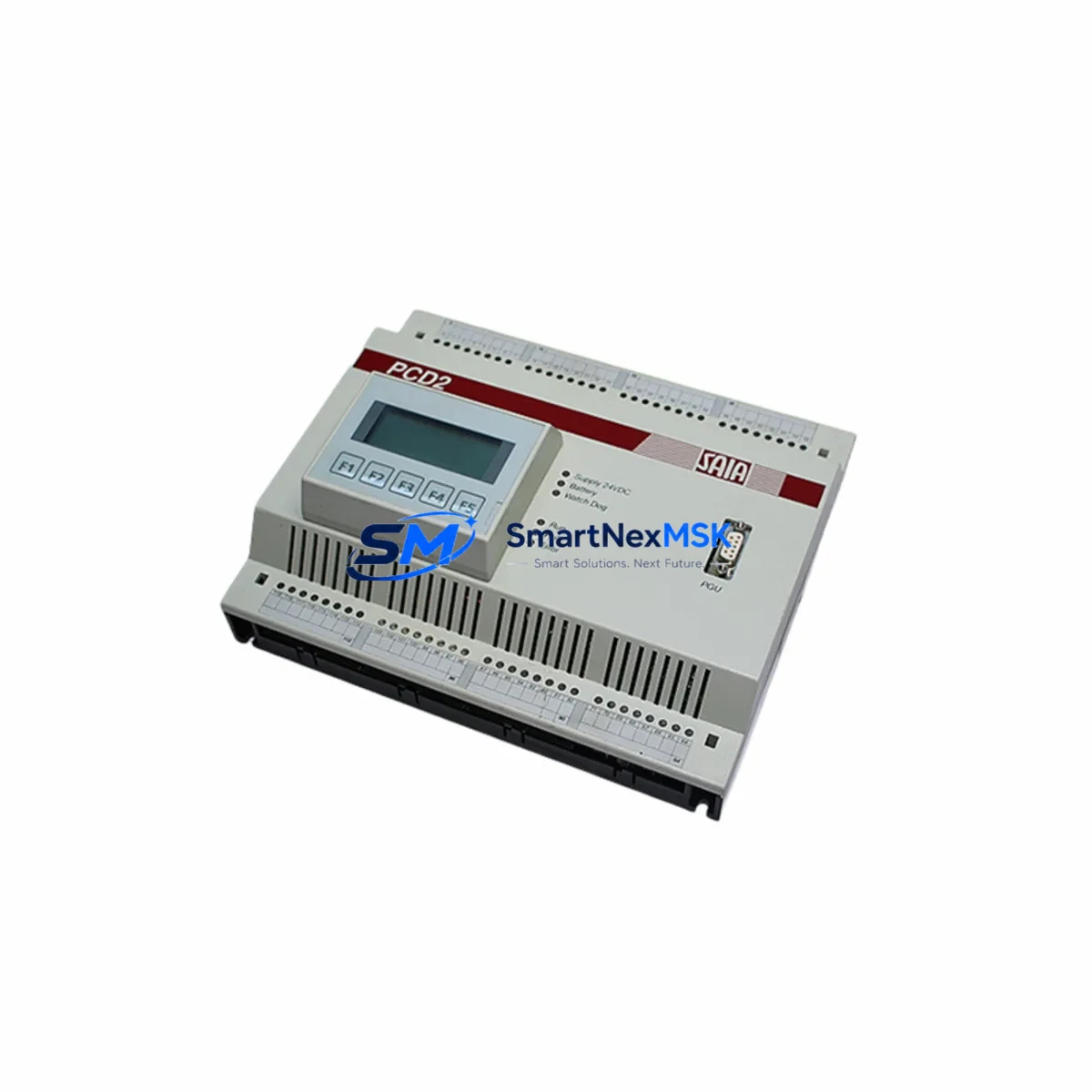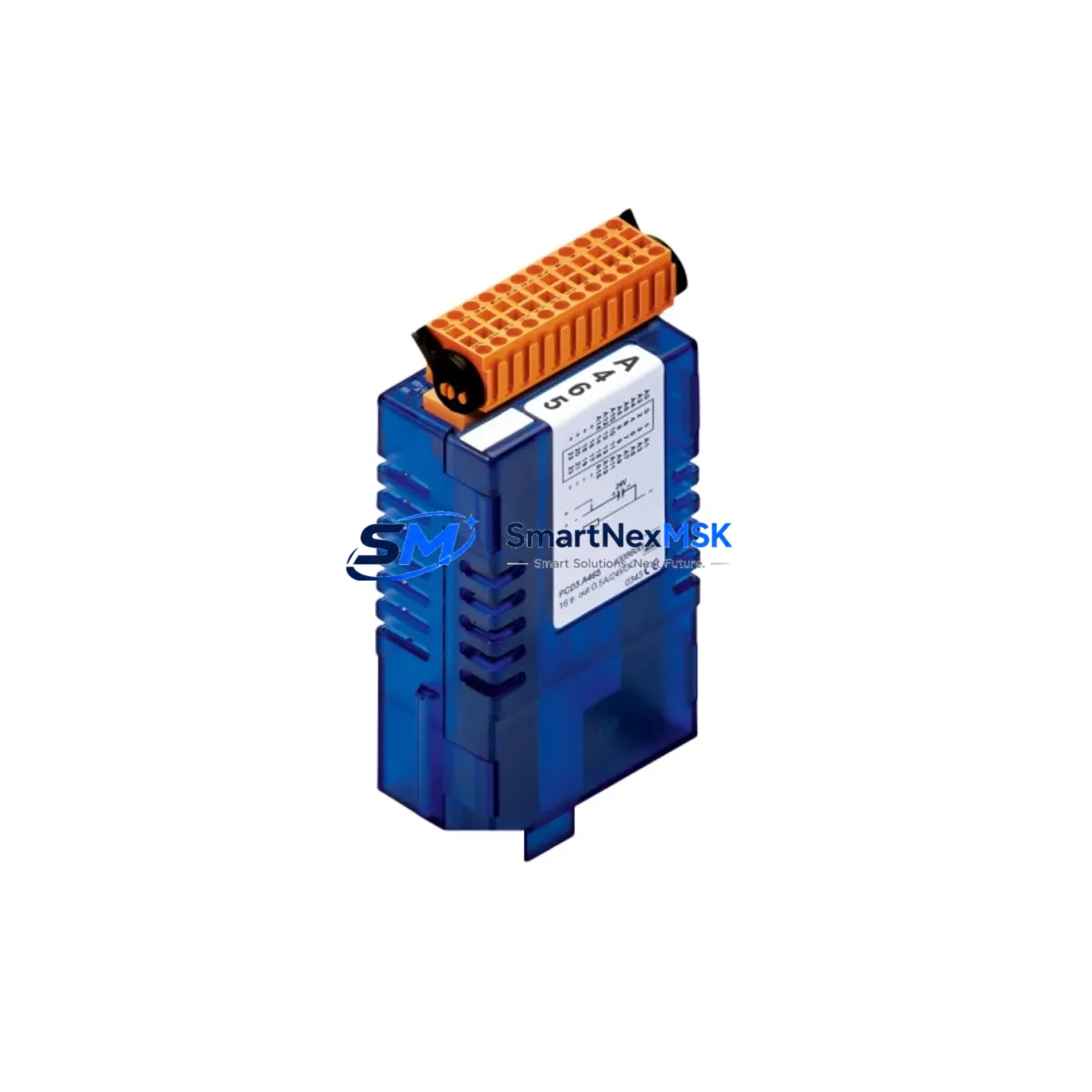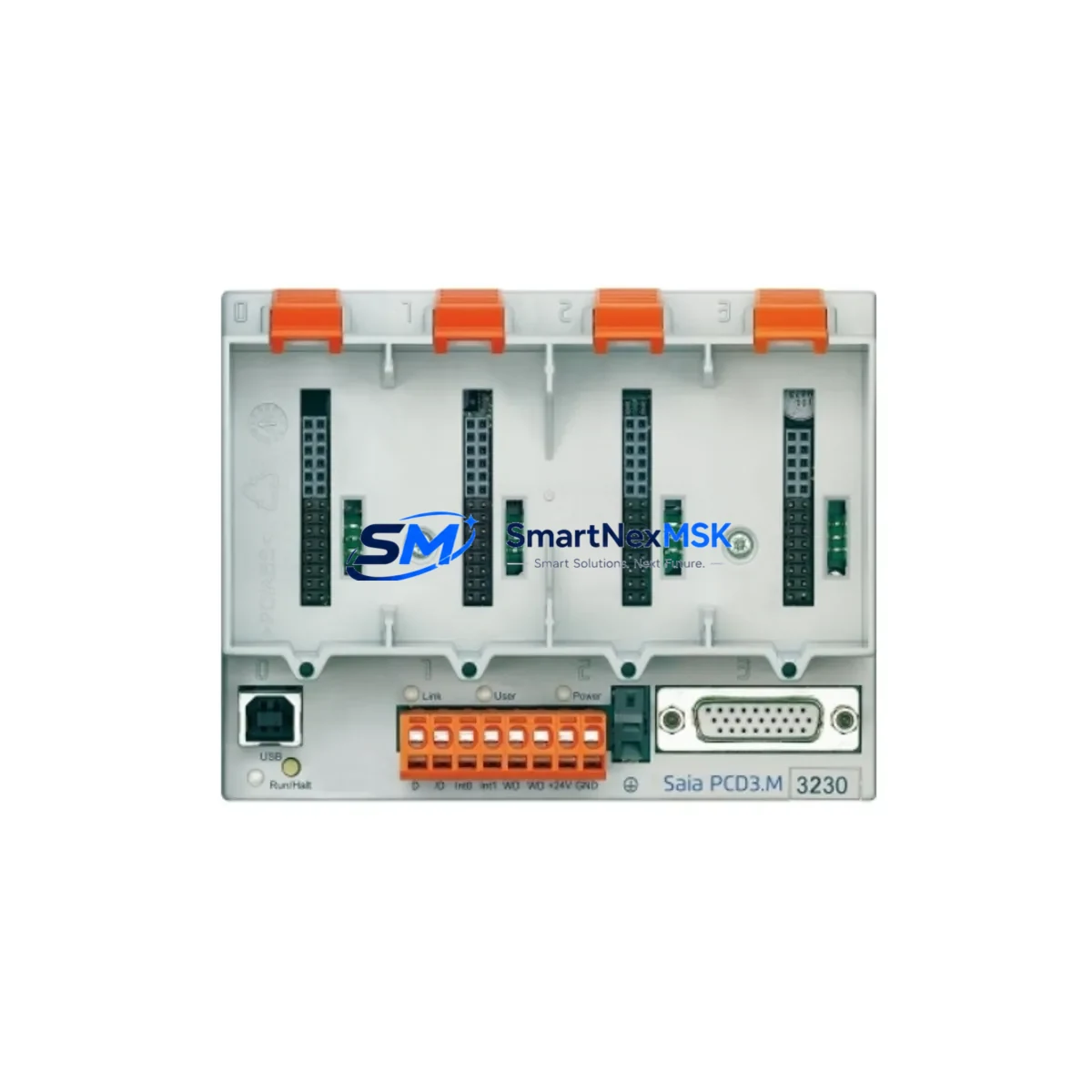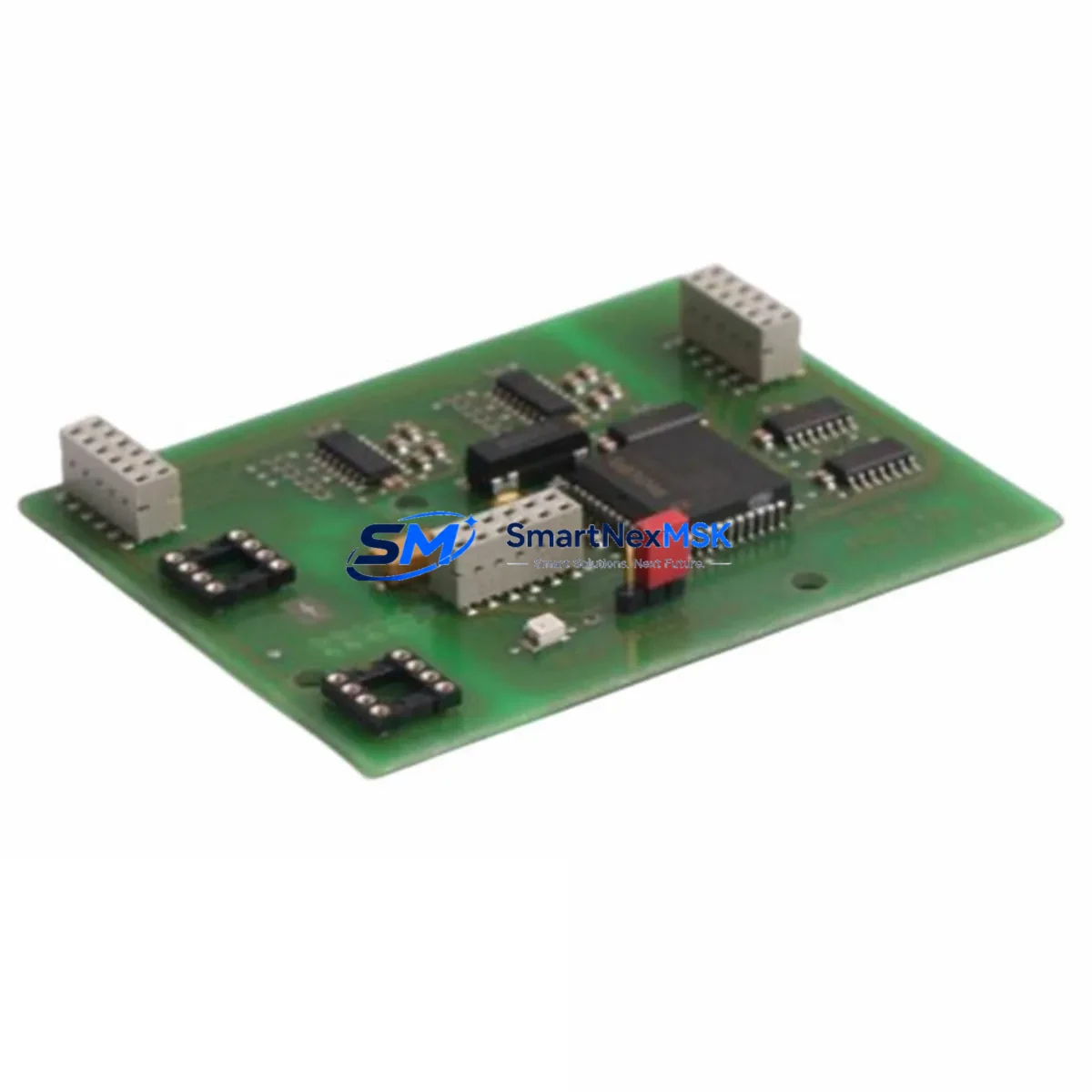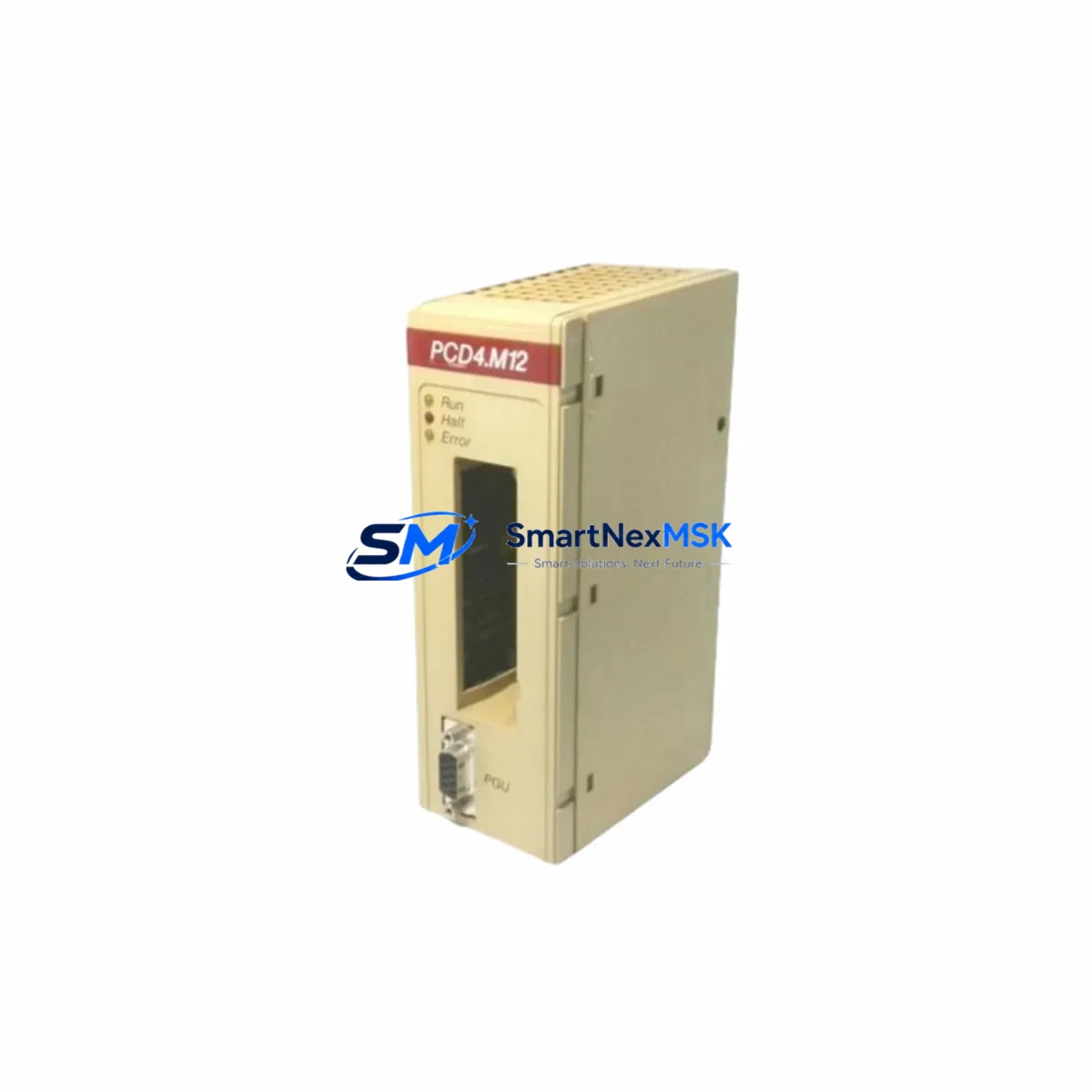
SAIA PCD4.M12 Maintenance-Ready Spare for PCD4 Automation
The SAIA PCD4.M12 is an original interface module designed for the SAIA PCD4 programmable controller series, manufactured by SAIA-Burgess (Switzerland). In industrial maintenance environments, the PCD4.M12 serves as a critical connectivity component between the PLC backplane and field I/O wiring. Unplanned failure of this module can halt production lines, disrupt process control loops, and trigger costly emergency shutdowns. Stocking a verified replacement unit is the most effective strategy for minimizing mean time to repair (MTTR) and protecting operational continuity.
This listing supplies a factory-original PCD4.M12 unit — not a clone or third-party substitute — sourced through established industrial distribution channels. Each unit undergoes functional verification prior to dispatch, and is covered by a 12-month replacement warranty. Whether you are executing a planned overhaul, responding to an unscheduled fault, or building out your spare parts cabinet for a legacy PCD4 system, this module ships ready for immediate installation.
Spare Maintenance Table
| Parameter | Specification / Detail |
|---|---|
| Part Number / SKU | PCD4.M12 |
| Brand | SAIA-Burgess (Switzerland) |
| Series Compatibility | SAIA PCD4 Series PLC |
| Module Type | PLC Interface / Connectivity Module |
| Origin | Switzerland (CH) |
| Mounting | PCD4 backplane slot installation |
| Application Environment | Industrial automation, process control, building management, utility infrastructure |
| Compatibility Verification | Cross-reference against PCD4 system configuration and firmware revision before installation |
| Maintenance Recommendation | Inspect connector pins, backplane contacts, and adjacent I/O modules during replacement; clean with dry compressed air |
| Pre-Shipment Testing | Functional verification performed on each unit prior to dispatch |
| Warranty | 12 months from date of delivery |
| Condition | Original / New-Old-Stock (NOS) as applicable |
| Lead Time | Typically 1–5 business days; expedited options available |
Maintenance Planning for Continuous Operation
Experienced maintenance engineers know that replacing the PCD4.M12 in isolation rarely tells the full story of a system fault. A thorough site inspection during any PCD4 module replacement should extend to the surrounding electrical environment. Begin by checking the PCD4 power supply module (such as the PCD4.W300 or equivalent) — voltage sag or ripple on the 24 VDC rail is a common root cause of interface module degradation that goes undetected until a hard failure occurs.
Next, inspect the PCD4 digital input and output modules installed in adjacent backplane slots. Worn terminal blocks, loose field wiring, or corroded I/O connectors can introduce transient signals that stress the interface module over time. If the system includes PCD4 analog I/O modules, verify signal integrity with a calibrated loop tester — signal drift often precedes module failure in process-critical loops.
For systems using SAIA S-Bus or Profibus communication modules, confirm that bus termination resistors are correctly installed and that cable shielding is intact. A degraded communication module can cause the PLC CPU to log spurious faults that are incorrectly attributed to the interface module. Similarly, inspect any signal isolators or galvanic separators in the I/O circuit — these components protect the PLC from field-side voltage spikes and should be replaced on a scheduled basis regardless of apparent condition.
Do not overlook the PCD4 CPU module firmware version. After installing a replacement PCD4.M12, confirm that the CPU recognizes the new module correctly and that no configuration mismatch errors appear in the diagnostic log. If the system uses a SAIA PCD HMI panel for operator interface, verify that all screen pages and alarm displays return to normal after the replacement is complete.
Finally, check the 24 VDC fuse or circuit breaker protecting the PLC cabinet power rail, and inspect the DIN rail terminal blocks and cable duct wiring for signs of heat damage, insulation cracking, or loose ferrules. A complete cabinet inspection at the time of module replacement is the most cost-effective way to prevent the next unplanned shutdown.
Site Replacement Workflow
Step 1 — Preparation: Download the current PCD4 project from the CPU using SAIA PG5 programming software and save a timestamped backup. Record the slot position, wiring labels, and any jumper or DIP switch settings on the existing PCD4.M12 before removal.
Step 2 — Safe Isolation: Follow your site’s lockout/tagout (LOTO) procedure. De-energize the PLC cabinet and confirm zero voltage on the backplane power rail before touching any module.
Step 3 — Module Removal: Release the module retention latch, disconnect field wiring connectors, and slide the PCD4.M12 out of the backplane slot. Inspect the backplane connector for bent pins or contamination.
Step 4 — Replacement Installation: Insert the new PCD4.M12 into the same slot, ensuring the backplane connector is fully seated. Reconnect field wiring in the original configuration. Replicate any jumper or switch settings from your pre-removal record.
Step 5 — Power-Up and Verification: Re-energize the cabinet and observe the module status LEDs. Use PG5 or the onboard diagnostic display to confirm the module is recognized and operating without fault codes. Run a functional I/O test before returning the system to production.
Step 6 — Documentation: Update your maintenance log with the replacement date, new module serial number, and any observations noted during the inspection. Flag the removed module for failure analysis if root cause investigation is required.
Spare Parts Support FAQ
Q1: Is this PCD4.M12 an original SAIA-Burgess part or a compatible substitute?
This is an original SAIA-Burgess PCD4.M12 module. We do not supply clones, rebranded alternatives, or third-party compatible units under this listing. Each unit is sourced from verified industrial distribution channels and carries the original manufacturer part number.
Q2: How do I confirm compatibility with my existing PCD4 system before ordering?
Provide your PCD4 CPU model number, backplane configuration, and current firmware version when contacting us. Our technical team will cross-reference your system configuration against the PCD4.M12 specification to confirm fit before shipment. Compatibility verification is provided at no charge.
Q3: What pre-shipment testing is performed, and what does the 12-month warranty cover?
Every PCD4.M12 unit is functionally tested prior to dispatch to verify electrical integrity and connector condition. The 12-month warranty covers defects in materials and workmanship under normal operating conditions. It does not cover damage resulting from incorrect installation, overvoltage events, or physical mishandling on site.
Q4: Can you support long-term or repeat supply for legacy PCD4 systems?
Yes. We maintain ongoing sourcing relationships for SAIA PCD4 series components, including modules that are no longer in active production. If you are managing a fleet of legacy PCD4 installations, contact us to discuss a standing supply arrangement or consignment stock program tailored to your maintenance schedule.
© 2026 SMARTNEXMSK. All rights reserved.
Original Source: https://smartnexmsk.com
Contact: [email protected] | +86 18259474341