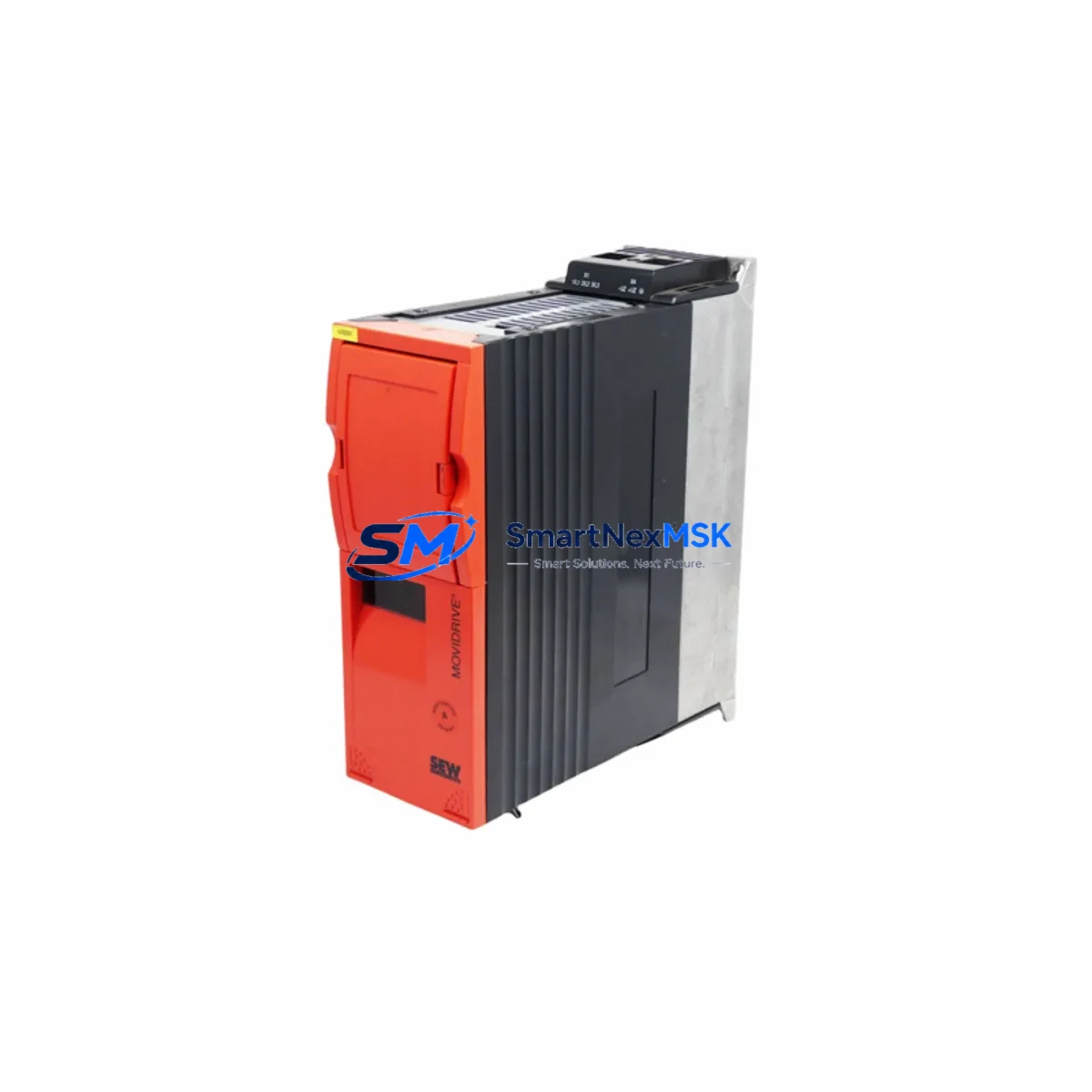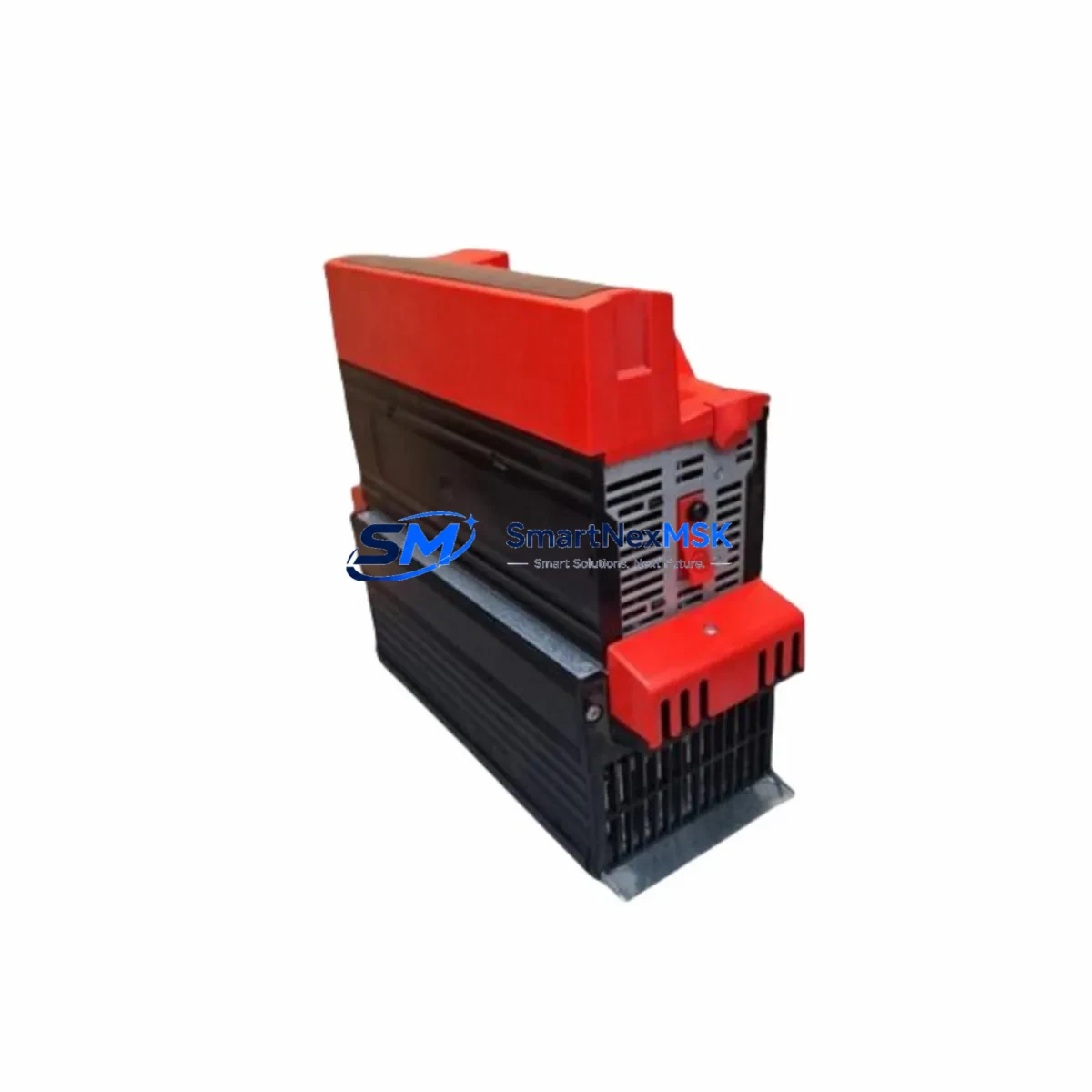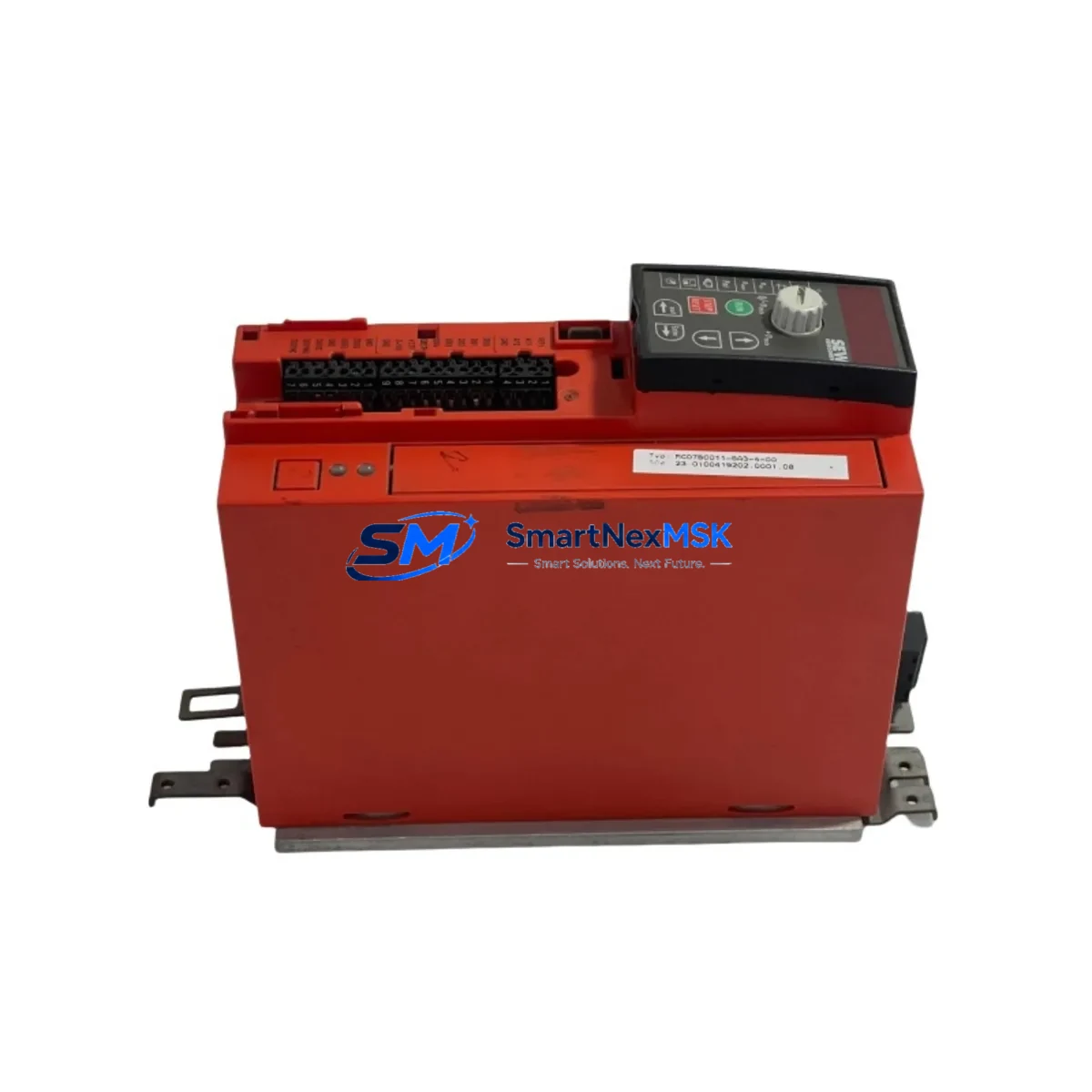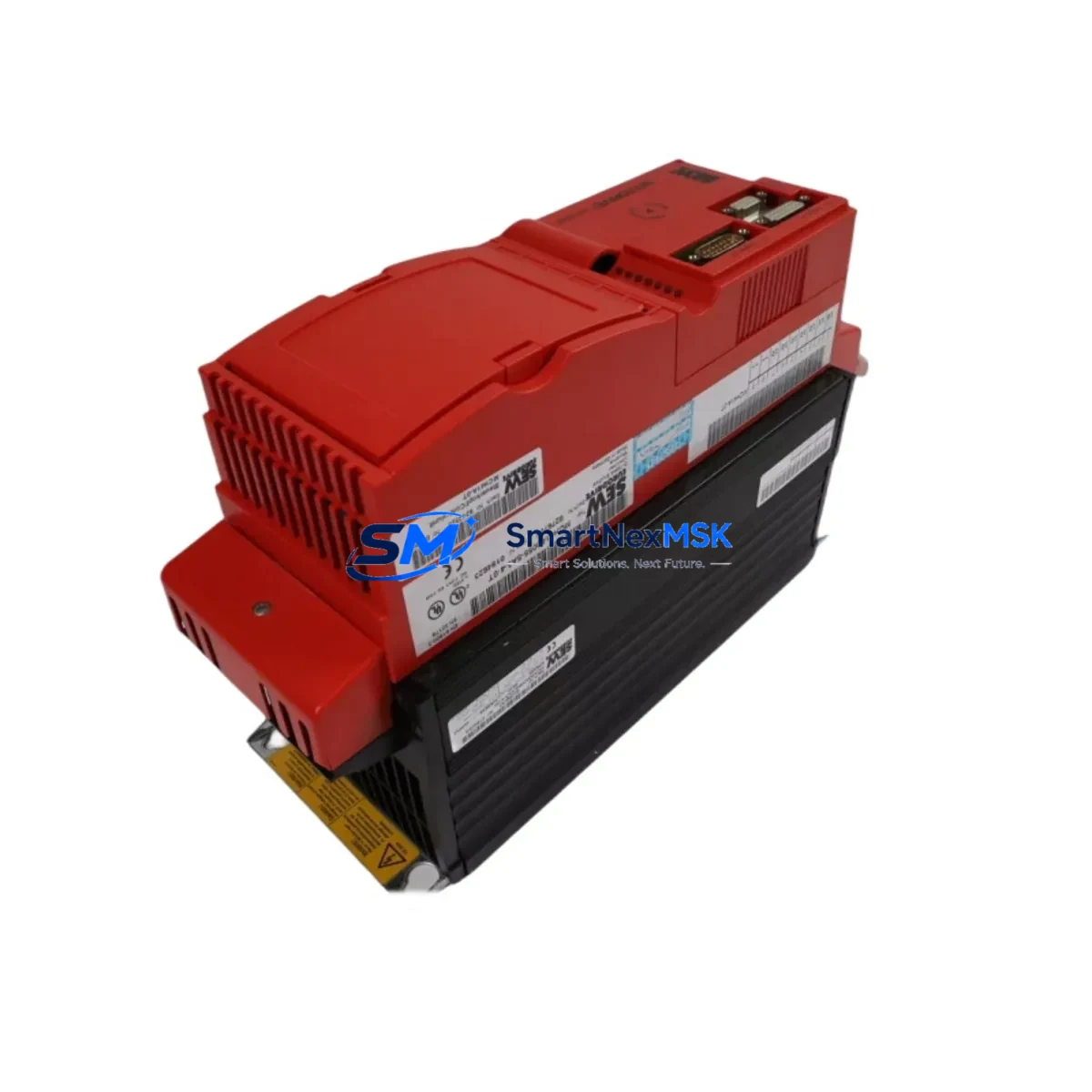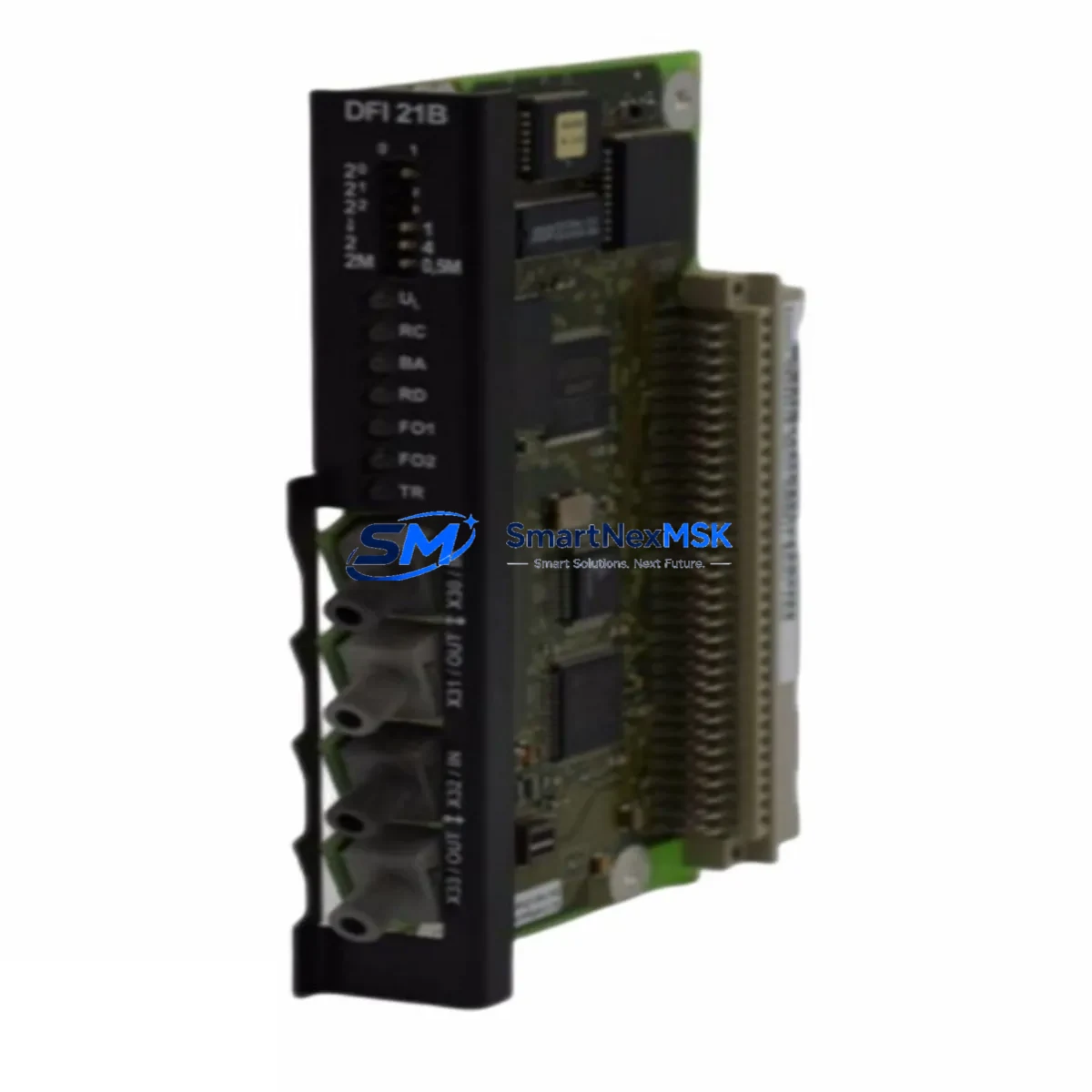
SEW-EURODRIVE DFI21B Retrofit-Ready Interbus Module for MOVIDRIVE B Control Systems
The SEW-EURODRIVE DFI21B is a dedicated Interbus fieldbus interface module engineered for seamless integration with the MOVIDRIVE B series of variable speed drives. As legacy automation systems age and original spare parts become increasingly scarce, the DFI21B has emerged as a critical component in retrofit projects, discontinued-part replacements, and control cabinet modernization programs across manufacturing, material handling, and process automation industries.
Designed to slot directly into the MOVIDRIVE B option slot, the DFI21B enables cyclic and acyclic data exchange over the Interbus protocol, supporting both process data and parameter channel communication. For engineers managing aging production lines, this module provides a verified, in-stock solution that eliminates the extended lead times and sourcing risks associated with discontinued OEM parts.
When planning a retrofit or spare-part replacement involving the DFI21B, engineers must carefully verify several system parameters before installation. Power supply capacity within the control cabinet must be confirmed, as the MOVIDRIVE B unit and its option modules draw from a shared 24 VDC bus — adding or replacing interface modules can affect overall power budget. Terminal wiring for the Interbus ring connection (IN and OUT ports) must be mapped against the existing cable schedule, and shield grounding must comply with SEW-EURODRIVE’s EMC guidelines to prevent communication faults on the fieldbus ring.
Backplane interface compatibility is another key checkpoint. The DFI21B occupies the dedicated option slot on the MOVIDRIVE B, and the host drive firmware version must support the module’s parameter set. In systems where the MOVIDRIVE B itself is being replaced alongside the interface module — for example, when upgrading from an older MOVITRAC B or a first-generation MOVIDRIVE unit — the module address assignment within the Interbus ring must be reconfigured in the PLC program to reflect the new node topology.
Program compatibility is a frequent concern during migration. If the upstream controller is a SIMATIC S7-300 or S7-400 communicating via an Interbus master card, the GSD file and hardware configuration in STEP 7 or TIA Portal must be updated to recognize the DFI21B’s process data structure. Similarly, if the system uses a Beckhoff CX or PC-based controller with an Interbus master, the I/O mapping in TwinCAT must be reviewed. HMI screens built in WinCC or similar SCADA platforms that display drive status, speed setpoints, or fault codes sourced from the MOVIDRIVE B must be validated against the new data word assignments after the module swap.
Communication link integrity should be verified end-to-end before resuming production. The Interbus ring is a serial, closed-loop topology — a single wiring fault or incorrect termination will bring down the entire ring. Engineers should use the Interbus diagnostic tools available in the PLC master to confirm ring closure and correct identification of all slave nodes, including the DFI21B, before enabling drive control commands.
In broader retrofit scenarios, the DFI21B is commonly deployed alongside other SEW-EURODRIVE components. The MOVIDRIVE B MDX61B base unit is the primary host drive, and in multi-axis systems, additional axes may use the DFP21B PROFIBUS interface or the DFE24B EtherNet/IP module depending on the network architecture. The UFP11A universal fieldbus parameter module is sometimes used in parallel for offline parameter backup and restoration during drive replacement. For systems requiring encoder feedback, the DEH21B incremental encoder interface or the DER21B resolver interface may be installed in adjacent option slots. In cabinet-level power distribution, the SEW-EURODRIVE NF series line filters and HD series braking resistors are standard companions to the MOVIDRIVE B, and their ratings must be re-verified when drive capacity is changed during an upgrade. The MOVILINK parameter interface cable (USB11A or USB-RS485 adapter) is essential for commissioning and firmware verification during field installation.
Upgrade Compatibility Table
| Parameter | Details |
|---|---|
| SKU | DFI21B |
| Compatible Host Drive | SEW-EURODRIVE MOVIDRIVE B (MDX61B series) |
| Fieldbus Protocol | Interbus (IBS) |
| Installation Slot | MOVIDRIVE B Option Slot (dedicated fieldbus position) |
| Data Exchange | Cyclic process data + acyclic parameter channel |
| Replaces / Upgrades From | DFI11B (MOVIDRIVE A), legacy Interbus interface cards |
| PLC Compatibility | Interbus master controllers (Phoenix Contact, SIMATIC, Beckhoff) |
| Commissioning Tool | MOVITOOLS MotionStudio / USB11A cable |
| Power Supply | Supplied via MOVIDRIVE B backplane (24 VDC logic bus) |
| EMC / Shielding | Per SEW-EURODRIVE installation guidelines |
| Firmware Requirement | MOVIDRIVE B firmware ≥ compatible version for DFI21B parameter set |
| Warranty | 12 Months from date of shipment |
| Stock Status | Available — ships from verified inventory |
Retrofit Planning for Existing Automation Systems
A successful DFI21B retrofit begins with a full audit of the existing control architecture. Identify all nodes on the Interbus ring — including PLCs, remote I/O stations, and other drive interfaces — and document their current addresses and process data word counts. When the DFI21B is installed in a replacement MOVIDRIVE B unit, the new drive must be assigned the same Interbus node address as the original to avoid reconfiguring the master PLC program.
Wiring adaptation is straightforward if the original cable harness is intact: the Interbus IN and OUT connectors on the DFI21B use standard DB9 or terminal block interfaces depending on the cabinet design. Verify that the cable shield is connected at one end only (typically at the cabinet entry point) to prevent ground loops. If the original MOVIDRIVE A with a DFI11B is being replaced, note that the connector pinout and process data structure may differ slightly — a short commissioning session with MOVITOOLS MotionStudio is recommended to confirm parameter mapping before going live.
For systems that also require I/O expansion, the SEW-EURODRIVE DIO11B digital I/O extension module can be installed in a second option slot of the MOVIDRIVE B, providing additional digital inputs and outputs without consuming fieldbus bandwidth. In multi-drive cabinets, the MOVIDRIVE B system bus (SBus) can link multiple drives for coordinated motion, with the DFI21B serving as the single fieldbus gateway for the entire group.
Downtime Control During System Migration
Minimizing production downtime during a DFI21B swap requires preparation before the maintenance window begins. Back up all MOVIDRIVE B parameters using MOVITOOLS MotionStudio and store the parameter file offline. If the drive itself is also being replaced, restore the parameter set to the new unit before installation to eliminate on-site programming time.
Pre-test the DFI21B module on a bench setup or spare drive if available, confirming that the Interbus ring closes correctly and the module is recognized by the PLC master. Prepare a rollback plan: retain the original drive and module until the replacement has been validated in production. During the cutover, isolate the affected axis, perform the physical swap, restore parameters, reconnect the Interbus ring, and verify ring closure in the PLC diagnostic screen before re-enabling drive commands. A structured commissioning checklist — covering power-up sequence, fault reset, speed reference verification, and HMI status confirmation — will reduce the risk of extended unplanned downtime.
Retrofit Support FAQ
Q: Is the DFI21B a direct drop-in replacement for the DFI11B used in MOVIDRIVE A systems?
A: The DFI21B is designed for MOVIDRIVE B and is not mechanically or electrically interchangeable with the DFI11B used in MOVIDRIVE A. However, it serves the same functional role — Interbus fieldbus interface — and can replace the DFI11B when the host drive is also upgraded from MOVIDRIVE A to MOVIDRIVE B. Process data mapping and PLC configuration must be reviewed during the transition.
Q: What commissioning steps are required after installing the DFI21B?
A: After physical installation, connect the USB11A or compatible MOVILINK cable and launch MOVITOOLS MotionStudio to verify module recognition and parameter assignment. Confirm the Interbus node address matches the PLC configuration, check ring closure in the master diagnostic tool, restore drive parameters from backup, and perform a test run at low speed before resuming normal operation.
Q: Can the DFI21B operate alongside other option modules in the MOVIDRIVE B?
A: Yes. The MOVIDRIVE B supports multiple option slots, allowing the DFI21B to coexist with encoder interface modules (DEH21B, DER21B) or I/O extension modules (DIO11B) in adjacent slots. Slot assignment must follow SEW-EURODRIVE’s option module installation guidelines to avoid conflicts.
Q: What does the 12-month warranty cover?
A: All units ship with a 12-month warranty covering manufacturing defects and functional failures under normal operating conditions. Each module undergoes pre-shipment functional testing. Warranty claims are supported with replacement or repair, subject to inspection. Contact our technical team for warranty registration and support procedures.
© 2026 SMARTNEXMSK. All rights reserved.
Original Source: https://smartnexmsk.com
Contact: [email protected] | +86 18259474341