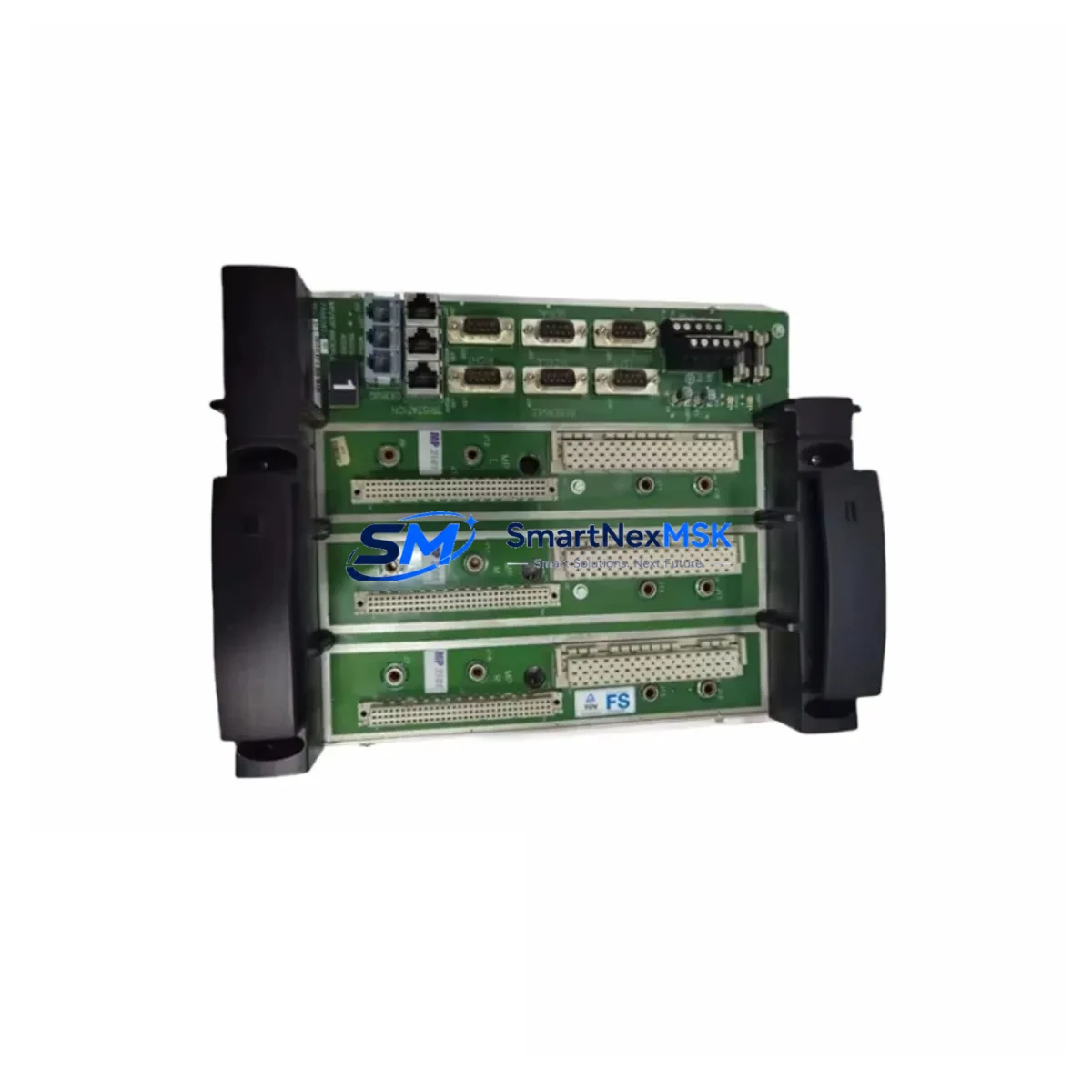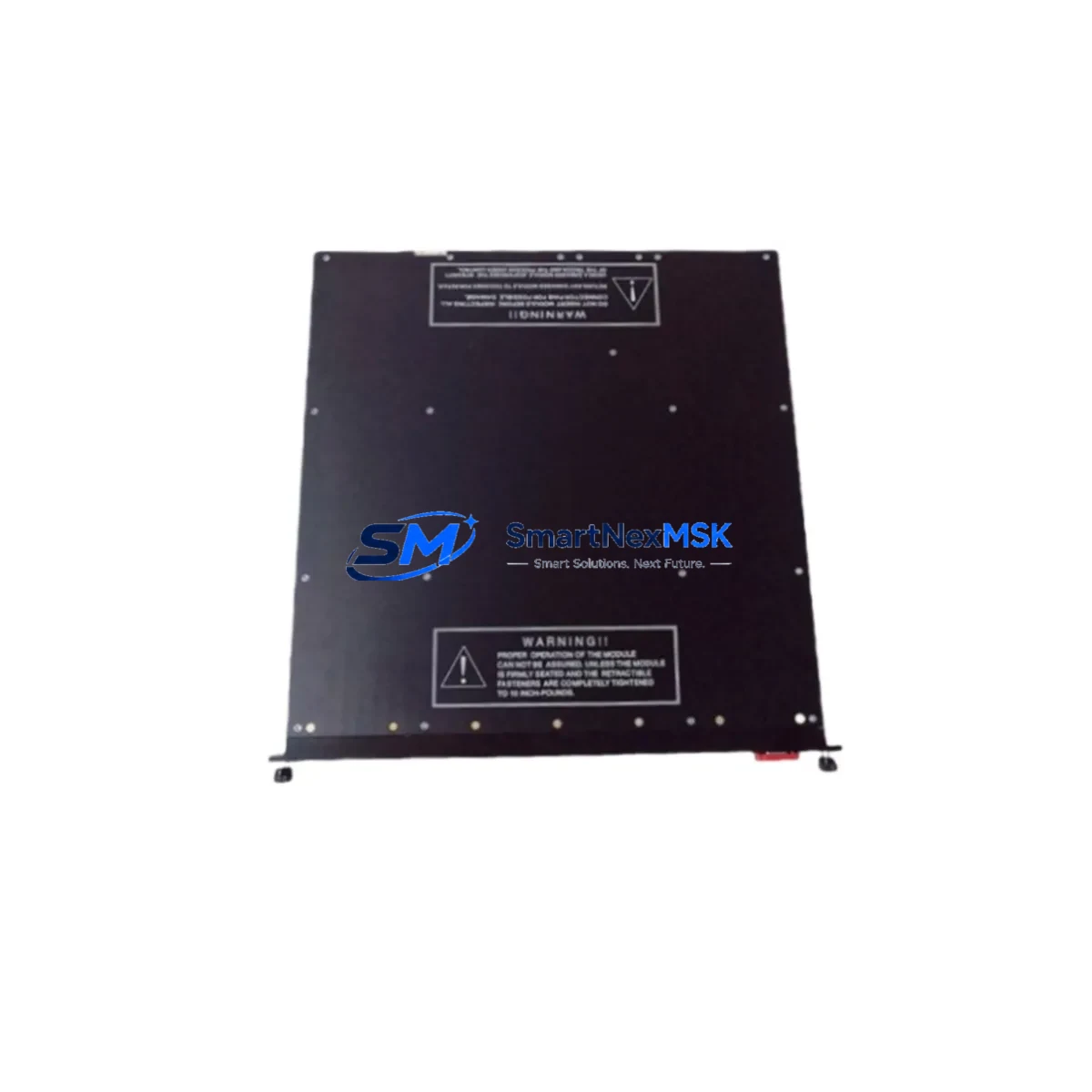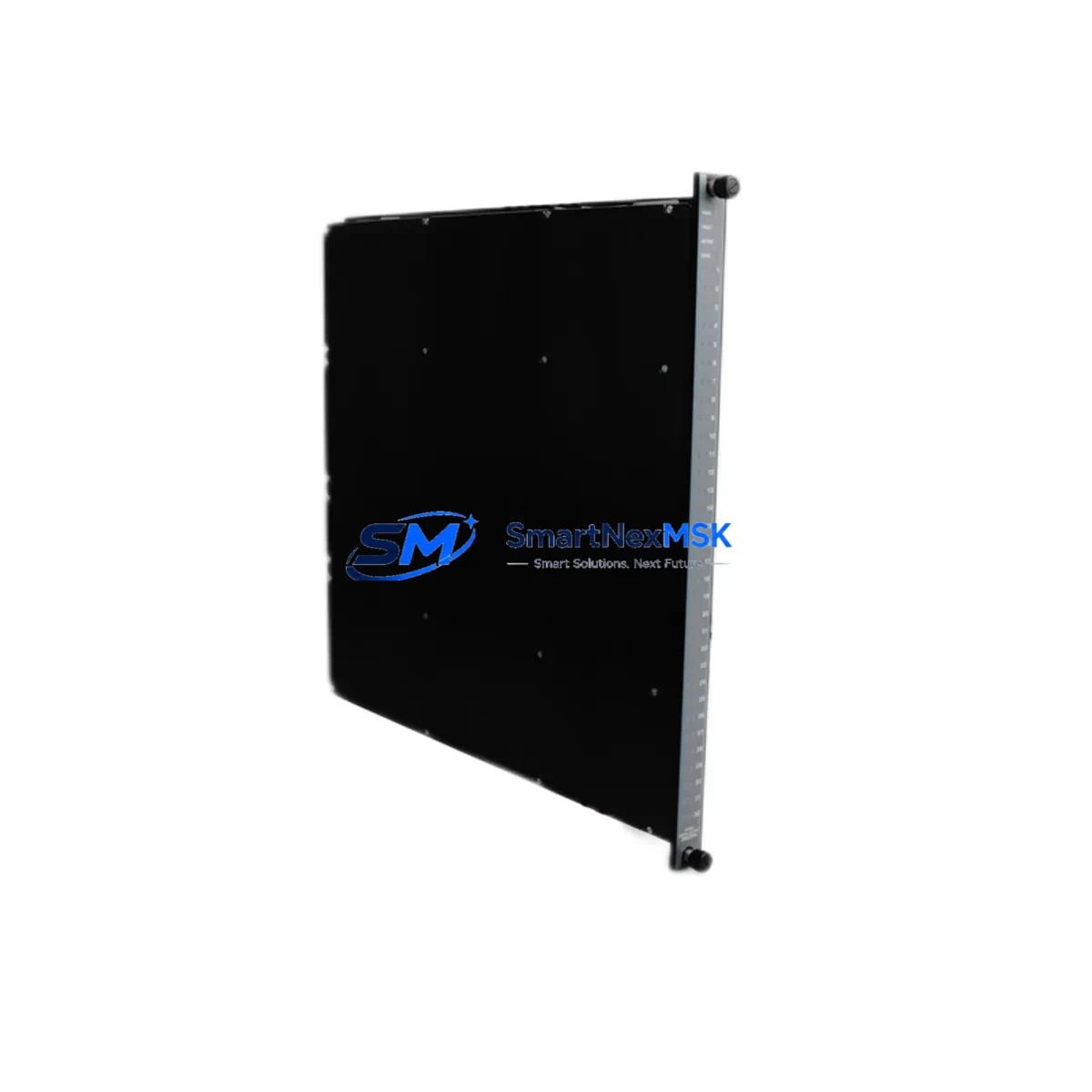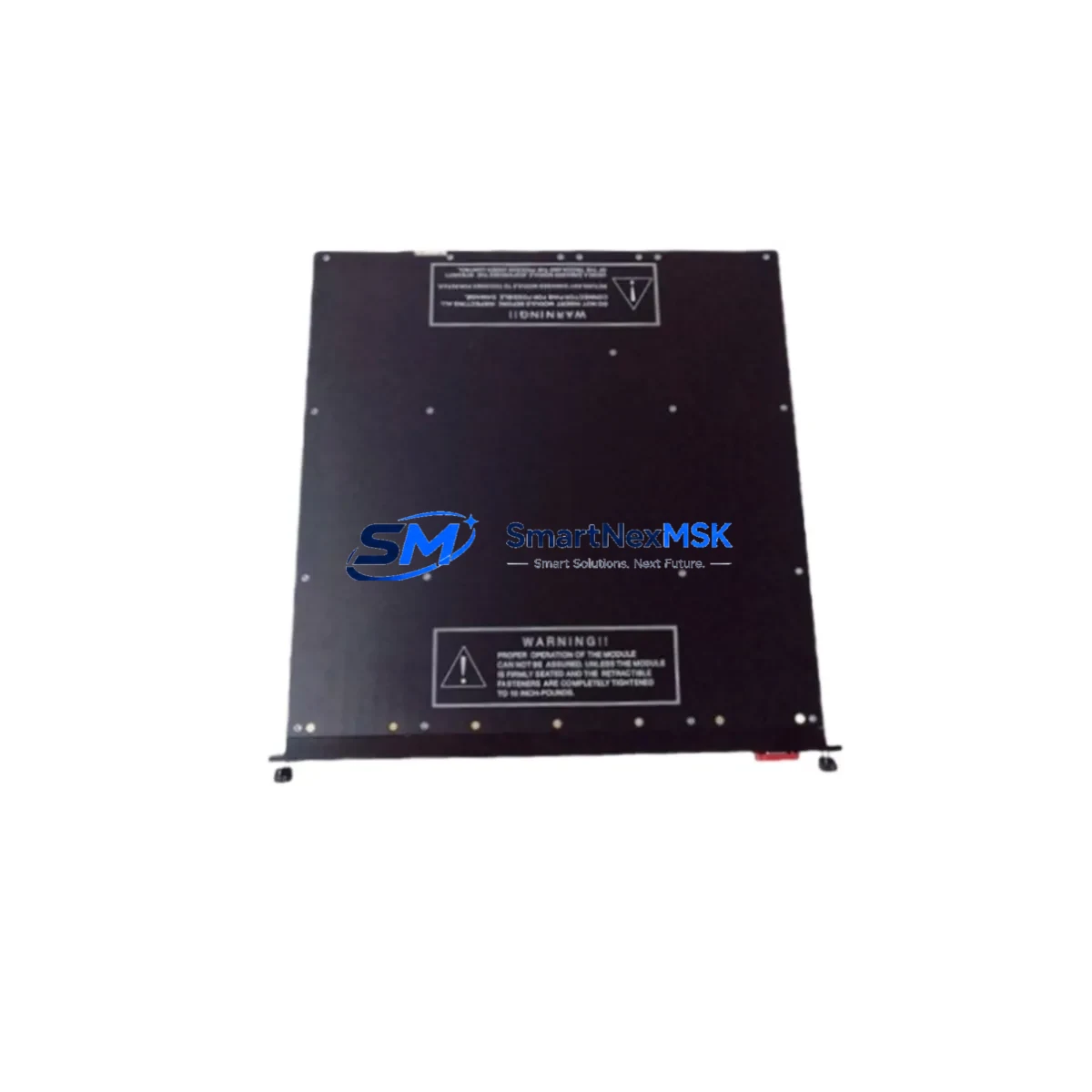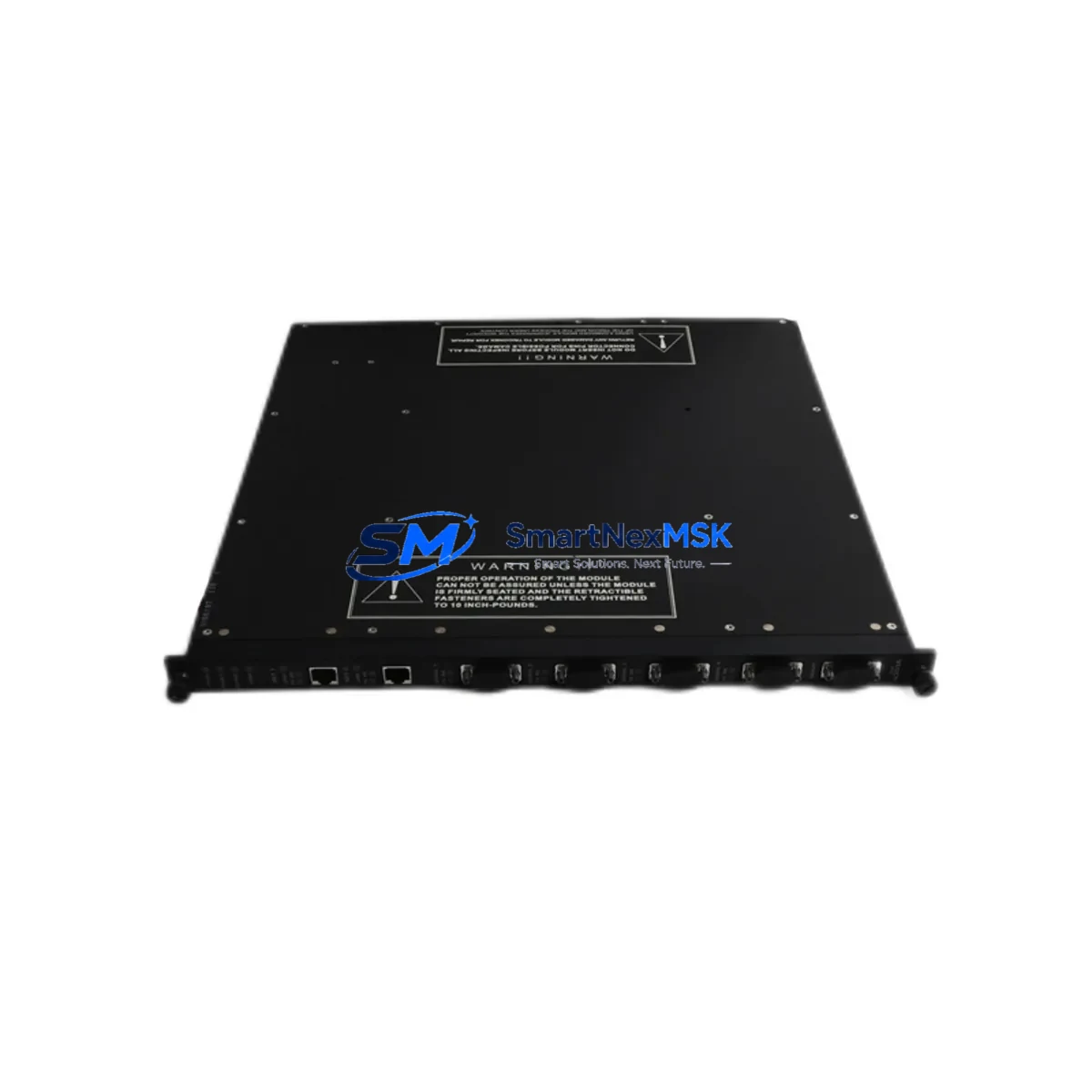
Triconex 4351A Retrofit-Ready Communication Module for Tricon Series Control Systems
The Triconex 4351A is a tri-redundant communication module engineered for seamless integration into Tricon Series safety and process control systems. As legacy DCS and SIS platforms approach end-of-life, the 4351A has become a critical component in brownfield retrofit projects, enabling engineers to restore full communication capability without replacing the entire control architecture. Whether you are recovering a failed node, upgrading an aging control cabinet, or migrating from a discontinued communication platform, the 4351A delivers the compatibility, reliability, and field-proven performance that industrial automation teams depend on.
Sourced directly from authorized distribution channels and subject to full functional testing prior to shipment, each unit is verified against Triconex factory specifications. Our inventory is maintained to support urgent replacement scenarios, with same-day dispatch available for in-stock units. Every 4351A module is backed by a 12-month warranty covering manufacturing defects and functional failures under normal operating conditions.
Upgrade Compatibility Table
| Parameter | Details |
|---|---|
| Compatible Platform | Triconex Tricon Series (v9.x, v10.x, v11.x) |
| Module Type | Tri-Redundant Communication Module |
| Communication Protocol | TriStation 1131, Modbus RTU/TCP, TSAA |
| Backplane Interface | Tricon Main Chassis / Expansion Chassis |
| Installation Requirement | Hot-swap capable; chassis power-on insertion supported on compatible firmware |
| Replacement for | Discontinued 4351 (non-A suffix) and legacy Tricon comm variants |
| Wiring Compatibility | Existing terminal wiring retained; no re-termination required in most configurations |
| Firmware Compatibility | Compatible with TriStation 1131 v4.x and above; verify node address before insertion |
| Debugging Focus | Module address assignment, communication link verification, redundancy sync check |
| Warranty | 12 Months — covers manufacturing defects and functional failures |
Retrofit Planning for Existing Automation Systems
Replacing a Triconex 4351A in an operating plant requires careful pre-engineering to avoid unplanned shutdowns. Before pulling the failed module, engineers should document the existing node address configuration stored in the Tricon Main Chassis backplane. The 4351A communicates over the Tricon internal bus and interfaces with the host controller through the TriStation 1131 programming environment — any mismatch in node addressing will prevent the replacement module from being recognized by the system.
In a typical Tricon cabinet, the 4351A sits alongside the Triconex 3008 Main Processor Module, which manages the tri-redundant voting logic. The communication module feeds data upstream to SCADA or DCS hosts via Modbus TCP or the proprietary TSAA protocol. When planning the retrofit, confirm that the Triconex 3008 firmware version is compatible with the 4351A hardware revision — mismatched revisions can cause silent communication failures that are difficult to diagnose under load.
For I/O-intensive systems, the 4351A retrofit is often performed in conjunction with replacing aging Triconex 3703E or 3805E analog input modules, which share the same chassis backplane and are frequently found in the same end-of-life replacement cycle. If the control cabinet also houses a Triconex 3625 Digital Output Module or a Triconex 3501 Thermocouple Input Module, inspect their terminal blocks and wiring harnesses during the same maintenance window to avoid repeat outages.
Communication continuity is another critical factor. If the plant uses a Triconex ACM (Advanced Communication Module) or a dedicated Modbus gateway to bridge the Tricon network to a broader DCS backbone, verify that the gateway’s polling configuration is updated to reflect the new 4351A node address. Failure to update the gateway configuration is a common cause of post-replacement communication loss that is often misdiagnosed as a module fault.
For systems that include a Triconex EICM (Enhanced Intelligent Communication Module) in a parallel communication path, the 4351A replacement should be coordinated with a review of the EICM’s redundancy configuration to ensure failover behavior is preserved after the swap. Additionally, if the plant’s HMI screens are mapped to specific Triconex register addresses, confirm that the HMI tag database does not require updates following the module replacement — in most cases, register mapping is preserved, but this should be verified in the TriStation 1131 project file before returning the system to automatic mode.
Power budget verification is mandatory before inserting the 4351A. The Tricon Main Chassis power supply — typically a Triconex 8312 or 8310 Power Supply Module — must have sufficient headroom to support the replacement module. Calculate the total chassis load including all installed I/O modules, the main processor, and the communication module to confirm the power supply is not operating at or near its rated capacity.
Downtime Control During System Migration
Minimizing downtime during a Triconex 4351A replacement begins with a structured pre-outage checklist. Before initiating the swap, export the current TriStation 1131 project file and store it on an offline backup medium. This preserves the complete program logic, I/O configuration, module addressing, and communication parameters — ensuring that if the replacement module requires a firmware update or configuration reload, the original program can be restored without re-engineering.
Where the Tricon system supports hot-swap insertion (available on specific firmware versions), the 4351A can be replaced without a full chassis power-down. In this scenario, the tri-redundant voting architecture continues to operate on the remaining two legs while the communication module is swapped, maintaining process control continuity. Confirm hot-swap eligibility with the installed firmware version before proceeding — attempting a hot-swap on an unsupported firmware version can trigger a system-wide safety shutdown.
For systems that require a cold swap, coordinate the outage window with the operations team to align with a planned process hold or low-demand period. Prepare the replacement 4351A module in advance, confirm its hardware revision matches the system requirements, and have the TriStation 1131 programming cable and laptop ready for immediate post-installation verification. After insertion, perform a communication link check, verify redundancy synchronization across all three legs, and confirm that all SCADA or DCS tags are receiving valid data before releasing the system back to automatic control.
Document the replacement event in the plant’s maintenance management system, including the old module’s serial number, the new module’s serial number and hardware revision, the date of replacement, and the name of the commissioning engineer. This record is essential for future warranty claims and for tracking the service life of the replacement module.
Retrofit Support FAQ
Q1: Is the Triconex 4351A a direct drop-in replacement for the original 4351 module?
In most Tricon Series installations, the 4351A is backward-compatible with the original 4351 slot position and backplane connector. However, you should verify the hardware revision of the installed chassis and confirm firmware compatibility using the Triconex compatibility matrix before installation. Minor wiring adjustments may be required if the original installation used non-standard termination practices.
Q2: What commissioning steps are required after installing the 4351A?
After physical installation, connect to the Tricon system using the TriStation 1131 programming environment and verify that the module is recognized at the correct node address. Perform a communication link test to confirm upstream connectivity to the SCADA or DCS host. Check redundancy synchronization status across all three legs and review the system event log for any fault codes generated during the insertion process. Clear any latched faults before returning the system to automatic mode.
Q3: Does the 4351A support both Modbus RTU and Modbus TCP communication?
Yes. The Triconex 4351A supports Modbus RTU over serial interfaces and Modbus TCP over Ethernet, as well as the proprietary TSAA protocol used for TriStation 1131 communications. Confirm the communication mode configuration in the TriStation project file matches the physical wiring and network topology of your installation.
Q4: What does the 12-month warranty cover, and how is it claimed?
The 12-month warranty covers manufacturing defects and functional failures under normal operating conditions. It does not cover damage caused by incorrect installation, overvoltage, or environmental conditions outside the module’s rated specifications. To initiate a warranty claim, contact our sales team with the module serial number, purchase date, and a description of the failure. We will arrange return shipping and provide a replacement or repaired unit within the agreed service timeline.
© 2026 SMARTNEXMSK. All rights reserved.
Original Source: https://smartnexmsk.com
Contact: [email protected] | +86 18259474341