Yaskawa JZRCR-NPP01-1 Retrofit-Ready Teach Pendant for NX100 Control Systems
The Yaskawa JZRCR-NPP01-1 is a retrofit-ready teach pendant engineered for seamless integration into Yaskawa NX100 robot controller systems. As NX100-based production lines age and OEM support windows close, facilities managing Motoman UP series, ES series, and HP series robots increasingly face the challenge of sourcing reliable, drop-in compatible operator interfaces. The JZRCR-NPP01-1 addresses this directly — providing a verified replacement path that preserves existing program logic, HMI screen layouts, and field wiring without requiring controller-level reprogramming or cabinet redesign.
Whether your application involves arc welding, material handling, spot welding, or palletizing, the JZRCR-NPP01-1 maintains full compatibility with the NX100 controller’s proprietary communication bus, enabling technicians to swap the pendant, power up, and resume operations with minimal downtime. This makes it an essential component in any planned retrofit or emergency spare strategy for facilities still operating NX100-based robot cells.
Upgrade Compatibility Table
| Parameter | Details |
|---|---|
| Compatible Controller | Yaskawa NX100 |
| Compatible Robot Series | Motoman UP6, UP20, ES165, ES200, HP20, HP165 |
| Interface Connection | NX100 proprietary pendant port (10-pin connector) |
| Communication Protocol | Yaskawa internal serial bus (NX100 native) |
| HMI Screen Compatibility | Full — existing job screens, alarm history, I/O monitor retained |
| Installation Requirement | Power-off swap; no controller firmware change required |
| Replacement Recommendation | Direct drop-in for failed or damaged JZRCR-NPP01-1 units |
| Commissioning Note | Verify E-stop circuit continuity and deadman switch function post-swap |
| Warranty | 12 Months — covers manufacturing defects and functional failure |
| Condition | New / Refurbished (tested and function-verified before shipment) |
Retrofit Planning for Existing Automation Systems
Successful NX100 retrofit projects require more than a pendant swap. Facilities planning a controlled upgrade should audit the full control cabinet before scheduling downtime. The JZRCR-NPP01-1 integrates directly with the NX100 controller chassis, but adjacent components often require simultaneous attention to ensure system stability.
The NX100 controller unit itself — housing the CPU board, servo amplifier boards, and I/O interface cards — should be inspected for capacitor aging and fan degradation before a pendant replacement is commissioned. In many retrofit scenarios, the JANCD-NCP01 CPU board and JANCD-NIO01 I/O board are replaced in the same maintenance window to eliminate latent failure risk. If the robot cell communicates with a PLC or SCADA system via DeviceNet or Ethernet/IP, the JANCD-NCP01B communication option board should be verified for firmware compatibility with the host controller.
For facilities migrating from NX100 to the newer DX100 or YRC1000 platform, the JZRCR-NPP01-1 serves as a transitional operator interface during phased upgrades — allowing operators to maintain familiar HMI workflows while backend controller hardware is modernized rack by rack. The JZRCR-YPP01 pendant used on DX100 systems shares a similar ergonomic layout, reducing retraining time when the full migration is complete.
Power supply integrity is critical during any pendant retrofit. The JZNC-NZU01 power supply unit within the NX100 cabinet should be load-tested prior to commissioning the replacement pendant, as degraded capacitors can cause intermittent pendant communication faults that mimic pendant hardware failure. Similarly, the JZNC-NIF01 interface board — which manages the signal path between the pendant connector and the CPU — should be cleaned and inspected for corrosion on the pendant port contacts.
For robot cells with external safety PLCs, confirm that the E-stop relay chain connected through the JZRCR-NPP01-1 deadman switch meets current ISO 10218-1 safety integrity requirements. Many older NX100 installations use hardwired safety relays rather than safety-rated PLCs; a retrofit is an appropriate time to evaluate upgrading to a PILZ PNOZ or equivalent safety relay module to bring the cell into compliance with current standards.
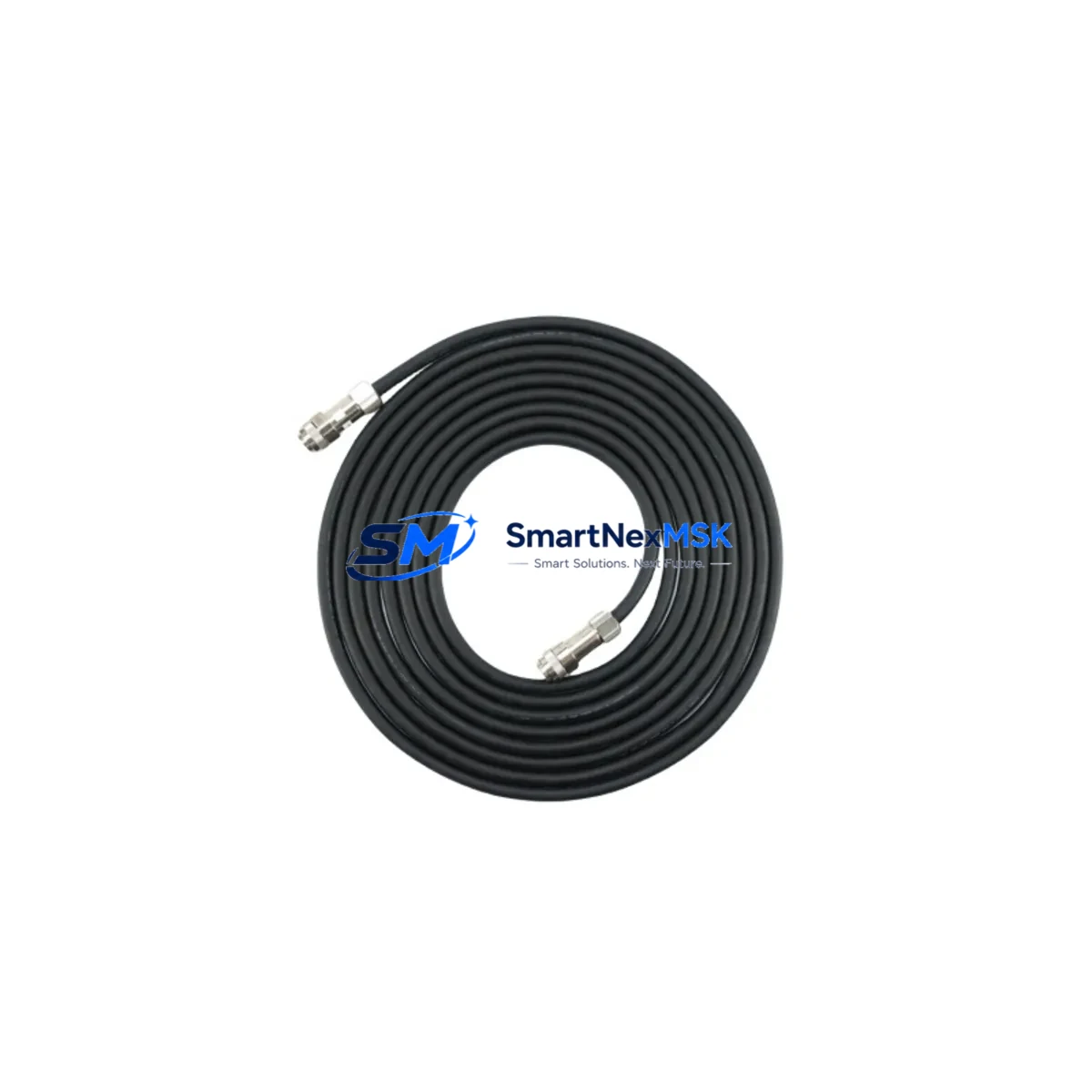
Teach pendant cable condition is frequently overlooked. The JZRCR-NPP01-1 ships with a standard 8-meter pendant cable. If the existing cable shows jacket cracking, connector pin wear, or intermittent continuity, replacing the cable assembly simultaneously with the pendant eliminates a common source of post-retrofit communication faults.
Downtime Control During System Migration
Minimizing production interruption during a teach pendant replacement on an NX100 system requires structured pre-work. Before powering down the robot cell, technicians should perform a full job backup using the NX100’s built-in CMOS backup function — saving all robot programs, system parameters, tool data, user frames, and I/O assignments to a CF card or USB media. This backup is the single most important step in protecting against data loss during the swap.
With the backup confirmed, the replacement sequence for the JZRCR-NPP01-1 is straightforward: power down the NX100 controller via the main breaker, disconnect the pendant cable at the controller-side connector, install the replacement pendant, reconnect the cable, and restore power. The NX100 will recognize the pendant automatically — no teach pendant registration or pairing procedure is required under standard NX100 firmware.
Post-power-up verification should include: confirming alarm-free startup on the pendant display, checking E-stop and deadman switch function in teach mode, verifying I/O monitor displays match expected field device states, and running a slow-speed dry cycle of the existing robot program before returning to production speed. Total swap time for a prepared technician is typically 20–40 minutes, making the JZRCR-NPP01-1 replacement one of the lower-risk maintenance interventions in an NX100 robot cell.
For facilities without on-site robotics technicians, SMARTNEXMSK can provide remote commissioning support via video call during the swap procedure, helping guide local maintenance staff through the verification checklist and reducing the risk of post-swap issues extending downtime.
Retrofit Support FAQ
Q1: Is the JZRCR-NPP01-1 a direct replacement for all NX100 controller variants?
Yes. The JZRCR-NPP01-1 is compatible with all standard NX100 controller configurations used with Motoman UP, ES, and HP series robots. It connects via the standard NX100 pendant port and requires no firmware modification. If your NX100 has a non-standard communication option board installed, contact us to confirm compatibility before ordering.
Q2: Will my existing robot programs and parameters be preserved after the pendant swap?
Yes, provided the NX100 controller itself remains powered and the CMOS battery is functional. Robot programs, system parameters, and I/O assignments are stored in the controller — not in the teach pendant. The pendant is an operator interface only. We recommend performing a CMOS backup before any hardware swap as a precautionary measure.
Q3: What does the 12-month warranty cover?
The 12-month warranty covers manufacturing defects and functional failure under normal operating conditions. Each JZRCR-NPP01-1 unit is function-tested prior to shipment, including display, keypad, E-stop, deadman switch, and pendant communication. Warranty claims are processed via our direct support channel with replacement or repair turnaround within 5–7 business days.
Q4: Can this pendant be used during a migration from NX100 to DX100 or YRC1000?
Yes, as a transitional interface during phased upgrades. The JZRCR-NPP01-1 will continue to operate on any NX100 controller unit remaining in service during the migration period. Once the NX100 controller is decommissioned and replaced with a DX100 or YRC1000, the corresponding JZRCR-YPP01 or pendant model for the new platform will be required. We can supply both platforms to support phased migration schedules.
© 2026 SMARTNEXMSK. All rights reserved.
Original Source: https://smartnexmsk.com
Contact: [email protected] | +86 18259474341