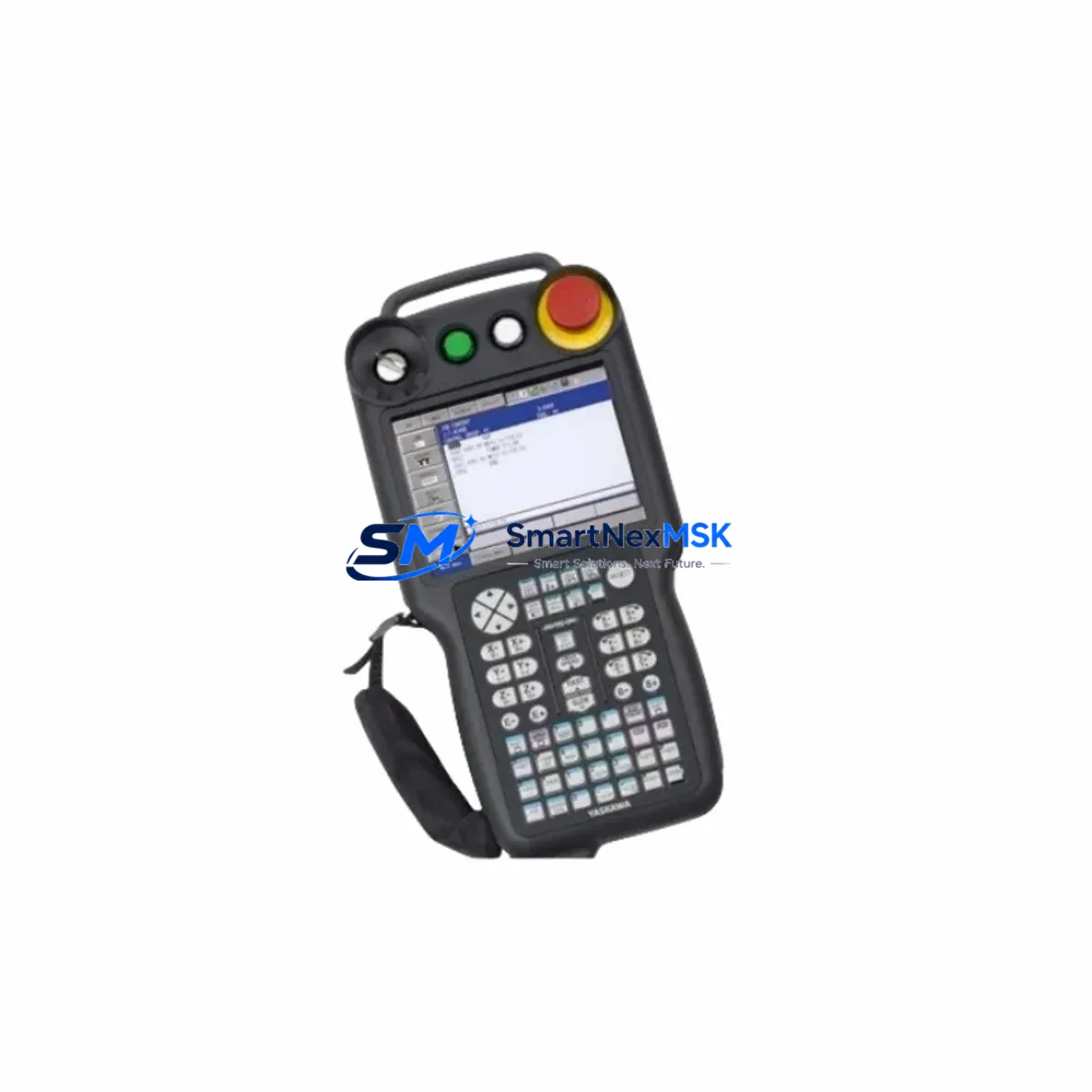
YASKAWA JZRCR-YPP21-1 Retrofit-Ready Teach Pendant Cable for DX200 Control Systems
The YASKAWA JZRCR-YPP21-1 is a purpose-built teach pendant cable designed for seamless integration with YASKAWA DX200 series robot controllers. As industrial facilities accelerate the modernization of aging robotic workcells, this cable plays a critical role in retrofit projects where the original pendant cable has degraded, been discontinued, or is no longer available through standard distribution channels. Whether you are upgrading a legacy NX100 or XRC controller environment to DX200 architecture, or simply replacing a worn cable in an existing DX200 installation, the JZRCR-YPP21-1 provides a verified drop-in solution that eliminates the need for custom wiring harnesses or adapter boards.
In retrofit scenarios, engineers frequently encounter situations where the original JZRCR-YPP21 (without the -1 suffix) or earlier variants such as JZRCR-YPP01 are no longer serviceable. The JZRCR-YPP21-1 is the current production revision and is backward-compatible with DX200 controller cabinets that accept the standard 26-pin teach pendant connector. Before installation, technicians should verify the controller firmware version on the DX200 CPU unit — typically the JANCD-YCP21-E or JANCD-YCP01-E board — to confirm pendant communication protocol alignment. Mismatched firmware revisions can cause pendant recognition errors even when the cable is physically connected correctly.
Upgrade Compatibility Table
| Parameter | Details |
|---|---|
| SKU / Part Number | JZRCR-YPP21-1 |
| Compatible Controller | YASKAWA DX200 Series |
| Connector Interface | 26-pin teach pendant connector (standard DX200 cabinet port) |
| Replaces / Supersedes | JZRCR-YPP21, JZRCR-YPP01 (earlier revisions) |
| Installation Requirement | No adapter required; direct plug-in replacement for DX200 cabinets |
| Communication Compatibility | Compatible with DX200 pendant communication protocol; verify CPU board firmware |
| Retrofit Recommendation | Confirm JANCD-YCP21-E or JANCD-YCP01-E CPU board revision before installation |
| Commissioning Note | Power-cycle controller after cable swap; re-initialize pendant recognition via DX200 maintenance menu |
| Warranty | 12 Months — covers manufacturing defects and connector integrity |
| Origin | Japan |
Retrofit Planning for Existing Automation Systems
A successful teach pendant cable retrofit on a DX200 system requires more than a simple cable swap. Facilities running multi-robot cells often have the DX200 controller networked via YASKAWA’s proprietary YNL (YASKAWA Network Link) or connected to a supervisory PLC through DeviceNet or EtherNet/IP. Before disconnecting the pendant, the maintenance team should export the current job files and system parameters from the DX200 using the JZRCR-YSU01 USB memory unit or equivalent backup device. This ensures that if the controller resets during the cable replacement, all motion programs, tool calibration data, and I/O assignments can be restored without re-teaching the robot.
In cells where the DX200 is paired with a YASKAWA YRC1000 or YRC1000micro controller on an adjacent robot, the pendant cable replacement window should be coordinated with the broader cell shutdown to avoid partial-stop conditions that can trigger safety interlock faults on the JZNC-YRK01-1E safety board. Similarly, if the cell uses a JZRCR-YEW01 Ethernet communication board for upstream SCADA connectivity, the network watchdog timeout should be extended in the PLC program before the controller is taken offline.
For facilities migrating from older NX100 or XRC platforms to DX200, the JZRCR-YPP21-1 is typically introduced as part of a broader hardware refresh that includes replacing the JZNC-NIF01 interface board, updating the JANCD-YCP21-E CPU module, and reconfiguring the JZRCR-YIU01 I/O terminal block assignments. The teach pendant cable is often the last component installed before the new DX200 cabinet is powered on for the first time, making its integrity critical to the initial commissioning sequence. Technicians should perform a continuity check on all 26 pins before connecting the pendant to avoid damaging the CPU board’s communication port.
In applications where the robot is used for arc welding or material handling with a YASKAWA MOTOMAN MA1440 or MA2010 manipulator, the pendant cable routing must account for cable management brackets inside the controller cabinet. The JZRCR-YPP21-1 cable jacket is rated for repeated flexing in environments with moderate EMI, but should be routed away from high-voltage servo drive cables — particularly the SGDR-series drive units — to prevent signal interference that can manifest as intermittent pendant communication errors.
Downtime Control During System Migration
Minimizing unplanned downtime during a teach pendant cable replacement on a DX200 system requires a structured pre-shutdown checklist. First, place the robot in TEACH mode and verify that all active jobs are paused and no motion commands are queued. Second, document the current pendant display state — including any active alarms on the JANCD-YCP21-E CPU board — so that post-swap diagnostics can distinguish pre-existing faults from installation-related issues. Third, label all cable routing paths inside the controller cabinet before disconnecting the JZRCR-YPP21-1, as the pendant cable often shares conduit space with the JZRCR-YEW01 Ethernet cable and the JZNC-YRK01-1E safety wiring harness.
Once the new JZRCR-YPP21-1 is installed and the controller is powered on, the DX200 will perform an automatic pendant detection sequence. If the pendant is not recognized within 30 seconds, navigate to the DX200 maintenance menu under System → Pendant → Communication Reset and trigger a manual re-initialization. This procedure preserves all existing job files and system parameters stored in the JANCD-YCP21-E flash memory, ensuring that the robot can resume production without re-teaching any motion paths. In multi-robot cells, confirm that the YNL network link between controllers is re-established before releasing the cell to automatic operation.
For facilities with strict OEE targets, it is advisable to keep a spare JZRCR-YPP21-1 cable in the maintenance stockroom alongside other high-wear consumables such as the JZRCR-YSU01 USB memory unit and the JZNC-YRK01-1E safety board fuse kit. A pre-tested spare cable reduces mean time to repair (MTTR) from several hours — if waiting for expedited freight — to under 30 minutes, which can be the difference between a minor maintenance event and a full production shift loss.
Retrofit Support FAQ
Q1: Is the JZRCR-YPP21-1 a direct replacement for the JZRCR-YPP21 (without the -1 suffix)?
Yes. The JZRCR-YPP21-1 is the current production revision of the JZRCR-YPP21 and is a direct drop-in replacement for DX200 series controllers. The -1 suffix denotes a minor revision to the connector strain relief and jacket material; the electrical pinout and communication protocol are identical. No adapter or wiring modification is required.
Q2: What commissioning steps are required after installing the JZRCR-YPP21-1?
After physical installation, power-cycle the DX200 controller and allow the pendant detection sequence to complete. If the pendant is not recognized automatically, access the DX200 maintenance menu and perform a communication reset. Verify that all previously stored job files and system parameters are intact on the JANCD-YCP21-E CPU board before returning the robot to automatic operation. No re-teaching of motion programs is required if the cable swap is performed correctly.
Q3: How do I verify wiring compatibility before installation?
Perform a 26-pin continuity check on the JZRCR-YPP21-1 using a standard multimeter before connecting it to the DX200 cabinet. Cross-reference the pinout against the DX200 maintenance manual (document YEA-SIA-S800-22.0). Ensure that the controller cabinet’s pendant port is free of corrosion or bent pins, particularly on pins 1, 13, and 26, which carry the pendant power supply and communication ground references.
Q4: What does the 12-month warranty cover?
The 12-month warranty covers manufacturing defects, connector integrity failures, and jacket delamination under normal operating conditions. Each JZRCR-YPP21-1 unit shipped by SMARTNEXMSK undergoes a pre-shipment continuity and insulation resistance test. Warranty claims are processed within 5 business days upon receipt of the defective unit. The warranty does not cover damage resulting from improper installation, excessive cable bending beyond the specified minimum bend radius, or exposure to chemical solvents.
© 2026 SMARTNEXMSK. All rights reserved.
Original Source: https://smartnexmsk.com
Contact: [email protected] | +86 18259474341