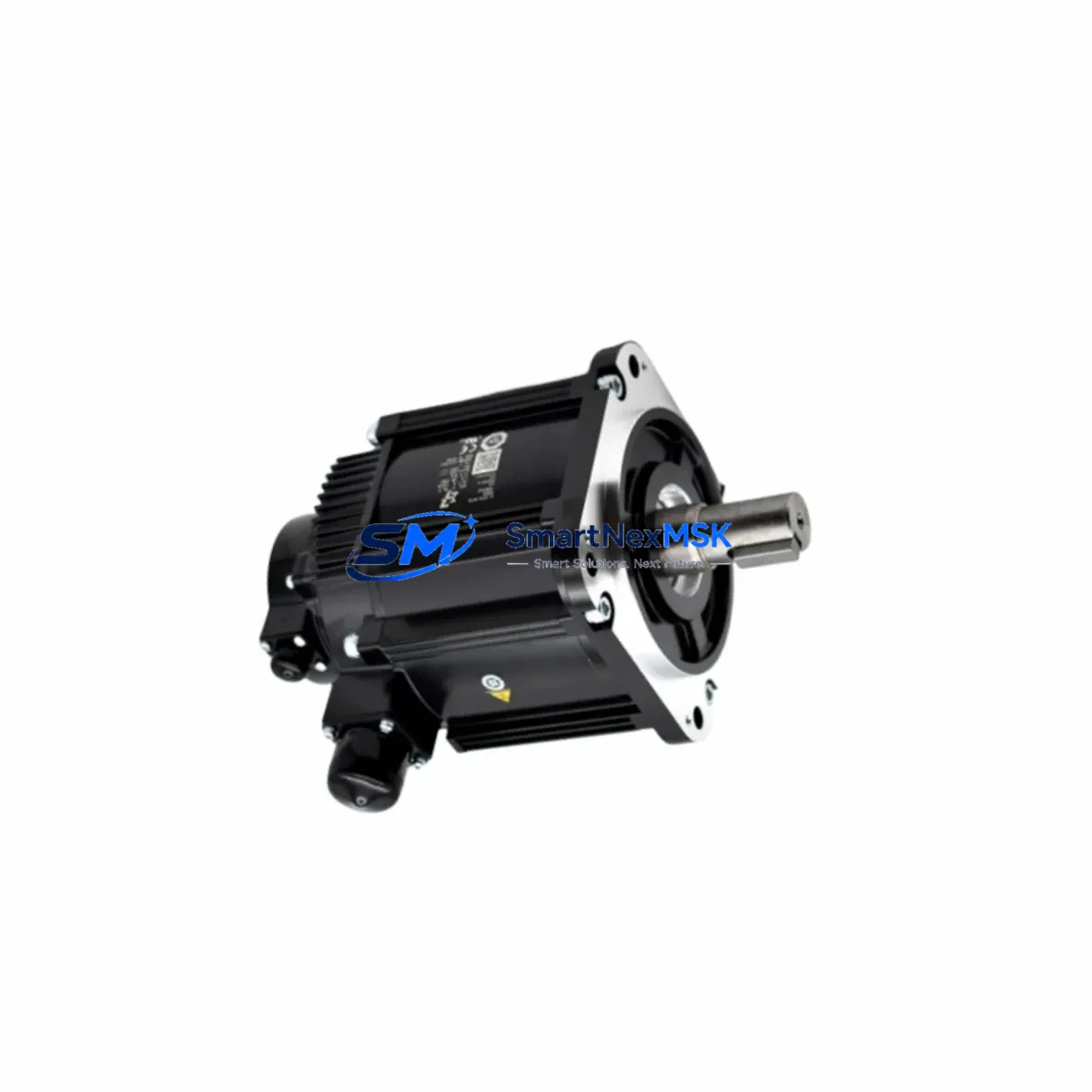
YASKAWA JZRCR-YSV24-111 Maintenance-Ready Spare DX200 Automation
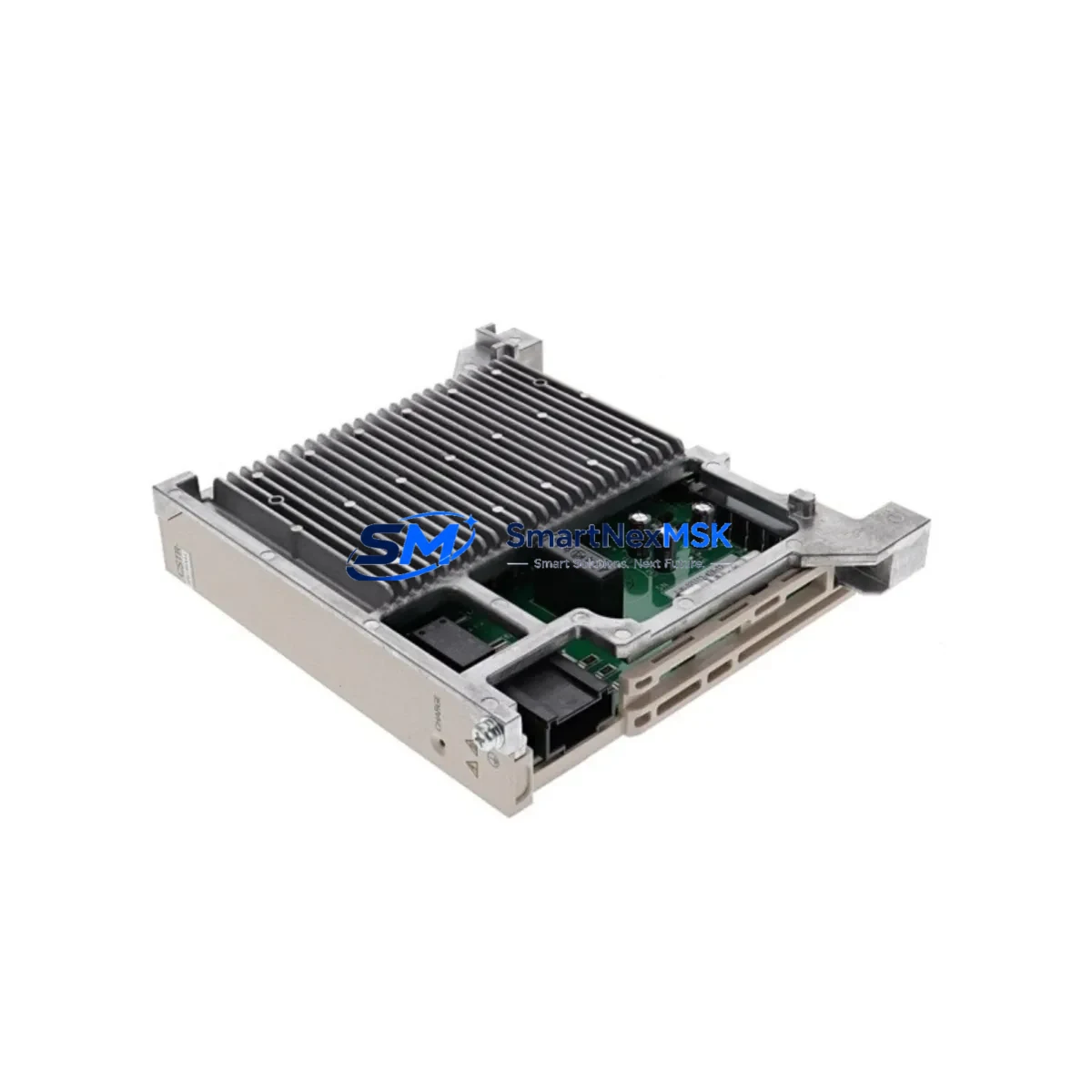
The YASKAWA JZRCR-YSV24-111, also identified by its board designation PCU-ETHIOEI, is the dedicated Servo Communication Unit for the DX200 robot controller platform. In industrial environments where robotic welding, material handling, and precision assembly lines depend on continuous servo feedback, this module is a critical link between the DX200 controller backplane and the servo drive network. When this unit fails or degrades, the entire robot cell goes offline — making a verified, maintenance-ready spare an essential part of any responsible downtime-reduction strategy.
Sourced as an original YASKAWA component, each unit is inspected and function-tested prior to shipment. With a 12-month warranty and documented compatibility with the DX200 controller series, this spare is suitable for both emergency replacement and planned preventive maintenance stock.
Spare Maintenance Table
| Part Number | JZRCR-YSV24-111 |
| Board / Module ID | PCU-ETHIOEI |
| Brand | YASKAWA |
| Series Compatibility | DX200 Robot Controller |
| Function | Servo Communication Unit — Ethernet I/O Process Communication |
| Interface | Ethernet-based servo drive communication; backplane-mounted |
| Installation Type | DX200 controller backplane slot (PCU slot) |
| Origin | Japan |
| Condition | Original spare; function-tested before shipment |
| Application Environment | Industrial robotics, servo drive systems, automated assembly, welding cells |
| Maintenance Role | Emergency replacement, planned overhaul, spare parts inventory |
| Warranty | 12 Months |
Maintenance Planning for Continuous Operation
When a DX200 controller triggers a servo communication alarm or loses axis feedback, the JZRCR-YSV24-111 is among the first components to inspect. However, experienced maintenance engineers know that a servo communication fault rarely exists in isolation. A thorough site assessment should extend to the surrounding electrical and control architecture.
Begin by verifying the DX200 power supply unit — typically the JZNC-YPS01-E or equivalent — since undervoltage or ripple on the 24 VDC rail can cause intermittent PCU communication errors that mimic a failed servo communication board. Next, inspect the servo cable assemblies: the CBL-YRC-061-1 (8M) cables connecting the X81 and X82 servo ports are known wear items in high-cycle robot cells and should be checked for connector corrosion, shield continuity, and jacket integrity whenever the PCU is replaced.
The DX200 I/O module rack — including digital I/O boards such as the JANCD-YIO21-E — should be inspected for loose terminal connections and blown fuses, as I/O faults can cascade into servo communication errors at the controller level. If the robot cell includes external safety relays or safety I/O modules (e.g., JZNC-YSU01-E safety unit), verify that the safety circuit is intact and not masking a deeper communication fault.
For cells using DeviceNet or EtherNet/IP fieldbus, the communication module (such as JANCD-YCP01-E or JZNC-YEW01-E) should be confirmed operational, as network timeouts can trigger false servo communication alarms. In multi-robot or coordinated motion systems, the master controller’s JANCD-YCP21-E CPU board and its backplane connectors deserve inspection during any PCU replacement event.
Finally, if the DX200 cabinet includes a teach pendant (YRC1000 or DX200 PP), verify the pendant cable and connector integrity — a degraded pendant connection can generate spurious communication errors that are misdiagnosed as PCU failures. Documenting all inspected components in the maintenance log supports lifecycle tracking and helps justify spare parts budget to procurement teams.
Site Replacement Workflow
Step 1 — Isolate and de-energize: Follow LOTO procedures. Power down the DX200 controller and confirm zero-energy state before opening the cabinet.
Step 2 — Document existing configuration: Record the slot position of the JZRCR-YSV24-111 within the DX200 backplane. Photograph cable routing and connector labels (X81, X82 servo ports) before disconnection.
Step 3 — Remove the failed unit: Disconnect the Ethernet servo cables from the PCU ports. Release the backplane retention mechanism and slide the module out. Avoid touching the PCB edge connectors.
Step 4 — Install the replacement spare: Seat the new JZRCR-YSV24-111 into the same backplane slot. Reconnect the CBL-YRC-061-1 servo cables to the X81 and X82 ports in the original configuration. Verify connector locking.
Step 5 — Power-on and verify: Restore power to the DX200 controller. Monitor the controller’s alarm display for servo communication status. Perform a servo-ready check and confirm all axes are recognized before resuming production.
Step 6 — Log and update spare inventory: Record the replacement event, part serial number, and post-installation test results. Reorder a replacement spare to maintain minimum stock levels and prevent future unplanned downtime.
This workflow is designed to minimize mean time to repair (MTTR) and restore robot cell productivity with confidence in system compatibility.
Spare Parts Support FAQ
Q1: Is this JZRCR-YSV24-111 compatible with all DX200 controller variants?
The JZRCR-YSV24-111 (PCU-ETHIOEI) is designed for the DX200 controller platform. Compatibility depends on the specific DX200 hardware revision and backplane configuration. We recommend confirming your controller’s PCU slot specification against the part number before installation. Our technical team can assist with compatibility verification prior to shipment.
Q2: What testing is performed before shipment?
Each unit undergoes functional inspection and communication interface testing before dispatch. Units are shipped with protective packaging to prevent ESD damage and physical shock during transit. A test report is available upon request.
Q3: How should I manage spare parts inventory for DX200 servo communication units?
For production environments with multiple DX200 robot cells, maintaining at least one JZRCR-YSV24-111 on-site is recommended. Given the lead times for original YASKAWA components, a minimum stock of one spare per four to six robot controllers is a common industry practice. Pairing this with a stocked set of CBL-YRC-061-1 servo cables and a spare DX200 power supply unit provides a robust emergency response kit.
Q4: What does the 12-month warranty cover?
The 12-month warranty covers manufacturing defects and functional failures under normal operating conditions. It does not cover damage resulting from incorrect installation, overvoltage events, or physical mishandling. Warranty claims are processed with return shipment and replacement dispatch within agreed lead times.
© 2026 SMARTNEXMSK. All rights reserved.
Original Source: https://smartnexmsk.com
Contact: [email protected] | +86 18259474341