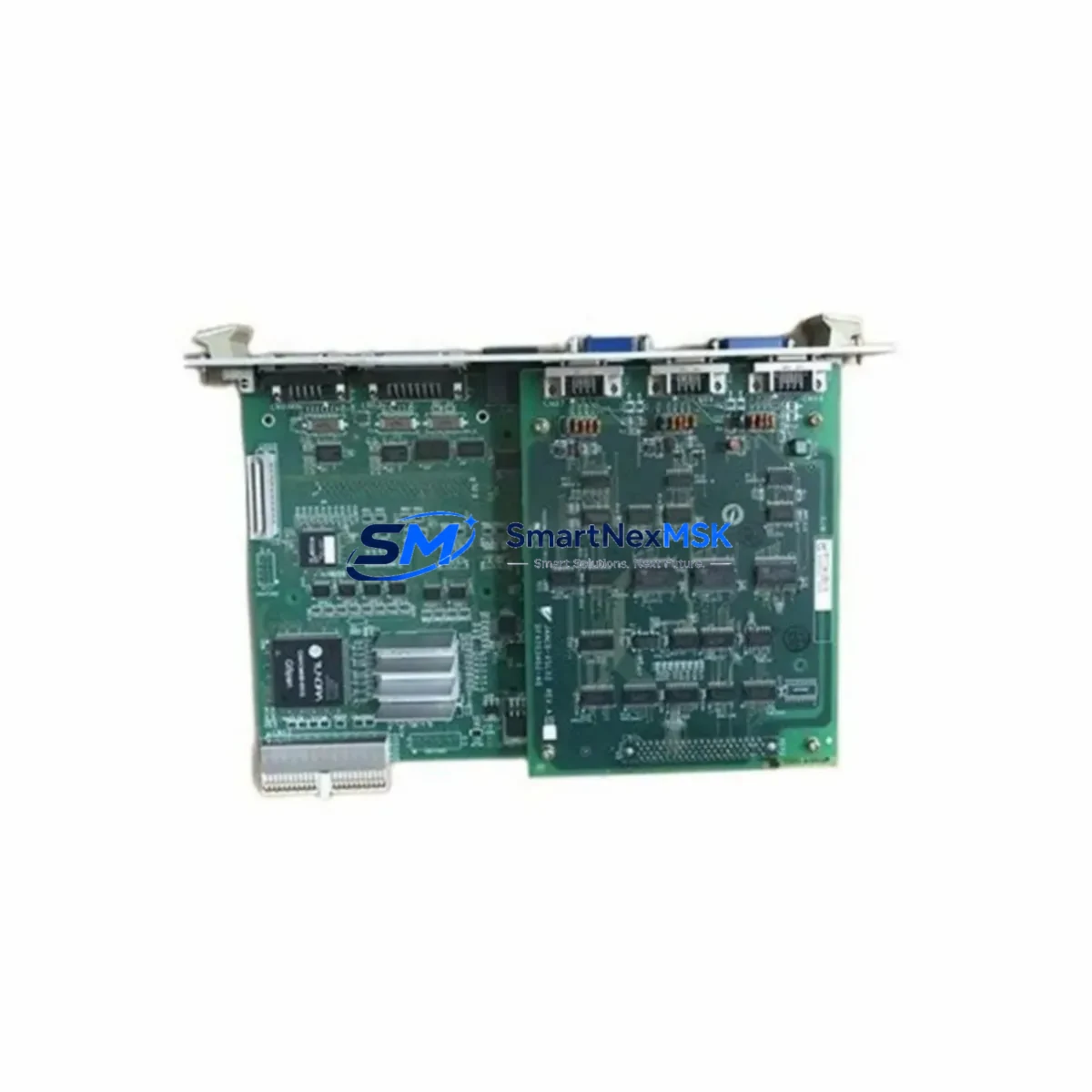
Yaskawa SRDA-C0A30A01A-E Retrofit-Ready Servo Amplifier for DX100 Control Systems
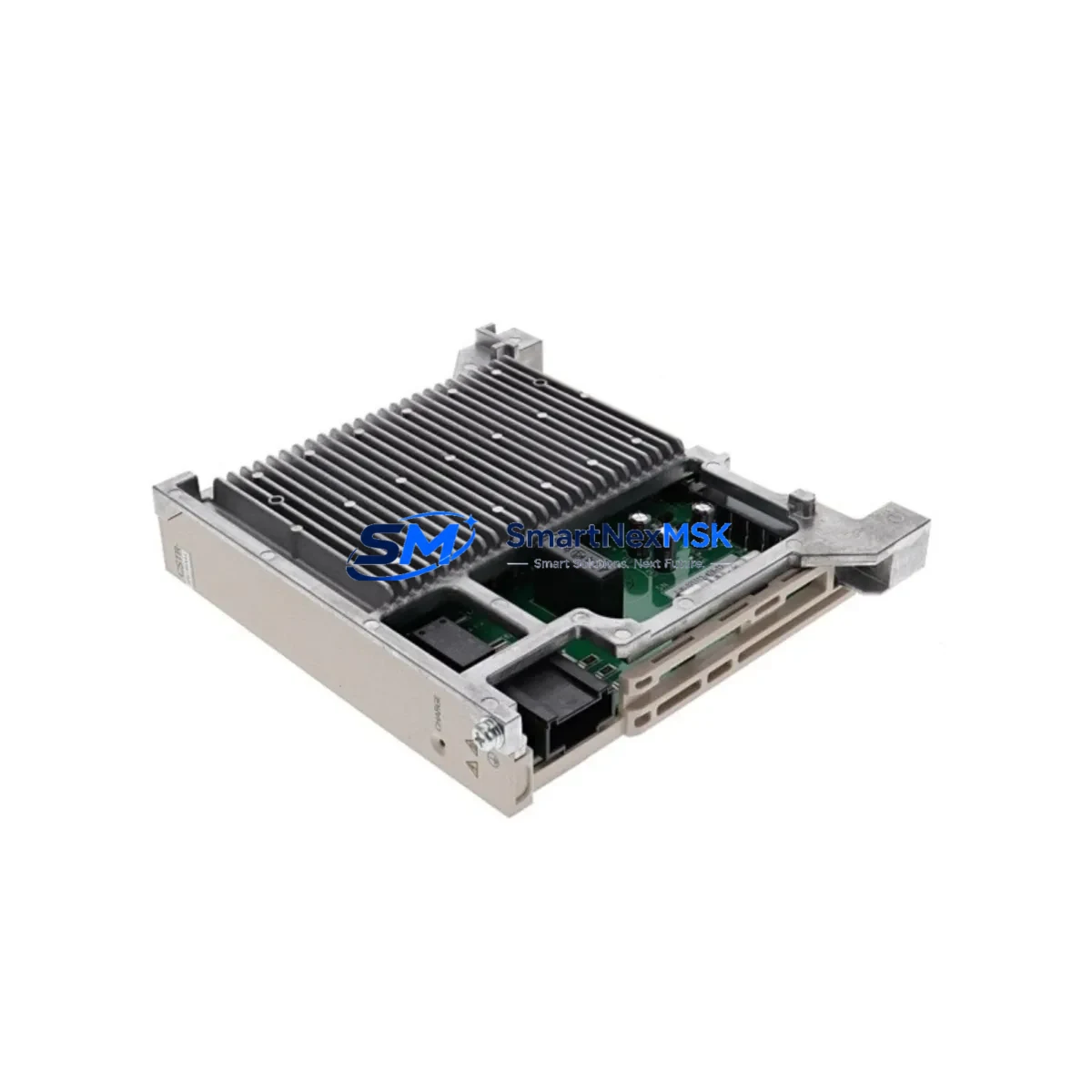
The Yaskawa SRDA-C0A30A01A-E is a 30A axes servo amplifier designed for the DX100 robot controller platform. As legacy DX100 installations age and original spare parts become increasingly scarce, the SRDA-C0A30A01A-E has become a critical retrofit component for maintenance engineers managing robotic welding cells, material handling lines, and precision assembly systems. Whether you are replacing a failed unit, upgrading a multi-axis robot arm, or migrating an entire control cabinet to a more supportable configuration, this amplifier provides the wiring compatibility, backplane interface, and firmware alignment required for a smooth transition with minimal downtime.
Sourced from verified industrial supply channels and subject to pre-shipment functional testing, each SRDA-C0A30A01A-E unit shipped by SMARTNEXMSK is backed by a 12-month warranty covering manufacturing defects and operational failures under normal industrial use conditions. Our inventory is maintained to support urgent replacement orders, with same-day dispatch available for in-stock units.
Upgrade Compatibility Table
| Parameter | SRDA-C0A30A01A-E Specification | Retrofit Notes |
|---|---|---|
| Rated Output Current | 30A (axes servo) | Verify motor winding current rating before swap |
| Compatible Controller | Yaskawa DX100 | Not directly compatible with DX200 without firmware update |
| Backplane Interface | DX100 standard rack slot | Confirm rack slot address matches original module position |
| Power Supply Input | AC 200–230V, 3-phase | Verify CPS-520F power supply output capacity before installation |
| Communication Protocol | MECHATROLINK-II (internal) | No external protocol reconfiguration required for like-for-like swap |
| Encoder Feedback | Serial encoder (Yaskawa proprietary) | Confirm encoder cable pinout matches SRDA-MS165 wiring standard |
| Cooling Method | Forced air (internal fan) | Inspect cabinet airflow; clean filter before reinstallation |
| Installation Format | DX100 rack-mount module | No mechanical modification required for direct replacement |
| Warranty | 12 Months | Covers manufacturing defects under normal operating conditions |
Retrofit Planning for Existing Automation Systems
Successful retrofit of the SRDA-C0A30A01A-E into an existing DX100 robot system requires a structured pre-installation review. Begin by auditing the JZNC-YPS01-E controller board to confirm that the system firmware version is compatible with the replacement amplifier revision. Mismatched firmware between the JZNC-YPS01-E and the servo amplifier is one of the most common causes of post-replacement alarm codes, particularly AL-8.1 and AL-8.3 axis errors.
Next, inspect the CPS-520F power supply unit. The CPS-520F must deliver stable 3-phase AC input to the servo amplifier rack; any degradation in capacitor performance or output ripple will cause the SRDA-C0A30A01A-E to trip on undervoltage faults within the first hours of operation. If the CPS-520F has not been serviced in the past three years, consider replacing it concurrently with the servo amplifier to avoid a secondary failure event.
Terminal wiring should be verified against the original SRDA-MS165 wiring diagram. The SRDA-C0A30A01A-E uses the same terminal block layout as earlier SRDA-series amplifiers, but technicians should confirm encoder cable shielding continuity and motor power cable torque values before energizing the system. Pay particular attention to the PE (protective earth) bonding between the amplifier chassis and the control cabinet rail, as ground loop issues can introduce encoder noise that manifests as position deviation alarms.
For systems that include the SRDA-EAXA01A axes card, verify that the card’s slot address configuration matches the replacement amplifier’s expected axis assignment. The DX100 rack assigns axis numbers based on physical slot position, and any mismatch between the SRDA-EAXA01A configuration and the robot’s teach pendant axis map will require a parameter re-entry session using the DX100 programming pendant or the MOTOMAN SigmaWin+ interface.
If the installation involves an HMI panel connected via the DX100’s DeviceNet or Ethernet/IP interface, confirm that the HMI screen tags referencing servo status registers remain valid after the amplifier swap. In most cases, a like-for-like SRDA-C0A30A01A-E replacement does not alter the register map, but any firmware delta between the old and new unit should be reviewed against the HMI tag database before resuming production.
For multi-robot cells where the DX100 communicates with a supervisory PLC via PROFIBUS-DP or CC-Link, the communication link should be tested in isolation before reconnecting the full network. Use the DX100 I/O monitor screen to verify that all digital I/O signals — including robot ready, alarm output, and cycle start — are correctly mapped and responding after the amplifier replacement.
Downtime Control During System Migration
Minimizing unplanned downtime during a servo amplifier replacement on a live production line requires preparation that begins before the replacement unit arrives on site. The first step is to create a full parameter backup of the DX100 controller using the MOTOMAN DX100 backup utility or a compatible USB memory device inserted into the JZNC-YPS01-E controller’s front panel port. This backup captures all robot job files, system parameters, axis calibration data, and I/O assignments, ensuring that a complete system restore is possible if the replacement procedure encounters an unexpected fault.
Once the SRDA-C0A30A01A-E is installed and the system is powered on, perform a controlled zero-return (home position) sequence before running any production jobs. The DX100’s zero-return procedure re-establishes the absolute encoder reference for each axis, which is essential after any servo amplifier replacement. Skipping this step risks position offset errors that can cause the robot to deviate from its programmed path, potentially damaging tooling, fixtures, or workpieces.
For facilities operating on a continuous production schedule, consider staging the replacement during a planned maintenance window and pre-staging all required tools, torque wrenches, and parameter backup media at the robot cell before the window opens. Having a pre-tested SRDA-C0A30A01A-E unit on the bench — rather than waiting for delivery after a failure — is the single most effective strategy for reducing mean time to repair (MTTR) on DX100-based robot systems. SMARTNEXMSK maintains buffer stock of the SRDA-C0A30A01A-E specifically to support emergency replacement orders with same-day or next-day dispatch.
Retrofit Support FAQ
Q: Is the SRDA-C0A30A01A-E a direct drop-in replacement for the original DX100 servo amplifier?
A: Yes, for like-for-like replacements within the DX100 platform, the SRDA-C0A30A01A-E is mechanically and electrically compatible with the original rack slot. No hardware modification is required. However, technicians should confirm firmware revision compatibility between the replacement amplifier and the JZNC-YPS01-E controller board before powering on.
Q: What wiring checks are required before installing the SRDA-C0A30A01A-E?
A: Verify motor power cable connections (U, V, W, PE), encoder cable shielding and pinout continuity, and terminal block torque values per the DX100 maintenance manual. Confirm that the CPS-520F power supply output is within specification and that the cabinet PE bonding is intact. Any loose or corroded terminal connection should be remediated before energizing the new amplifier.
Q: Can the SRDA-C0A30A01A-E be used in a DX200 or YRC1000 controller?
A: The SRDA-C0A30A01A-E is designed for the DX100 platform. It is not directly compatible with DX200 or YRC1000 controllers without engineering evaluation, as those platforms use different backplane interfaces and communication architectures. For DX200 or YRC1000 applications, please contact our technical team for the appropriate replacement part number.
Q: What does the 12-month warranty cover?
A: The 12-month warranty covers manufacturing defects and operational failures under normal industrial operating conditions from the date of shipment. It does not cover damage resulting from incorrect installation, overvoltage events, physical impact, or operation outside the rated electrical specifications. All units undergo pre-shipment functional testing prior to dispatch. Warranty claims are processed via our sales team at [email protected].
© 2026 SMARTNEXMSK. All rights reserved.
Original Source: https://smartnexmsk.com
Contact: [email protected] | +86 18259474341