
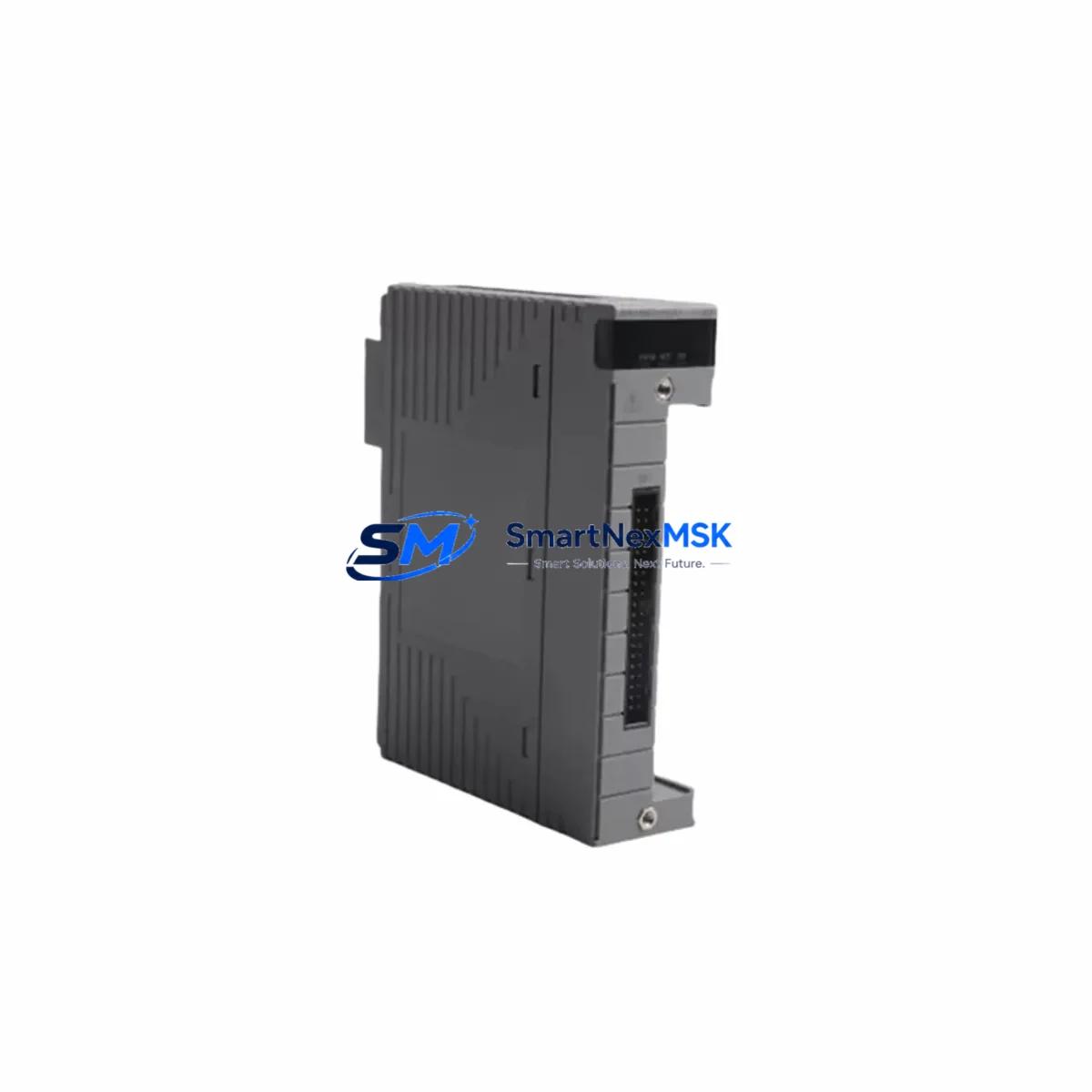
YOKOGAWA AIP827-2 S1 Maintenance-Ready Spare for CENTUM VP Automation
The YOKOGAWA AIP827-2 S1 is an original USB operation keyboard designed for CENTUM VP Distributed Control System (DCS) Human Interface Stations (HIS). In industrial automation environments where uptime is non-negotiable, maintaining a verified spare of the AIP827-2 S1 is a fundamental element of any proactive maintenance strategy. Whether you are managing a petrochemical plant, a power generation facility, or a continuous process manufacturing line, the HMI keyboard is a critical operator interface component — its failure can halt monitoring, alarm acknowledgment, and process control operations entirely.
Sourced as an original YOKOGAWA component, the AIP827-2 S1 is fully compatible with CENTUM VP HIS workstations and integrates seamlessly with the broader CENTUM VP architecture. Each unit shipped by SMARTNEXMSK undergoes pre-shipment functional verification, is individually packaged for safe transit, and is backed by a 12-month warranty covering manufacturing defects and operational failures under normal use conditions.
Spare Maintenance Table
| Parameter | Specification / Detail |
|---|---|
| Part Number | AIP827-2 S1 |
| Brand | YOKOGAWA |
| Series | CENTUM VP |
| Product Type | DCS HMI USB Operation Keyboard |
| Application | CENTUM VP HIS (Human Interface Station) Operator Console |
| Interface | USB |
| Compatibility | CENTUM VP R4.xx / R5.xx / R6.xx HIS Workstations |
| Origin | Japan (Original YOKOGAWA) |
| Weight | Approx. 2,060 g (packaged) |
| Installation Environment | Control room, HIS operator console, indoor industrial environment |
| Maintenance Role | Direct replacement for failed or degraded HMI keyboard at HIS station |
| Pre-Shipment Testing | Functional key-response and USB enumeration verified |
| Warranty | 12 Months — manufacturing defects and operational failure under normal use |
| Lead Time | In-stock units ship within 1–3 business days |
| Supply Continuity | Long-term spare parts support available |
Maintenance Planning for Continuous Operation
When a CENTUM VP HIS station keyboard fails or shows signs of degradation — sticky keys, unresponsive function keys, or USB recognition errors — the immediate priority is restoring operator interface capability without triggering a broader process shutdown. The AIP827-2 S1 replacement is a plug-and-play swap at the USB port level, but a thorough maintenance engineer will treat this event as a trigger for a broader control cabinet inspection.
During the same maintenance window, it is advisable to inspect the HIS workstation’s USB hub or internal USB controller board, as repeated keyboard failures can indicate upstream USB power instability. The HIS station power supply unit — typically a dedicated industrial-grade PSU feeding the workstation — should be checked for output voltage stability and ripple. If the HIS station is connected to a UPS (Uninterruptible Power Supply), verify battery health and transfer time to rule out micro-interruptions that stress USB peripherals.
Beyond the keyboard itself, the broader CENTUM VP HIS environment warrants attention. The CENTUM VP communication bus connecting HIS to FCS (Field Control Stations) relies on Vnet/IP network switches and communication cables; any latency or packet loss at this layer can manifest as apparent HMI unresponsiveness that is misdiagnosed as a keyboard fault. Inspect Vnet/IP switch port status and cable integrity as part of the same inspection cycle.
For sites running dual-monitor HIS configurations, the display signal cables and video output cards should be checked alongside the keyboard replacement. YOKOGAWA HIS stations often pair the AIP827-2 S1 keyboard with a dedicated YOKOGAWA-approved optical mouse and monitor set; confirming that these peripheral components remain within their service life prevents a secondary failure shortly after the keyboard is restored.
Maintenance planners should also review the status of the CENTUM VP FCS I/O modules connected to the system. While an I/O module failure does not directly cause keyboard issues, a simultaneous I/O fault during a keyboard replacement window can complicate fault isolation. Having verified spares of common FCS I/O modules — including analog input cards, digital output cards, and communication interface modules — on the shelf reduces diagnostic ambiguity. Similarly, the CENTUM VP engineering workstation (EWS) used for configuration and download operations should have its own keyboard and pointing device spares maintained separately from the HIS operator console spares.
For older CENTUM VP installations approaching end-of-support milestones, the AIP827-2 S1 spare is a cost-effective strategy for extending system life without a full HIS hardware refresh. Pairing this keyboard spare with a stockpile of critical consumables — including terminal block connectors, fuse holders, and signal isolators used in the I/O marshalling cabinet — creates a comprehensive spare parts kit that supports multi-year operational continuity.
Site Replacement Workflow
Step 1 — Pre-Replacement Verification: Confirm the failed keyboard model number (AIP827-2 S1) against the HIS station asset tag and the CENTUM VP hardware configuration record. Verify that the replacement unit’s part number and suffix (S1) match exactly, as suffix variants may indicate regional keyboard layout differences.
Step 2 — Safe Disconnection: Notify the control room supervisor before disconnecting the keyboard. In most CENTUM VP configurations, hot-swapping the USB keyboard is supported, but it is best practice to confirm with the site’s CENTUM VP system administrator. Log the maintenance action in the site’s CMMS (Computerized Maintenance Management System).
Step 3 — Physical Replacement: Disconnect the failed AIP827-2 S1 from the HIS USB port. Connect the replacement unit. Allow the CENTUM VP HIS operating system (Windows-based) to enumerate the USB device — this typically completes within 10–30 seconds. Confirm all function keys, numeric keypad, and CENTUM VP-specific shortcut keys respond correctly using the HIS keyboard test utility or by performing a live alarm acknowledgment test in a non-critical loop.
Step 4 — Post-Replacement Documentation: Record the serial number of the replaced unit and the new spare. Update the site’s spare parts inventory register. If the failed unit shows physical damage or unusual wear patterns, photograph and retain it for root cause analysis before disposal.
Step 5 — Spare Replenishment: Immediately initiate a replenishment order for the consumed AIP827-2 S1 spare to restore the site’s minimum spare parts buffer. SMARTNEXMSK maintains long-term supply continuity for CENTUM VP components, supporting both single-unit emergency orders and bulk procurement for multi-site maintenance programs.
Spare Parts Support FAQ
Q1: Is the AIP827-2 S1 compatible with all CENTUM VP HIS versions?
The AIP827-2 S1 is designed for CENTUM VP HIS workstations and is compatible with CENTUM VP R4, R5, and R6 series configurations. For legacy CENTUM CS 3000 HIS stations, compatibility should be verified against the specific hardware revision of the workstation, as the USB interface standard and keyboard driver requirements may differ. Contact our technical team with your HIS hardware revision for confirmation before ordering.
Q2: What does the 12-month warranty cover?
The 12-month warranty covers manufacturing defects and operational failures under normal industrial use conditions. It does not cover physical damage resulting from improper installation, electrical overstress, liquid ingress, or unauthorized modification. Warranty claims are processed with a replacement unit dispatched upon receipt and inspection of the returned defective item.
Q3: How is the unit tested before shipment?
Each AIP827-2 S1 unit undergoes pre-shipment functional verification including USB enumeration testing and key-response validation. Units are individually packaged with anti-static protection and impact-resistant outer packaging to ensure arrival in operational condition. A test report is available upon request for quality-critical procurement processes.
Q4: Can I order multiple units for a site spare parts program?
Yes. SMARTNEXMSK supports both single-unit emergency procurement and bulk orders for multi-site spare parts programs. Volume pricing and priority allocation are available for maintenance contracts. Long-term supply agreements can be arranged to ensure AIP827-2 S1 availability across planned maintenance cycles and unplanned emergency replacements.
© 2026 SMARTNEXMSK. All rights reserved.
Original Source: https://smartnexmsk.com
Contact: [email protected] | +86 18259474341



