
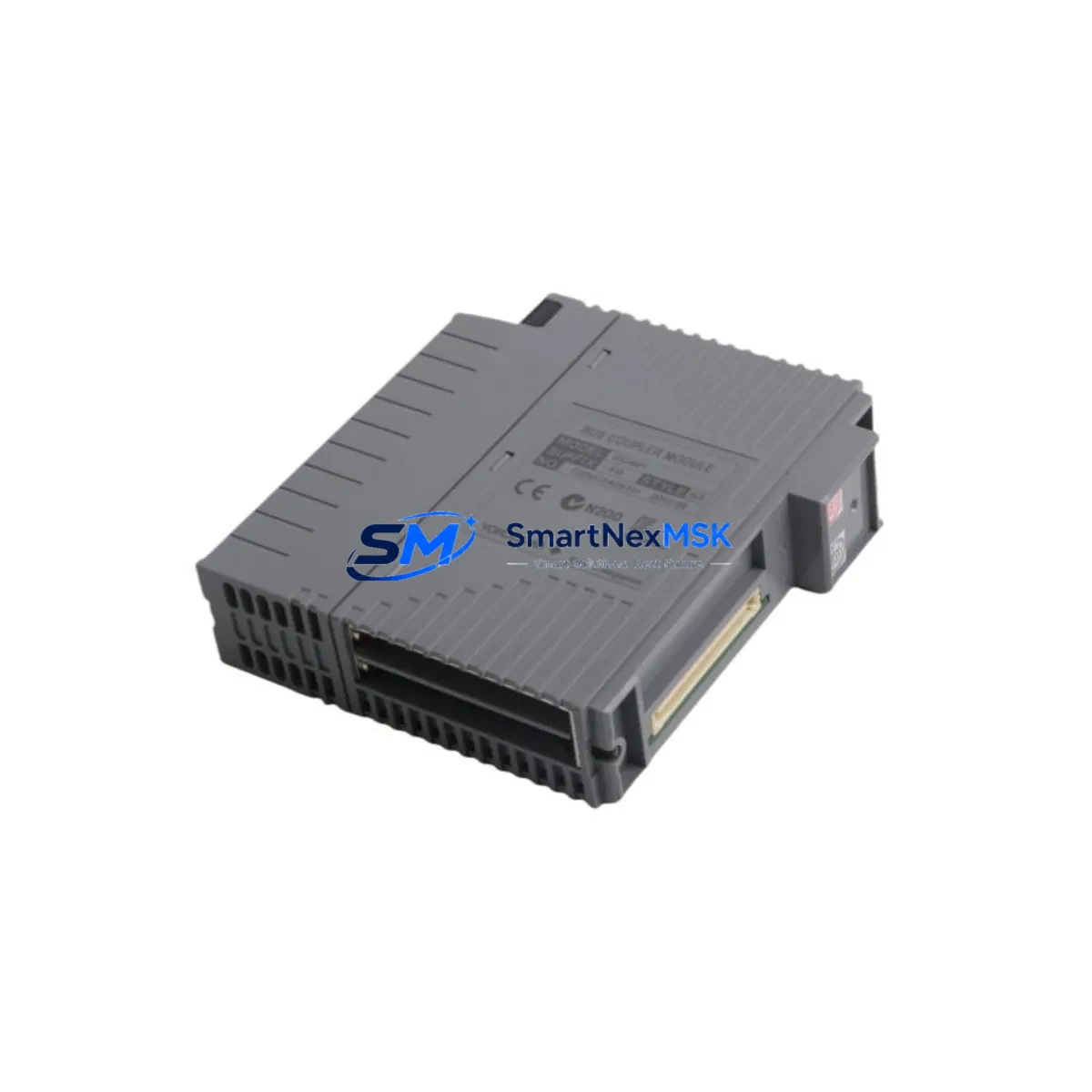
YOKOGAWA EC401-10 S3 Retrofit-Ready Coupler for STARDOM FCN/FCJ Control Systems
The YOKOGAWA EC401-10 S3 is a field-proven coupler module engineered for seamless integration into STARDOM FCN and FCJ series distributed control architectures. As legacy automation infrastructure ages and OEM support windows close, the EC401-10 S3 has become a critical retrofit component for engineers tasked with extending the operational life of existing control systems without triggering a full platform migration. Whether you are replacing a failed unit on a live production line, upgrading a control cabinet to meet revised safety standards, or migrating I/O capacity across a multi-rack FCN-RTU installation, the EC401-10 S3 delivers the compatibility and reliability that industrial environments demand.
Sourced directly from authorized distribution channels and subject to full functional verification prior to dispatch, each unit ships with a 12-month warranty covering manufacturing defects and operational failures under normal service conditions. SMARTNEXMSK maintains ready stock of the EC401-10 S3 to support urgent replacement scenarios, minimizing unplanned downtime on critical process lines.
Upgrade Compatibility Table
| Parameter | EC401-10 S3 Specification | Retrofit Notes |
|---|---|---|
| Compatible Platform | STARDOM FCN / FCJ Series | Verify rack slot assignment before installation |
| Module Type | Coupler Module | Replaces equivalent coupler positions in FCN-RTU chassis |
| Backplane Interface | FCN-series proprietary backplane bus | Confirm backplane revision; early FCN racks may require firmware alignment |
| Communication Compatibility | Ethernet-based STARDOM network protocol | Validate IP addressing and node configuration in Resource Configurator |
| Terminal Wiring | Compatible with existing FCN field wiring harness | No rewiring required for direct slot replacement |
| Power Consumption | Verify against FCN-PS power supply module capacity | Audit total rack power budget before adding modules |
| Installation Method | Hot-swap capable (confirm with site SOP) | Cold-swap recommended for first-time retrofit to protect program state |
| Firmware / Software | Compatible with STARDOM Resource Configurator | Re-download module configuration after replacement |
| Replacement Scope | Direct drop-in for failed or end-of-life EC401-10 units | No hardware modification required |
| Warranty | 12 Months | Covers manufacturing defects under normal operating conditions |
Retrofit Planning for Existing Automation Systems
A successful EC401-10 S3 retrofit begins well before the module arrives on site. Engineers should start by auditing the existing FCN rack configuration, confirming the slot position of the coupler relative to the FCN-RTU controller module and any co-installed FCN-IO analog or digital I/O modules. The rack’s FCN-PS power supply module must be verified to have sufficient headroom to support the replacement unit alongside all active I/O cards — a common oversight that causes intermittent faults after installation.
Terminal wiring documentation should be pulled from the original engineering package. In most FCN/FCJ installations, the coupler interfaces with field devices through a structured wiring harness that connects to downstream FCN terminal base units. These connections are typically preserved during a direct module swap, but it is good practice to photograph and label all wiring before removal, particularly in cabinets where multiple coupler positions are in service simultaneously.
For sites running STARDOM FCJ compact controllers alongside FCN racks, the EC401-10 S3 retrofit may also involve reviewing the communication topology between FCJ nodes and the upstream SCADA or DCS host. If the site uses Modbus TCP or FOUNDATION Fieldbus segments bridged through the coupler layer, the replacement module’s network parameters must be pre-configured in STARDOM Resource Configurator before insertion to avoid communication interruption.
Where the retrofit is part of a broader control cabinet upgrade — for example, migrating from an older FCN generation to a current FCN-RTU platform — engineers should also account for changes in module address assignment. The FCN-RTU uses a slot-based addressing scheme, and any shift in physical slot position will require corresponding updates in the application program. Coordination with the HMI engineering team is essential at this stage: HMI screen tag bindings referencing the coupler’s I/O channels must be updated to reflect the new address map before the system is returned to service.
For sites using YOKOGAWA FAST/TOOLS SCADA or third-party OPC DA/UA servers to aggregate data from the FCN network, the coupler replacement should be followed by a full communication link verification — confirming that all data points are live, correctly scaled, and alarm-enabled before the line is restarted.
Downtime Control During System Migration
Minimizing production downtime during an EC401-10 S3 replacement requires a structured pre-outage preparation protocol. The most effective approach is to complete all configuration work — including module parameter backup, IP address pre-assignment, and Resource Configurator project file update — before the maintenance window opens. This reduces the in-cabinet work to a physical swap and a communication verification check, typically achievable within 30 to 60 minutes for a single coupler position.
Before powering down the affected rack section, the site control engineer should export the current FCN application program from the controller and store a timestamped backup. If the FCN-RTU supports online program retention during module replacement, this capability should be confirmed with the site’s YOKOGAWA service documentation. For older FCN generations without this feature, the program reload sequence must be scripted in advance and tested in a staging environment if available.
Field control continuity during the swap window can be maintained by placing upstream controllers in manual or fallback mode, ensuring that critical process variables — flow, pressure, temperature — are held at safe setpoints by the DCS or safety instrumented system layer. Where the FCN coupler interfaces with a YOKOGAWA CENTUM VP DCS or a third-party safety PLC, the handoff protocol between systems must be agreed and documented before the outage begins.
After the EC401-10 S3 is seated and powered, the commissioning sequence should follow a defined checklist: confirm module recognition in Resource Configurator, verify backplane communication status, check all I/O channel readings against known reference values, and confirm HMI display updates are live. Only after all channels are verified should the process be returned to automatic control. Each unit supplied by SMARTNEXMSK undergoes pre-shipment functional testing, reducing the risk of a DOA module extending the maintenance window unexpectedly.
Retrofit Support FAQ
Q1: Is the EC401-10 S3 a direct replacement for earlier EC401-10 revisions?
In most FCN/FCJ installations, the EC401-10 S3 is a direct slot-compatible replacement for earlier EC401-10 hardware revisions. However, engineers should confirm the backplane firmware version and Resource Configurator project compatibility before installation, as some early FCN rack generations may require a firmware update to recognize the S3 revision correctly.
Q2: What wiring changes are required during replacement?
For a direct coupler swap in an existing FCN rack, no field wiring changes are typically required. The EC401-10 S3 uses the same terminal base and wiring harness interface as the original unit. Engineers should verify that all terminal connections are secure and correctly labeled before powering the replacement module.
Q3: How is the module configured after installation?
The EC401-10 S3 is configured using YOKOGAWA STARDOM Resource Configurator. After physical installation, the module must be recognized by the FCN controller, and the existing project file should be downloaded to restore all I/O assignments, communication parameters, and module addresses. If the project file has been updated to reflect a new slot position or address, the updated file must be downloaded before the system is returned to automatic operation.
Q4: What does the 12-month warranty cover, and what is the shipping lead time?
Each EC401-10 S3 supplied by SMARTNEXMSK carries a 12-month warranty covering manufacturing defects and operational failures under normal service conditions. Units are pre-tested before dispatch. For in-stock units, standard lead time is 3–7 business days for international shipments. Expedited shipping is available for urgent replacement scenarios. Contact our sales team to confirm current stock availability and delivery schedule.
© 2026 SMARTNEXMSK. All rights reserved.
Original Source: https://smartnexmsk.com
Contact: [email protected] | +86 18259474341



