
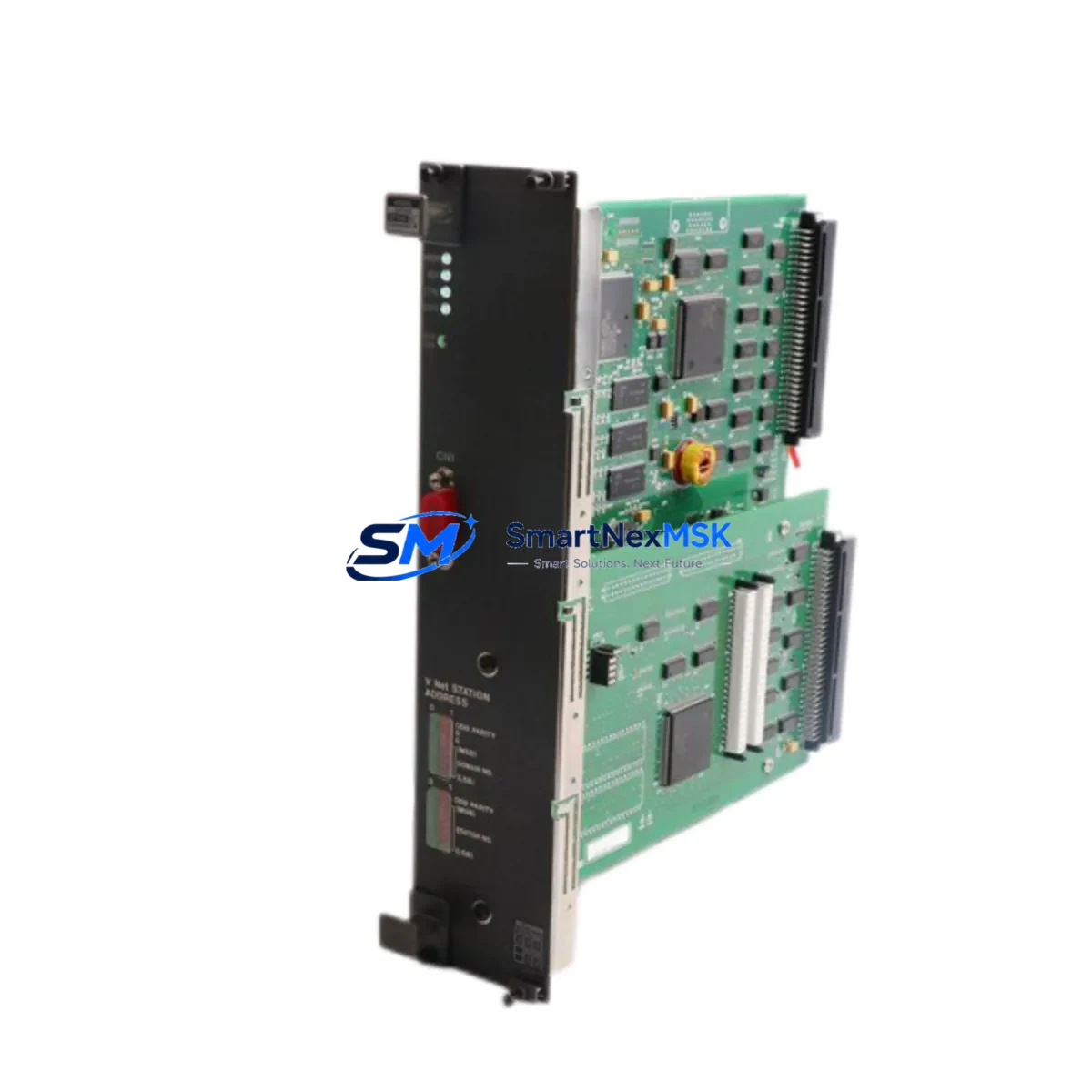
YOKOGAWA MX2*D Retrofit-Ready I/O Module for MX100 Series: Compatible Modernization & Smooth System Upgrade
The YOKOGAWA MX2*D is a universal-input data acquisition I/O module designed for the MX100 DAQSTATION platform. As legacy MX100 systems approach end-of-life and original MX2*D units become increasingly difficult to source through standard distribution channels, this module serves as the definitive retrofit solution for engineers managing aging data acquisition infrastructure in power generation, chemical processing, environmental monitoring, and precision manufacturing environments.
Whether you are replacing a failed card in an active measurement rack, upgrading a multi-channel DAQSTATION installation, or migrating from an older YOKOGAWA DA100 or DR130 recorder to a modernized MX100 architecture, the MX2*D provides the channel density, input flexibility, and backplane compatibility required to restore full system functionality with minimal engineering rework.
Upgrade Compatibility Table
| Parameter | Details |
|---|---|
| Compatible Platform | YOKOGAWA MX100 DAQSTATION Series |
| Module SKU | MX2*D (covers MX210D, MX220D, MX250D sub-variants) |
| Backplane Interface | MX100 main unit slot — direct plug-in, no adapter required |
| Installation Requirement | Power-off insertion recommended; DIN rail or rack-mount chassis |
| Communication Compatibility | Ethernet (100BASE-TX), Modbus TCP, DCOM protocol via MX100 main unit |
| Replacement Recommendation | Direct replacement for discontinued MX2*D variants; verify sub-variant suffix before ordering |
| Commissioning Focus | Channel address mapping, tag reassignment in DAQSTANDARD software, thermocouple/RTD input range verification |
| Warranty | 12 months from date of shipment — covers manufacturing defects and functional failure under normal operating conditions |
Retrofit Planning for Existing Automation Systems
A successful MX2*D retrofit begins well before the module arrives on site. Engineers should audit the existing MX100 main unit — typically an MX100-1 or MX100-2 chassis — to confirm available slot positions and current power budget. The MX100 main unit draws power from a dedicated DC supply, and adding or replacing I/O modules requires verifying that the internal bus power capacity is not exceeded, particularly in fully populated racks where multiple MX2*D cards share the same backplane rail.
Terminal wiring is a critical checkpoint. The MX2*D uses a screw-terminal block interface compatible with standard 0.5–1.5 mm² instrumentation cable. When replacing a failed module, technicians should photograph or document the existing wiring layout before removal, paying close attention to thermocouple polarity, RTD three-wire compensation connections, and any shielding grounding arrangements. Incorrect rewiring of a PT100 RTD input, for example, will produce systematic measurement errors that may not be immediately obvious during initial power-up.
For sites migrating from older YOKOGAWA recorders such as the DR130 or DX1000 DAQSTATION, the channel tag structure and engineering unit assignments stored in the original configuration will need to be re-entered or imported into DAQSTANDARD PC software. The MX100 platform uses a different internal address scheme from the DX series, so a direct configuration file transfer is not possible — each channel must be individually verified for input type, range, alarm setpoints, and display scaling.
Communication link continuity is equally important. Sites using Modbus TCP polling from a SCADA or DCS host — such as a YOKOGAWA CENTUM VP or a third-party Wonderware or iFIX system — must confirm that the MX100 main unit’s Ethernet port retains its IP address and Modbus register map after the module swap. In most cases, the register assignments are preserved in the main unit’s non-volatile memory, but a full communication test with the host system should be performed before returning the loop to service.
I/O expansion planning should also account for future growth. The MX100 platform supports up to 10 I/O modules per main unit, and engineers frequently combine MX2*D universal-input cards with dedicated MX110 pulse input modules or MX150 strain/voltage modules to build mixed-signal acquisition racks. If the retrofit scope includes adding new measurement points alongside the MX2*D replacement, slot sequencing and channel numbering should be planned in advance to avoid gaps in the DAQSTANDARD channel list that complicate report generation.
For sites that also operate YOKOGAWA WT series power analyzers or GM10 data loggers in the same control room, the MX2*D retrofit is an opportunity to standardize data collection onto a unified DAQSTANDARD platform, simplifying operator training and reducing the number of software interfaces required for daily monitoring tasks.
Downtime Control During System Migration
Minimizing measurement downtime during an MX2*D swap requires a structured pre-outage preparation sequence. Before scheduling the maintenance window, confirm that a tested replacement module is on hand and has passed a bench-level power-on verification — applying known reference signals to at least two channels and confirming correct readings in DAQSTANDARD before the module is transported to site.
During the outage, the recommended sequence is: save the current MX100 configuration to a PC via DAQSTANDARD, power down the main unit, remove the failed MX2*D, insert the replacement, restore power, and perform a channel-by-channel input verification against the saved configuration file. This sequence typically takes 30–90 minutes for a single module replacement, depending on terminal count and the complexity of the wiring layout.
To protect original program logic and alarm configurations, never perform a factory reset on the MX100 main unit during a module swap. The main unit retains all channel settings, communication parameters, and recording schedules in internal flash memory. Only the physical I/O card is being replaced — the measurement logic remains intact. If the main unit itself requires replacement alongside the MX2*D, a full configuration backup and restore procedure via DAQSTANDARD is mandatory before the new main unit is commissioned.
For critical continuous-monitoring applications — such as environmental compliance recording or process safety instrumentation — consider staging the replacement during a planned production break rather than an emergency repair scenario. Having a pre-configured spare MX2*D module in inventory, verified and ready for immediate installation, is the most effective strategy for controlling unplanned downtime in MX100-based measurement systems.
All units supplied by SMARTNEXMSK are subject to pre-shipment functional testing and are covered by a 12-month warranty from the date of shipment, providing assurance for both planned retrofit projects and emergency replacement scenarios.
Retrofit Support FAQ
Q1: Is the MX2*D a direct drop-in replacement for the original YOKOGAWA module?
Yes, for the same sub-variant suffix (e.g., MX210D replacing MX210D). The MX2*D family uses a standardized backplane connector and slot form factor across the MX100 series. Confirm the exact suffix before ordering, as MX210D, MX220D, and MX250D differ in input channel count and measurement type.
Q2: Do I need to reconfigure the MX100 main unit after replacing the MX2*D card?
In most cases, no. The MX100 main unit stores channel configuration in its own memory, not on the I/O module. After inserting the replacement MX2*D, the main unit will recognize the card and apply the existing channel settings automatically. A verification scan in DAQSTANDARD is recommended to confirm all channels are reading correctly before returning to service.
Q3: What wiring checks are required before powering up the replacement module?
Verify terminal polarity for all thermocouple and RTD inputs, confirm three-wire RTD compensation wiring, check that shield grounds are connected at one end only, and ensure no bare conductors are shorting adjacent terminals. Apply a known reference signal (e.g., a calibrator set to 0°C equivalent) to at least one channel before full power-up to confirm correct input response.
Q4: What does the 12-month warranty cover, and how is a claim processed?
The 12-month warranty covers manufacturing defects and functional failure under normal operating conditions from the date of shipment. To initiate a claim, contact [email protected] with the order reference, module serial number, and a description of the fault. SMARTNEXMSK will arrange inspection and, where confirmed defective, replacement or repair at no additional charge.
© 2026 SMARTNEXMSK. All rights reserved.
Original Source: https://smartnexmsk.com
Contact: [email protected] | +86 18259474341



