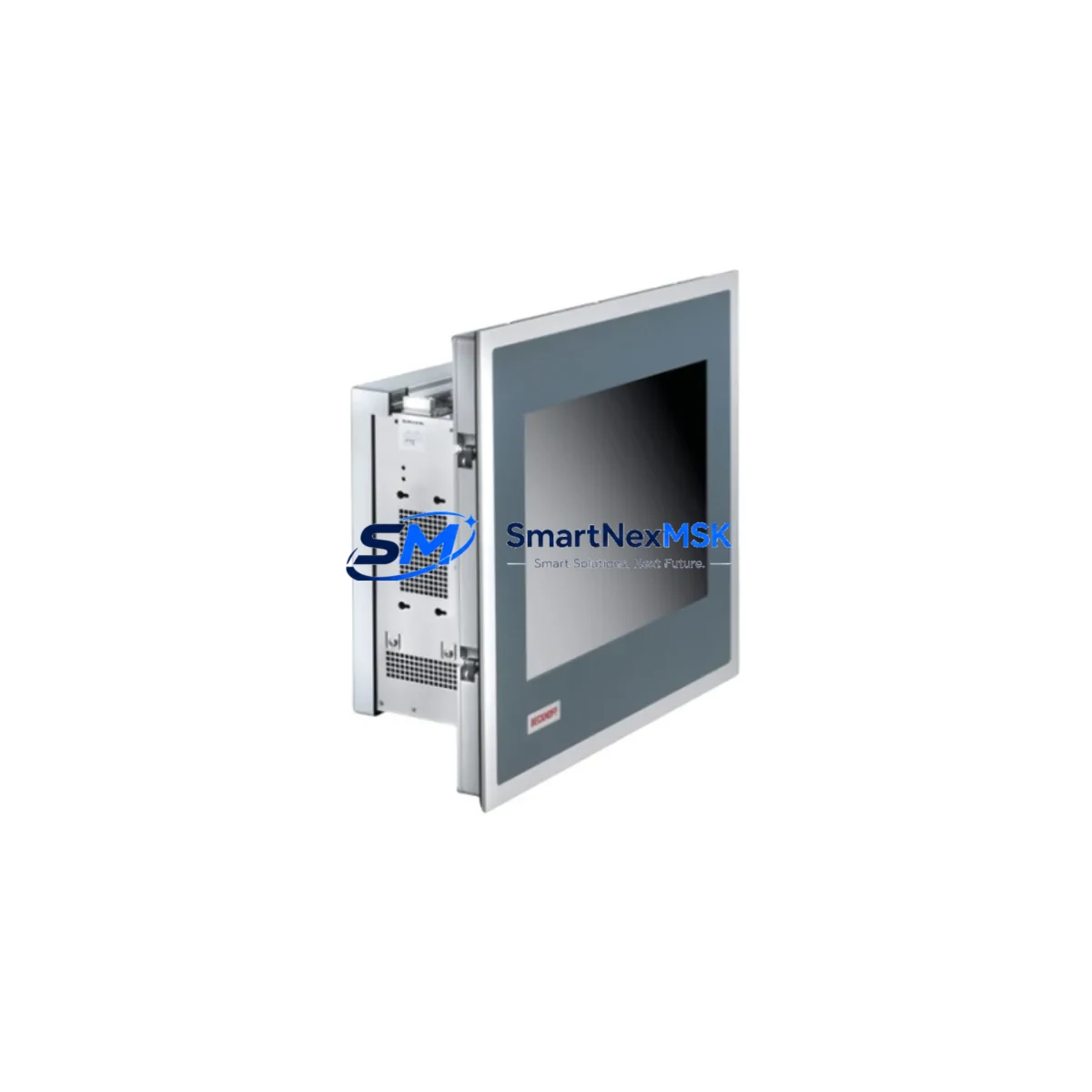
Beckhoff CP7232-0001-0010 Retrofit-Ready HMI Panel: Seamless Compatibility for Legacy System Upgrades
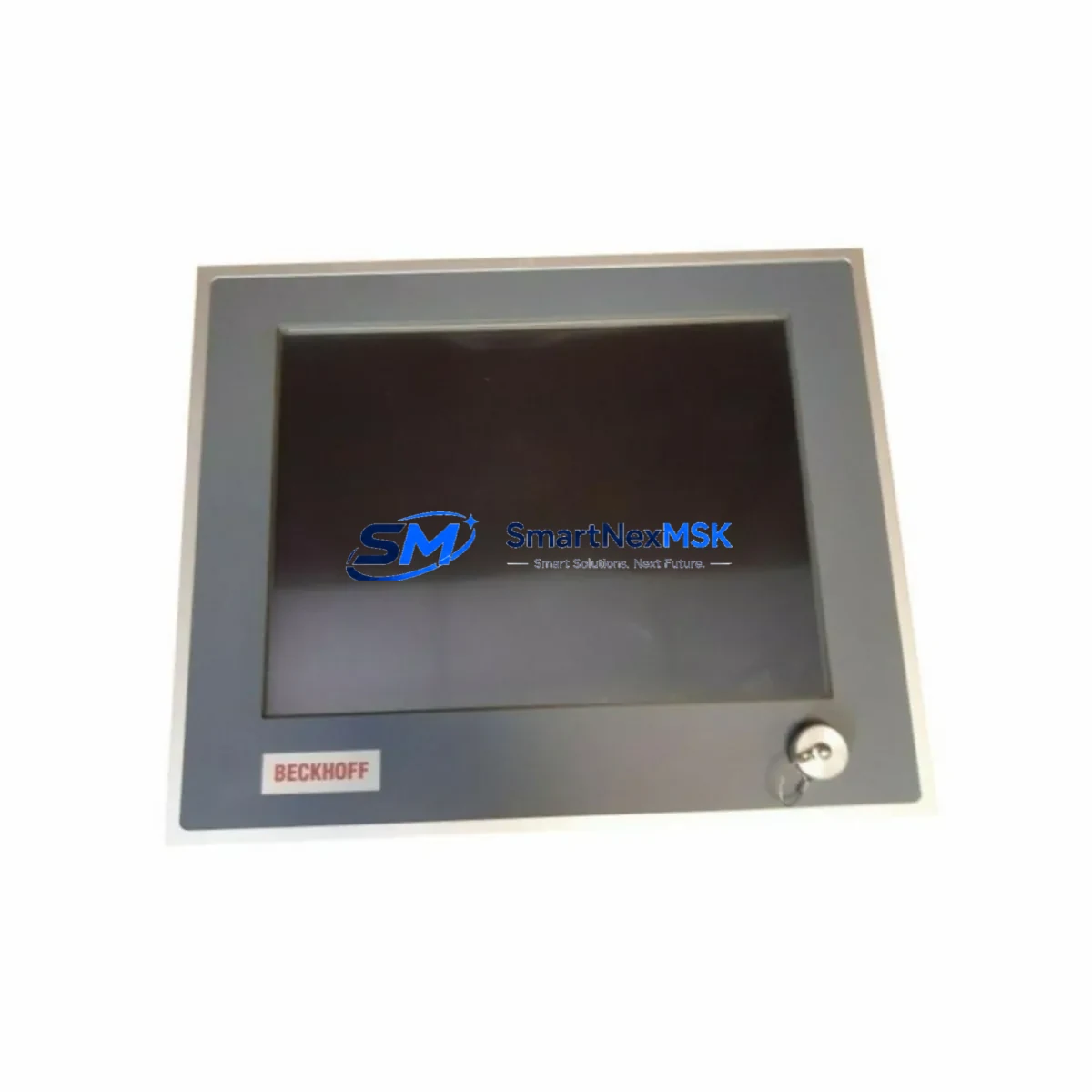
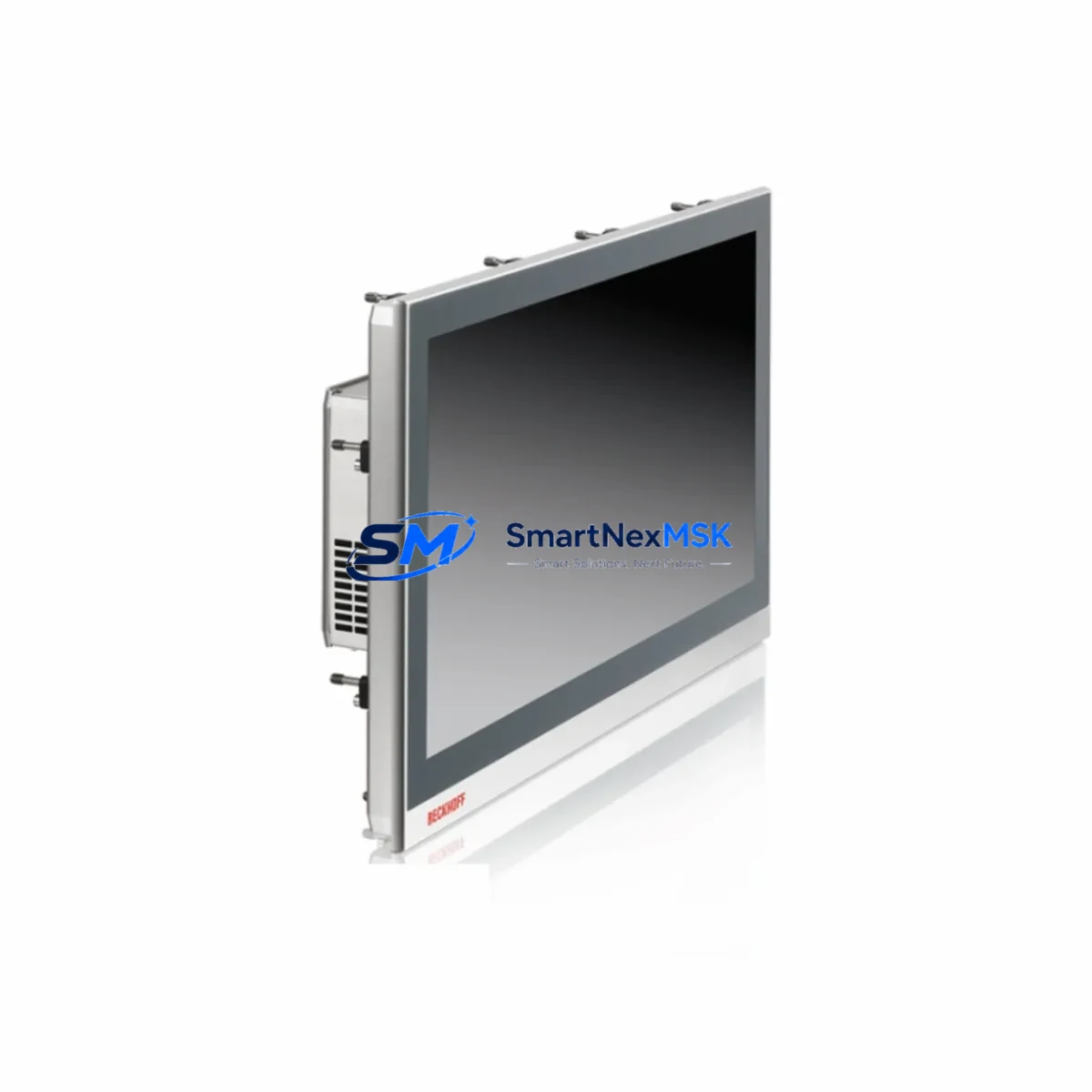
The Beckhoff CP7232-0001-0010 is a 15.6-inch industrial Panel PC designed for demanding automation environments where legacy HMI replacement and control cabinet modernization are critical priorities. As a direct retrofit solution for the CP7232 series, this unit enables engineers to replace aging or discontinued operator panels without redesigning the control architecture, reprogramming the PLC logic, or rewiring the terminal block layout. Whether you are migrating from an older CP6232 or CP7031 panel, upgrading a TwinCAT 2-based system to TwinCAT 3, or simply restoring a failed HMI in a running production line, the CP7232-0001-0010 provides a verified, in-stock replacement path with a 12-month warranty and full pre-shipment testing.
The panel features a projected capacitive (PCT) multi-touch display with IP65 front protection, making it suitable for food processing, pharmaceutical, and heavy industrial environments where washdown resistance and operator durability are non-negotiable. The unit mounts via standard VESA or panel-cut installation, preserving the existing cutout dimensions in most CP7232-series cabinet configurations. The rear I/O layout — including USB 3.0, DVI-D, and Ethernet ports — aligns with the original CP7232 footprint, minimizing the need for cable extension or bracket modification during the retrofit.
Upgrade Compatibility Table
| Parameter | CP7232-0001-0010 (This Unit) | Retrofit Notes |
|---|---|---|
| Display Size | 15.6″ Widescreen | Matches CP7232 series panel cutout |
| Touch Technology | PCT Multi-Touch (10-point) | Replaces resistive touch on older CP6232 / CP7031 |
| Front Protection | IP65 | Compatible with existing gasket sealing in most cabinets |
| Communication | EtherCAT, PROFINET, Ethernet/IP | Verify fieldbus protocol with existing CX5130 / CX5140 controller |
| Software Compatibility | TwinCAT 2 / TwinCAT 3 | Existing .pro / .tpy project files transferable; verify runtime version |
| Power Supply | 24 VDC (18–30 V) | Confirm existing PS2000 or PS3000 power rail capacity before swap |
| Mounting | Panel-cut / VESA 75×75 | No new cutout required for standard CP7232 cabinets |
| Backplane Interface | N/A (standalone Panel PC) | Connects to CX or IPC controller via DVI-D + USB or ADS over Ethernet |
| Replacement Path | CP6232, CP7031, CP7232-0000-0010 | Direct drop-in for CP7232 series; adapter bracket may be needed for CP6232 |
| Warranty | 12 Months | Includes pre-shipment functional test and burn-in verification |
Retrofit Planning for Existing Automation Systems
A successful CP7232-0001-0010 retrofit begins well before the unit arrives on site. Engineers should audit the existing control cabinet to confirm the 24 VDC supply rail — typically sourced from a Beckhoff PS2000 or PS3000 power supply module — can sustain the panel’s peak draw alongside the CX5130 or CX5140 embedded controller and any connected EL-series EtherCAT terminals. If the cabinet also houses an EK1100 EtherCAT coupler feeding a bank of EL1008 digital input or EL2008 digital output terminals, the total bus current budget must be recalculated before the swap to avoid nuisance tripping on the 24 V rail.
Terminal wiring on the CP7232-0001-0010 follows the standard Beckhoff push-in terminal convention. If the existing installation uses screw-type terminals from an older CP7031 or CP6232 panel, plan for a short re-termination window. Label all signal wires before disconnection — particularly the ADS communication link, the DVI-D video cable to the operator station, and any USB-connected programming cables such as the Beckhoff FC9004 or a standard USB-A to USB-B programming lead used for TwinCAT project download.
For systems running TwinCAT 2 runtime, the project must be exported as a .pro file and re-imported into TwinCAT 3 XAE if the replacement controller is a newer CX5240 or CX9020. Verify that all task cycle times, I/O variable mappings, and HMI screen references in the TE2000 TwinCAT HMI or legacy VisualStudio-based visualization are intact before going live. If the site uses a third-party SCADA system communicating over OPC-UA or Modbus TCP, confirm the ADS route table is updated to reflect the new panel’s IP address and AMS Net ID after installation.
Rack and backplane considerations are minimal for this standalone Panel PC, but if the retrofit is part of a broader control cabinet upgrade that also involves replacing a CX2040 or CX5020 controller module, coordinate the module address reassignment in TwinCAT System Manager before powering up the new hardware. This prevents address conflicts on the EtherCAT segment and avoids I/O mapping errors that can halt the first commissioning scan.
Downtime Control During System Migration
Minimizing production downtime during an HMI retrofit requires a structured changeover plan. Before the scheduled maintenance window, create a full backup of the TwinCAT project — including the PLC program, HMI visualization pages, safety logic (if applicable), and the current I/O configuration — using TwinCAT XAE’s built-in archive function. Store this backup on an external USB drive and a network share simultaneously to protect against data loss during the panel swap.
During the physical changeover, keep the CX5130 or CX5140 controller powered and in RUN mode for as long as possible. The CP7232-0001-0010 can be pre-configured on a bench — including IP address assignment, AMS Net ID configuration, and TwinCAT runtime installation — before it is installed in the cabinet. This bench preparation typically reduces the live changeover window to under 30 minutes for a straightforward panel replacement, compared to 2–4 hours for a full cold-swap without pre-staging.
Once the new panel is mounted and cabled, restore the TwinCAT project from backup, verify all I/O channel states in the online device view, and perform a controlled warm restart of the PLC task. Check all HMI screen navigation paths, alarm acknowledgment functions, and any recipe management screens before releasing the line back to production. Document the final AMS Net ID, IP configuration, and task cycle times in the site’s control system logbook to support future maintenance and spare-parts planning.
Retrofit Support FAQ
Q1: Is the CP7232-0001-0010 a direct drop-in replacement for the CP7232-0000-0010?
Yes. The CP7232-0001-0010 shares the same panel-cut dimensions, 24 VDC power input, and rear I/O layout as the CP7232-0000-0010. The primary difference is the upgraded PCT multi-touch display. No bracket modification is required for standard CP7232 cabinet installations.
Q2: Can I reuse my existing TwinCAT 2 project without reprogramming?
In most cases, yes. If the replacement controller remains a CX5130 or CX5140 running TwinCAT 2 runtime, the existing .pro project file can be downloaded directly. If you are simultaneously upgrading to a TwinCAT 3 controller such as the CX5240, a project migration step is required using TwinCAT XAE. Contact our technical team for migration support.
Q3: What pre-shipment testing is performed on each unit?
Every CP7232-0001-0010 shipped by SMARTNEXMSK undergoes a full functional test including display calibration, touch response verification, port continuity checks on all USB and Ethernet interfaces, and a 24-hour burn-in cycle under load. A test report is available upon request and accompanies each unit covered under the 12-month warranty.
Q4: What does the 12-month warranty cover, and how do I initiate a claim?
The 12-month warranty covers manufacturing defects, component failure under normal operating conditions, and any fault identified during the post-installation commissioning period. It does not cover physical damage, incorrect wiring, or voltage surges outside the 18–30 VDC operating range. To initiate a warranty claim, contact [email protected] with the unit serial number, fault description, and site installation photos.
© 2026 SMARTNEXMSK. All rights reserved.
Original Source: https://smartnexmsk.com
Contact: [email protected] | +86 18259474341