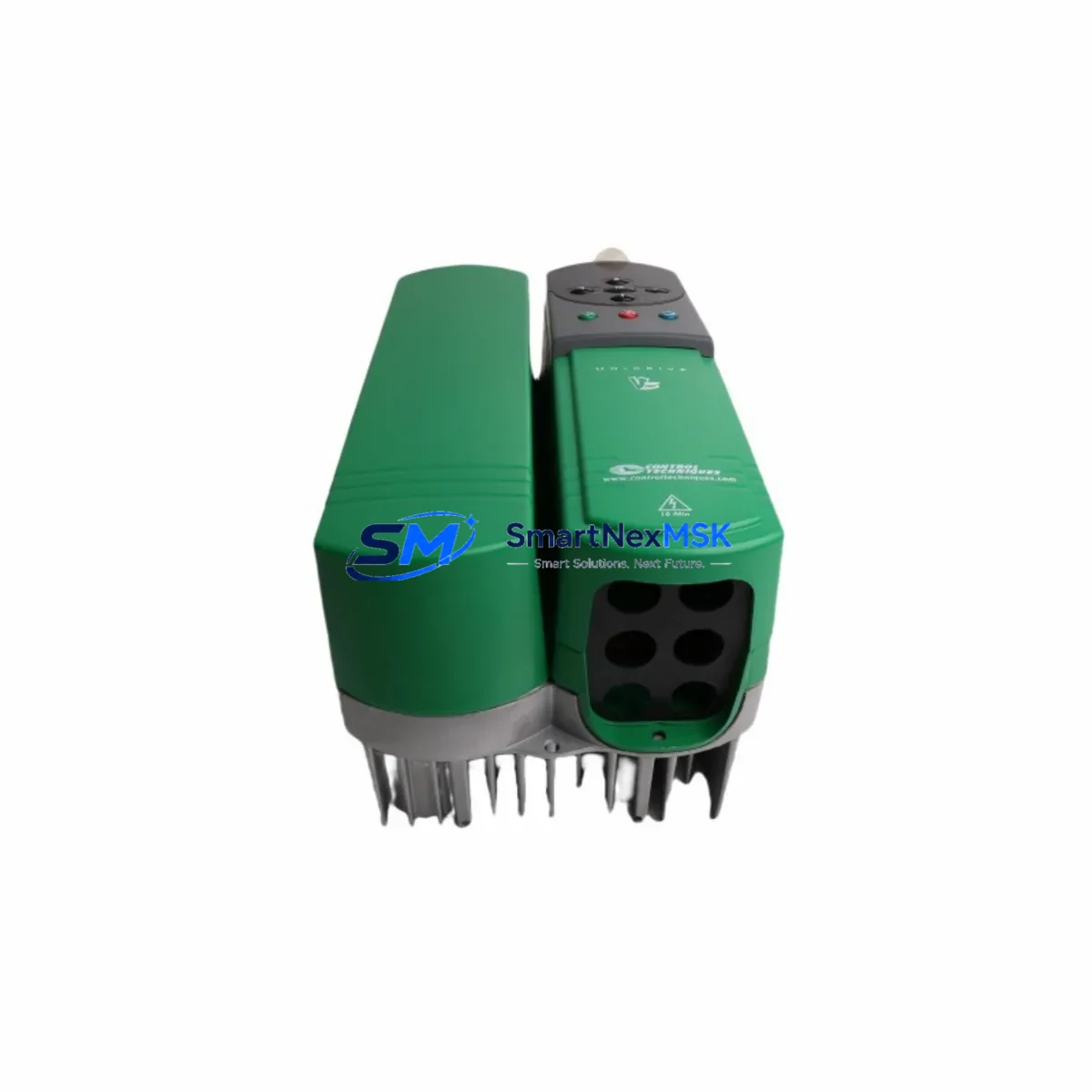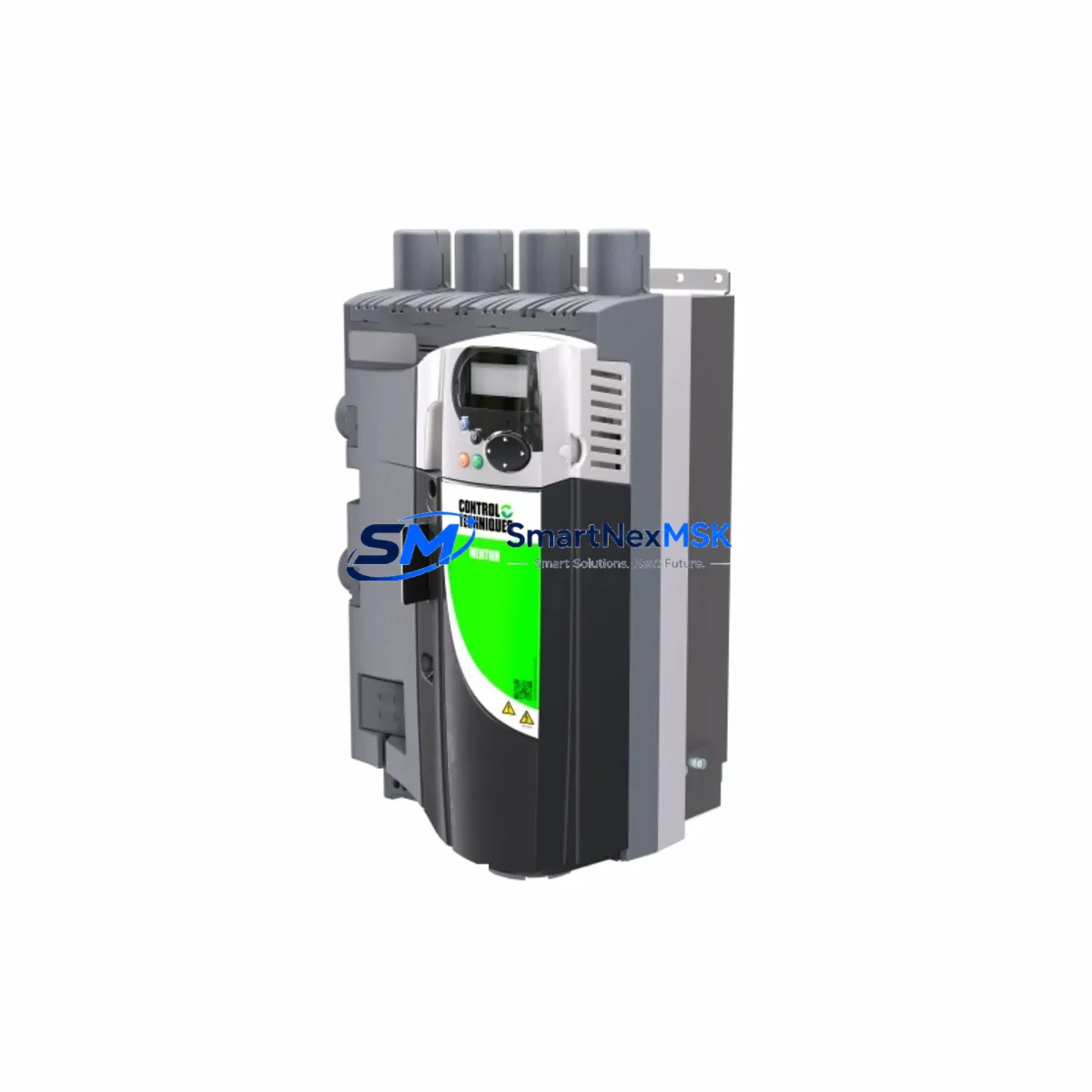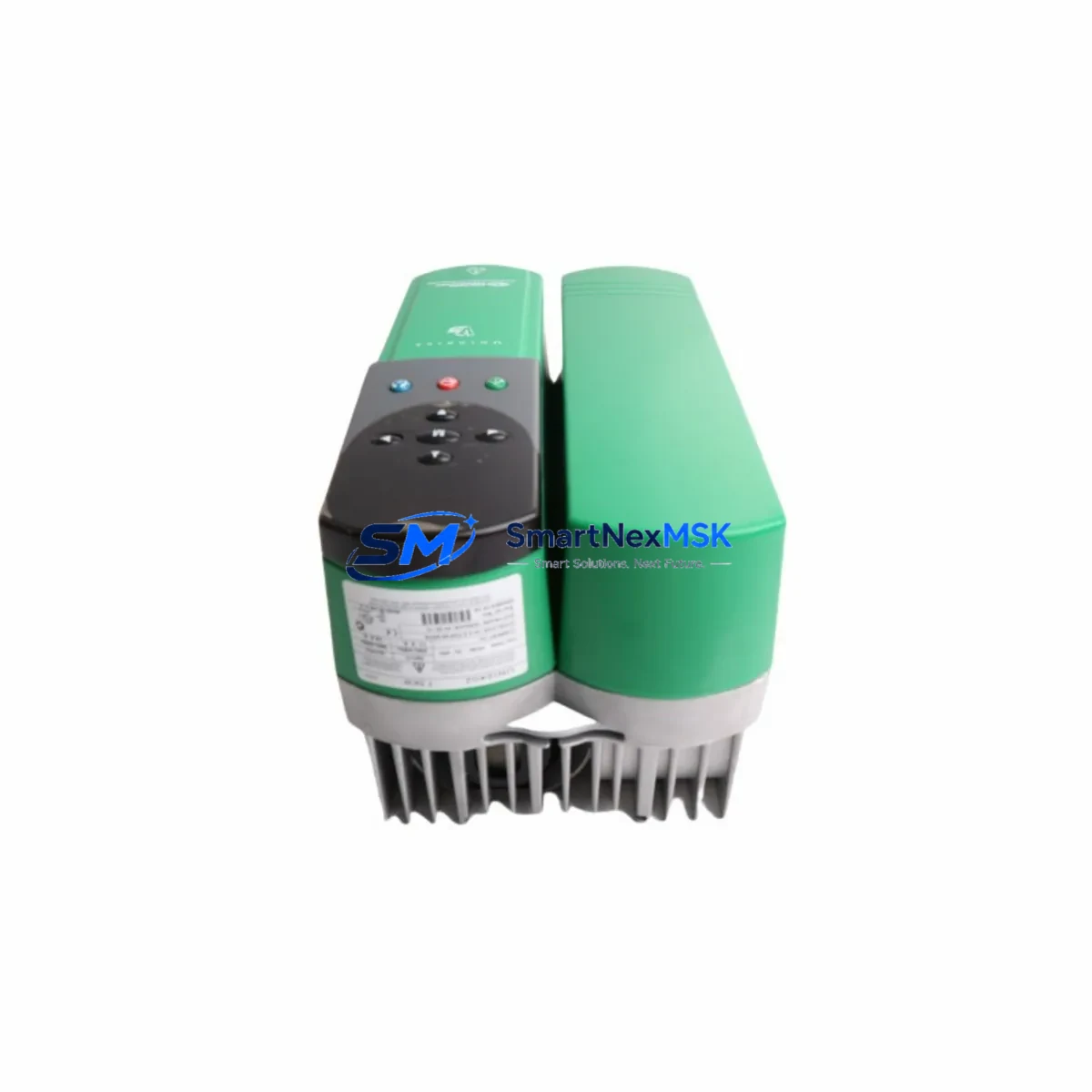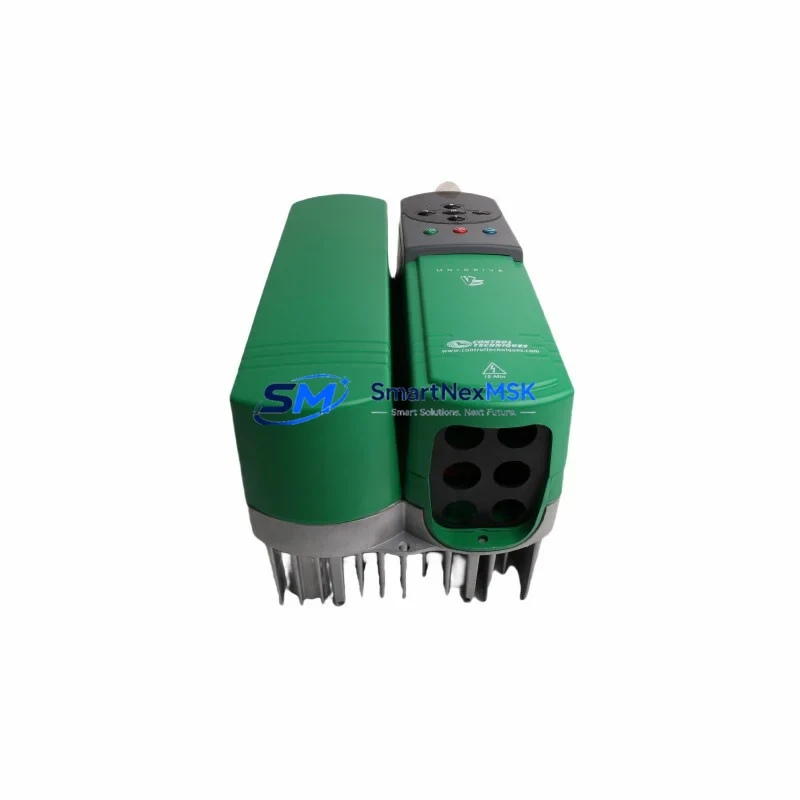
Control Techniques UNI3402 Maintenance-Ready Spare for Unidrive Classic Automation
The Control Techniques UNI3402 is an original AC drive control board engineered for the Unidrive Classic series variable speed drive platform. As a critical spare in industrial automation environments, the UNI3402 governs the core control logic of the drive — managing speed reference processing, closed-loop feedback, I/O interfacing, and serial communications. When this board fails, the entire drive becomes inoperative, making rapid, verified replacement essential to minimizing unplanned downtime and protecting production continuity.
At SMARTNEXMSK, every UNI3402 unit is sourced from authorized supply chains, individually inspected, and function-tested prior to dispatch. We maintain dedicated buffer stock of this SKU to support both planned maintenance schedules and emergency breakdown scenarios. All units ship with a 12-month warranty covering manufacturing defects and functional integrity.
Spare Maintenance Table
| Parameter | Specification |
|---|---|
| SKU / Part Number | UNI3402 |
| Brand | Control Techniques |
| Compatible Series | Unidrive Classic (UNI Series) |
| Component Type | AC Drive Control Board |
| Origin | United Kingdom (GB) |
| Voltage Range | Compatible with Unidrive Classic 200V–690V drive frames |
| Communication Interface | RS-485 / CT serial protocol; optional PROFIBUS / DeviceNet via option module |
| I/O Capability | Analog and digital I/O per Unidrive Classic standard configuration |
| Mounting | Direct board replacement; frame-specific alignment required |
| Application Environment | Industrial automation, motor control, conveyor, pump, fan, compressor drives |
| Maintenance Recommendation | Inspect annually; replace on first sign of parameter drift or comms fault |
| Warranty | 12 Months — functional and manufacturing defect coverage |
| Condition | Original spare; tested before shipment |
Maintenance Planning for Continuous Operation
Replacing the UNI3402 control board is rarely an isolated task. Maintenance engineers and procurement teams working on Unidrive Classic drives should treat this replacement as an opportunity to audit the full drive assembly and associated control cabinet components. A board-level failure often indicates stress on surrounding hardware, and a thorough inspection during the replacement window can prevent secondary failures within days or weeks.
Begin by verifying the 24VDC control power supply feeding the UNI3402 — voltage ripple or transient spikes are a common root cause of control board degradation. Inspect the Unidrive Classic power stack (IGBT module and gate driver board) for signs of thermal stress or carbon tracking. Check all terminal block connections on the control wiring loom, as loose or corroded terminals on the analog reference inputs or digital I/O can cause erratic behavior that is often misdiagnosed as a board fault.
Review the encoder feedback module or resolver interface if the drive operates in closed-loop vector mode — a degraded feedback signal will immediately stress the replacement UNI3402. Inspect the CT option module slot for any installed communications card (PROFIBUS, DeviceNet, or Modbus RTU adapter) and confirm firmware compatibility with the replacement board revision. If the drive communicates with a supervisory PLC or DCS, verify that the RS-485 serial link and parameter database are intact before recommissioning.
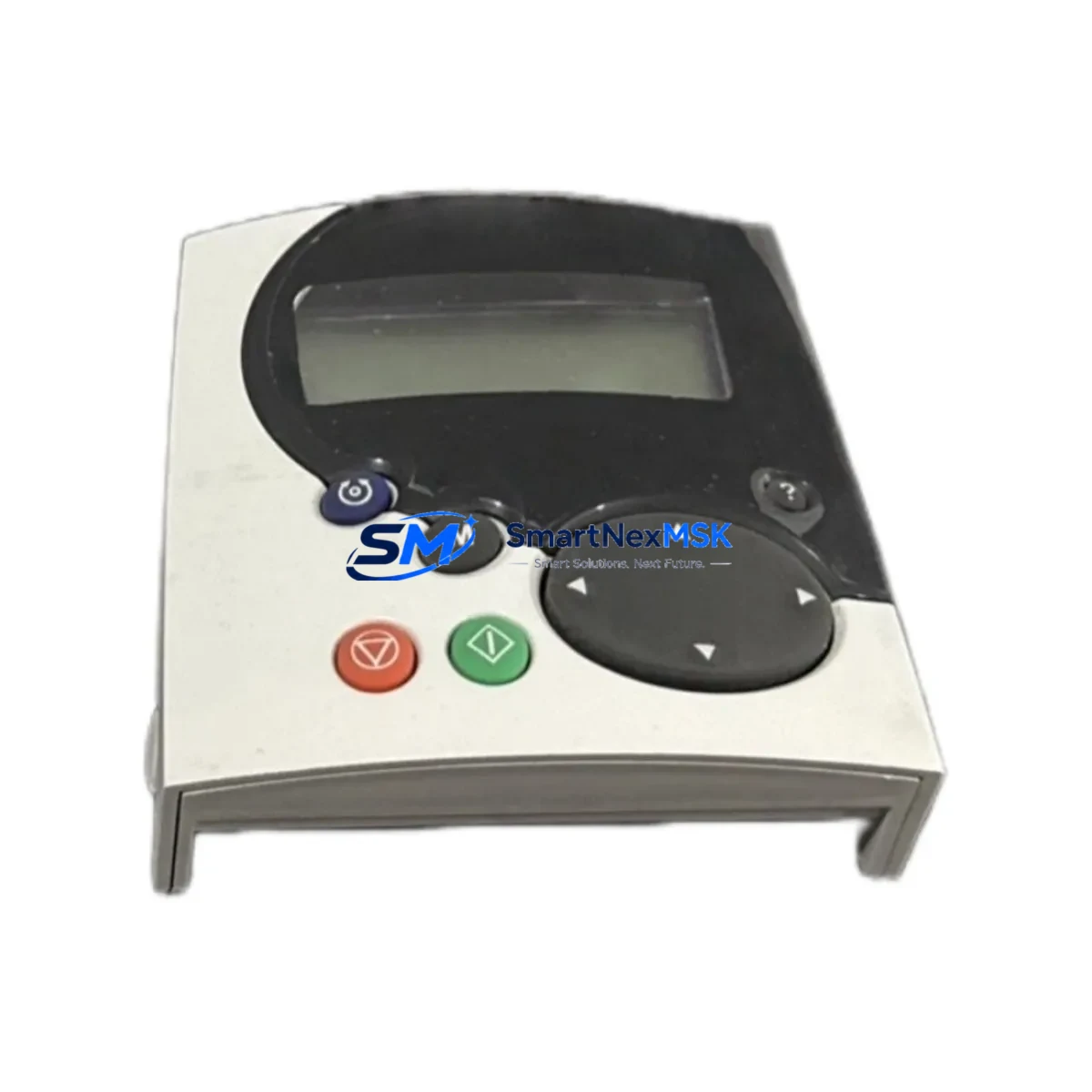
For drives installed in older control cabinets, also inspect the EMC filter and line reactor upstream of the drive, as degraded filtering can introduce noise that shortens control board service life. Check the braking resistor circuit and any associated thermal protection relay if the application involves regenerative loads. Finally, confirm that the keypad or remote HMI panel — often a CT Unidrive Classic operator panel — is functioning correctly, as a faulty keypad can prevent parameter upload and complicate commissioning of the replacement board.
Stocking a UNI3402 alongside complementary spares such as the drive’s fan assembly, capacitor bank, and a spare 24VDC SMPS module for the control cabinet creates a resilient maintenance kit that covers the most common failure modes in aging Unidrive Classic installations.
Site Replacement Workflow
Step 1 — Isolation and Safety: Isolate the drive from mains supply and allow full DC bus discharge (minimum 5 minutes). Verify zero voltage with a calibrated meter before opening the drive enclosure.
Step 2 — Parameter Backup: If the existing UNI3402 is still partially functional, upload the full parameter set to the CT keypad or via CT Soft software before removal. This eliminates recommissioning time and preserves application-specific tuning.
Step 3 — Board Removal: Disconnect all ribbon cables, control wiring connectors, and option module connections from the existing board. Note orientation and connector positions. Remove the board using appropriate ESD precautions.
Step 4 — Inspection Window: With the board removed, inspect the drive interior for dust accumulation, moisture ingress, or signs of thermal damage on the power components. Clean as required before installing the replacement.
Step 5 — UNI3402 Installation: Seat the replacement UNI3402 board, reconnect all connectors in correct orientation, and reinstall any option modules. Confirm secure mechanical seating.
Step 6 — Parameter Restore and Commissioning: Power up the drive and restore the saved parameter set. Verify motor nameplate data, control mode, and I/O assignments. Run a no-load test before reconnecting the mechanical load.
Step 7 — System Verification: Confirm drive communication with the supervisory system (PLC/DCS/SCADA), verify speed reference tracking, and log the replacement in the site maintenance record. Resume production.
This workflow is compatible with direct replacement of legacy Unidrive Classic boards and supports system continuity without requiring drive frame replacement or rewiring.
Spare Parts Support FAQ
Q1: How do I confirm the UNI3402 is compatible with my specific Unidrive Classic frame size?
The UNI3402 is designed for the Unidrive Classic control board slot. Compatibility is determined by the drive’s frame size and firmware revision. Contact our technical team with your drive nameplate data (model number, frame size, and software version) and we will confirm compatibility before shipment.
Q2: What is included in the 12-month warranty and how is it claimed?
The 12-month warranty covers functional failure and manufacturing defects under normal operating conditions. It does not cover damage from incorrect installation, overvoltage events, or physical mishandling. To claim, contact [email protected] with your order reference and a description of the fault. We will arrange return, inspection, and replacement or repair.
Q3: Can you supply the UNI3402 on an ongoing basis for long-term maintenance contracts?
Yes. SMARTNEXMSK maintains buffer stock of the UNI3402 and can support scheduled procurement agreements for facilities managing multiple Unidrive Classic drives. We offer priority allocation for contract customers to ensure availability during planned shutdowns and emergency breakdowns.
Q4: What pre-shipment testing is performed on each UNI3402 unit?
Each unit undergoes visual inspection for physical damage, board-level continuity checks, and functional verification prior to dispatch. Units are packed with ESD-protective materials and shipped with a test confirmation record. Expedited shipping is available for emergency breakdown situations.
© 2026 SMARTNEXMSK. All rights reserved.
Original Source: https://smartnexmsk.com
Contact: [email protected] | +86 18259474341