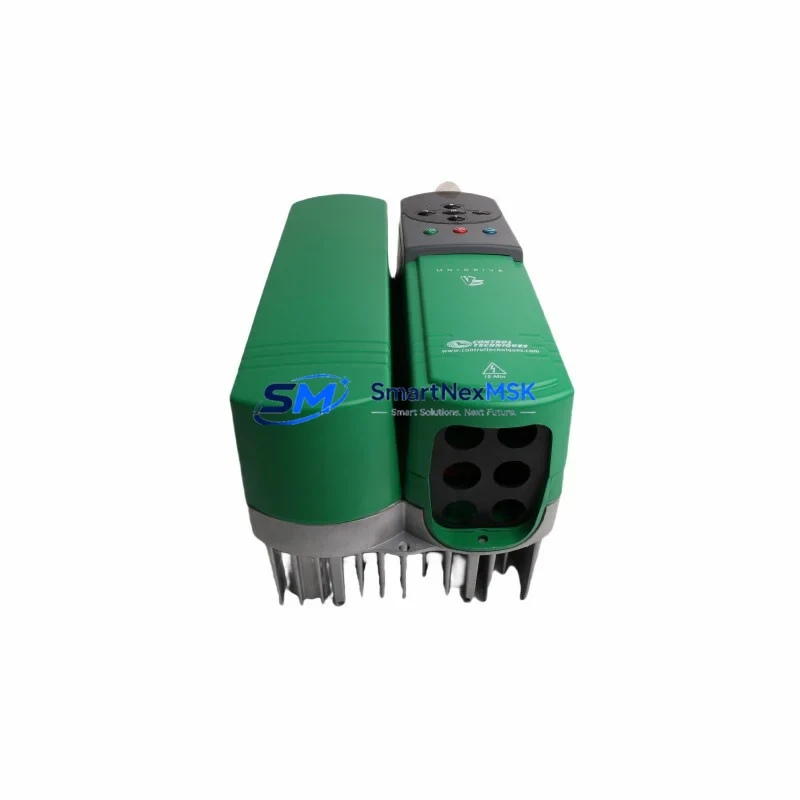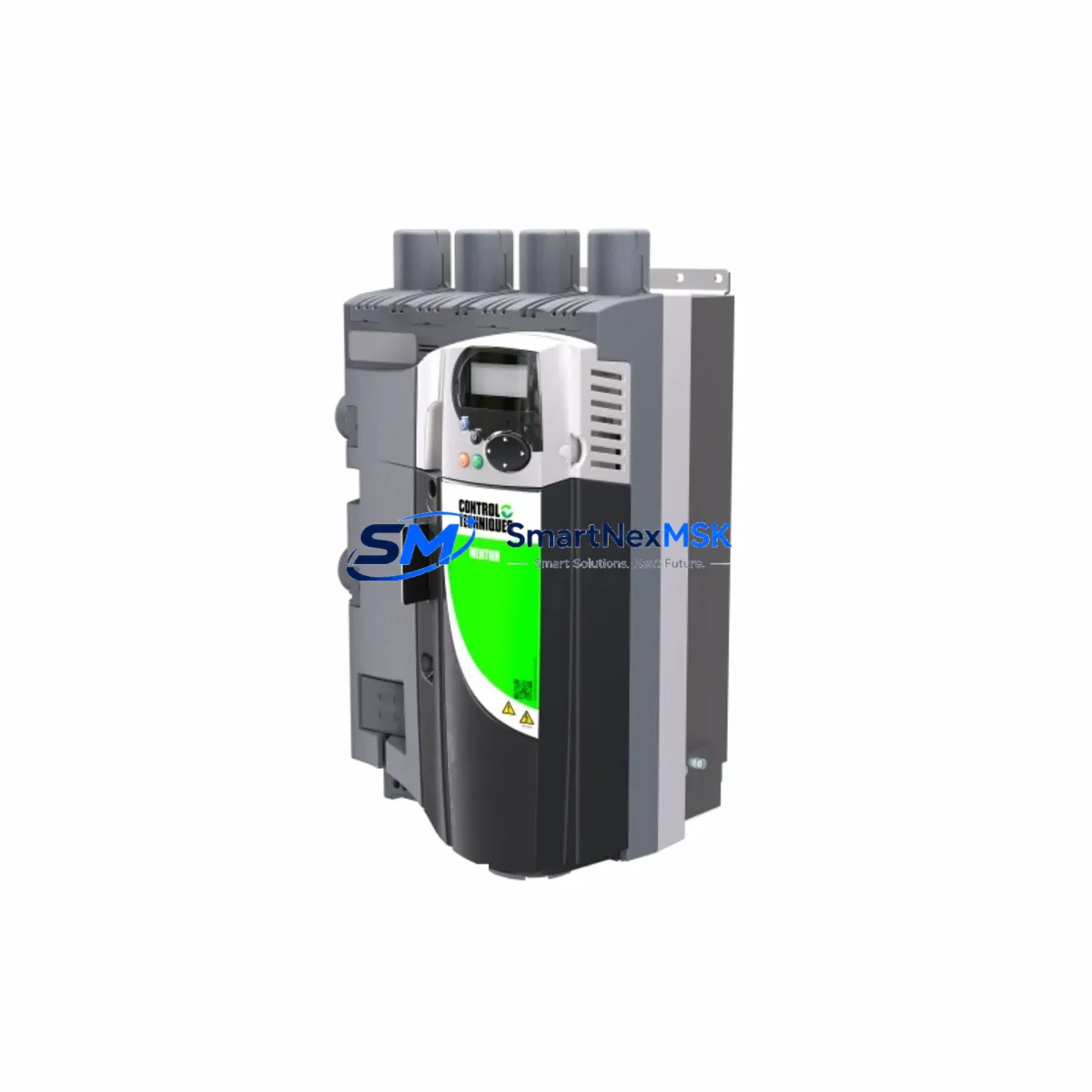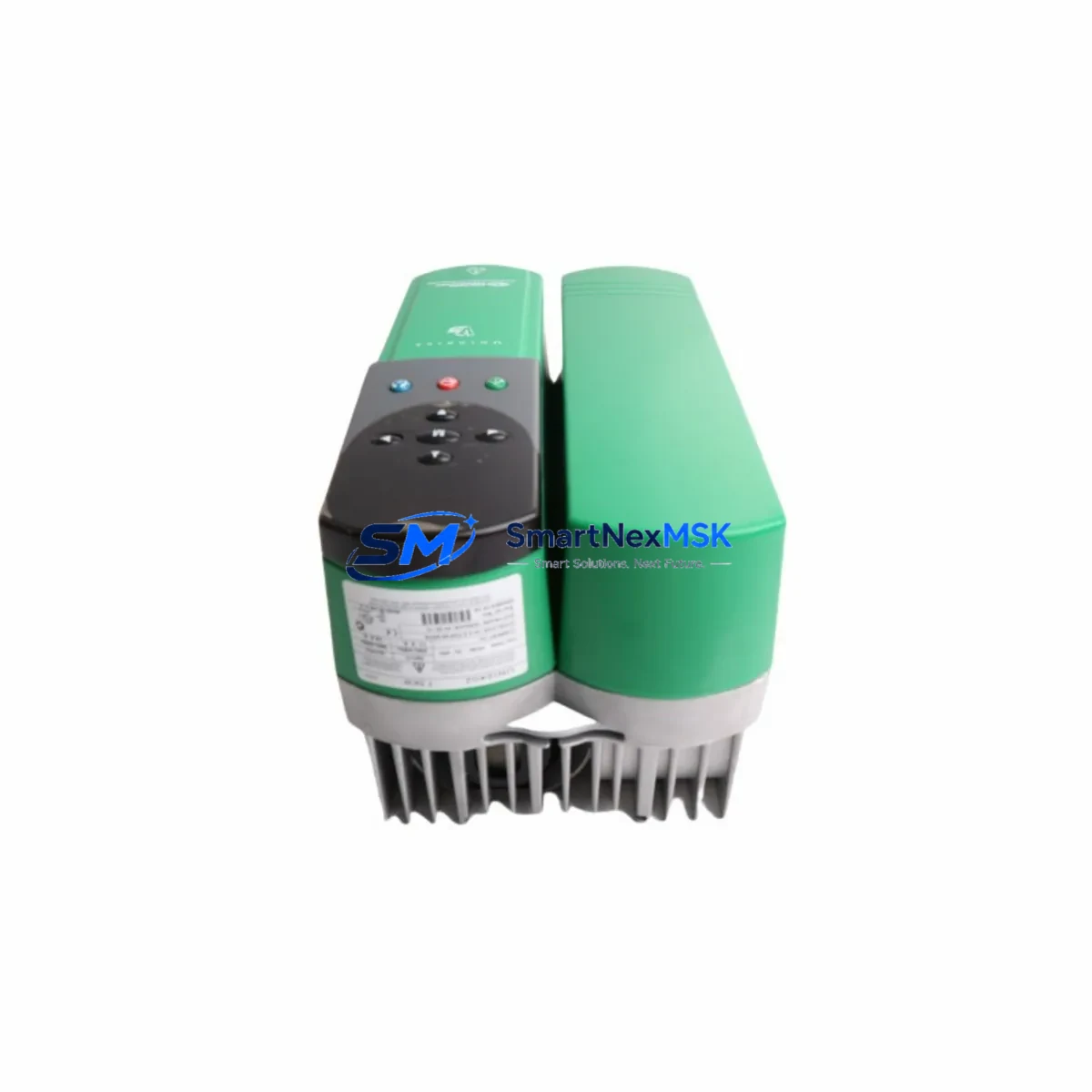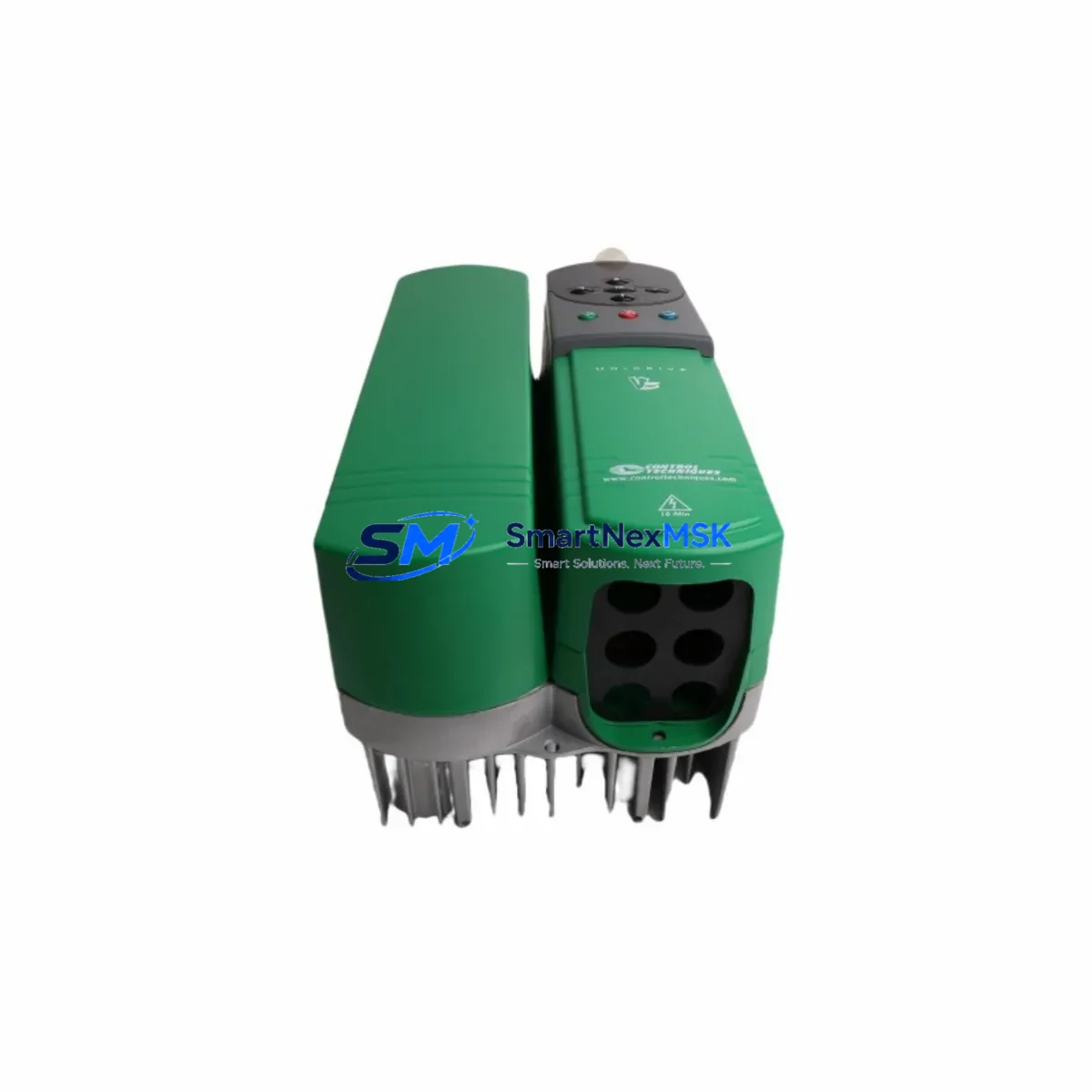
Control Techniques UNI3405 Maintenance-Ready Spare Unidrive Automation
The Control Techniques UNI3405 is a 4 kW, 400 V three-phase AC variable speed drive from the Unidrive series — one of the most widely deployed drive platforms in industrial automation worldwide. Whether you are managing a planned maintenance shutdown, responding to an unscheduled trip, or building a critical-spares inventory for aging control systems, the UNI3405 represents a high-priority line item. Its compact footprint, robust firmware compatibility, and broad motor-control flexibility make it a cornerstone component in conveyors, pumps, fans, compressors, and precision positioning applications across manufacturing, water treatment, and process industries.
Sourced as an original spare, every UNI3405 unit we supply undergoes pre-shipment functional verification — including power-on self-test, parameter restore, and output voltage symmetry check — before dispatch. Each unit ships with a 12-month warranty covering manufacturing defects and component failure under normal operating conditions.
Spare Maintenance Table
| Parameter | Specification |
|---|---|
| SKU / Part Number | UNI3405 |
| Brand | Control Techniques |
| Series | Unidrive (Classic) |
| Power Rating | 4 kW (5.5 HP) |
| Input Voltage | 380–480 V AC, 3-Phase |
| Output Voltage | 0–480 V AC, 3-Phase |
| Output Current | 9.5 A (nominal) |
| Control Mode | Open-loop V/Hz, Closed-loop Vector, Servo |
| Enclosure Rating | IP20 (panel-mount) |
| Cooling | Forced air (internal fan) |
| Communication | RS-485 (CT protocol); optional PROFIBUS, DeviceNet via SM module |
| Compatible Series | Unidrive Classic (UNI series) |
| Origin | United Kingdom |
| Installation | DIN rail / panel back-plate, vertical orientation |
| Operating Temperature | 0 °C to +40 °C (derate above 40 °C) |
| Humidity | 5–95% RH, non-condensing |
| Warranty | 12 Months |
| Condition | Original spare, pre-shipment tested |
Maintenance Planning for Continuous Operation
When a UNI3405 drive is flagged for replacement during a scheduled inspection or after a fault trip, experienced maintenance engineers know that the drive itself is rarely the only component requiring attention. A systematic cabinet audit at the time of drive replacement significantly reduces the risk of repeat failures and unplanned downtime.
Begin with the input power circuit: inspect the line reactor or EMC filter upstream of the drive — Control Techniques recommends a dedicated line reactor for UNI3405 installations on stiff supplies to limit dV/dt stress. Check the input fuses or MCB for signs of thermal discoloration. The 24 V DC control power supply feeding the drive’s control board and I/O terminals should be load-tested; a degraded SMPS can cause intermittent under-voltage trips that are often misdiagnosed as drive faults.
On the motor side, verify the output contactor (if fitted) for contact wear and coil resistance. Inspect the motor thermistor or PTC circuit wired to the UNI3405’s thermistor input — a failed thermistor will either mask real overtemperature events or generate nuisance trips. If the application uses a brake resistor (common in hoist and centrifuge applications), check the resistor element continuity and the braking IGBT gate signal integrity.
For feedback and control wiring, inspect the encoder cable shield continuity and connector seating if the drive is running in closed-loop vector or servo mode. Loose or corroded terminal block connections on the control I/O strip — particularly the analog reference input (0–10 V or 4–20 mA), digital enable, and fault relay outputs — are a common source of intermittent faults in older Unidrive installations. Replace any discolored or brittle ferrules.
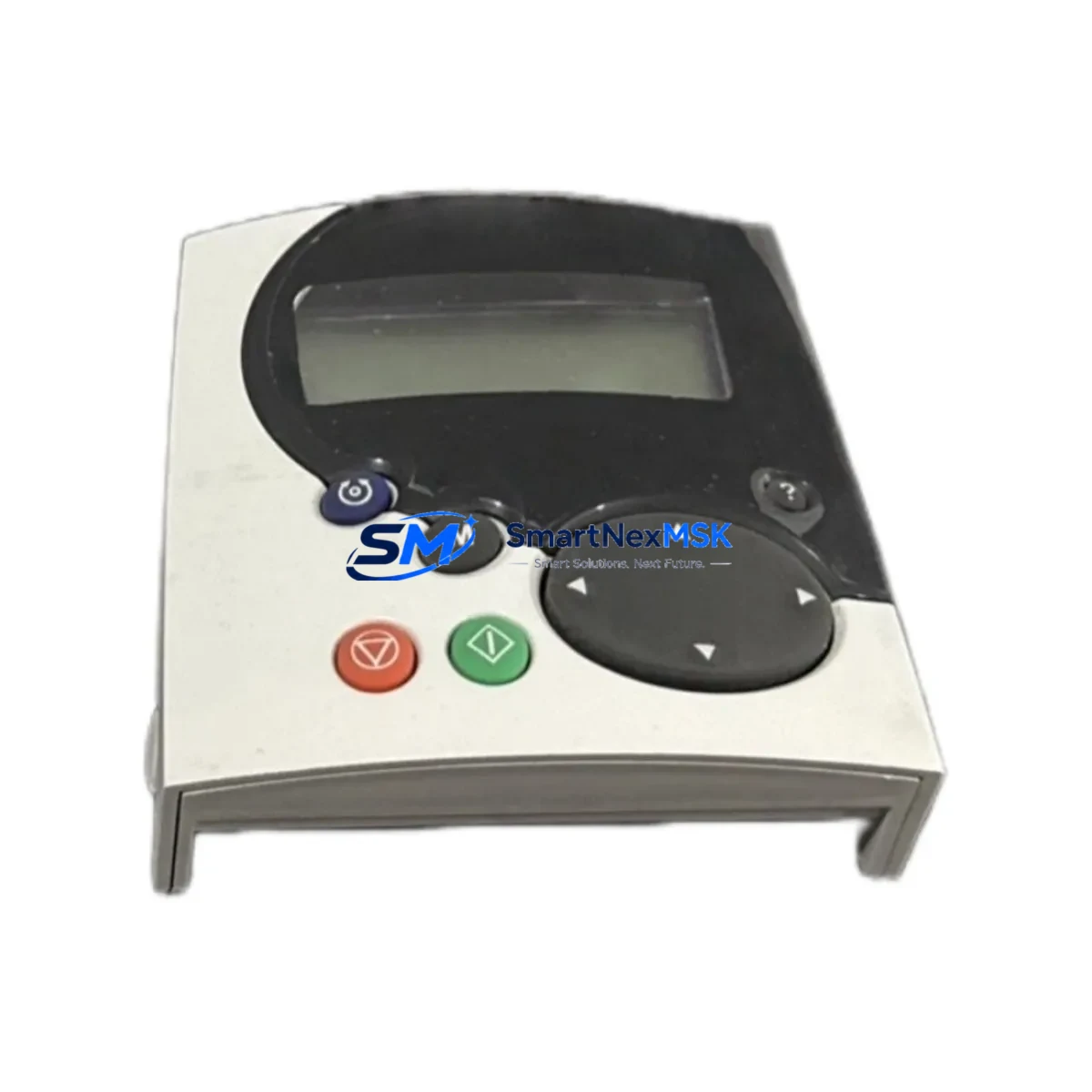
If the cabinet includes a Unidrive SM option module (such as the SM-PROFIBUS, SM-DeviceNet, or SM-Applications card), verify that the module is firmly seated and that the fieldbus cable termination resistors are correctly set. A faulty SM module can prevent the drive from accepting network commands even after a successful drive replacement. Similarly, if the system uses a CT Keypad or remote operator panel, confirm that the keypad cable and RJ45 connector are undamaged before commissioning the replacement drive.
For sites running legacy Unidrive Classic systems alongside newer Unidrive SP or Unidrive M platforms, it is advisable to maintain a mixed spare-parts inventory. The UNI3405 is not directly interchangeable with Unidrive SP or M-series drives without parameter migration, so keeping dedicated UNI-series spares on the shelf prevents cross-platform compatibility errors during emergency callouts.
Site Replacement Workflow
Step 1 — Isolation and lockout: Isolate the drive from the main supply and apply LOTO. Wait a minimum of 10 minutes for DC bus capacitors to discharge before opening the drive enclosure or disconnecting power terminals. Verify DC bus voltage with a calibrated meter before proceeding.
Step 2 — Parameter backup: If the existing drive is still partially functional, use the CT Keypad or UniSoft PC software to save the parameter set to a file or keypad memory. This eliminates the need to re-enter application-specific tuning values (ramp rates, current limits, PID gains) on the replacement unit.
Step 3 — Mechanical removal: Disconnect all power (L1/L2/L3, U/V/W, DC bus link if applicable) and control wiring, labeling each terminal. Remove the drive from the back-plate or DIN rail. Note the torque values for power terminal screws — over-tightening on the replacement unit can crack the terminal block.
Step 4 — Replacement installation: Mount the UNI3405 replacement unit, reconnect all wiring per the original schematic, and verify terminal torque. Restore the saved parameter set via keypad upload or UniSoft. Confirm that the motor nameplate data (rated voltage, current, frequency, speed) matches the parameters stored in Menu 5.
Step 5 — Commissioning check: Run the drive in local keypad mode at low speed (5–10 Hz) before handing back to the control system. Verify output current balance across all three phases, confirm the fault relay output is healthy, and check that the analog and digital I/O signals respond correctly to the PLC or DCS commands.
Step 6 — Documentation: Record the replacement date, new drive serial number, and any parameter changes in the site maintenance log. Update the spare-parts inventory to trigger a reorder for the consumed UNI3405 unit.
Spare Parts Support FAQ
Q1: Is the UNI3405 still available as a new original spare, or only as refurbished stock?
We supply the UNI3405 as an original spare sourced from authorized distribution channels and verified manufacturer surplus. Each unit is individually tested prior to shipment. Refurbished units are clearly identified as such and are not mixed with original stock.
Q2: How do I confirm compatibility before ordering if my existing drive label is damaged?
The UNI3405 belongs to the Unidrive Classic (UNI) series. Compatibility can be confirmed by cross-referencing the cabinet wiring schematic, the motor nameplate (4 kW, 400 V, 3-phase), and the original purchase order or commissioning record. If you can provide the drive’s frame size or the last readable characters of the serial number, our technical team can assist with verification before order placement.
Q3: What does the 12-month warranty cover, and what is the claims process?
The 12-month warranty covers manufacturing defects and component failure under normal operating conditions as defined in the Control Techniques Unidrive installation guide. It does not cover damage resulting from incorrect installation, supply voltage excursions beyond specification, or physical impact. To initiate a warranty claim, contact our sales team with the unit serial number, fault description, and site installation details. Replacement or repair is typically processed within 5–10 business days.
Q4: Can I stock multiple UNI3405 units for a multi-drive installation without risk of long-term storage degradation?
Yes. Unidrive Classic drives store well in their original packaging in a dry, temperature-controlled environment (10–40 °C, <75% RH). For storage periods exceeding 12 months, it is recommended to power the drives for a minimum of 1 hour annually to reform the DC bus electrolytic capacitors and prevent capacitance loss. We can supply units in sealed OEM packaging on request for long-term strategic sparing.
© 2026 SMARTNEXMSK. All rights reserved.
Original Source: https://smartnexmsk.com
Contact: [email protected] | +86 18259474341