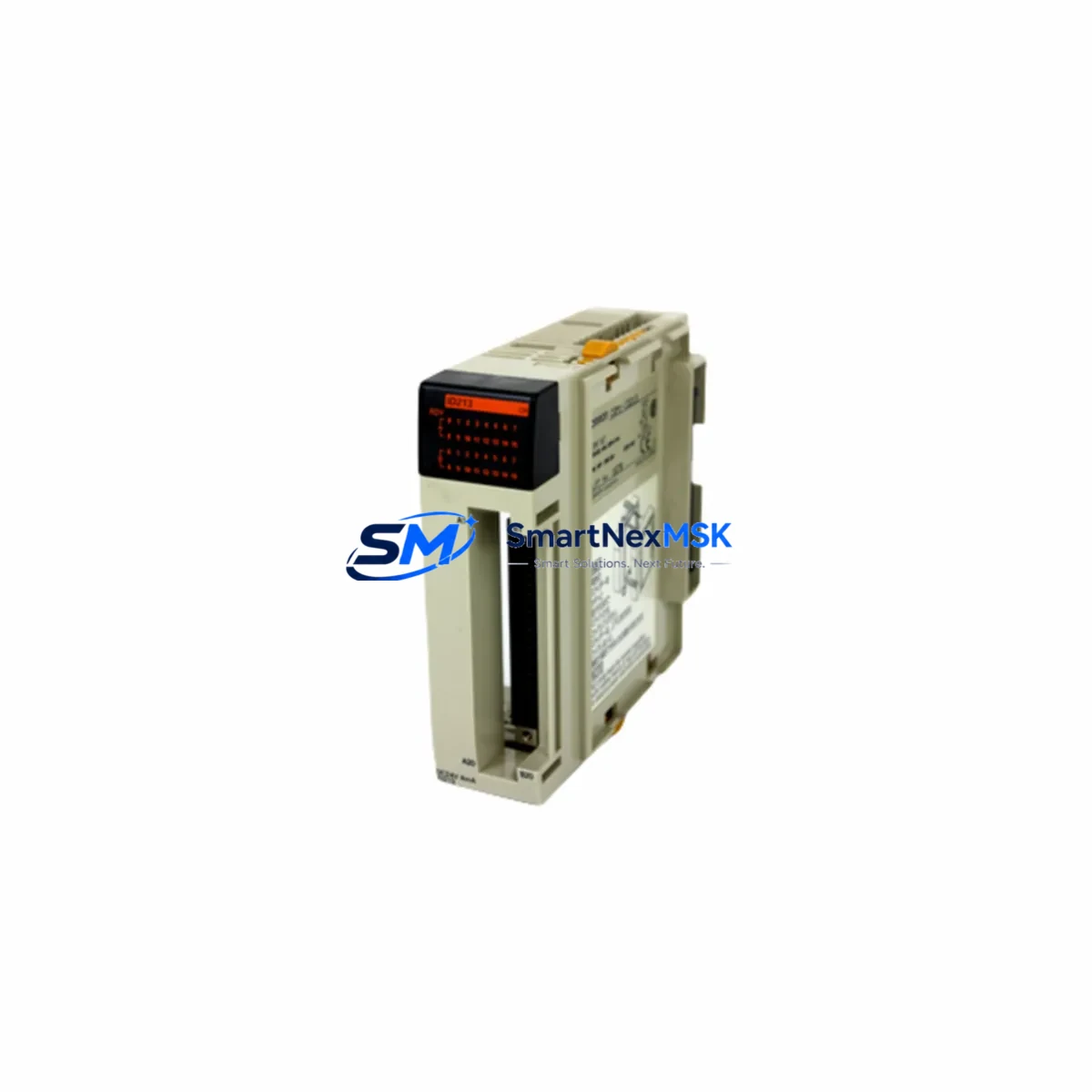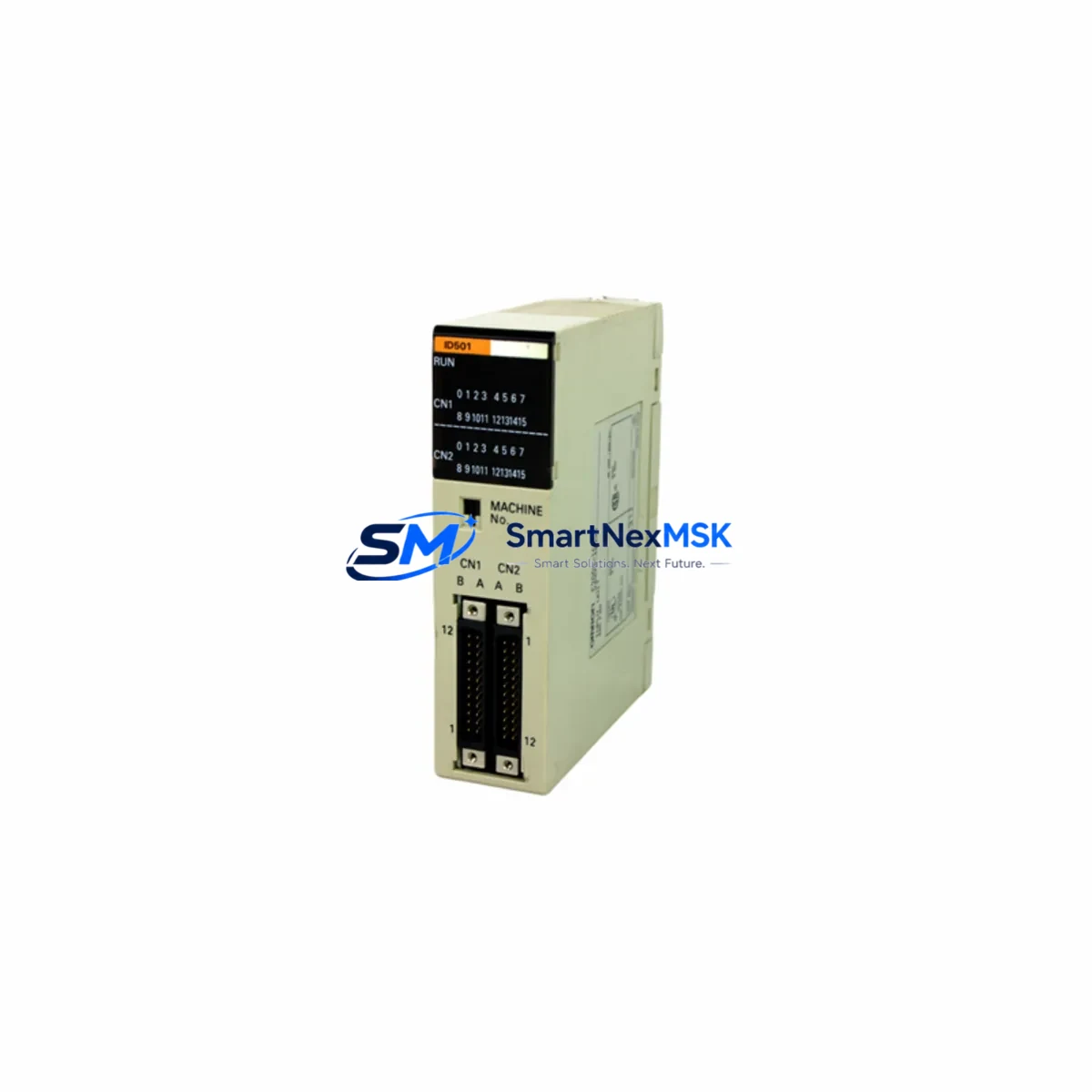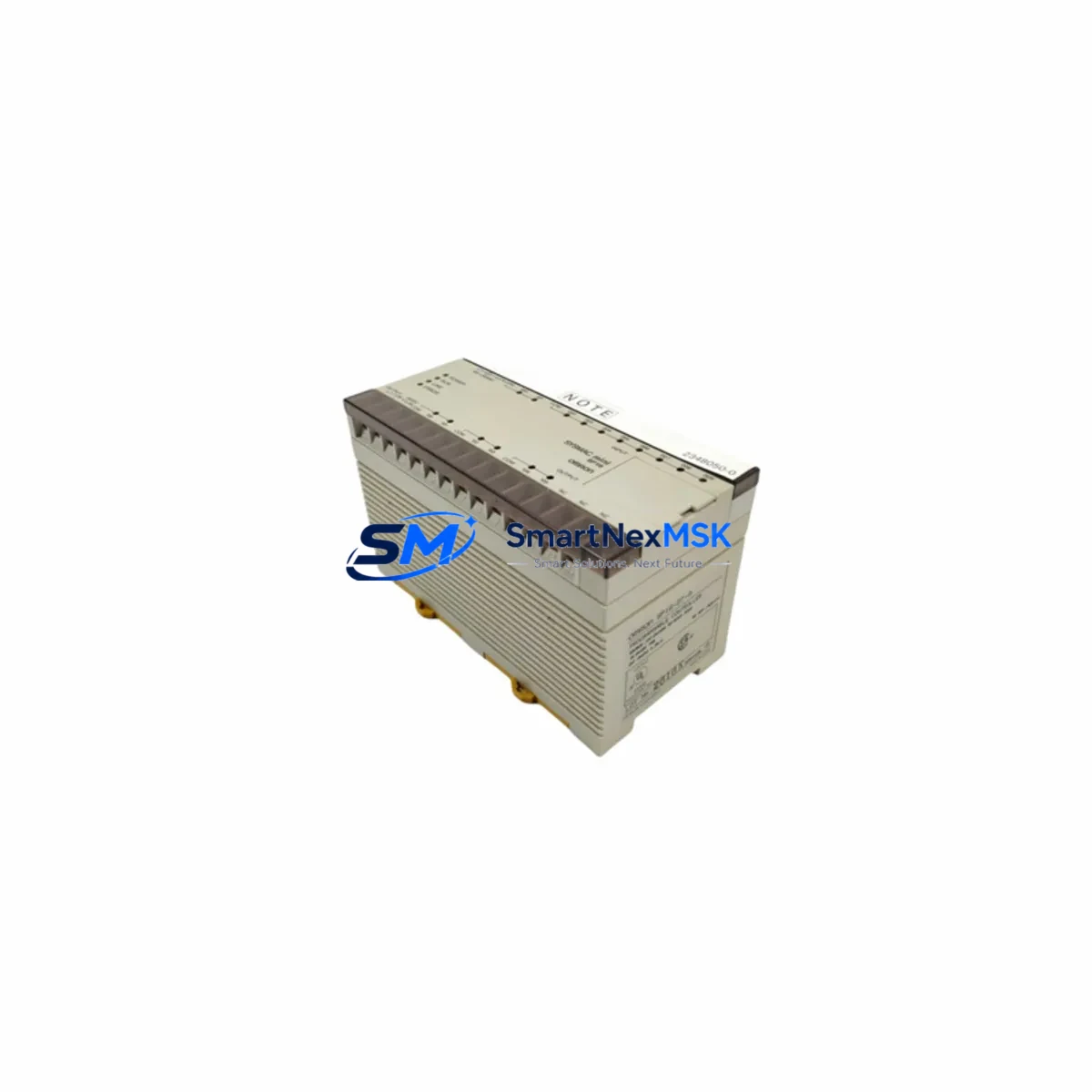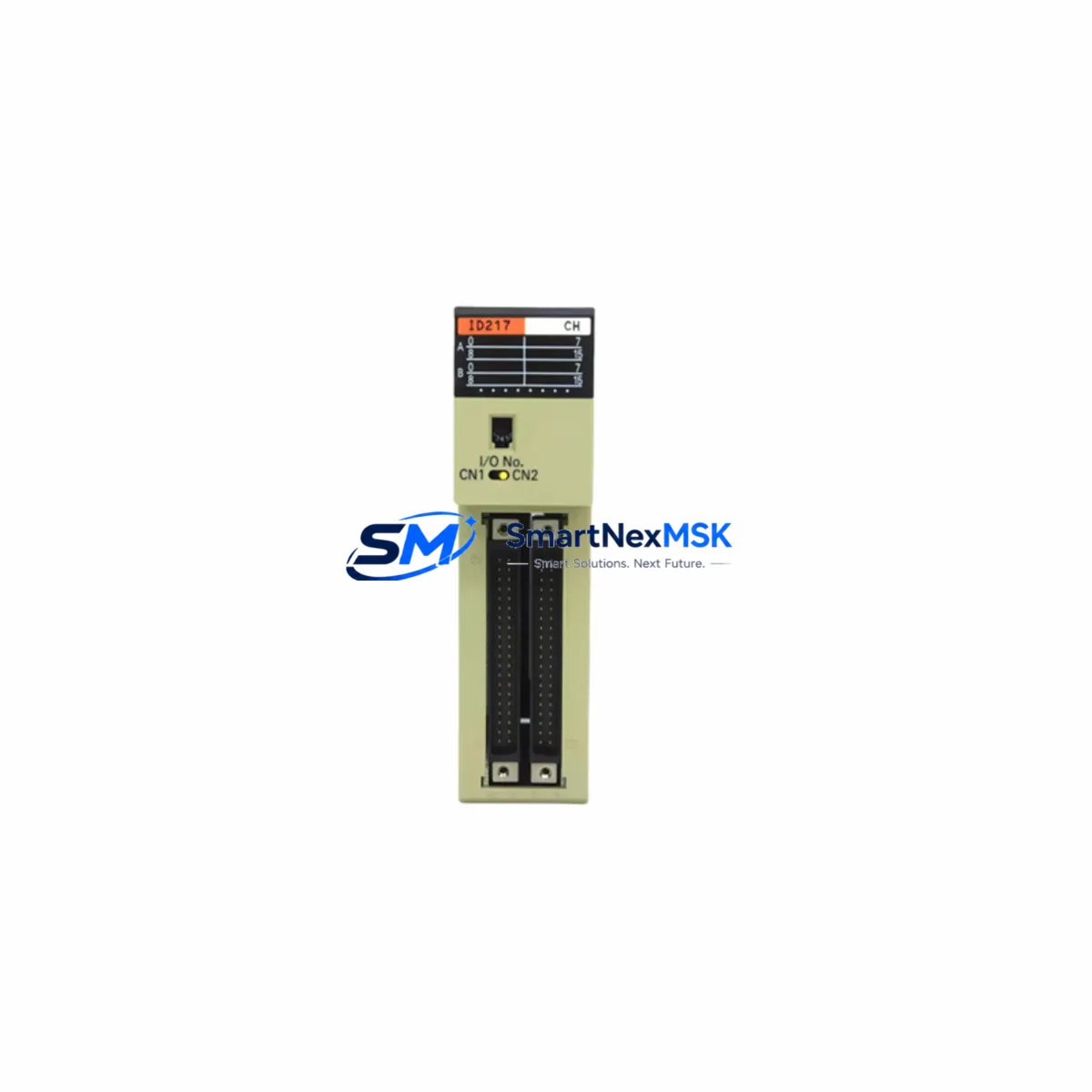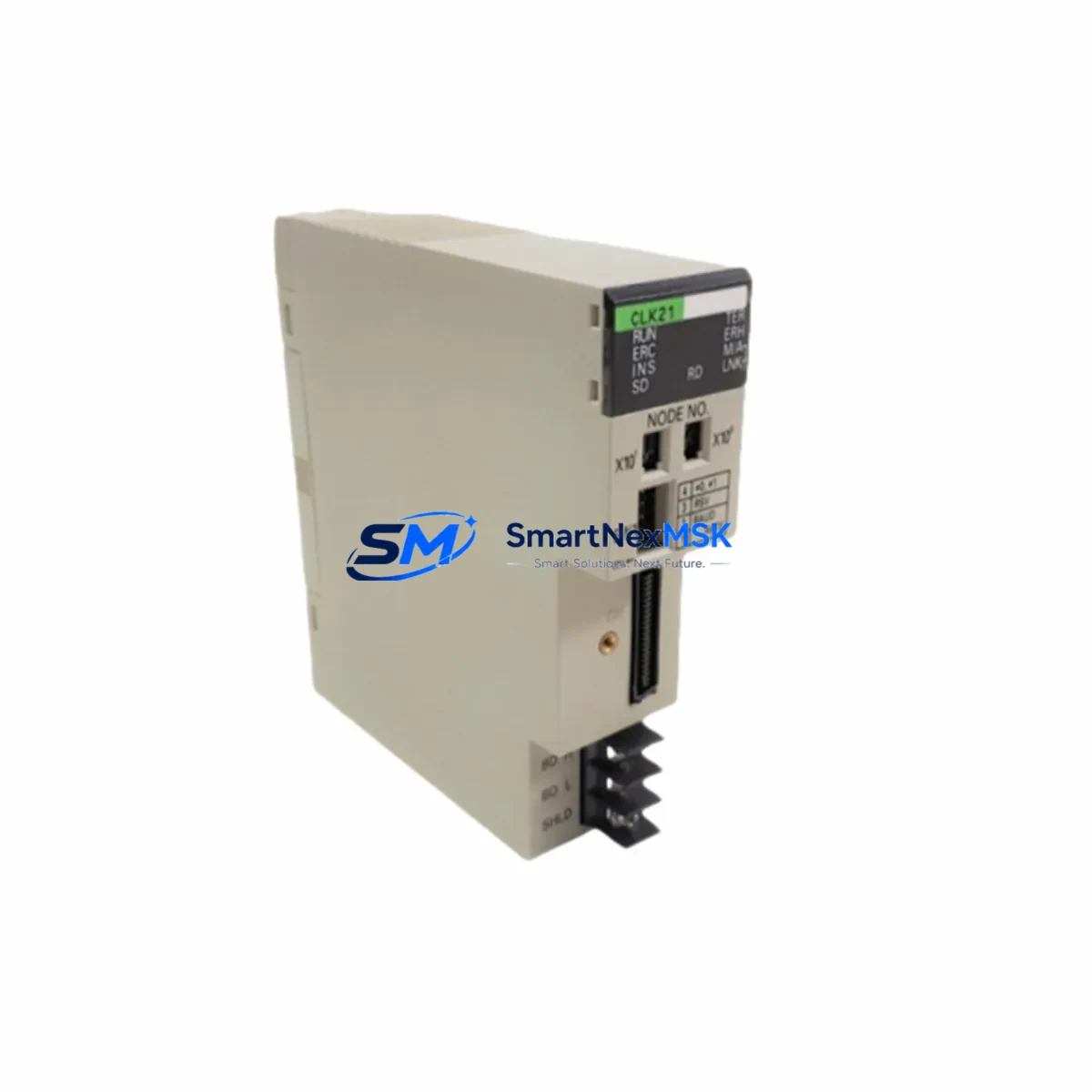
OMRON C200HW-SLK13 Retrofit-Ready SYSMAC Link Unit: Compatible Upgrade for C200HW Control Systems
The OMRON C200HW-SLK13 is a SYSMAC Link communication unit designed for integration into OMRON C200HW Series programmable logic controller systems. As legacy C200HW installations age and original spare parts become increasingly scarce, the C200HW-SLK13 serves as a verified retrofit-ready replacement that preserves existing network topology, program logic, and field wiring — minimizing engineering rework and unplanned downtime during system modernization projects.
This module supports SYSMAC Link peer-to-peer data link communication, enabling coordinated data exchange between multiple C200HW CPU units and compatible nodes across a control network. For facilities managing aging production lines, the C200HW-SLK13 provides a direct path to restore communication integrity without requiring a full controller platform migration.
Upgrade Compatibility Table
| Parameter | Details |
|---|---|
| Compatible Series | OMRON C200HW, C200HX, C200HE, C200HG |
| Communication Protocol | SYSMAC Link (coaxial or optical, node-dependent) |
| Backplane Interface | C200HW CPU Rack / Expansion I/O Rack slot |
| Installation Requirement | Fits standard C200HW backplane; no mechanical modification required |
| Node Address Setting | Rotary switch on module front panel; must match original node configuration |
| Power Consumption | Verify rack power budget against C200HW-PA204 or C200HW-PA204S supply capacity |
| Program Compatibility | Fully compatible with existing ladder logic referencing SYSMAC Link data areas |
| HMI Compatibility | Compatible with OMRON NS-series and NT-series HMI panels via host link or SYSMAC Link |
| Replacement Recommendation | Direct drop-in for discontinued C200HW-SLK13 units; verify firmware revision if applicable |
| Commissioning Focus | Node address, data link table re-registration, communication cycle time verification |
| Warranty | 12-Month Warranty — all units tested prior to shipment |
Retrofit Planning for Existing Automation Systems
Successful integration of the C200HW-SLK13 into an existing control system requires a structured pre-installation review. Engineers should begin by auditing the current rack configuration: confirm available slot positions on the C200HW CPU rack or expansion rack, and verify that the C200HW-PA204 or C200HW-PA204S power supply unit has sufficient remaining capacity to support the additional communication module load.
Terminal wiring for the SYSMAC Link network — whether coaxial cable or optical fiber depending on the network variant — must be inspected for continuity and correct termination resistance. If the existing network uses a C200HW-SLK21 or similar optical SYSMAC Link unit at adjacent nodes, confirm that the C200HW-SLK13 coaxial variant is appropriate for the installed cable infrastructure, or source the correct optical variant accordingly.
Before powering down the rack for module swap, back up the full program from the C200HW-CPU43 or equivalent CPU unit using CX-Programmer or SYSMAC Support Software via the C200HW-CN226 programming cable or USB-Serial adapter. Preserve the I/O table, data link table, and routing table configurations. If the system includes C200HW-DRM21-V1 DeviceNet master units or C200HW-CLK21 Controller Link modules sharing the same rack, document their slot assignments and DIP switch settings before removal.
For systems with distributed I/O managed through C200HW-RM201 remote I/O master units, verify that the SYSMAC Link data link table correctly maps all remote node data areas. Any mismatch between the data link table stored in the replacement C200HW-SLK13 and the active network configuration will result in communication errors at startup. Re-register the data link table using CX-Net or the CPU unit’s DM area configuration method as appropriate for the installed CPU revision.
HMI screens connected via NS5-SQ10B-V2 or similar NS-series panels should be verified for correct PLC address mapping after the module swap. If the HMI communicates through the SYSMAC Link network rather than a direct serial host link, confirm that the HMI’s network table references the correct node number assigned to the replacement module.
Downtime Control During System Migration
Minimizing production interruption during a C200HW-SLK13 replacement requires advance preparation rather than reactive troubleshooting. The recommended approach is to complete all pre-swap verification steps — program backup, data link table export, node address confirmation, and power budget check — during a scheduled maintenance window or low-production period, so that the physical swap and recommissioning can be completed within a single controlled outage.
Where the process allows, consider placing the affected SYSMAC Link node in a forced-output or safe-state hold condition before removing the module, to prevent downstream actuators or drives from receiving unexpected commands during the transition. If the C200HW CPU supports partial program execution with the communication module offline, configure the program’s error handling routines to maintain safe outputs during the communication fault period.
After installing the replacement C200HW-SLK13, power up the rack and monitor the module’s RUN and ERR indicators before re-enabling the data link. Confirm node participation using the CPU’s network status monitoring function in CX-Programmer. Once all nodes report normal status, restore normal program execution and verify that all SYSMAC Link data areas are updating correctly before releasing the line to production. Total swap time for a prepared team is typically under 60 minutes for a single-node replacement.
All C200HW-SLK13 units supplied by SMARTNEXMSK are tested for communication function prior to shipment. Each unit ships with a 12-month warranty covering manufacturing defects and functional failures under normal operating conditions.
Retrofit Support FAQ
Q1: Is the C200HW-SLK13 a direct replacement for the original discontinued unit?
Yes. The C200HW-SLK13 is a direct slot-compatible replacement for the original OMRON C200HW-SLK13 SYSMAC Link unit. No mechanical modification to the rack or backplane is required. Node address settings must be matched to the original configuration using the front-panel rotary switches before installation.
Q2: Do I need to re-enter the data link table after replacing the module?
In most cases, yes. The data link table is stored in the module itself and will need to be re-registered after installing a replacement unit. Export the existing data link table from the original module using CX-Net before removal, then re-download it to the replacement C200HW-SLK13 after installation. This step is critical to restoring correct peer-to-peer data exchange across all SYSMAC Link nodes.
Q3: What wiring checks are required before powering up the replacement module?
Verify coaxial cable termination resistance (typically 75Ω at each network end), confirm cable continuity between all nodes, and check that the rack power supply — such as the C200HW-PA204 — has sufficient capacity for the added module. Inspect connector seating on the backplane and ensure the module is fully engaged before applying power.
Q4: What does the 12-month warranty cover, and how are units tested before shipment?
All C200HW-SLK13 units are functionally tested for communication initialization, node registration, and data link operation prior to shipment. The 12-month warranty covers manufacturing defects and functional failures under normal industrial operating conditions. Units showing physical damage from improper installation or electrical overstress are not covered. Contact [email protected] for warranty claims or pre-shipment test report requests.
© 2026 SMARTNEXMSK. All rights reserved.
Original Source: https://smartnexmsk.com
Contact: [email protected] | +86 18259474341