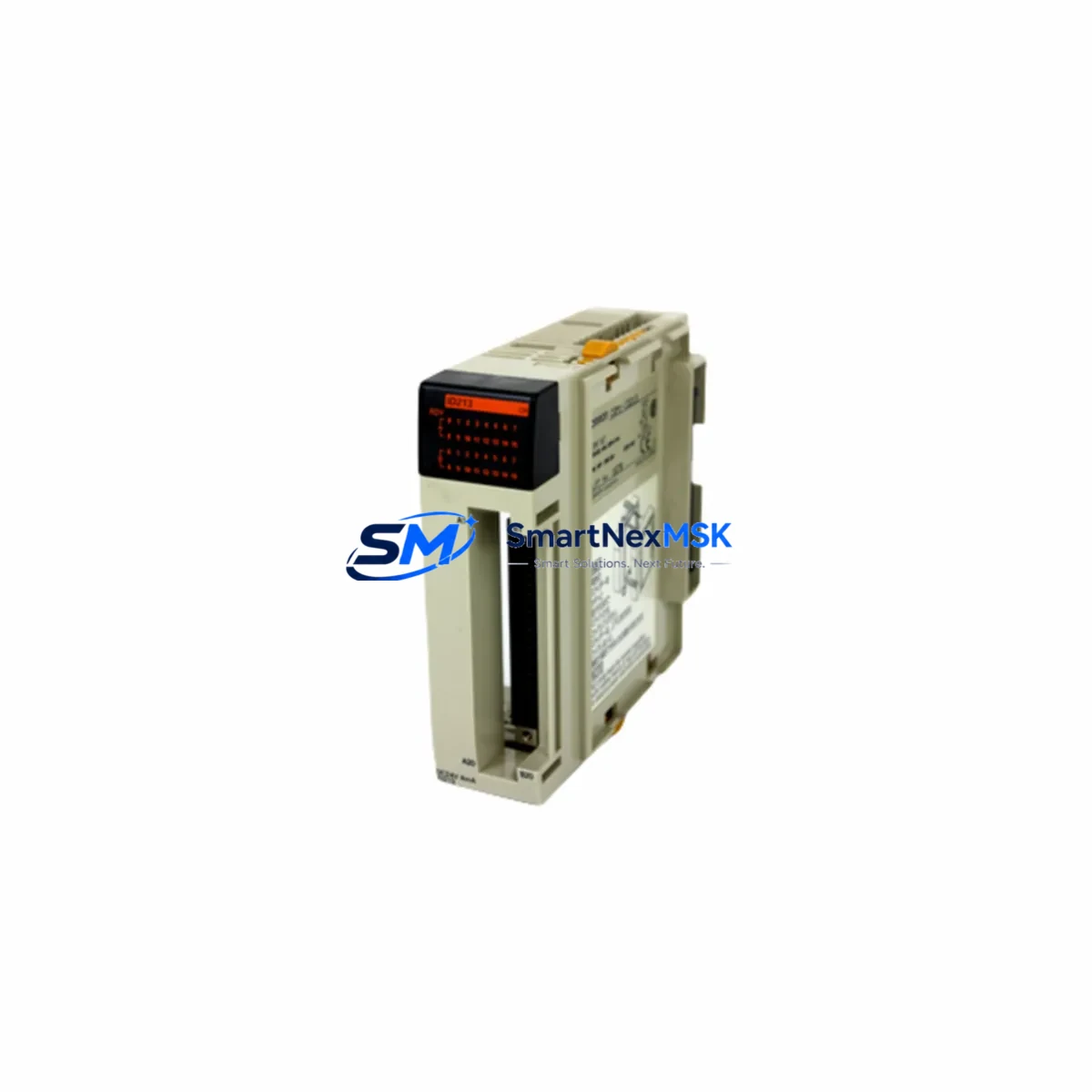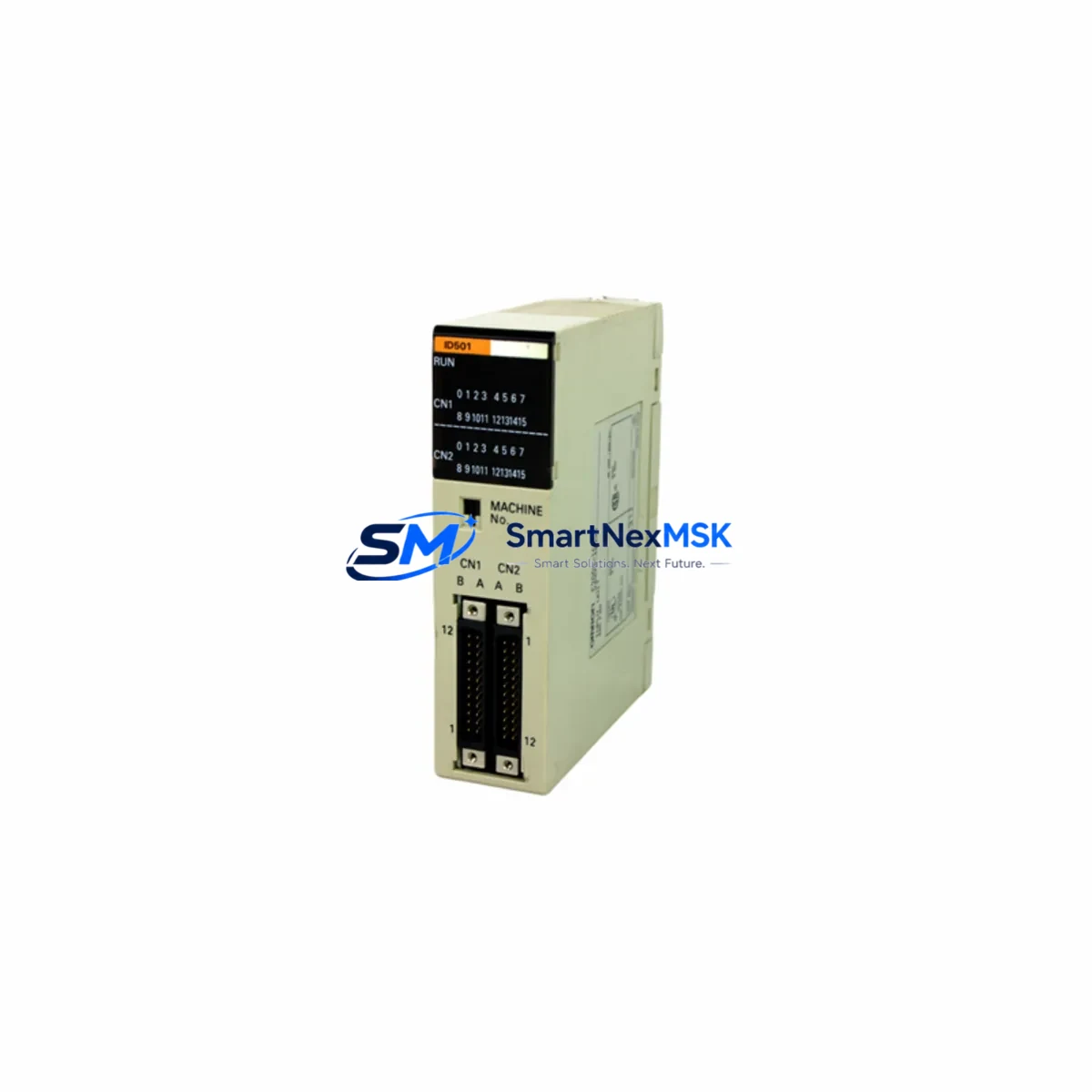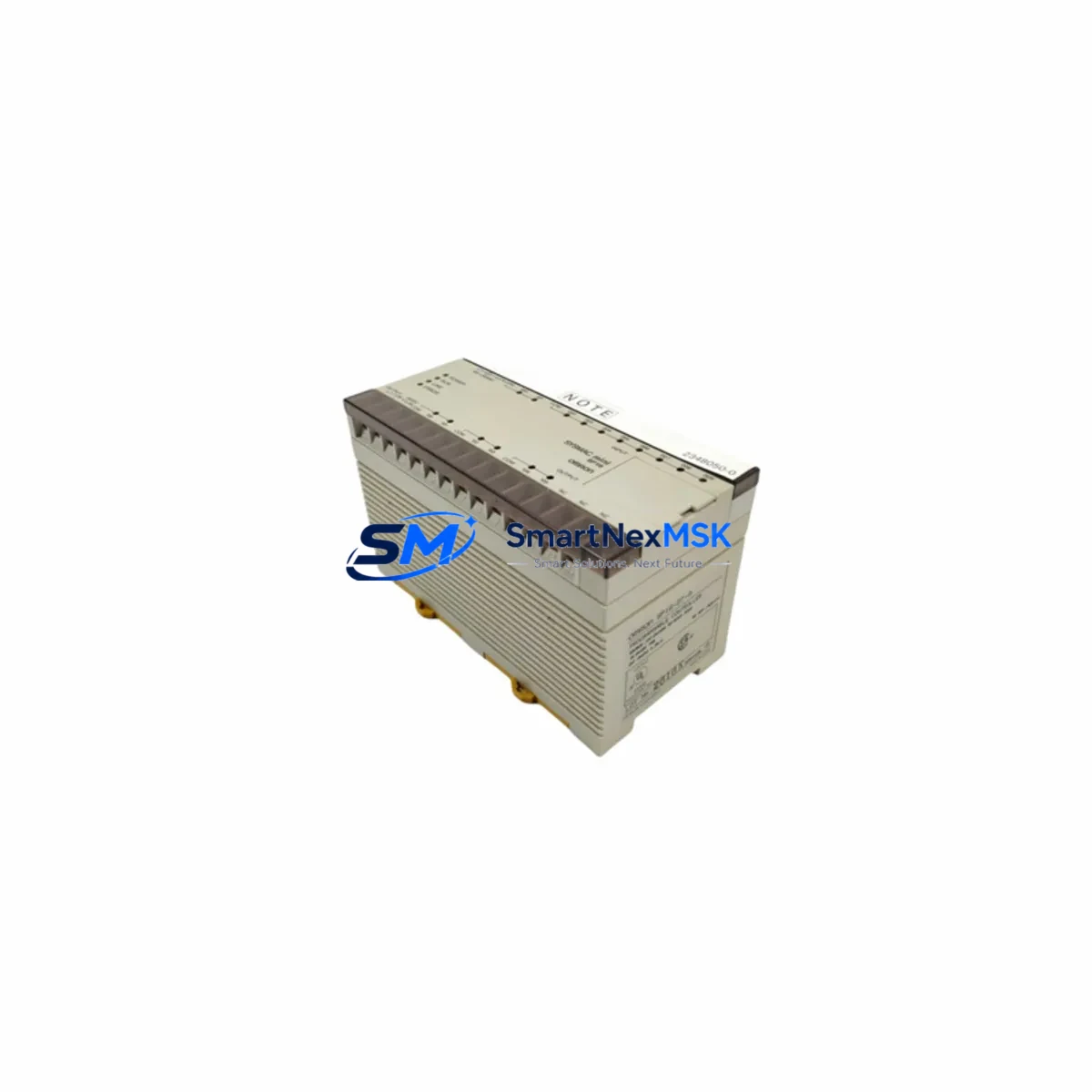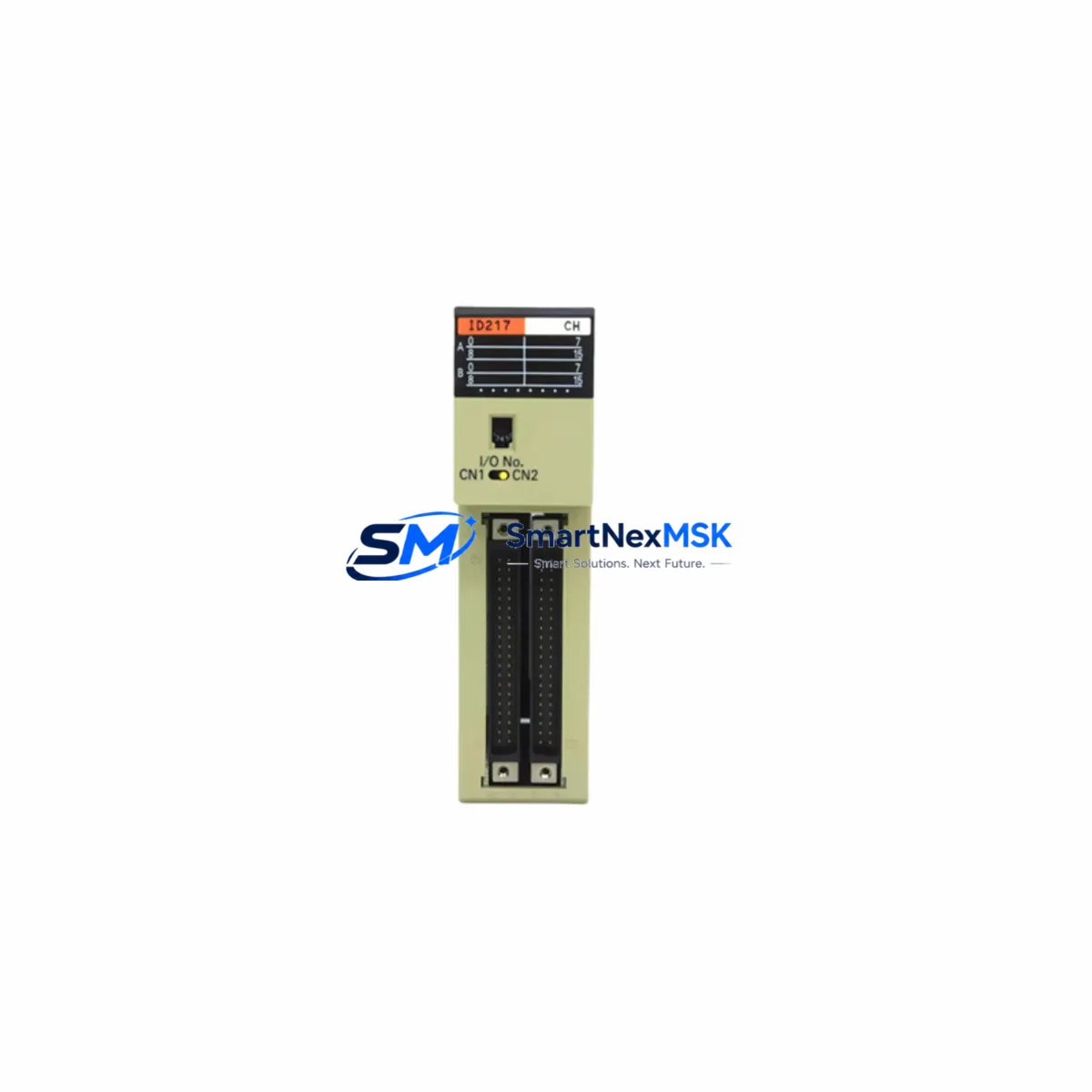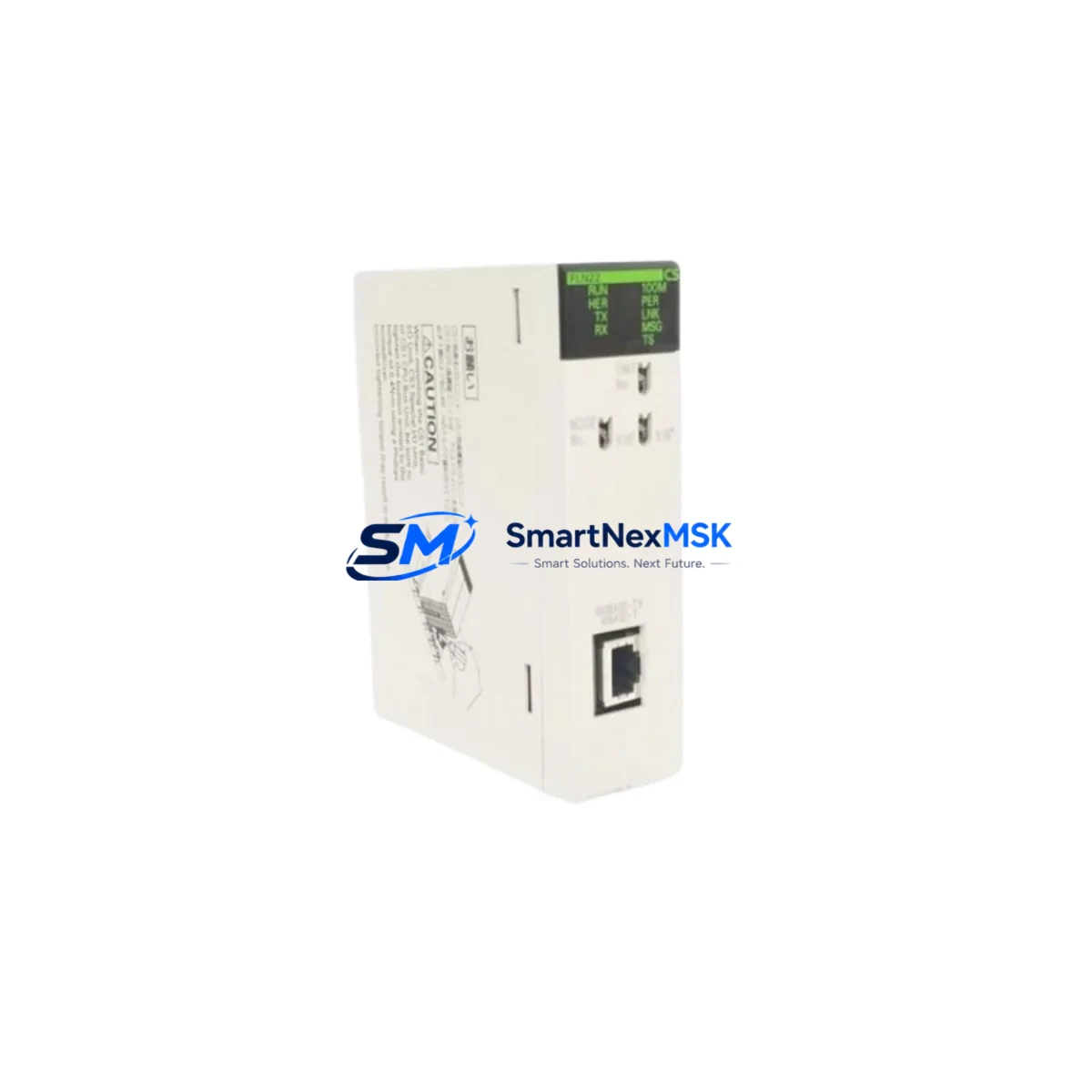
Omron CS1W-FLN22 Retrofit-Ready FL-net Communication Unit for CS1 Series Control Systems
The Omron CS1W-FLN22 is a dedicated FL-net (Factory LAN) communication unit designed for seamless integration into Omron CS1 Series programmable logic controller systems. As legacy automation infrastructure reaches end-of-life and original spare parts become increasingly scarce, the CS1W-FLN22 serves as the authoritative retrofit-ready replacement for aging FL-net communication nodes across manufacturing lines, process control panels, and distributed I/O architectures. Whether you are upgrading a CS1G-CPU42H or CS1H-CPU67H-based control cabinet, or migrating from an earlier CS-series communication backbone, this unit delivers verified compatibility, stable network performance, and a 12-month warranty backed by pre-shipment functional testing.
Upgrade Compatibility Table
| Parameter | Details |
|---|---|
| Compatible Series | Omron CS1G / CS1H / CS1D Series PLCs |
| Communication Protocol | FL-net (OPCN-2), IEEE 802.3 Ethernet physical layer |
| Backplane Interface | CS1 Series CPU Bus Unit slot (direct backplane mount) |
| Installation Requirement | Mounts in any CS1 CPU Bus Unit slot; no adapter required |
| Node Address Setting | Rotary switch on front panel (1–254) |
| Common Memory Areas | Area 1 (cyclic): up to 512 words; Area 2 (cyclic): up to 32 words |
| Message Communication | Supported (token-passing FL-net message service) |
| Replacement Target Models | CS1W-FLN21 (earlier revision), legacy CS-series FL-net units |
| Retrofit Recommendation | Direct drop-in for CS1W-FLN21; verify node address and CX-Programmer unit number assignment |
| Commissioning Focus | Node address uniqueness, I/O table registration, cyclic area word allocation |
| Warranty | 12 months from shipment date; pre-shipment functional test included |
Retrofit Planning for Existing Automation Systems
Integrating the CS1W-FLN22 into an existing control system requires a structured approach that accounts for the full scope of the automation architecture. In a typical CS1-based control cabinet, the CPU unit — such as a CS1G-CPU42H or CS1H-CPU67H — occupies the leftmost slot of the CS1 backplane rack, with CPU Bus Unit slots allocated to communication and special function modules. The CS1W-FLN22 occupies one of these CPU Bus Unit slots and must be assigned a unique unit number within CX-Programmer before the I/O table is regenerated.
Before removing the legacy FL-net unit, engineers should document the existing node address (set via the front-panel rotary switch), the cyclic area word allocations in Area 1 and Area 2, and any message communication sequences active in the ladder program. The CS1W-SCU21-V1 serial communication unit and CS1W-ETN21 Ethernet unit — if present in the same rack — must remain undisturbed during the swap, as their unit numbers and I/O table entries are independent of the FL-net unit assignment.
Power budget verification is essential. The CS1 backplane power supply — typically a CS1W-PA204 or CS1W-PD024 — must have sufficient 5 VDC bus capacity to support the CS1W-FLN22 alongside existing modules including digital I/O units such as the CS1W-ID211 input module and CS1W-OD211 output module. The CS1W-FLN22 draws current from the 5 VDC internal bus; confirm the total current consumption does not exceed the power supply’s rated output before finalizing the rack layout.
For systems that include an NS-series HMI (such as the NS12-TS01B-V2) communicating via Ethernet or serial link to the CS1 CPU, the HMI screen data and tag bindings referencing FL-net common memory addresses must be reviewed. If the word allocation in Area 1 changes due to node reordering on the FL-net network, corresponding HMI address mappings must be updated in CX-Designer before going live. Similarly, any CJ1W-series remote I/O units or CS1W-RPT01 repeater units on the FL-net segment should be audited for address conflicts prior to commissioning the replacement unit.
Wiring at the RJ-45 Ethernet port of the CS1W-FLN22 follows standard 100BASE-TX cabling practices. If the existing network uses a managed switch — such as those in the Omron W4S1 series — confirm that the FL-net VLAN or port configuration is preserved. The CS1W-FLN22 does not require a crossover cable when connected to a switch port. Label all terminal connections and photograph the existing wiring before disconnecting the legacy unit to ensure accurate restoration during commissioning.
Downtime Control During System Migration
Minimizing production downtime during a CS1W-FLN22 retrofit begins with thorough offline preparation. Use CX-Programmer to perform a full online upload of the existing CPU program — including all ladder sections, function blocks, and data memory (DM) contents — before any hardware is touched. Save the project file with a version-stamped backup. If the CS1 CPU supports online editing, the program logic itself does not need to be modified for the communication unit swap; only the I/O table and unit number assignment require updating.
Schedule the physical swap during a planned maintenance window. Power down the control cabinet following the site’s lockout/tagout procedure. Remove the legacy FL-net unit from its CPU Bus Unit slot, install the CS1W-FLN22 in the same slot, and set the node address rotary switch to match the previously documented value. Restore power and use CX-Programmer to perform an auto-generate I/O table operation, then verify that the CS1W-FLN22 appears correctly in the unit configuration. Transfer the saved program back to the CPU if required, and confirm that all FL-net cyclic data areas are active and that network participation tokens are circulating normally using the FL-net monitor function in CX-Programmer.
For systems where continuous operation is critical, consider staging a parallel test rack with a CS1G-CPU42H and a pre-configured CS1W-FLN22 to validate the program and network behavior offline before the live cutover. This approach eliminates uncertainty about program compatibility and allows the commissioning team to rehearse the switchover sequence, reducing live downtime to the minimum required for the physical module exchange and I/O table refresh — typically under 30 minutes for an experienced engineer.
Retrofit Support FAQ
Q1: Is the CS1W-FLN22 a direct replacement for the CS1W-FLN21?
Yes. The CS1W-FLN22 is the current production revision and is mechanically and electrically compatible with the CS1W-FLN21 slot position. After installation, regenerate the I/O table in CX-Programmer and verify the unit number assignment. No ladder program modifications are required if the cyclic area word allocations remain unchanged.
Q2: What commissioning steps are required after installing the CS1W-FLN22?
Set the node address via the front-panel rotary switch before powering on. After power-up, use CX-Programmer to auto-generate the I/O table and confirm the unit appears in the CPU Bus Unit list. Verify FL-net network participation using the built-in monitor, check that Area 1 and Area 2 cyclic data are updating correctly, and confirm that all peer nodes on the FL-net segment recognize the new unit.
Q3: How do I verify wiring and terminal compatibility during the retrofit?
The CS1W-FLN22 uses a standard RJ-45 100BASE-TX Ethernet port. No special terminal adapter is required. Confirm that the existing network cable is Cat5e or better and that the connected switch port is configured for auto-negotiation or fixed 100 Mbps full-duplex. If the legacy unit used a BNC or AUI connector (older FL-net revisions), a media converter will be required — contact your system integrator for guidance.
Q4: What does the 12-month warranty cover, and what pre-shipment testing is performed?
Every CS1W-FLN22 unit shipped by SMARTNEXMSK undergoes functional verification prior to dispatch, including power-on self-test, FL-net network participation confirmation, and cyclic data exchange validation. The 12-month warranty covers hardware defects under normal operating conditions from the date of shipment. Units showing physical damage caused by incorrect installation, overvoltage, or environmental factors outside Omron’s rated specifications are not covered. Warranty claims are processed via [email protected].
© 2026 SMARTNEXMSK. All rights reserved.
Original Source: https://smartnexmsk.com
Contact: [email protected] | +86 18259474341