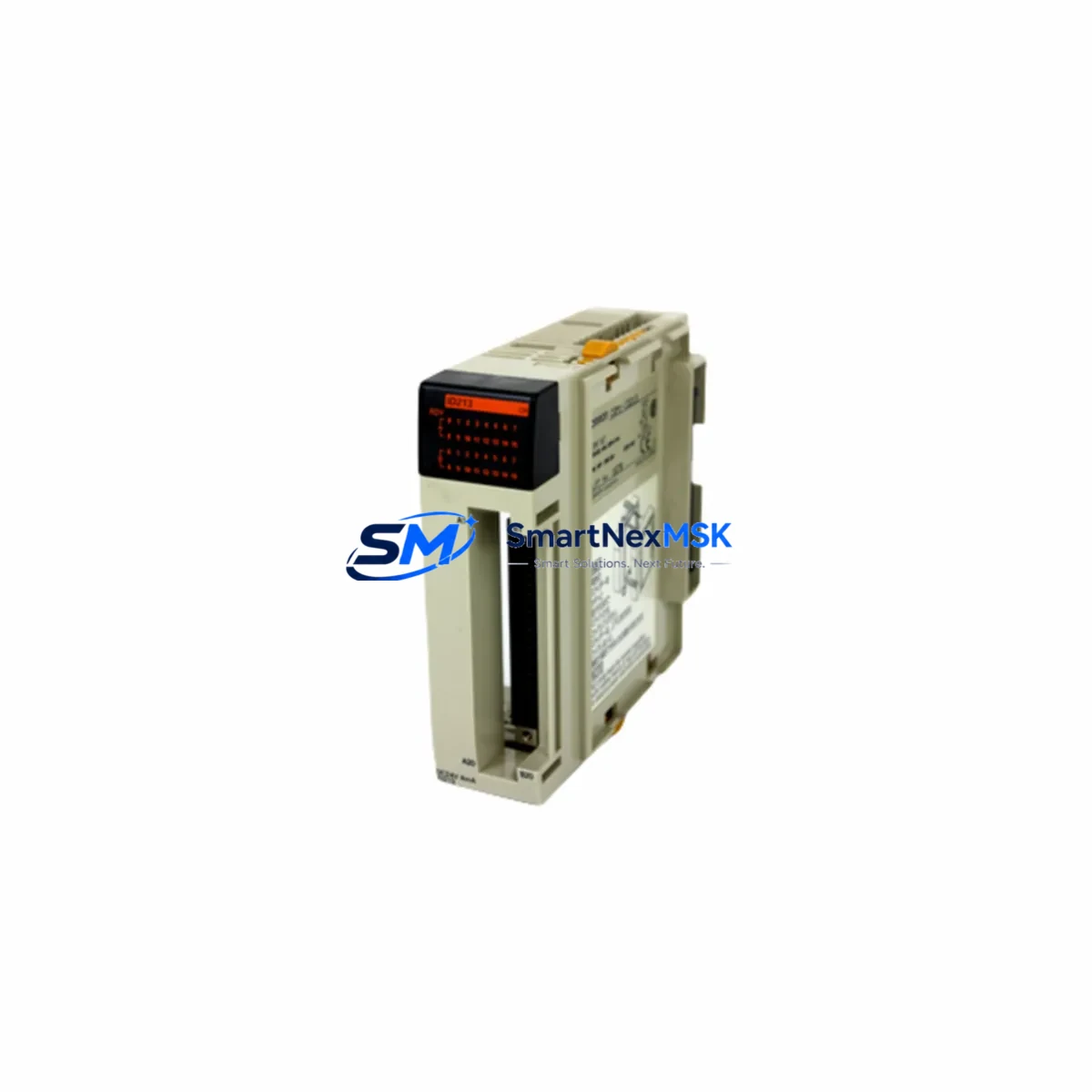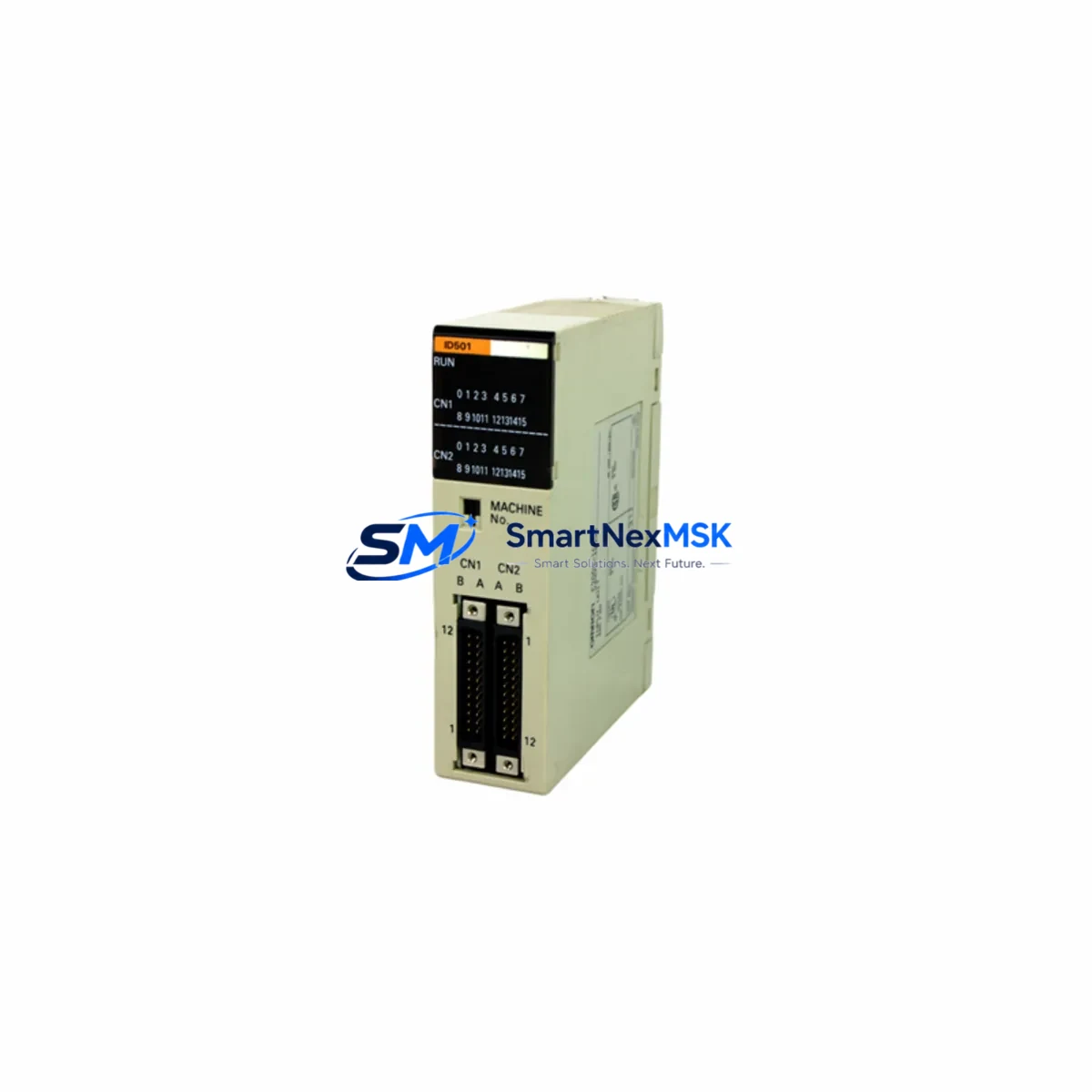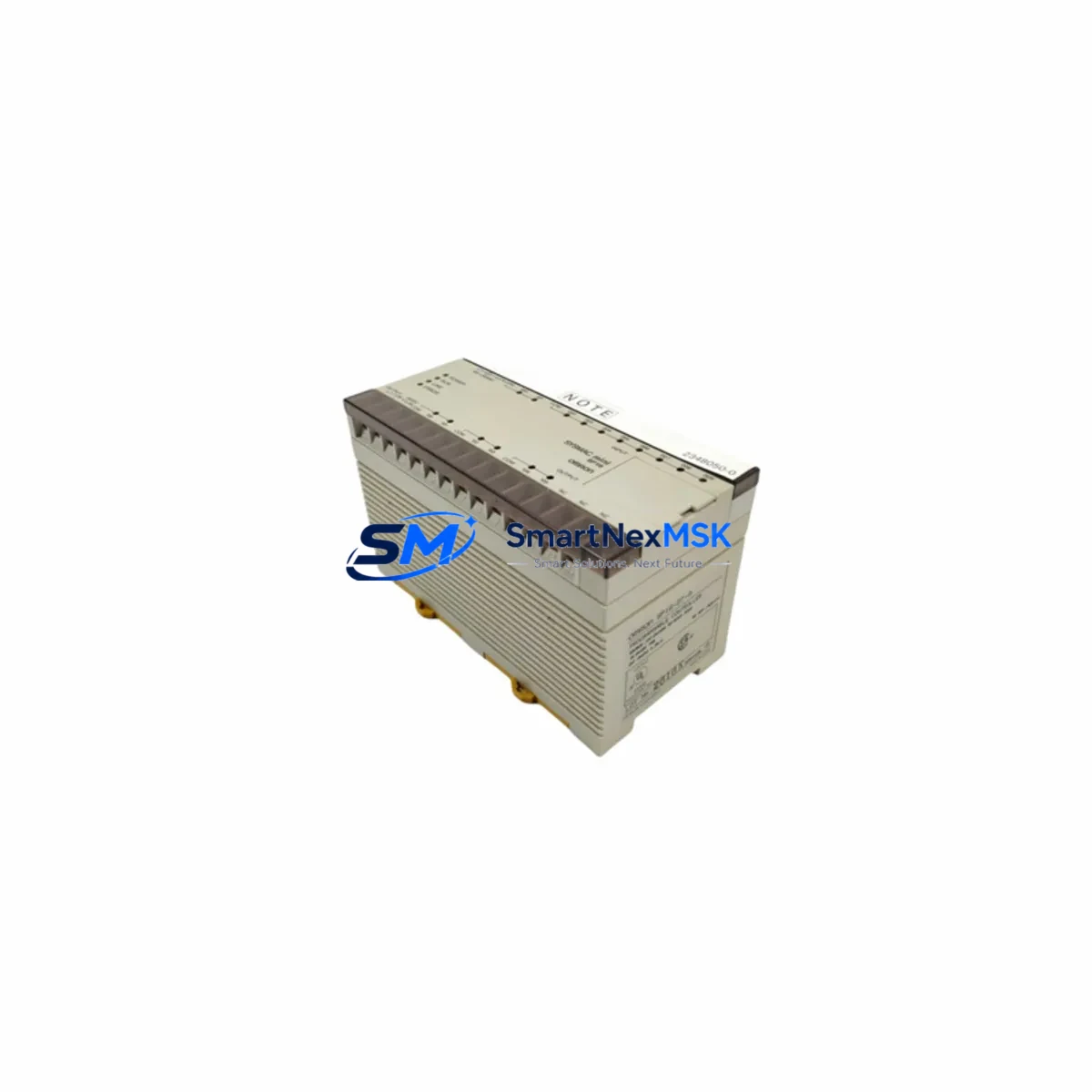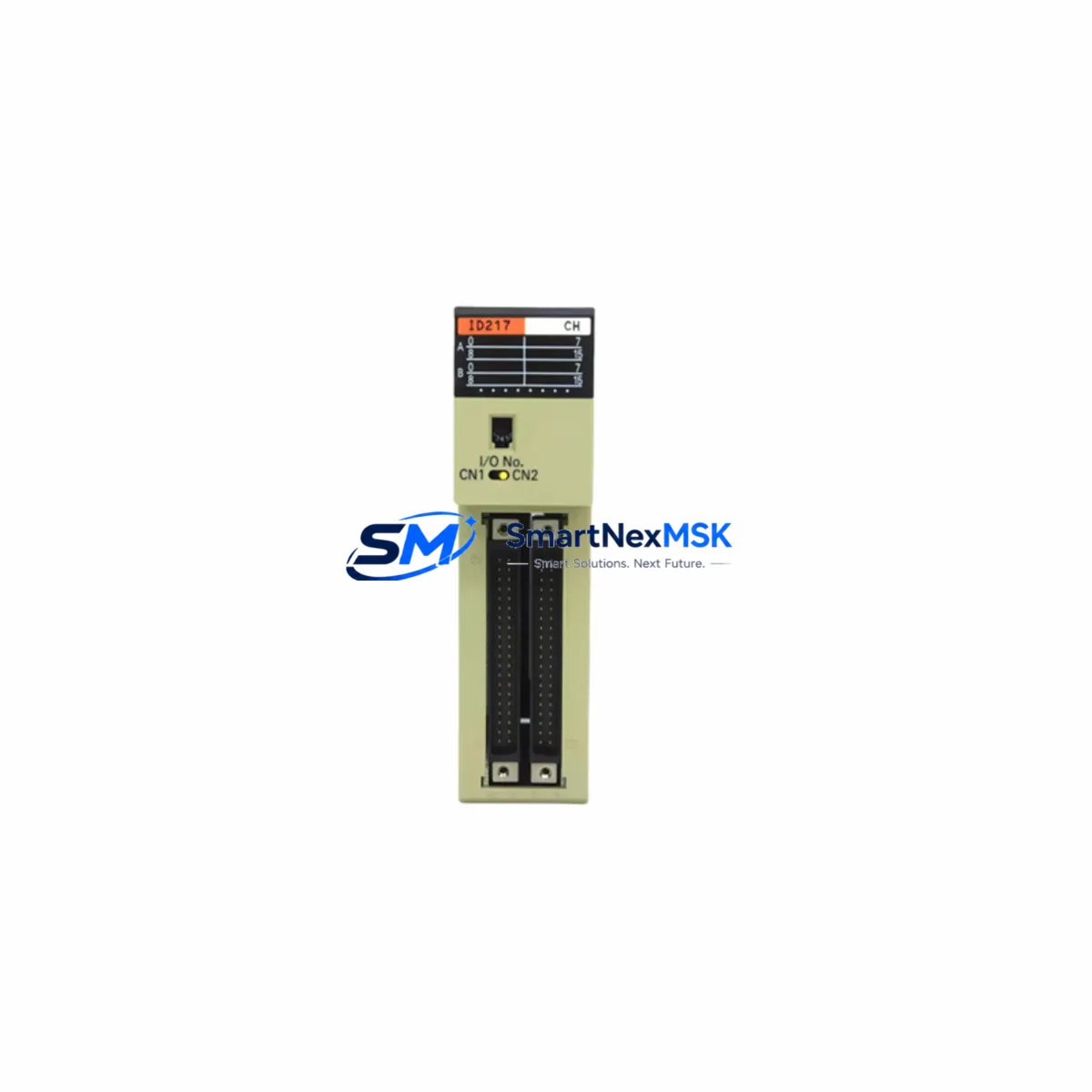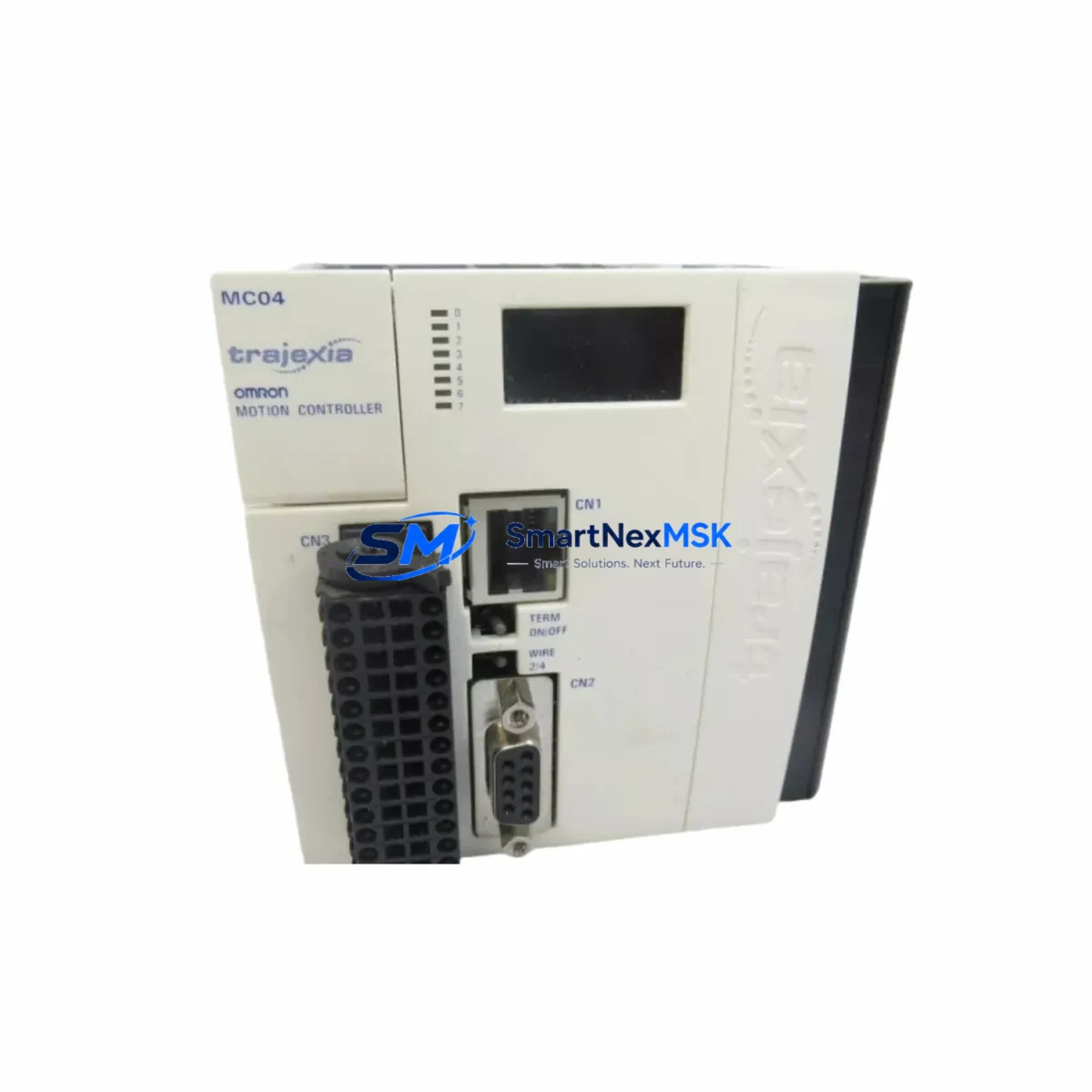
OMRON TJ1-MC04 Maintenance-Ready Spare for Trajexia Automation
The OMRON TJ1-MC04 is a 4-axis motion controller module within the Trajexia series, designed for high-precision coordinated motion in industrial automation systems. As a maintenance-ready original spare, the TJ1-MC04 is a critical component for facilities running OMRON Trajexia-based control architectures — including packaging lines, semiconductor handling equipment, textile machinery, and precision assembly systems. Unplanned downtime caused by a failed motion controller can halt an entire production cell; having a verified, tested TJ1-MC04 spare on hand is the most effective strategy for rapid downtime recovery.
This unit is supplied as an original OMRON spare, fully tested prior to shipment, and backed by a 12-month warranty. It is compatible with the Trajexia motion control system and integrates directly with the TJ1-series backplane and associated I/O and communication modules. Maintenance engineers and procurement teams can rely on this spare for both emergency replacement and planned preventive maintenance cycles.
Spare Maintenance Table
| Parameter | Specification |
|---|---|
| Model / SKU | TJ1-MC04 |
| Brand | OMRON |
| Series | Trajexia (TJ1) |
| Product Type | Motion Controller Module |
| Number of Controlled Axes | 4 Axes |
| Communication Interface | MECHATROLINK-II |
| Power Supply | Via TJ1-series backplane (DC 24V system bus) |
| Compatible Backplane | TJ1-series (e.g. TJ1-FL02, TJ1-CORT) |
| Programming Language | BASIC-based Motion BASIC (via Trajexia Tools) |
| Origin | Japan |
| Installation | DIN rail / backplane slot mount |
| Operating Temperature | 0°C to 55°C |
| Storage Temperature | -20°C to 75°C |
| Humidity | 10% to 90% RH (non-condensing) |
| Application Environment | Industrial automation, motion control, coordinated multi-axis systems |
| Compatibility | Drop-in replacement for existing TJ1-MC04 installations |
| Pre-shipment Testing | Yes — functional test performed before dispatch |
| Warranty | 12 Months |
| Supply Condition | Original spare, long-term stock available |
Maintenance Planning for Continuous Operation
When a TJ1-MC04 motion controller fails or is flagged during a scheduled inspection, experienced maintenance engineers know that the fault rarely exists in isolation. A comprehensive site assessment should accompany any motion controller replacement to prevent repeat failures and ensure full system restoration.
Begin by inspecting the TJ1-series backplane (such as the TJ1-FL02 or TJ1-CORT) for physical damage, corrosion on the bus connectors, or signs of overheating. The backplane distributes both power and communication signals to all installed modules, and a degraded backplane can cause intermittent faults in a newly installed TJ1-MC04. Next, verify the 24VDC system power supply — check output voltage stability under load, inspect terminal connections, and confirm that the power supply’s rated current capacity is sufficient for the full module complement in the cabinet.
The MECHATROLINK-II communication network connecting the TJ1-MC04 to servo drives (such as OMRON Sigma-II or Sigma-V series drives) should be inspected for cable integrity, termination resistors, and node addressing. A faulty MECHATROLINK-II cable or missing termination resistor is a common root cause of axis communication errors that can be misdiagnosed as a controller fault. Inspect each servo drive unit in the axis chain — drives that have accumulated fault histories or show abnormal current draw should be flagged for replacement alongside the TJ1-MC04.
For systems that also include TJ1-series I/O modules (digital input/output expansion), verify that all I/O wiring is secure and that no input channels are showing spurious signals due to loose field wiring or degraded sensors. If the control cabinet includes relay output modules or interposing relays for safety interlocks, inspect contact condition and coil resistance — worn relay contacts are a frequent source of intermittent machine stops in motion-controlled systems.
Where the Trajexia system communicates upstream to a host PLC or SCADA via EtherNet/IP or DeviceNet, confirm that the communication module (e.g., TJ1-CORT or equivalent gateway) is functioning correctly and that network parameters are preserved after the controller swap. If an NS-series HMI or similar operator panel is connected, verify that the HMI program references and axis variable mappings remain intact post-replacement. Finally, check any signal isolators or surge protection devices on encoder feedback lines — these are often overlooked during emergency replacements but are critical for long-term controller reliability in electrically noisy environments.
Maintaining a minimum stock of one TJ1-MC04 spare per production line, alongside critical consumables such as fuse holders, terminal blocks, and cable connectors, is a best practice for facilities operating Trajexia-based motion systems beyond their original design life.
Site Replacement Workflow
Step 1 — Isolate and document: Before removing the failed TJ1-MC04, isolate the control cabinet from mains power following LOTO procedures. Document the current module slot position, all cable connections, and the firmware version displayed in Trajexia Tools (if the unit is still partially functional).
Step 2 — Backup program and parameters: If the controller is accessible, use OMRON’s Trajexia Tools software to back up the Motion BASIC program, axis parameters, and homing offsets to a PC. This backup is essential for restoring machine behavior after the swap.
Step 3 — Remove and inspect: Remove the TJ1-MC04 from the backplane slot. Inspect the backplane connector pins and the slot for debris or burn marks. Clean if necessary before installing the replacement unit.
Step 4 — Install replacement TJ1-MC04: Seat the new TJ1-MC04 firmly into the backplane slot. Reconnect all cables and verify that the MECHATROLINK-II network termination is correct. Restore power and confirm that the module is recognized by the system.
Step 5 — Restore and verify: Download the backed-up Motion BASIC program and axis parameters using Trajexia Tools. Perform a manual jog test on each axis at low speed before resuming automatic operation. Confirm that all axis positions, homing sequences, and safety interlocks are functioning as expected.
This workflow minimizes downtime, preserves system compatibility, and ensures that the replacement TJ1-MC04 is fully validated before returning the machine to production. For legacy systems where the original program backup is unavailable, our technical support team can assist with parameter reconstruction based on machine documentation.
Spare Parts Support FAQ
Q1: Is this TJ1-MC04 a direct drop-in replacement for my existing unit?
Yes. The TJ1-MC04 supplied is an original OMRON spare that is fully compatible with the Trajexia TJ1-series backplane and MECHATROLINK-II servo network. No hardware modifications are required. You will need to restore your Motion BASIC program and axis parameters via Trajexia Tools after installation.
Q2: What does the 12-month warranty cover?
The 12-month warranty covers manufacturing defects and functional failures under normal operating conditions. Each unit undergoes functional testing prior to shipment. In the event of a warranty claim, we provide replacement or repair support. The warranty period begins from the date of shipment.
Q3: How do you verify compatibility before shipment?
We verify the SKU, hardware revision, and functional status of each TJ1-MC04 before dispatch. If you provide your system’s firmware version or Trajexia Tools version, our team can advise on any known compatibility considerations between hardware revisions.
Q4: Can you support long-term or repeat procurement for TJ1-MC04 spares?
Yes. We maintain long-term stock of TJ1-MC04 and related Trajexia series components to support facilities with ongoing maintenance programs. Volume pricing and scheduled delivery arrangements are available for procurement engineers managing multi-site spare parts inventories. Contact us to discuss your requirements.
© 2026 SMARTNEXMSK. All rights reserved.
Original Source: https://smartnexmsk.com
Contact: [email protected] | +86 18259474341