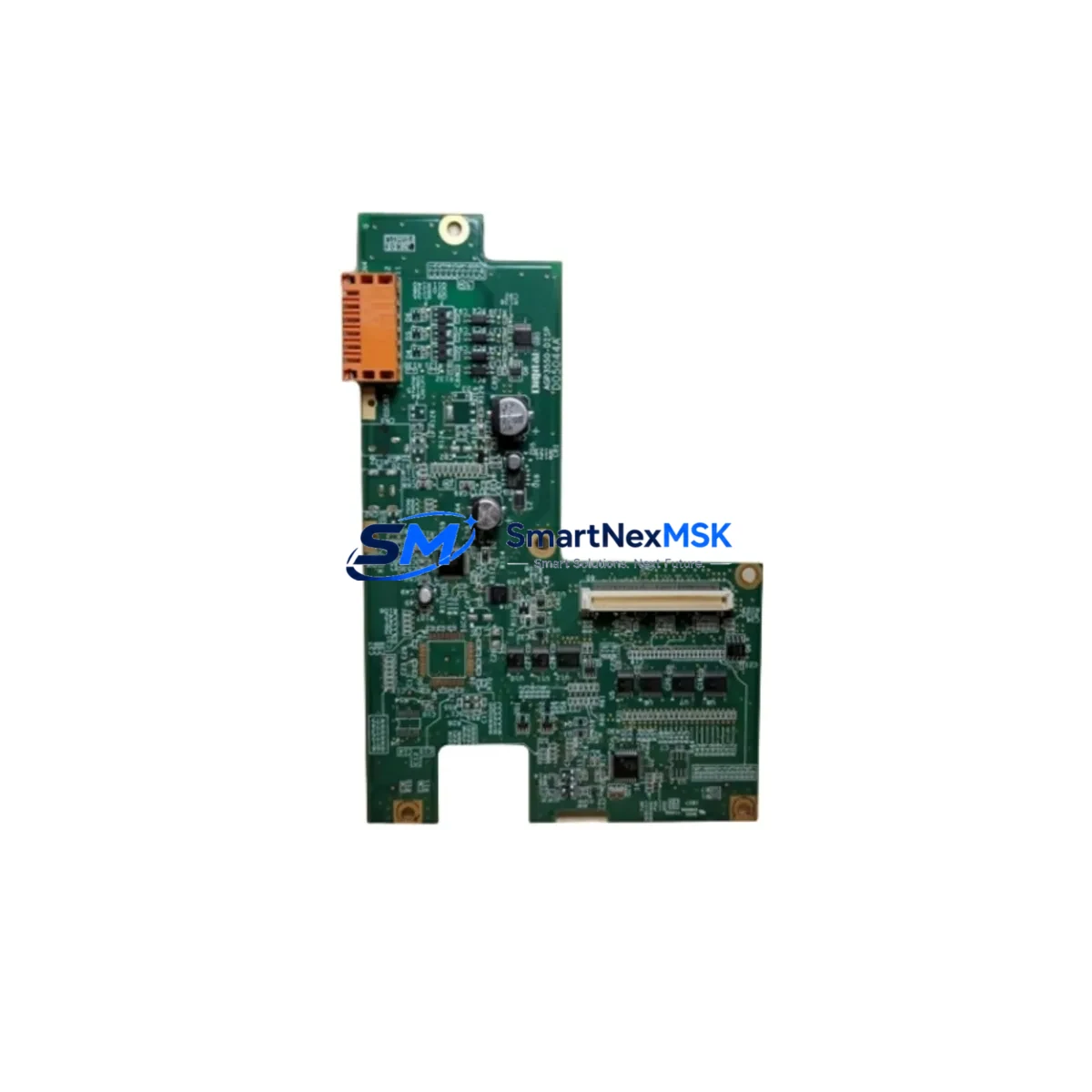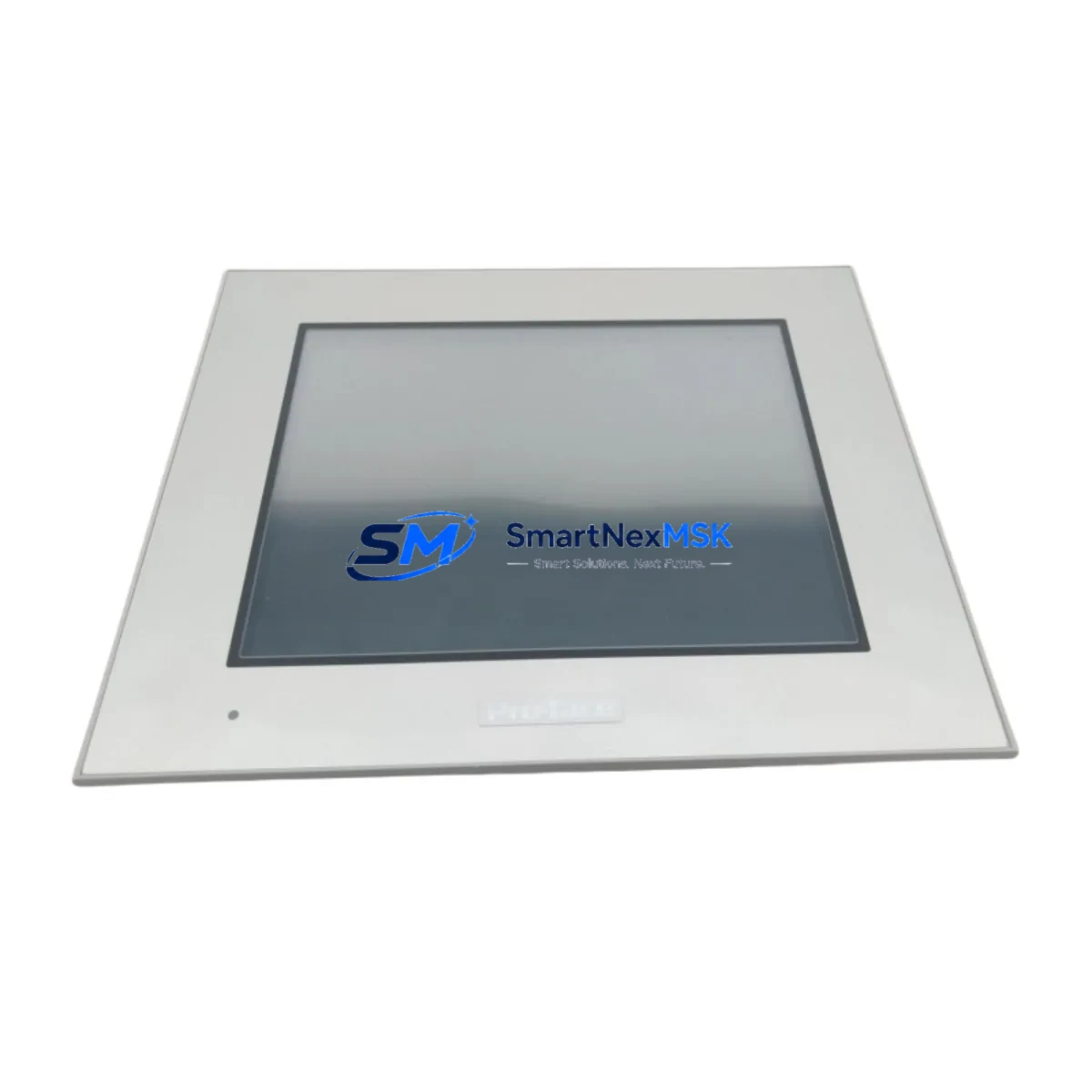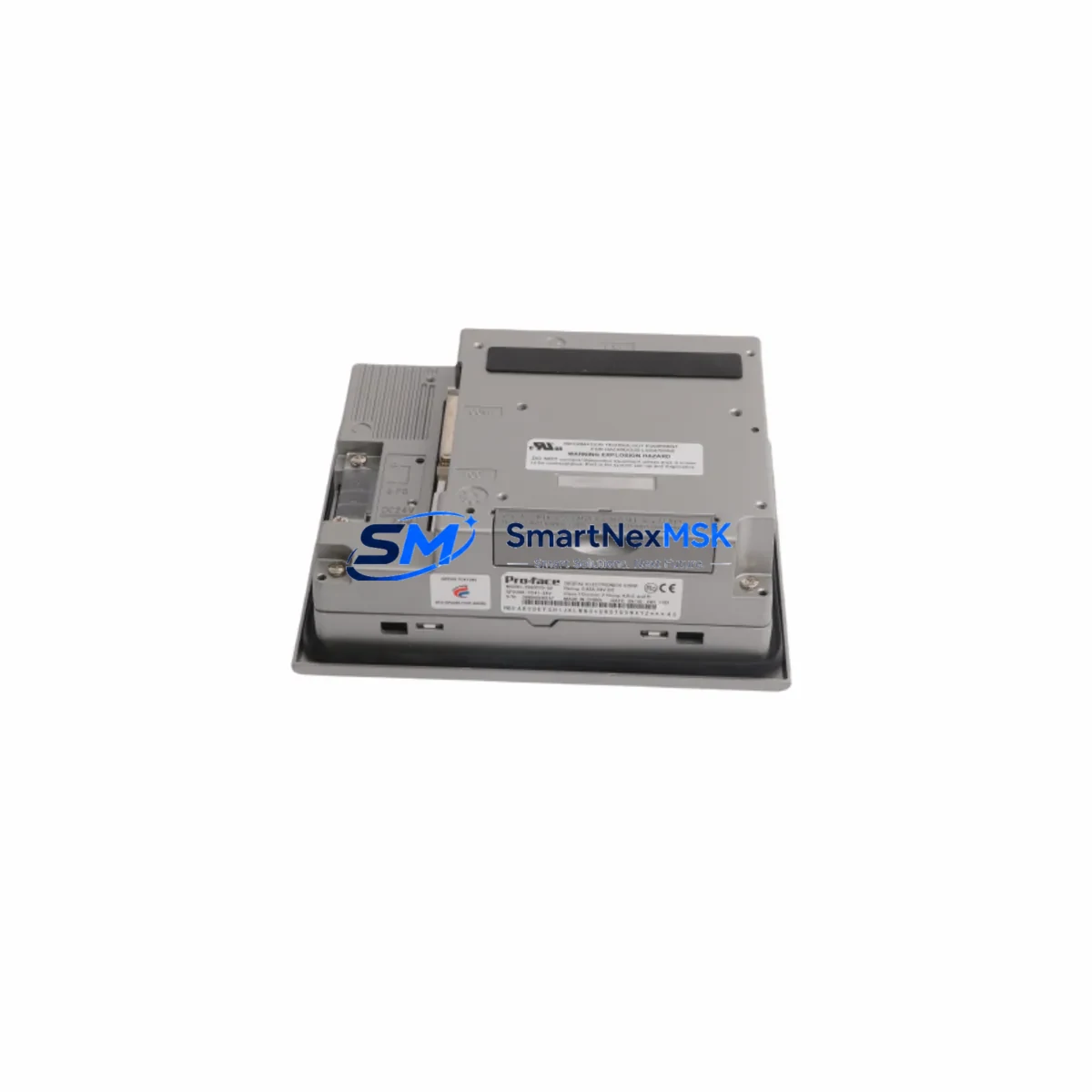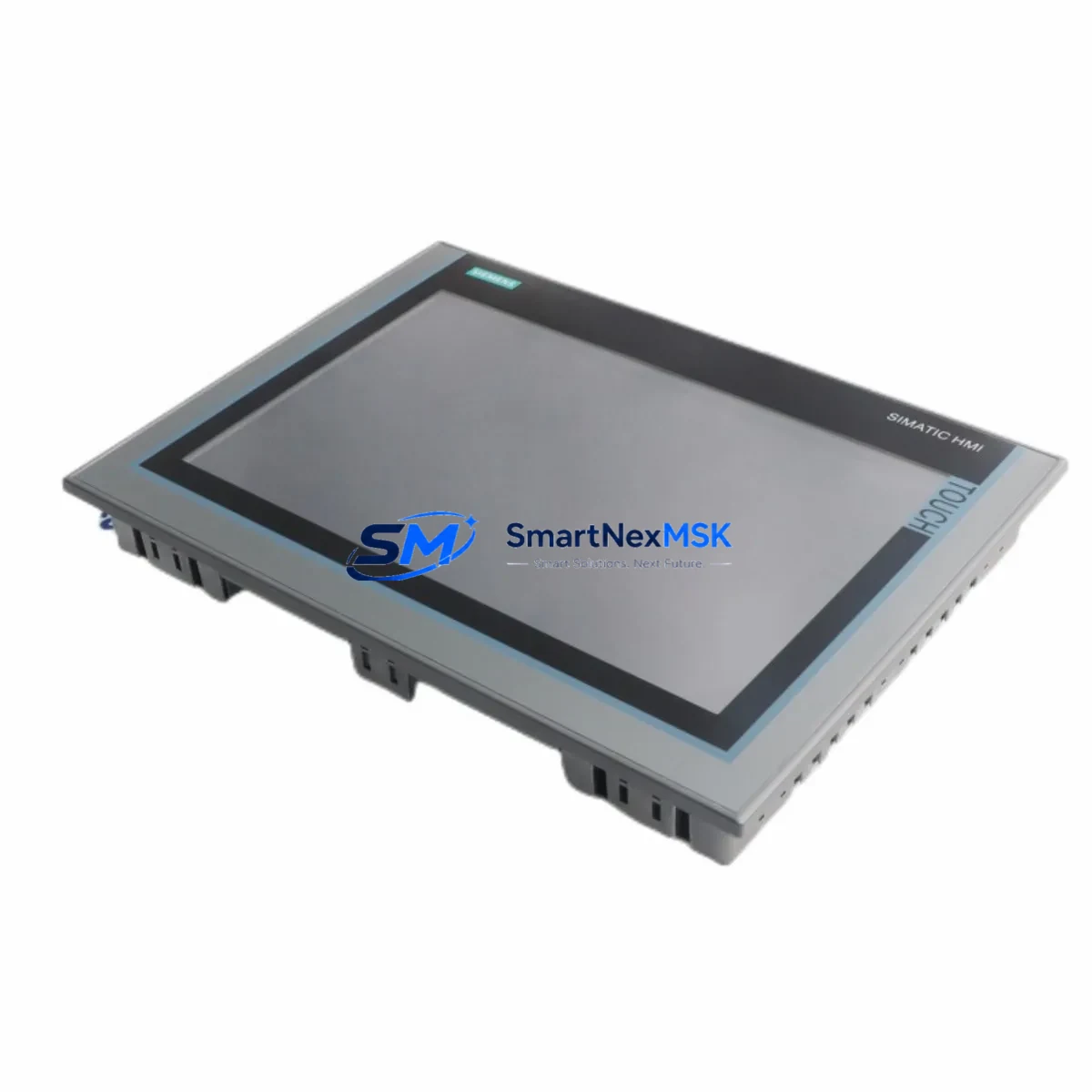
PROFACE AGP3360-T1-D24 Retrofit-Ready HMI for GP3000 Control Systems
The PROFACE AGP3360-T1-D24 is a 10.4-inch TFT color touch screen HMI panel designed for seamless integration into existing GP3000 and GP2000 series control architectures. As legacy PROFACE GP2000 and GP3000 panels reach end-of-life and original spare units become increasingly difficult to source, the AGP3360-T1-D24 represents the most direct and cost-effective retrofit path for industrial facilities that need to restore HMI functionality without redesigning the underlying PLC control logic or rewiring the control cabinet. Whether you are replacing a failed panel on a packaging line, upgrading an aging operator interface in a water treatment facility, or executing a phased modernization of a legacy automation system, the AGP3360-T1-D24 delivers proven compatibility with minimal disruption to existing screen projects, tag databases, and communication links.
Every AGP3360-T1-D24 unit supplied by SMARTNEXMSK is sourced from verified industrial channels and subjected to pre-shipment functional testing covering display integrity, touch calibration, communication port verification, and power input validation. All units are covered by a 12-month warranty against manufacturing defects and operational failure under normal industrial conditions.
Upgrade Compatibility Table
| Parameter | AGP3360-T1-D24 Specification | Retrofit Notes |
|---|---|---|
| Display | 10.4-inch TFT Color LCD, 640×480 | Direct visual replacement for GP2501-TC41-24V and GP2601-TC41-24V panels |
| Power Supply | 24 VDC (20.4–27.6 V) | Compatible with existing 24 VDC cabinet power rails; verify PSU current capacity |
| Communication Ports | RS-232, RS-422/485, Ethernet (10/100Base-T) | Supports PROFACE SIO and Ethernet protocols; verify PLC driver compatibility in GP-Pro EX |
| PLC Compatibility | Mitsubishi, Omron, Siemens, Allen-Bradley, GE, Modbus RTU/TCP | Driver library covers most legacy PLCs; confirm driver version in GP-Pro EX project |
| Programming Software | GP-Pro EX (v4.0 or later) | Existing GP-PRO/PB III projects require conversion using GP-Pro EX migration tool |
| Mounting | Panel-cut mount, 261×196 mm cutout | Verify panel cutout dimensions; may differ from GP2000 series — adapter plate may be required |
| Memory | 32 MB Flash, 64 MB RAM | Sufficient for most legacy screen projects; verify project file size before transfer |
| USB Interface | USB-A (host), USB-B (device) | Replaces serial programming cable (CA3-USBCB-01) for project download |
| Installation | IP65 front panel rating | Suitable for existing NEMA 12 / IP54 cabinet environments |
| Warranty | 12-Month Warranty | Covers functional failure under normal operating conditions |
Retrofit Planning for Existing Automation Systems
A successful AGP3360-T1-D24 retrofit begins with a thorough audit of the existing HMI installation. The first priority is to identify the legacy panel model — commonly a GP2501-TC41-24V, GP2601-TC41-24V, or GP2301-LG41-24V — and retrieve the original GP-PRO/PB III screen project file from the programming PC or a backup archive. If no backup exists, the project can sometimes be uploaded from the existing panel using the GP-Pro EX upload function, provided the panel is still partially operational. This project file must then be converted using the GP-Pro EX migration wizard, which maps existing tag references, alarm settings, and communication parameters to the AGP3360-T1-D24’s driver architecture.
Communication wiring is a critical checkpoint during any GP3000 series retrofit. The AGP3360-T1-D24 supports RS-232 via the COM1 port and RS-422/485 via the COM2 port, matching the physical connector pinout used by most GP2000 and GP3000 series panels. If the existing installation uses a CA3-ADPCOM-01 serial adapter or a CA3-ADPTRM-01 termination adapter on the legacy panel’s SIO port, these adapters should be inspected and replaced if worn, as intermittent serial communication faults are a common source of post-retrofit instability. For systems that have already migrated to Ethernet-based PLC communication — for example, connecting to a Mitsubishi Q-series CPU via MELSEC Ethernet or to an Omron NJ-series controller via EtherNet/IP — the AGP3360-T1-D24’s built-in 10/100Base-T Ethernet port eliminates the need for a separate Ethernet communication unit.
Panel cutout dimensions must be verified before ordering, as the AGP3360-T1-D24 requires a 261×196 mm cutout that may differ from the opening left by a GP2000 series panel. In cases where the existing cutout is smaller, a step drill and file can be used to enlarge the opening; where the cutout is larger, a stainless steel adapter frame is the recommended solution to maintain IP65 sealing integrity. The 24 VDC power connection uses a standard screw-terminal block on the rear of the panel, and the existing cabinet power wiring can typically be reused without modification, provided the power supply — often a IDEC PS5R-SF24 or equivalent DIN-rail unit — delivers sufficient current for the AGP3360-T1-D24’s 1.2 A maximum draw.
After physical installation, the converted GP-Pro EX project is downloaded to the AGP3360-T1-D24 via USB using the CA3-USBCB-01 cable or directly over Ethernet. The communication link to the PLC — whether a Mitsubishi FX3U, an Omron CP1H, or a Modbus RTU device on an RS-485 network — should be verified using the GP-Pro EX online monitor before returning the system to production. Tag values, alarm thresholds, and recipe data should be spot-checked against the original panel’s last known state to confirm data integrity across the migration.
Downtime Control During System Migration
Minimizing production downtime during an HMI panel replacement requires preparation that begins days before the physical swap. The existing GP-PRO/PB III project should be backed up and converted to GP-Pro EX format in advance, with the converted project fully validated on a bench-test unit or in the GP-Pro EX simulator before the maintenance window begins. This pre-validation step catches communication driver mismatches, missing tag references, and screen layout issues that would otherwise consume valuable time during a live system changeover.
On the day of the swap, the recommended sequence is to power down the HMI panel only — not the PLC or field I/O — so that the control program continues to execute and field devices remain in their last commanded state. The AGP3360-T1-D24 can be mounted, wired, and powered within 15–30 minutes for a straightforward replacement. Once powered, the pre-validated project is downloaded via USB or Ethernet, and the communication link to the PLC is re-established. Because the PLC program and I/O configuration are unaffected by the HMI swap, the control system can resume normal operation as soon as the operator confirms that all screen pages display correctly and alarm functions are active.
For facilities where even brief HMI downtime is unacceptable, a parallel commissioning approach is recommended: install and configure the AGP3360-T1-D24 alongside the existing panel using a Y-cable or network switch to share the PLC communication link, validate all screens and alarms in live monitoring mode, and then perform the final cutover by disconnecting the legacy panel and reconnecting the communication cable to the new unit. This approach reduces the live changeover window to under five minutes and eliminates the risk of discovering configuration errors after the legacy panel has been removed.
Retrofit Support FAQ
Q: Is the AGP3360-T1-D24 a direct drop-in replacement for the GP2501-TC41-24V?
A: The AGP3360-T1-D24 is functionally compatible with the GP2501-TC41-24V in terms of communication protocols, power supply voltage, and screen project content after GP-Pro EX conversion. However, the panel cutout dimensions differ — the AGP3360-T1-D24 requires a 261×196 mm opening versus the GP2501’s 197×142 mm cutout. Panel cutout modification or an adapter frame is required for a physical fit. All communication wiring and PLC driver settings transfer without modification in most standard installations.
Q: Can I reuse my existing GP-PRO/PB III screen project on the AGP3360-T1-D24?
A: Yes, with conversion. GP-Pro EX includes a built-in migration tool that converts GP-PRO/PB III projects to the AGP3360-T1-D24’s native format. The conversion preserves screen layouts, tag references, alarm settings, and communication parameters in most cases. Complex projects using custom scripts or legacy device drivers should be reviewed after conversion to confirm full compatibility before deployment.
Q: What pre-shipment testing is performed on AGP3360-T1-D24 units?
A: Each unit undergoes power-on display verification, touch screen calibration check, USB and Ethernet port functionality test, and RS-232/RS-485 communication port integrity check before dispatch. Units that fail any test stage are quarantined and not shipped. A test report is available upon request for customers with incoming inspection requirements.
Q: What does the 12-month warranty cover, and how is a claim initiated?
A: The 12-month warranty covers functional failure of the AGP3360-T1-D24 under normal industrial operating conditions, including display faults, touch screen failure, communication port errors, and power input failures not caused by external electrical damage or improper installation. To initiate a claim, contact our support team with the unit serial number, fault description, and installation date. Replacement units are dispatched upon fault confirmation.
© 2026 SMARTNEXMSK. All rights reserved.
Original Source: https://smartnexmsk.com
Contact: [email protected] | +86 18259474341