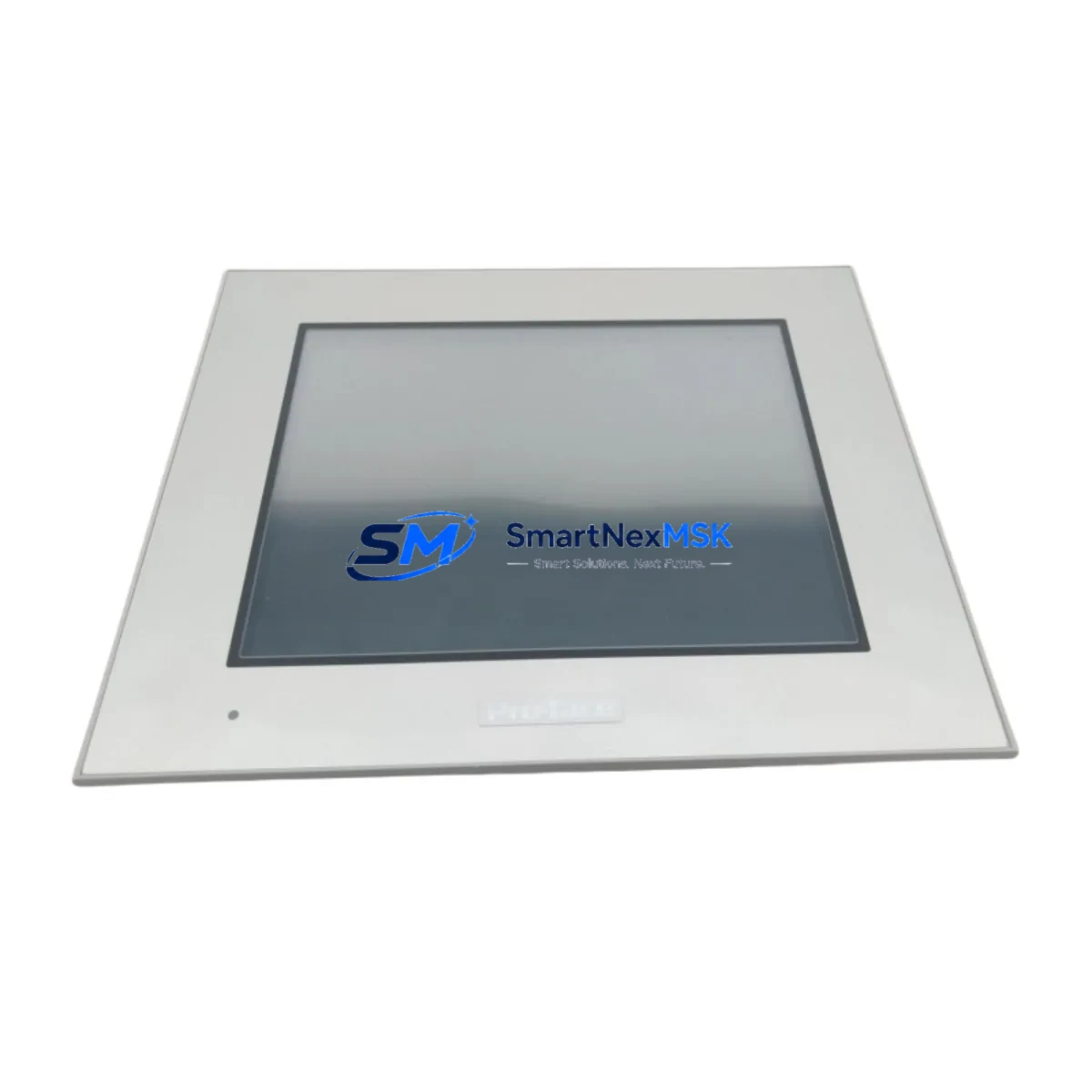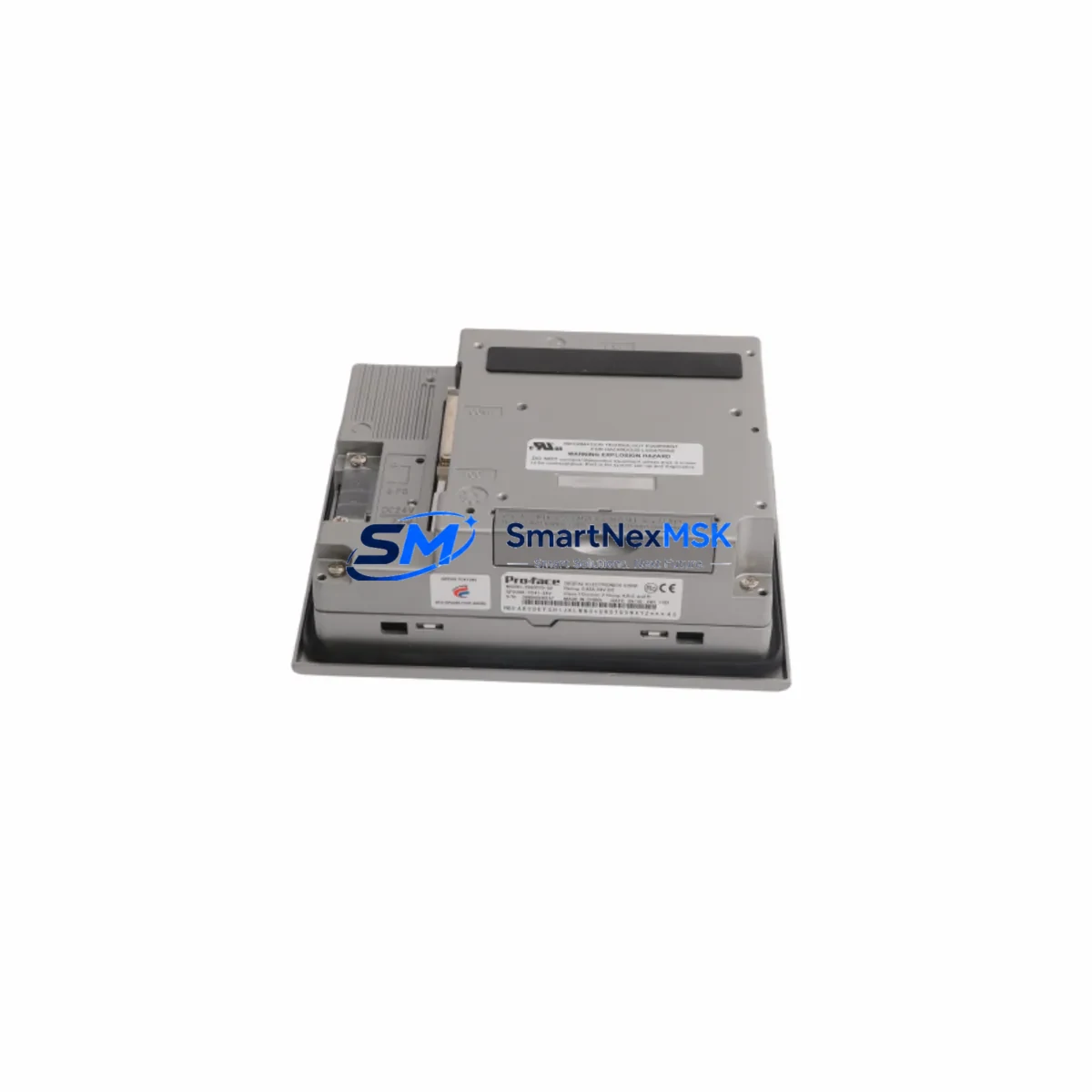
PROFACE GP2300-TC41-24V Maintenance-Ready Spare for GP2300 Automation
The PROFACE GP2300-TC41-24V is a 5.7-inch STN color HMI touch panel operating on 24VDC, designed for demanding industrial automation environments. As a maintenance-ready original spare, this unit is sourced, inspected, and dispatched to support rapid panel replacement, minimize unplanned downtime, and sustain continuous production across GP2300 Series control systems. Whether you are managing a scheduled shutdown, responding to an emergency panel failure, or building a strategic spare parts inventory for aging PROFACE-based lines, the GP2300-TC41-24V delivers verified compatibility and reliable performance from day one.
Maintenance engineers and procurement teams working with PROFACE GP2300 Series installations recognize that HMI panel failure is one of the highest-impact single-point risks in a control cabinet. A failed panel eliminates operator visibility, disables alarm acknowledgment, and can halt an entire production cell. Stocking a tested GP2300-TC41-24V spare eliminates the lead-time risk associated with sourcing discontinued or long-cycle components under emergency conditions.
Spare Maintenance Table
| Parameter | Specification |
|---|---|
| Part Number / SKU | GP2300-TC41-24V |
| Brand | PROFACE (Schneider Electric / Digital Electronics) |
| Series | GP2300 Series |
| Display Type | 5.7″ STN Color TFT LCD |
| Supply Voltage | 24VDC (±10%) |
| Communication Ports | RS-232C / RS-422/485, Ethernet (model-dependent) |
| Operating Temperature | 0°C to 50°C |
| Protection Rating | IP65 (front panel) |
| Origin | Japan |
| Compatibility | GP2300 Series; GP-PRO/PBIII and GP-Pro EX software compatible |
| Installation | Panel cutout mount; standard GP2300 Series footprint |
| Application Environment | Industrial automation, process control, machine HMI, SCADA front-end |
| Maintenance Recommendation | Inspect backlight condition, touch calibration, and communication wiring at each planned shutdown |
| Warranty | 12 Months from date of shipment |
| Pre-shipment Testing | Power-on functional test performed before dispatch |
Maintenance Planning for Continuous Operation
When replacing a GP2300-TC41-24V in the field, a disciplined maintenance engineer does not stop at the panel itself. The surrounding electrical environment must be assessed to prevent repeat failures and ensure the replacement unit operates within specification from the moment it is powered on.
Begin with the 24VDC power supply feeding the HMI. A degraded PROFACE PSA-AC or equivalent DIN-rail power supply delivering voltage outside the ±10% tolerance is a common root cause of premature HMI failure. Measure output voltage under load before connecting the new panel. Simultaneously, inspect the terminal blocks and wiring harness at the HMI connector — corroded or loose terminals on Phoenix Contact or Weidmüller-style terminal strips introduce intermittent communication faults that are frequently misdiagnosed as panel defects.
Check the RS-232C or RS-422/485 communication cable connecting the GP2300-TC41-24V to the host PLC or controller. Shielded cable integrity, grounding continuity, and connector seating should all be verified. If the system uses a PROFACE CA3-ADPTRM-01 or equivalent RS-422 adapter, inspect it for pin damage and confirm termination resistor settings match the network topology.
For installations where the GP2300 communicates with a Mitsubishi MELSEC Q-series or FX-series PLC, or a Siemens S7-300/400 CPU via Ethernet or serial link, confirm that the PLC communication driver settings in GP-Pro EX match the replacement panel’s project file. A mismatch in station number, baud rate, or protocol version will prevent the panel from establishing a connection even if the hardware is fully functional.
Inspect the I/O signal wiring routed through the control cabinet. Loose connections on analog input modules, digital output relay cards, or signal isolators — such as a Phoenix Contact MINI Analog isolator or a Wago 750-series I/O module — can generate spurious alarms that appear on the HMI immediately after replacement, creating false impressions of a defective spare. Verify signal integrity at the source before concluding the HMI replacement is complete.
If the cabinet includes a PROFACE GP2000 or GP3000 Series panel elsewhere on the same network, confirm that node addressing does not conflict with the newly installed GP2300-TC41-24V. Multi-panel PROFACE networks require unique station IDs to avoid communication collisions. Finally, check the cabinet ventilation and thermal management — a clogged filter fan or failed cooling unit will shorten the service life of the replacement HMI just as it did the original.
Site Replacement Workflow
Step 1 — Isolate and document. Before removing the failed GP2300-TC41-24V, photograph the existing wiring, note the panel’s IP address or station number, and export the current project file from the host engineering station using GP-Pro EX if a backup does not already exist.
Step 2 — Power down safely. De-energize the 24VDC supply to the HMI circuit. Confirm absence of voltage at the panel connector before disconnecting cables. Label all connectors to prevent miswiring during reinstallation.
Step 3 — Remove and inspect. Extract the failed panel from the cutout. Inspect the gasket and panel cutout edges for damage. Replace the IP65 gasket if it shows compression set or cracking — a degraded seal allows ingress that will damage the replacement unit.
Step 4 — Install the GP2300-TC41-24V spare. Seat the replacement panel in the cutout, secure the mounting clamps evenly to maintain the IP65 seal, and reconnect all cables in the documented order. Verify that the 24VDC supply is within tolerance before energizing.
Step 5 — Load project and verify. Power on the panel and confirm that the correct GP-Pro EX project loads automatically from internal flash. Verify communication with the host PLC, confirm all screen pages navigate correctly, and test touch calibration. Acknowledge any pending alarms and confirm process data is displaying accurately before returning the system to production.
This workflow is designed to reduce total replacement time to under 60 minutes for a prepared maintenance team, minimizing production loss and restoring operator control visibility as quickly as possible.
Spare Parts Support FAQ
Q1: Is the GP2300-TC41-24V a direct drop-in replacement for my existing GP2300 Series panel?
Yes. The GP2300-TC41-24V shares the same mechanical footprint, mounting clamp pattern, and connector pinout as other GP2300 Series variants. Provided your GP-Pro EX project file was created for the GP2300-TC41-24V model, no hardware modification is required. If your project was developed for a different GP2300 variant, a model conversion in GP-Pro EX may be needed before downloading to the replacement panel.
Q2: How is the unit tested before shipment?
Each GP2300-TC41-24V spare undergoes a power-on functional test prior to dispatch. The display, touch interface, and communication ports are verified to be operational. Units that do not pass the pre-shipment test are not dispatched. A 12-month warranty covers defects in materials and workmanship from the date of shipment.
Q3: What is the recommended spare parts stocking strategy for GP2300 Series HMI panels?
For production lines with three or more GP2300 Series panels, maintaining one spare unit on-site is strongly recommended. Given that the GP2300 Series is a mature product line, sourcing lead times for replacement units can extend significantly under emergency conditions. A pre-stocked, tested spare eliminates this risk and supports a mean-time-to-repair target of under two hours for panel replacement events.
Q4: Can you supply GP2300-TC41-24V units on a long-term or blanket order basis?
Yes. Long-term supply agreements and scheduled delivery programs are available for maintenance departments and MRO procurement teams managing multi-site PROFACE installations. Contact our sales team to discuss volume pricing, reserved stock arrangements, and delivery scheduling aligned with your planned maintenance calendar.
© 2026 SMARTNEXMSK. All rights reserved.
Original Source: https://smartnexmsk.com
Contact: [email protected] | +86 18259474341