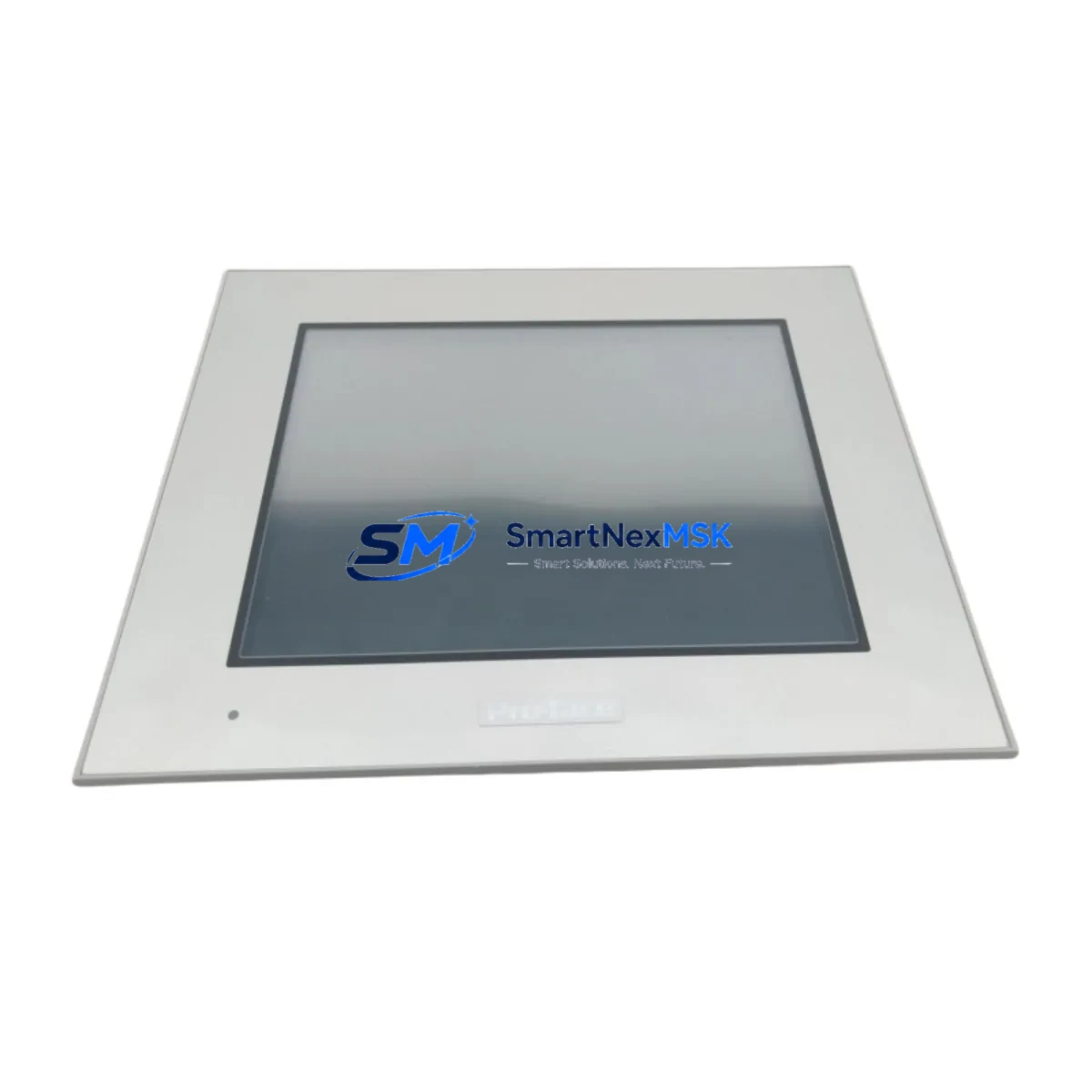
Proface GP-4401T Spare for GP-4000 Series Automation
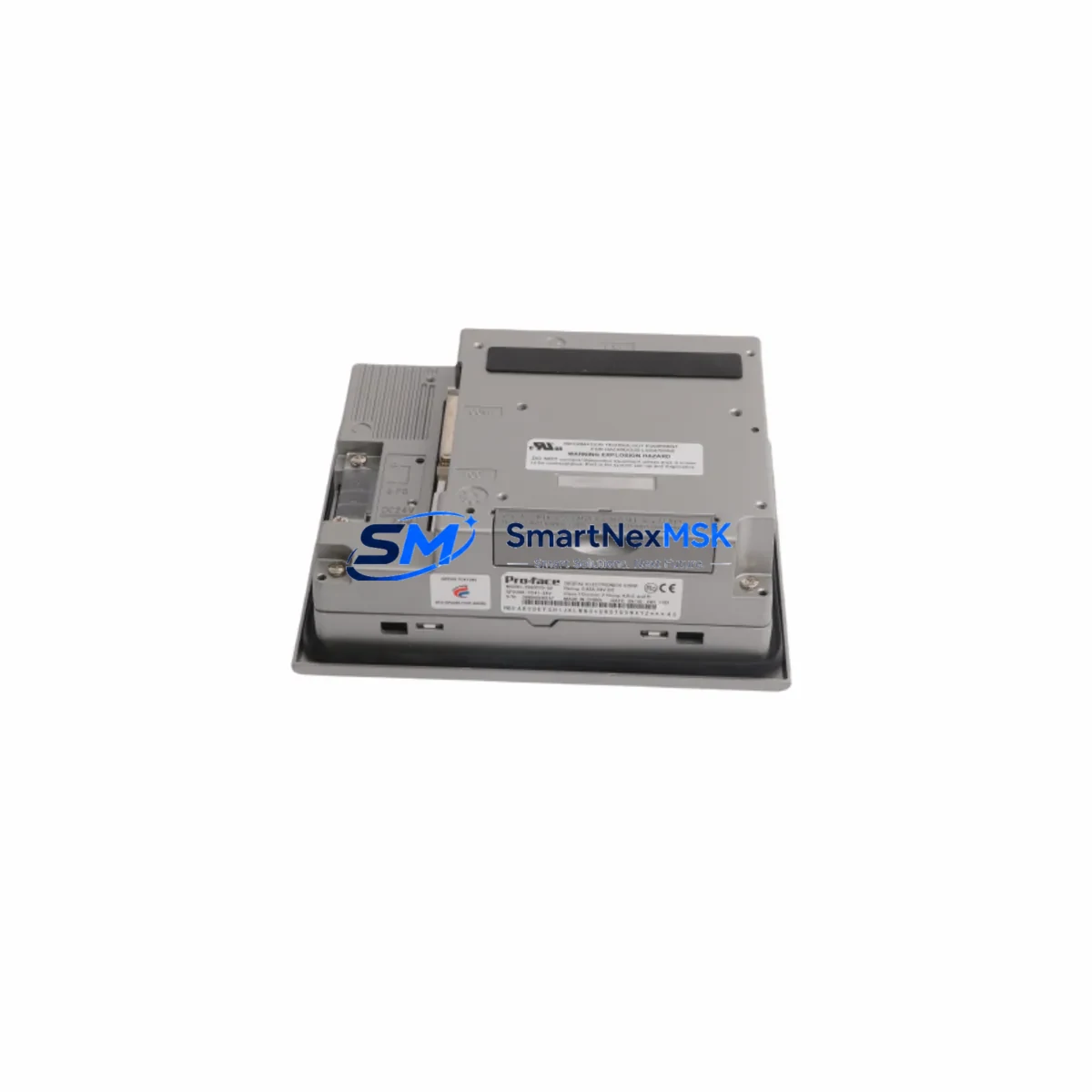
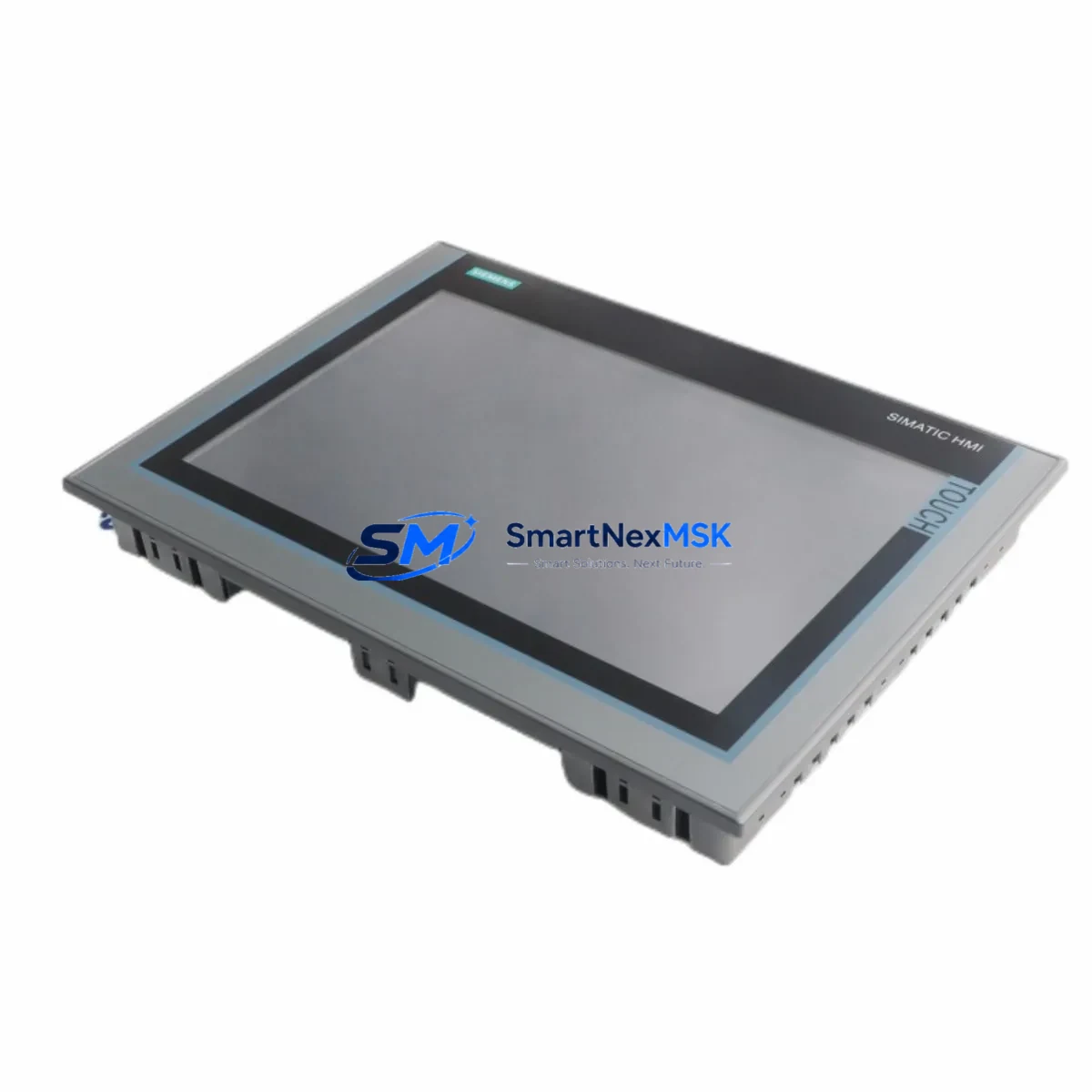
The Proface GP-4401T is a production-grade HMI touch panel engineered for continuous industrial operation within the GP-4000 Series control architecture. For maintenance engineers managing aging automation lines, unplanned HMI failure is one of the highest-risk events in a control cabinet — it can halt an entire production cell within minutes. Sourcing a verified, original GP-4401T spare in advance is the most effective strategy to minimize mean time to repair (MTTR) and protect operational continuity.
This unit is supplied as an original Proface component, fully tested prior to shipment, and backed by a 12-month warranty. It is suitable for direct field replacement in GP-4000 Series installations without firmware re-engineering, making it the preferred choice for both planned maintenance cycles and emergency breakdown recovery.
Spare Maintenance Table
| Parameter | Specification |
|---|---|
| Model / SKU | GP-4401T |
| Brand | Proface (Digital Electronics) |
| Series | GP-4000 |
| Product Type | HMI Touch Panel |
| Display | 5.7-inch TFT Color LCD, Resistive Touch |
| Resolution | 320 × 240 (QVGA) |
| Power Supply | 24 VDC ±10% |
| Communication Ports | RS-232C / RS-422/485, Ethernet (RJ-45), USB |
| Operating Temperature | 0°C to 50°C |
| Protection Rating | IP65 (front panel) |
| Compatibility | GP-4000 Series; backward compatible with GP-4301T, GP-4501T installations |
| Origin | Japan |
| Warranty | 12 Months |
| Condition | Original, Pre-shipment Tested |
| Maintenance Recommendation | Replace backlight and touch panel membrane every 50,000 operating hours; inspect connector seating annually |
Maintenance Planning for Continuous Operation
When a GP-4401T requires replacement, a disciplined maintenance engineer does not stop at swapping the HMI panel alone. The GP-4000 Series HMI is the operator interface layer of a broader control system, and its failure often signals stress on adjacent components that share the same power rail, communication bus, or cabinet environment.
Begin by inspecting the 24 VDC power supply module feeding the HMI — voltage ripple or under-voltage conditions are a leading cause of premature HMI failure and display degradation. If the cabinet uses a Proface or third-party DIN-rail power supply, verify output stability under load before commissioning the replacement panel.
Check the RS-232C or RS-422/485 communication cable connecting the GP-4401T to the host PLC or controller. Aged or improperly shielded serial cables introduce noise that corrupts screen data and triggers false communication alarms. Replace the cable if insulation shows cracking or if the connector pins show oxidation.
For Ethernet-connected installations, inspect the RJ-45 patch cable and managed switch port. A degraded Ethernet link can cause intermittent screen freezes that are often misdiagnosed as HMI hardware failure. Confirm link speed and duplex settings match the GP-4401T’s network configuration.
Review the I/O signal wiring at the terminal block adjacent to the HMI. Loose terminal screws and corroded ferrules cause intermittent signal loss that manifests as erratic screen behavior. Torque all terminals to specification and apply anti-corrosion treatment in humid environments.
If the GP-4401T communicates with a Mitsubishi MELSEC Q-series or FX-series PLC, or a Siemens S7-300/S7-1200 controller via the serial or Ethernet driver, verify that the driver version loaded in the replacement HMI matches the existing PLC program. A driver mismatch will prevent tag communication from establishing correctly after replacement.
Inspect the 24 VDC fuse or circuit breaker on the HMI power branch. A blown fuse is sometimes the root cause of HMI shutdown rather than panel failure itself — replacing the HMI without addressing an upstream overcurrent condition will result in repeat failure.
For cabinets that also house signal isolators or loop-powered transmitters on the same DIN rail, verify that ground loops have not developed. Ground potential differences between the HMI chassis and the PLC rack can cause display noise and communication instability.
Finally, if the installation includes a Proface GP-4301T, GP-4501T, or GP-4601T in the same control network, audit those panels simultaneously. HMI panels in the same production line typically share similar operating hours and environmental exposure, making batch inspection and staggered spare procurement a sound lifecycle strategy.
Site Replacement Workflow
Step 1 — Pre-replacement verification: Confirm the replacement GP-4401T firmware version matches or is compatible with the existing project file. Download the current project from the installed panel using GP-Pro EX software before powering down, and retain a backup on a USB drive stored in the cabinet.
Step 2 — Safe isolation: Isolate the 24 VDC supply to the HMI branch using the dedicated circuit breaker. Do not rely on the main cabinet isolator alone — confirm zero voltage at the HMI power terminals with a calibrated multimeter before disconnecting any wiring.
Step 3 — Connector and cable labeling: Photograph all rear-panel connector positions before removal. Label each cable with its port designation (COM1, COM2, LAN, USB) to eliminate wiring errors during reinstallation.
Step 4 — Panel removal and installation: Release the panel mounting clamps from the rear of the cutout. Slide the GP-4401T forward and transfer all connectors to the replacement unit in sequence. Seat the replacement panel into the cutout and secure all clamps evenly to maintain IP65 front-panel sealing.
Step 5 — Power-up and communication test: Restore 24 VDC and confirm the HMI boots to the project screen without error. Navigate to the communication diagnostic screen and verify all PLC tags are reading correctly. Run a full I/O status check from the HMI before returning the line to production.
Step 6 — Documentation: Record the replacement date, serial number of the removed unit, and the replacement unit’s serial number in the equipment maintenance log. Update the spare parts inventory to trigger reorder of a standby GP-4401T unit.
Spare Parts Support FAQ
Q1: Is the GP-4401T compatible with existing GP-4000 Series project files without modification?
Yes. The GP-4401T is a direct form-fit-function replacement within the GP-4000 Series. Existing GP-Pro EX project files transfer without structural modification, though firmware version alignment is recommended before deployment to avoid driver compatibility warnings.
Q2: What is the recommended spare parts inventory strategy for GP-4401T in a multi-line facility?
For facilities operating three or more GP-4000 Series panels, maintaining one GP-4401T spare per five installed units is a practical minimum. For critical single-line operations where HMI failure causes full production stoppage, a dedicated one-for-one standby unit is advisable. Spare units should be stored in anti-static packaging in a temperature-controlled environment.
Q3: How is the GP-4401T tested before shipment?
Each unit undergoes power-on functional verification, touch-screen calibration check, and communication port continuity testing prior to dispatch. Units that do not pass all test criteria are not shipped. A test report is available upon request for quality-assurance documentation purposes.
Q4: What does the 12-month warranty cover?
The 12-month warranty covers manufacturing defects and component failure under normal operating conditions. It does not cover damage resulting from incorrect installation voltage, physical impact, liquid ingress beyond the panel’s IP rating, or unauthorized modification. Warranty claims are processed with photographic evidence of the installation environment and failure mode description.
© 2026 SMARTNEXMSK. All rights reserved.
Original Source: https://smartnexmsk.com
Contact: [email protected] | +86 18259474341