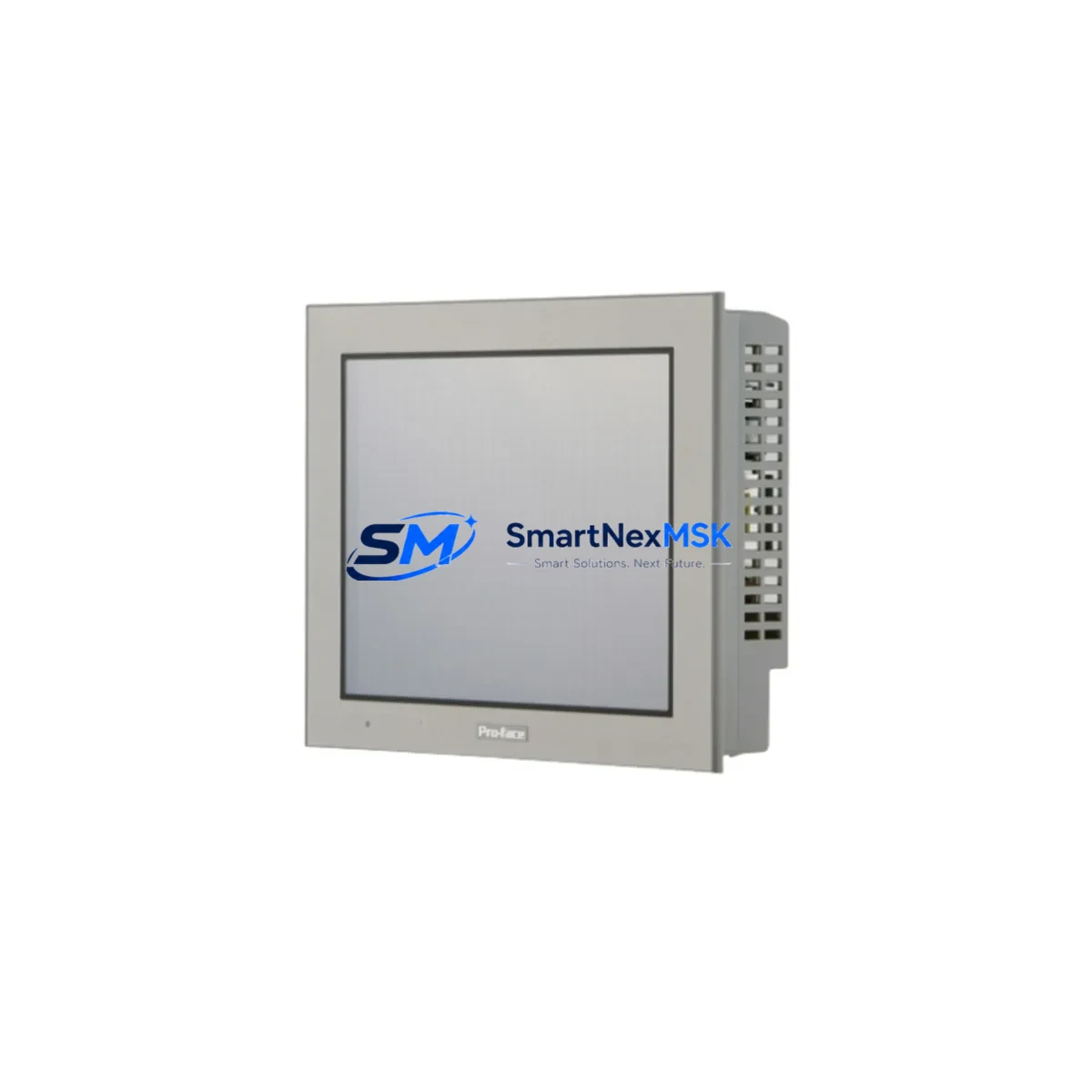
Proface PFXGP4501TAA Maintenance-Ready Spare GP4000 Automation
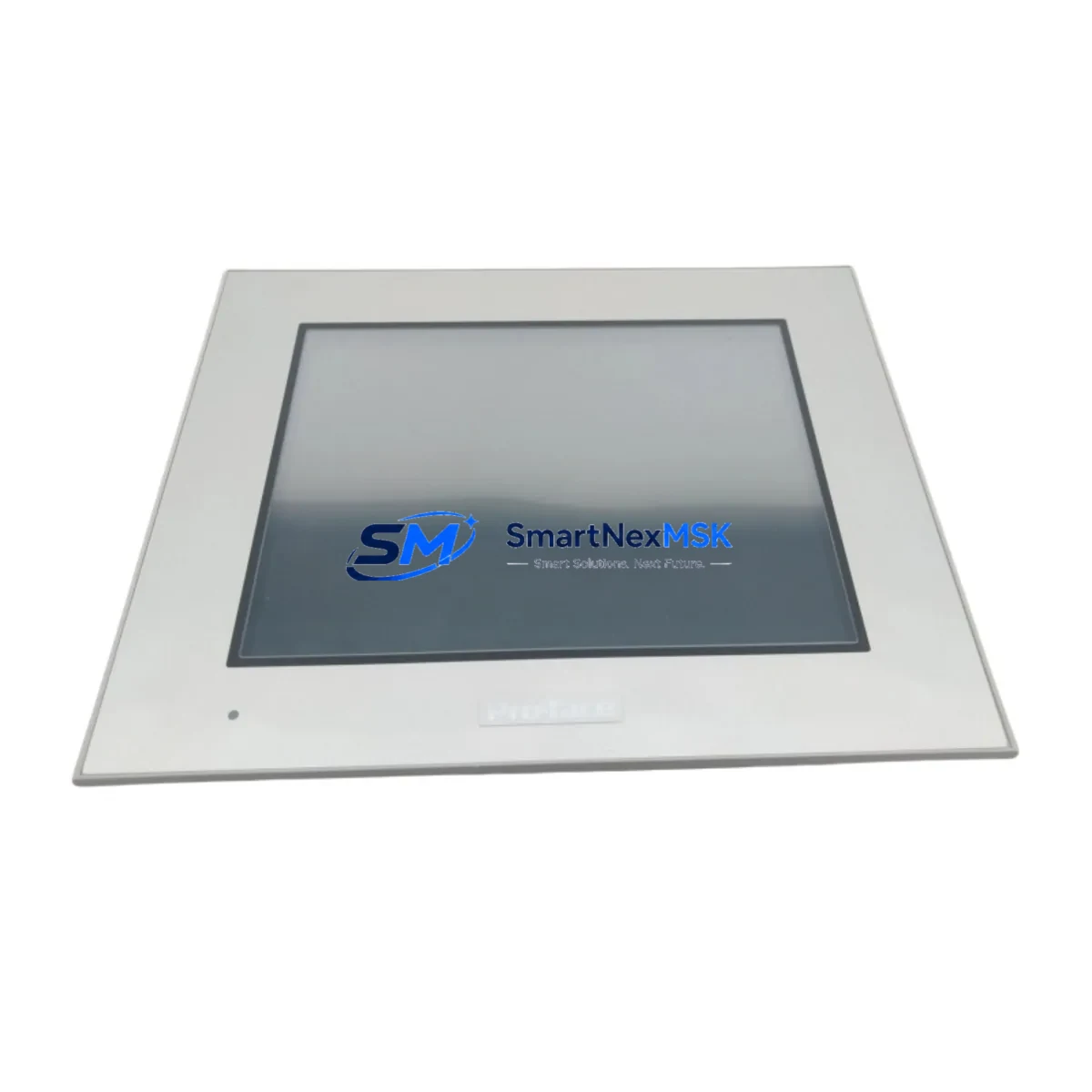
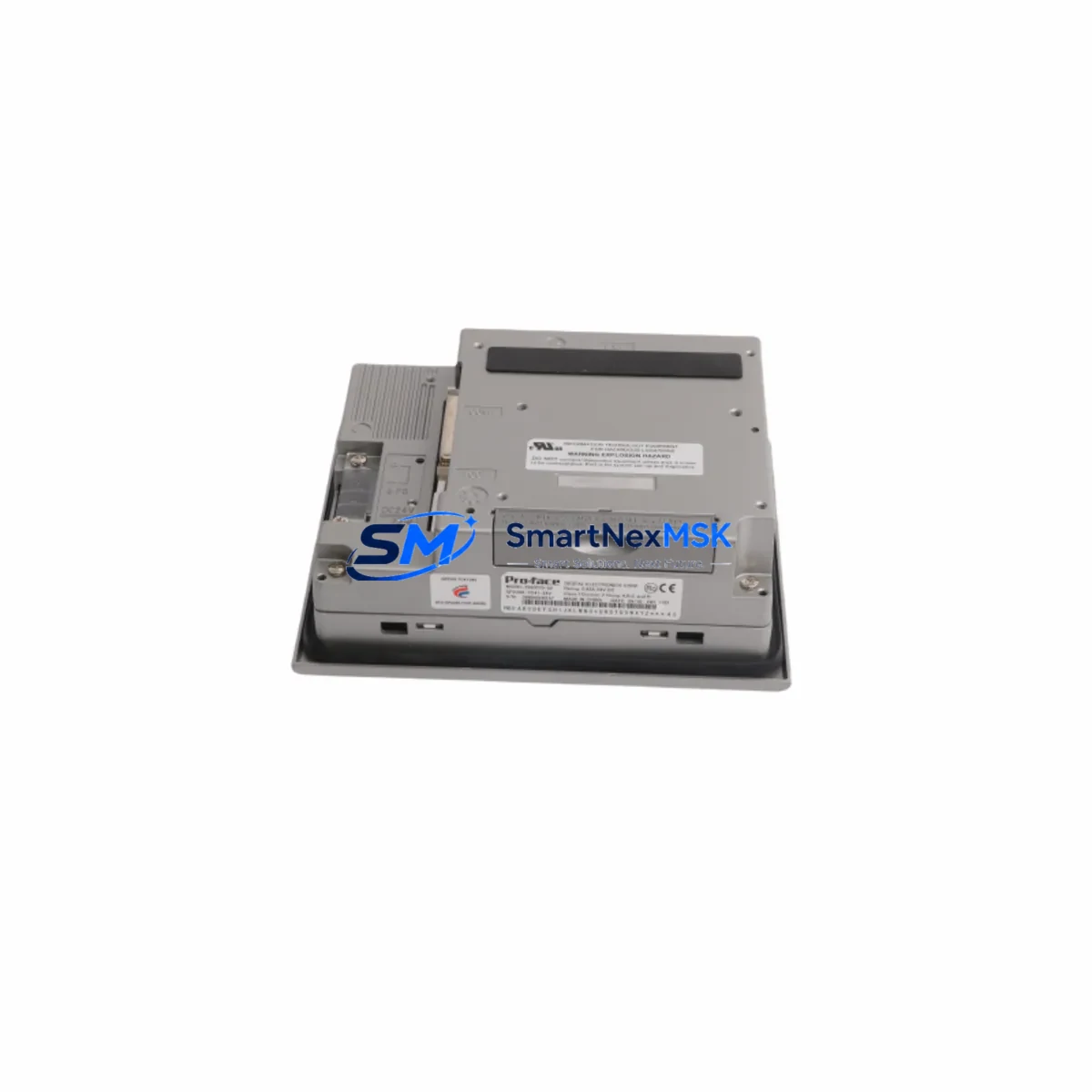
The Proface PFXGP4501TAA is a 4.3-inch color TFT touchscreen HMI panel from the GP4000 Series, engineered for continuous operation in demanding industrial automation environments. As a maintenance-ready original spare, the PFXGP4501TAA is the direct replacement for aging or failed GP4000 HMI units installed across manufacturing lines, process control cabinets, and machine tool systems. With IP65 front-panel protection, DC24V power input, and broad multi-protocol communication support — including Ethernet, RS-232, and RS-422/485 — this unit integrates seamlessly into existing control architectures without requiring software reconfiguration or wiring overhaul.
For maintenance engineers managing aging automation systems, unplanned HMI failure is one of the highest-risk downtime events on the plant floor. The PFXGP4501TAA eliminates extended lead times by providing a tested, shelf-ready spare that can be installed and commissioned within a single maintenance window. Each unit is pre-shipment tested, supplied with a 12-month warranty, and traceable to original Proface manufacturing standards — giving procurement engineers the confidence to stock this part as a critical line-down spare.
Spare Maintenance Table
| Parameter | Specification |
|---|---|
| Model / SKU | PFXGP4501TAA |
| Series | GP4000 |
| Brand | Proface (Digital Electronics / Schneider Electric) |
| Display | 4.3″ TFT Color LCD, 480 × 272 px |
| Touchscreen | Analog Resistive |
| Power Supply | DC 24V (±10%) |
| Communication Ports | Ethernet (RJ45), RS-232, RS-422/485, USB Host & Client |
| Protection Rating | IP65 (front panel) |
| Operating Temperature | 0°C to 50°C |
| Storage Temperature | -20°C to 60°C |
| Memory | 32 MB Flash / 64 MB RAM (standard configuration) |
| Compatible Software | GP-Pro EX |
| Compatibility | Direct replacement for PFXGP4501TAD, PFXGP4501TADC, GP-4401T series |
| Installation | Panel cutout mount, standard GP4000 footprint |
| Origin | Japan |
| HS Code | 853710 |
| Warranty | 12 Months — tested prior to shipment |
| Application | Machine tool HMI, process visualization, SCADA front-end, OEM control panels |
| Maintenance Note | Inspect DC24V power rail, communication cables, and panel gasket seal during replacement |
Maintenance Planning for Continuous Operation
When a PFXGP4501TAA fails or is scheduled for replacement during planned maintenance, experienced maintenance engineers know that the HMI is rarely the only component requiring attention. A thorough inspection of the surrounding control cabinet is essential to prevent repeat failures and ensure the restored system operates reliably through the next maintenance interval.
Begin by verifying the DC24V power supply module feeding the HMI — voltage sag or ripple is a leading cause of premature HMI failure and touchscreen instability. If the cabinet uses a Proface or third-party 24VDC SMPS, check output voltage under load and inspect for capacitor aging. Simultaneously, inspect the RS-232 and RS-422/485 communication cables connecting the PFXGP4501TAA to downstream PLCs or controllers; damaged shielding or loose terminal connections cause intermittent communication faults that are often misdiagnosed as HMI hardware failure.
For cabinets where the GP4000 HMI interfaces with a Mitsubishi MELSEC Q-series or FX-series PLC, or a Siemens S7-300/S7-400 CPU via Ethernet, confirm that the PLC communication driver version in GP-Pro EX matches the firmware on the replacement unit. In systems using Proface GP-4401T or GP-4301T panels in adjacent operator stations, verify that the project file is compatible across panel generations before deploying.
Inspect the terminal blocks and DIN rail wiring in the same cabinet zone — loose 24V commons and signal ground loops are frequently uncovered during HMI changeouts. If the system includes signal isolators between the HMI analog inputs and field transmitters, test isolation resistance and verify loop power. Check any Ethernet switches or managed hubs in the control network for port errors, as a degraded switch port can cause the replacement HMI to exhibit the same communication symptoms as the failed unit.
Where the PFXGP4501TAA is used as a front-end for relay output modules or digital I/O expansion units, inspect relay contact wear and coil resistance on any intermediate relays in the HMI-controlled output circuit. For older installations, consider stocking a Proface CA3-ADPUSB-01 USB adapter and a spare GP-Pro EX license dongle to support rapid on-site project uploads without requiring a laptop with pre-installed software.
Finally, document the panel gasket condition — the IP65 seal on the PFXGP4501TAA degrades in high-humidity or chemical-exposure environments. Replacing the gasket during a scheduled HMI swap is a low-cost step that prevents moisture ingress failures in the next service cycle.
Site Replacement Workflow
Step 1 — Isolation & Backup: De-energize the control cabinet and isolate the DC24V supply to the HMI circuit. Before removing the PFXGP4501TAA, connect a laptop with GP-Pro EX installed and upload the current project file from the existing HMI via USB. Save the project with a timestamped filename and store it on a network drive or USB key that travels with the spare unit.
Step 2 — Physical Removal: Disconnect the Ethernet, RS-232/RS-422 communication cables, USB connections, and DC24V power connector. Note cable labeling before removal. Release the panel mounting clamps from the rear and extract the unit from the panel cutout. The PFXGP4501TAA uses the standard GP4000 cutout dimensions (138 × 108 mm), so no panel modification is required for a like-for-like replacement.
Step 3 — Replacement Unit Preparation: Before installation, power the replacement PFXGP4501TAA on the bench using a bench 24VDC supply. Confirm the unit boots to the GP-Pro EX runtime screen. Download the backed-up project file via USB and verify all screens, tags, and communication settings load correctly. Confirm firmware version compatibility with the connected PLC or controller.
Step 4 — Installation & Commissioning: Install the replacement unit into the panel cutout, secure mounting clamps evenly to ensure IP65 gasket compression, and reconnect all cables in reverse order. Re-energize the 24VDC supply and confirm the HMI establishes communication with the PLC within the expected timeout period. Test all operator screens, alarm acknowledgment functions, and any recipe or data logging features before returning the system to production.
Step 5 — Documentation & Spare Replenishment: Log the replacement in the maintenance management system with the failed unit’s serial number, failure mode, and replacement date. Immediately initiate a purchase order for a replacement PFXGP4501TAA spare to restore your buffer stock — a single-unit spare strategy for a critical HMI creates unacceptable downtime risk on high-utilization lines.
Spare Parts Support FAQ
Q1: Is the PFXGP4501TAA a new original unit or a refurbished spare?
All PFXGP4501TAA units supplied by SMARTNEXMSK are original Proface-manufactured components sourced from authorized distribution channels or verified surplus inventory. Each unit undergoes pre-shipment functional testing covering power-on, display, touchscreen calibration, and communication port verification. A 12-month warranty is provided from the date of shipment, covering manufacturing defects and functional failures under normal operating conditions.
Q2: How do I confirm compatibility with my existing GP4000 installation before ordering?
The PFXGP4501TAA is a direct form-fit-function replacement for the PFXGP4501TAD and PFXGP4501TADC variants and is compatible with all GP-Pro EX project files developed for the GP4000 4.3″ platform. To confirm compatibility, provide your existing HMI model number, GP-Pro EX version, and connected PLC/controller type. Our technical team will verify compatibility and advise on any firmware update requirements before shipment.
Q3: What is the recommended spare inventory strategy for the PFXGP4501TAA?
For production lines with a single PFXGP4501TAA as the primary operator interface, we recommend maintaining a minimum of one on-shelf spare at all times. For multi-line facilities or systems where the HMI controls critical safety or process interlocks, a two-unit buffer is advisable. Given the GP4000 series’ end-of-active-production status, long-term availability cannot be guaranteed — procurement engineers should consider a strategic multi-unit purchase to secure supply for the next 3–5 years of system operation.
Q4: What does the 12-month warranty cover, and what is the return process?
The 12-month warranty covers all functional defects attributable to manufacturing or component failure under normal operating conditions (DC24V supply within ±10%, ambient temperature 0–50°C, IP65 environment). Warranty claims require the original order reference and a description of the failure mode. Units confirmed defective under warranty will be replaced or refunded at SMARTNEXMSK’s discretion. Physical damage, incorrect wiring, or operation outside specified parameters voids the warranty. Contact [email protected] to initiate a warranty claim.
© 2026 SMARTNEXMSK. All rights reserved.
Original Source: https://smartnexmsk.com
Contact: [email protected] | +86 18259474341