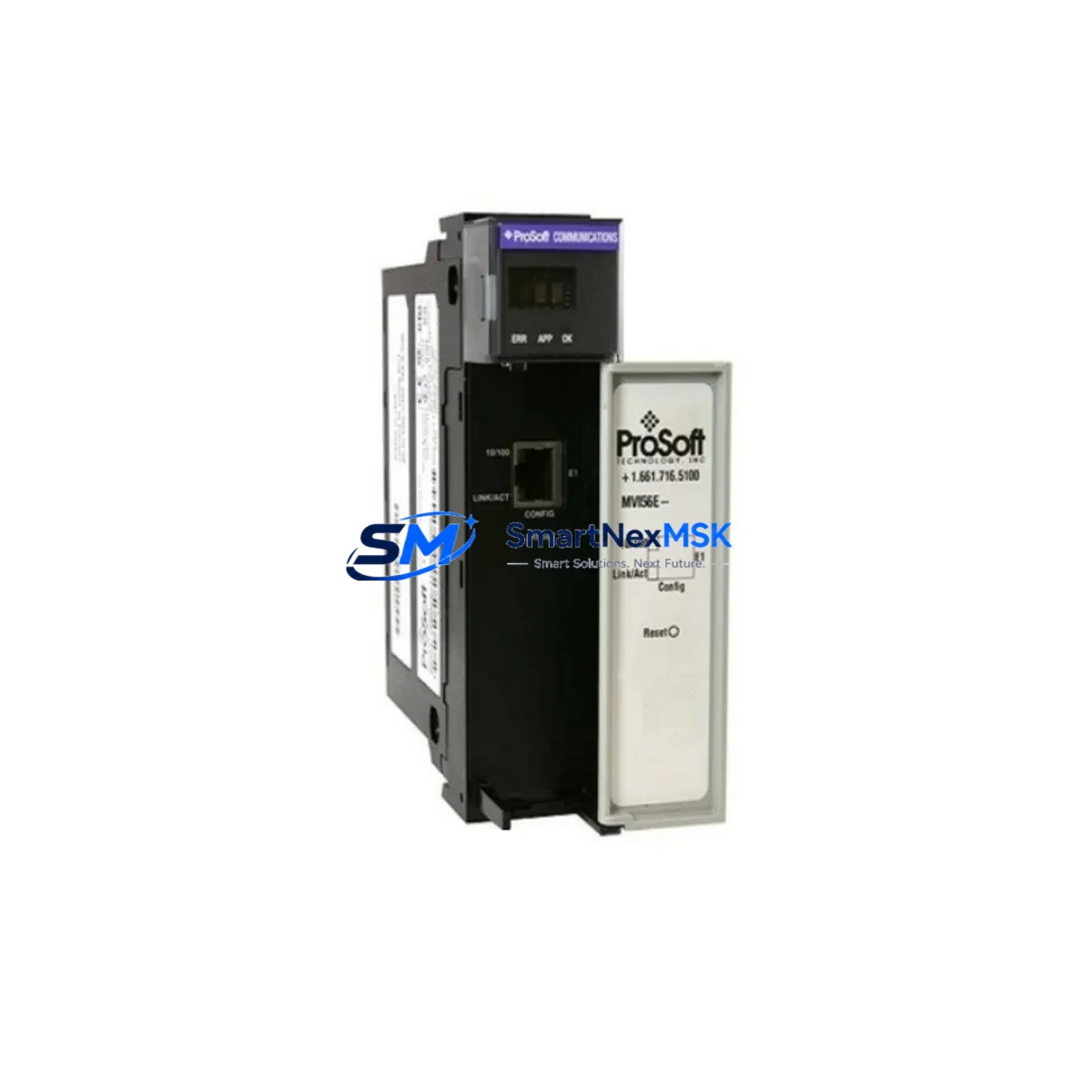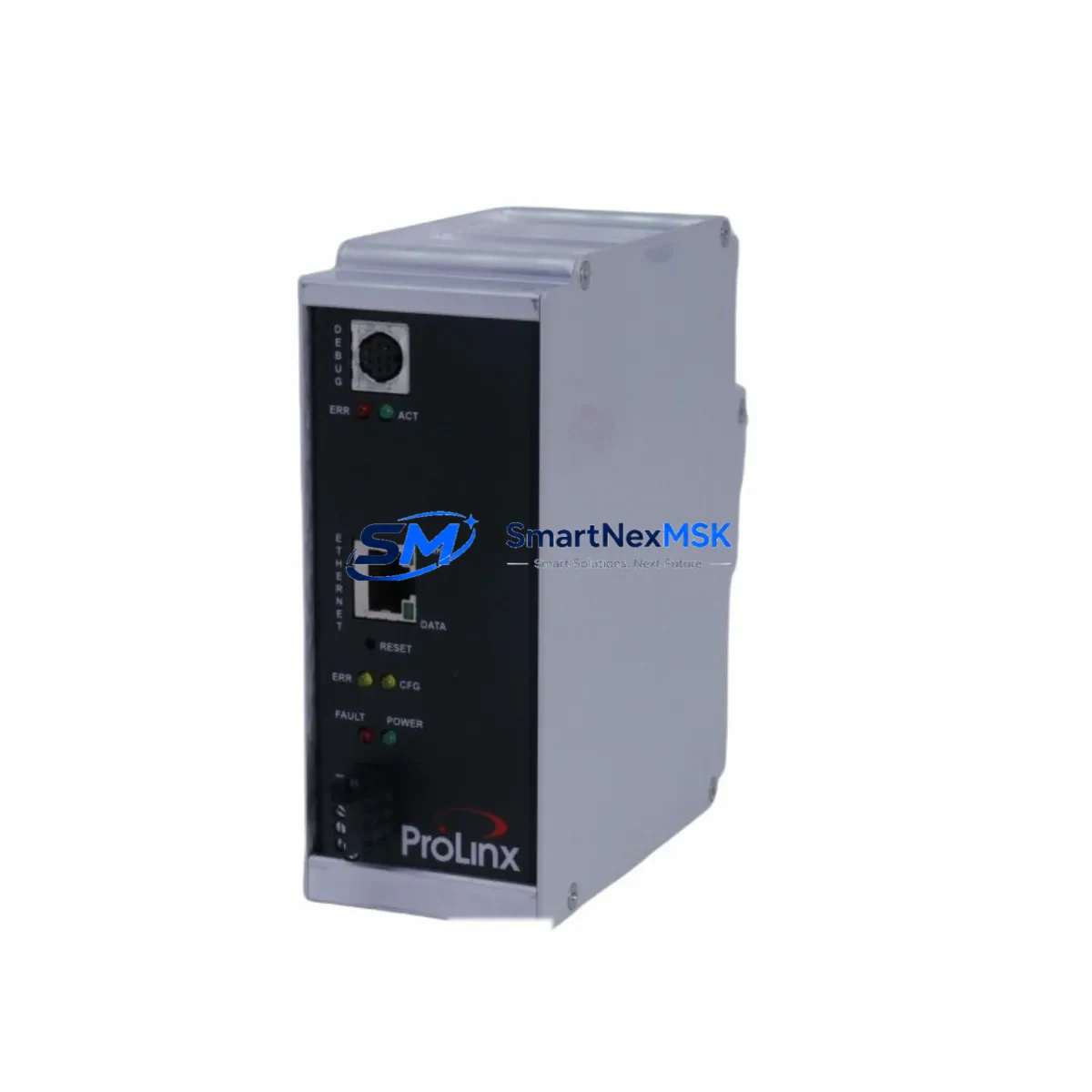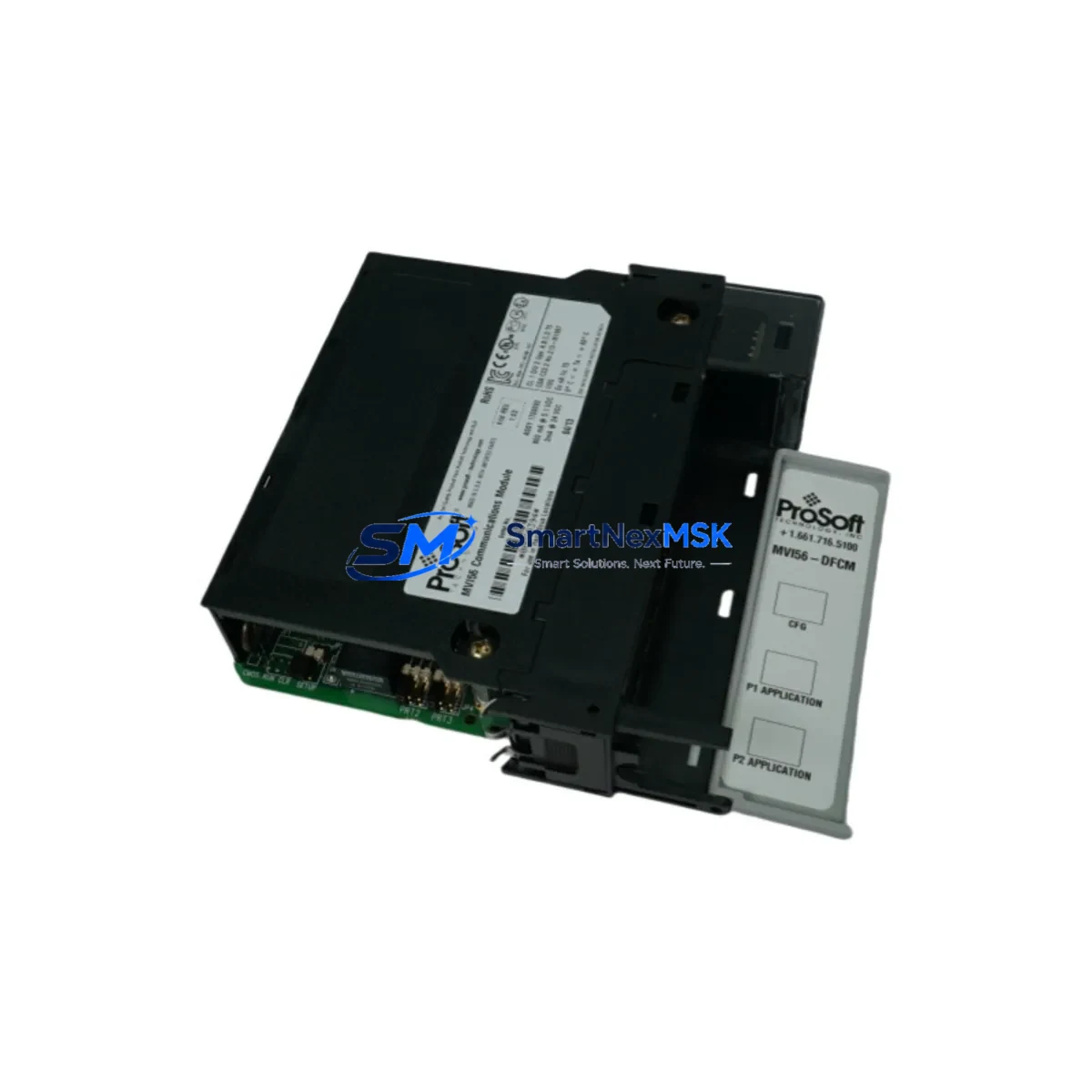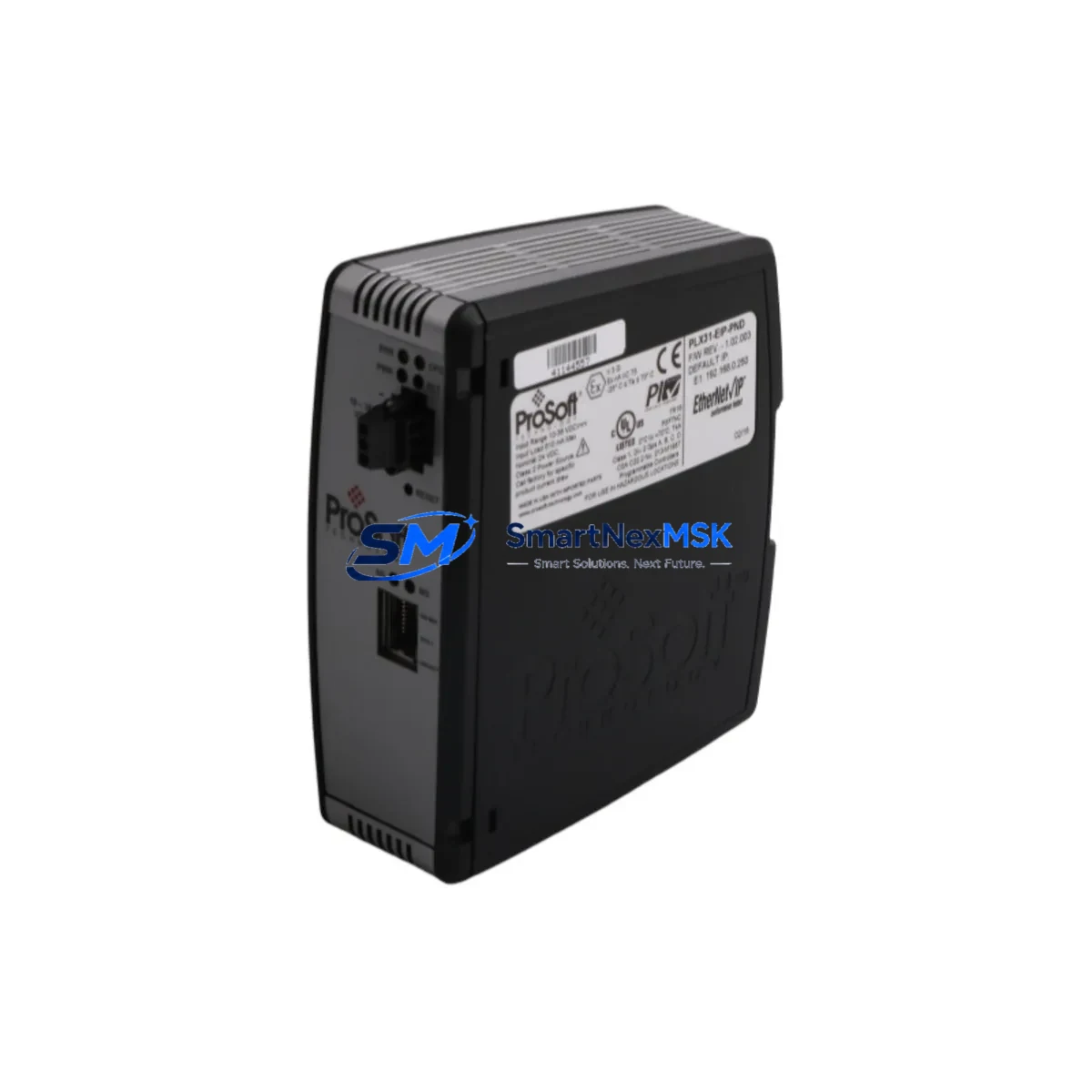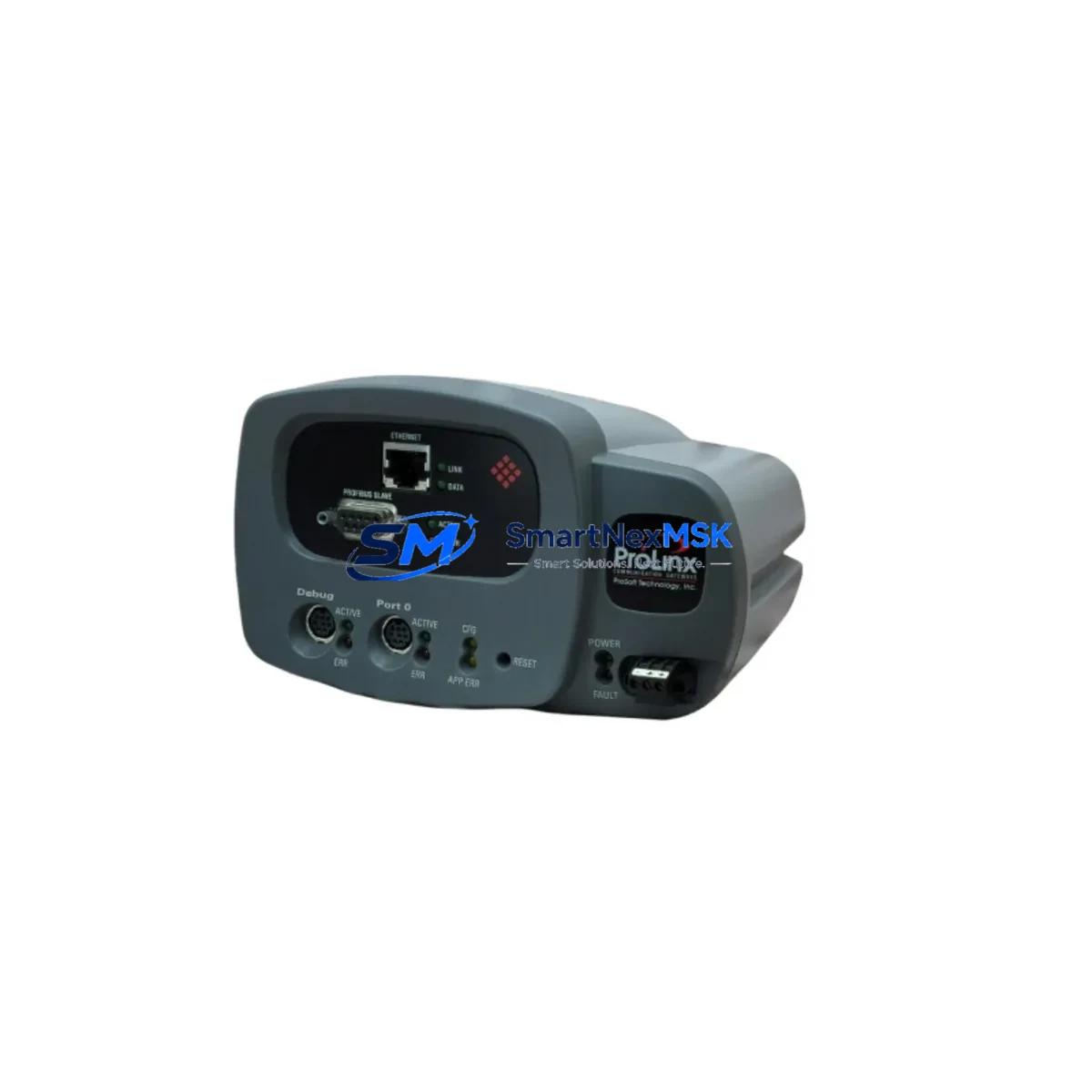
ProSoft 4205-MNET-PDPS Spare for MVI46 Automation: Spare Replacement & Industrial Downtime Risk Control
The ProSoft Technology 4205-MNET-PDPS is an in-chassis Modbus TCP/PROFIBUS DP Slave communication gateway designed for Allen-Bradley SLC 500 platforms using the MVI46 backplane interface. In industrial automation environments — from automotive assembly lines to process control facilities — this module serves as a critical bridge between Ethernet-based SCADA systems and legacy PROFIBUS DP field networks. When this gateway fails or reaches end-of-life, the result is immediate loss of communication between the PLC and field devices, triggering unplanned downtime that can cost thousands per hour. Maintaining a verified original spare of the 4205-MNET-PDPS in your parts inventory is a fundamental element of any serious maintenance strategy.
Spare Maintenance Table
| Parameter | Specification / Detail |
|---|---|
| Part Number / SKU | 4205-MNET-PDPS |
| Manufacturer | ProSoft Technology |
| Series | MVI46 (SLC 500 In-Chassis) |
| Protocol – Network Side | Modbus TCP/IP (Client & Server) |
| Protocol – Field Side | PROFIBUS DP Slave |
| Host Interface | SLC 500 backplane, 1746 I/O chassis |
| Ethernet Port | 10/100 Mbps RJ-45 |
| PROFIBUS Port | DB-9 female, RS-485 |
| Power Consumption | 800 mA @ 5 VDC (from backplane) |
| Operating Temperature | 0°C to 60°C (32°F to 140°F) |
| Humidity | 5% to 95% non-condensing |
| Mounting | SLC 500 / 1746 chassis slot |
| Compatibility | SLC 5/03, 5/04, 5/05; MVI46 series modules |
| Configuration Tool | ProSoft Configuration Builder (PCB) |
| Firmware | Field-upgradeable via serial/Ethernet |
| Certifications | CE, UL Listed, RoHS compliant |
| Weight | Approx. 600 g |
| Warranty | 12 Months — tested and verified before shipment |
| Condition | Original spare, new or refurbished-to-spec |
| Shipping | Worldwide express; DHL / FedEx / UPS available |
Maintenance Planning for Continuous Operation
When a maintenance or procurement engineer schedules replacement of the 4205-MNET-PDPS, the gateway is rarely the only component that warrants inspection. A thorough control cabinet audit during the same maintenance window significantly reduces the risk of repeat downtime. The following components should be evaluated in parallel:
First, inspect the SLC 500 power supply module (such as the 1746-P4 or 1746-P7) — a degraded power supply is a common root cause of intermittent communication faults that are often misdiagnosed as gateway failures. Next, verify the SLC 5/04 or 5/05 processor module firmware version to confirm compatibility with the 4205-MNET-PDPS configuration file and ProSoft Configuration Builder settings.
On the PROFIBUS side, check the PROFIBUS DP cable termination resistors and the DB-9 connector integrity at both the gateway port and the field device end. A failed termination is a frequent cause of DP bus errors that appear as gateway faults. If the field network includes PROFIBUS DP repeaters or segment couplers, these should be tested for signal integrity during the same outage window.
On the Ethernet side, confirm the managed Ethernet switch port connected to the 4205-MNET-PDPS is operating at 10/100 Mbps full-duplex and that no port errors are logged. If the SCADA or DCS system communicates via Modbus TCP, verify the Modbus TCP polling configuration in the host system matches the gateway’s register map.
Within the same 1746 chassis, inspect neighboring MVI46-series I/O modules — such as the MVI46-MCM (Modbus serial) or MVI46-DFNT (EtherNet/IP) — for backplane seating and connector wear. Loose backplane connections cause intermittent data errors across all slots. Also check 1746 digital I/O modules for blown fuses or failed output drivers, particularly if the system experienced a surge event that may have triggered the gateway fault.
For facilities running legacy PROFIBUS DP field instruments — including Siemens ET 200 distributed I/O stations, ABB or Endress+Hauser PROFIBUS transmitters, or variable frequency drives with PROFIBUS DP option cards — confirm that each slave device GSD file and station address is correctly configured and matches the 4205-MNET-PDPS master configuration. A mismatch after module replacement is a common commissioning error that delays restart.
Finally, review the UPS or 24 VDC power rail supplying the control cabinet. Voltage sags during peak load are a leading cause of premature gateway failure. If the facility uses signal isolators between the PLC analog I/O and field transmitters, verify isolation barrier integrity as part of the same inspection cycle.
Site Replacement Workflow
Step 1 — Pre-replacement documentation: Export the existing 4205-MNET-PDPS configuration using ProSoft Configuration Builder before powering down. Save the .psx project file and note the module’s IP address, subnet mask, gateway, and PROFIBUS station address assignments.
Step 2 — Safe power-down: Place the SLC 500 processor in Program mode via RSLogix 500 or the keyswitch. Confirm all controlled outputs are in a safe state before removing chassis power. Follow your site’s LOTO (Lockout/Tagout) procedure.
Step 3 — Module swap: Remove the faulty 4205-MNET-PDPS from the 1746 chassis slot. Seat the replacement module firmly, ensuring the backplane connector is fully engaged. Restore chassis power.
Step 4 — Configuration restore: Connect a laptop via Ethernet to the replacement module. Use ProSoft Configuration Builder to download the saved .psx configuration. Verify IP settings and PROFIBUS DP slave address table match the original.
Step 5 — Commissioning verification: Place the SLC processor back in Run mode. Monitor the 4205-MNET-PDPS status LEDs — APP, BP ACT, and OK indicators should all show normal operation. Confirm Modbus TCP connections are re-established from the SCADA host and that all PROFIBUS DP slaves are online.
Step 6 — System handover: Document the replacement date, new module serial number, firmware version, and configuration file version in the site maintenance log. Update the spare parts inventory to trigger reorder of a replacement spare.
This workflow is designed to minimize mean time to repair (MTTR) and restore production within a single maintenance shift. Having a pre-configured and tested 4205-MNET-PDPS spare on-site eliminates the longest delay in most unplanned outage scenarios — sourcing and shipping lead time.
Spare Parts Support FAQ
Q1: Is this a genuine original ProSoft Technology 4205-MNET-PDPS or a third-party clone?
This is an original ProSoft Technology spare module. Each unit is sourced from authorized distribution channels or directly from ProSoft’s supply network. We do not supply counterfeit, relabeled, or reverse-engineered substitutes. Every module undergoes functional testing prior to shipment, and a 12-month warranty is provided from the date of delivery.
Q2: How do I verify compatibility with my existing SLC 500 system before ordering?
The 4205-MNET-PDPS is compatible with all SLC 500 chassis using the 1746 I/O backplane, including systems running SLC 5/03, 5/04, and 5/05 processors. Confirm your chassis slot count and available slot position. The module requires one slot and draws 800 mA from the 5 VDC backplane rail — verify your power supply budget before installation. If you need compatibility confirmation for a specific system configuration, contact our technical team with your chassis catalog number and processor firmware version.
Q3: What is your recommended spare parts stocking strategy for the 4205-MNET-PDPS?
For facilities with a single SLC 500 system running this gateway, we recommend maintaining one cold spare on-site. For multi-line or multi-site operations where this module appears in several control cabinets, a regional spare pool of two to three units is advisable. Given that ProSoft Technology has transitioned many MVI46-series products to end-of-life or limited availability status, early procurement of spares is strongly recommended to avoid extended lead times during future maintenance events.
Q4: What pre-shipment testing is performed, and what does the 12-month warranty cover?
Each 4205-MNET-PDPS unit is powered up and tested for backplane communication, Ethernet port function, and PROFIBUS DP interface integrity before dispatch. The 12-month warranty covers hardware defects and functional failures under normal operating conditions. It does not cover damage caused by incorrect installation, overvoltage events, or unauthorized modification. In the event of a warranty claim, we provide advance replacement to minimize your downtime exposure.
© 2026 SMARTNEXMSK. All rights reserved.
Original Source: https://smartnexmsk.com
Contact: [email protected] | +86 18259474341