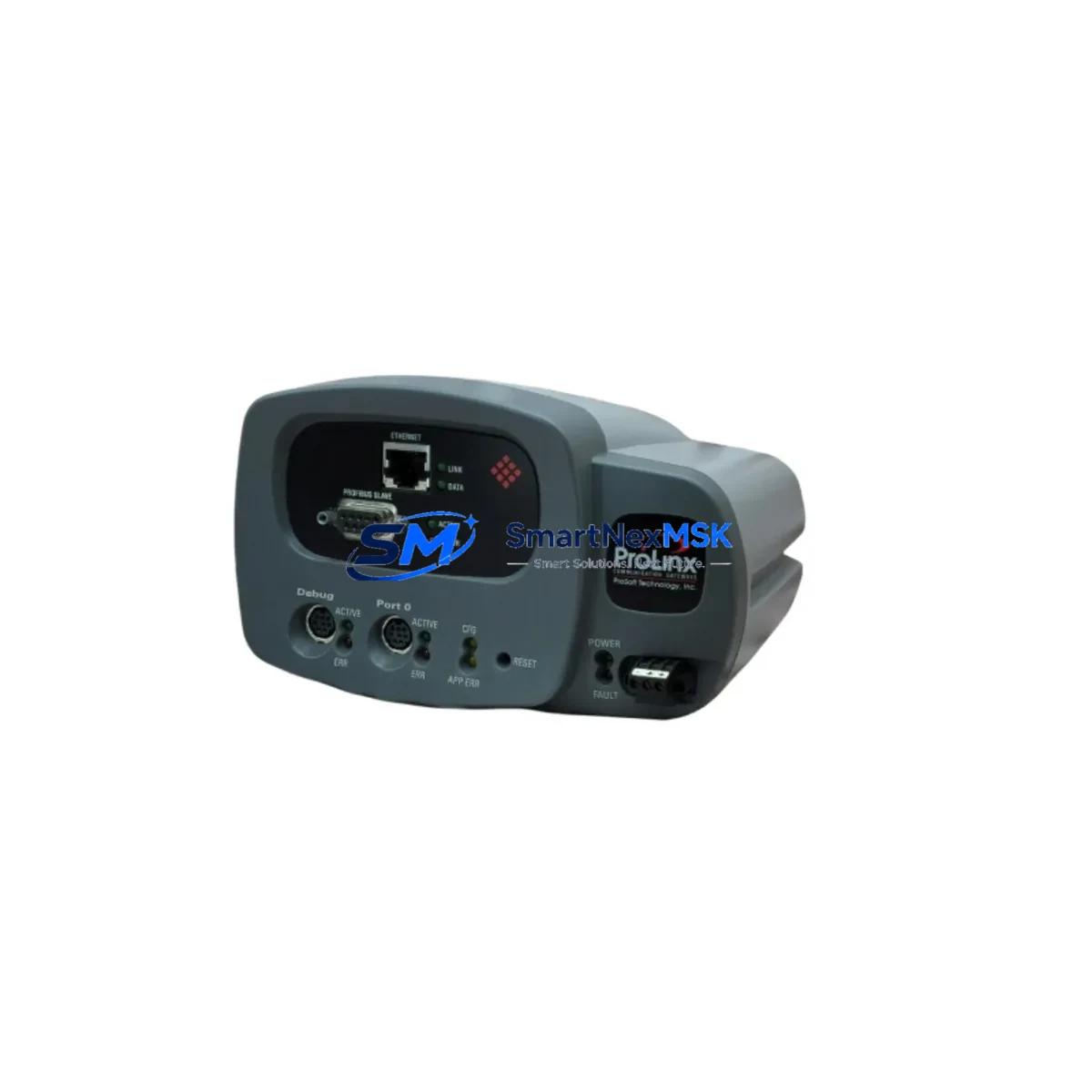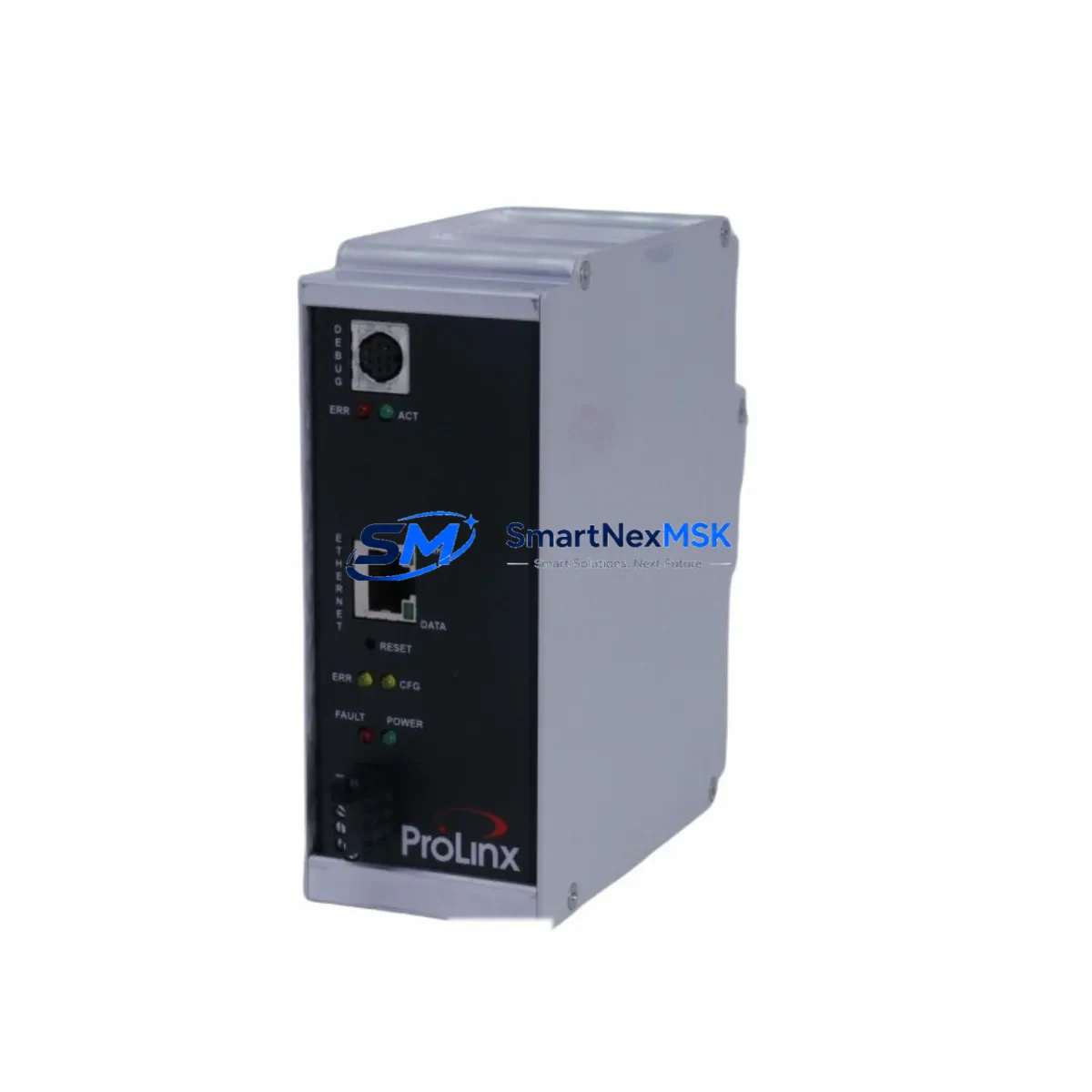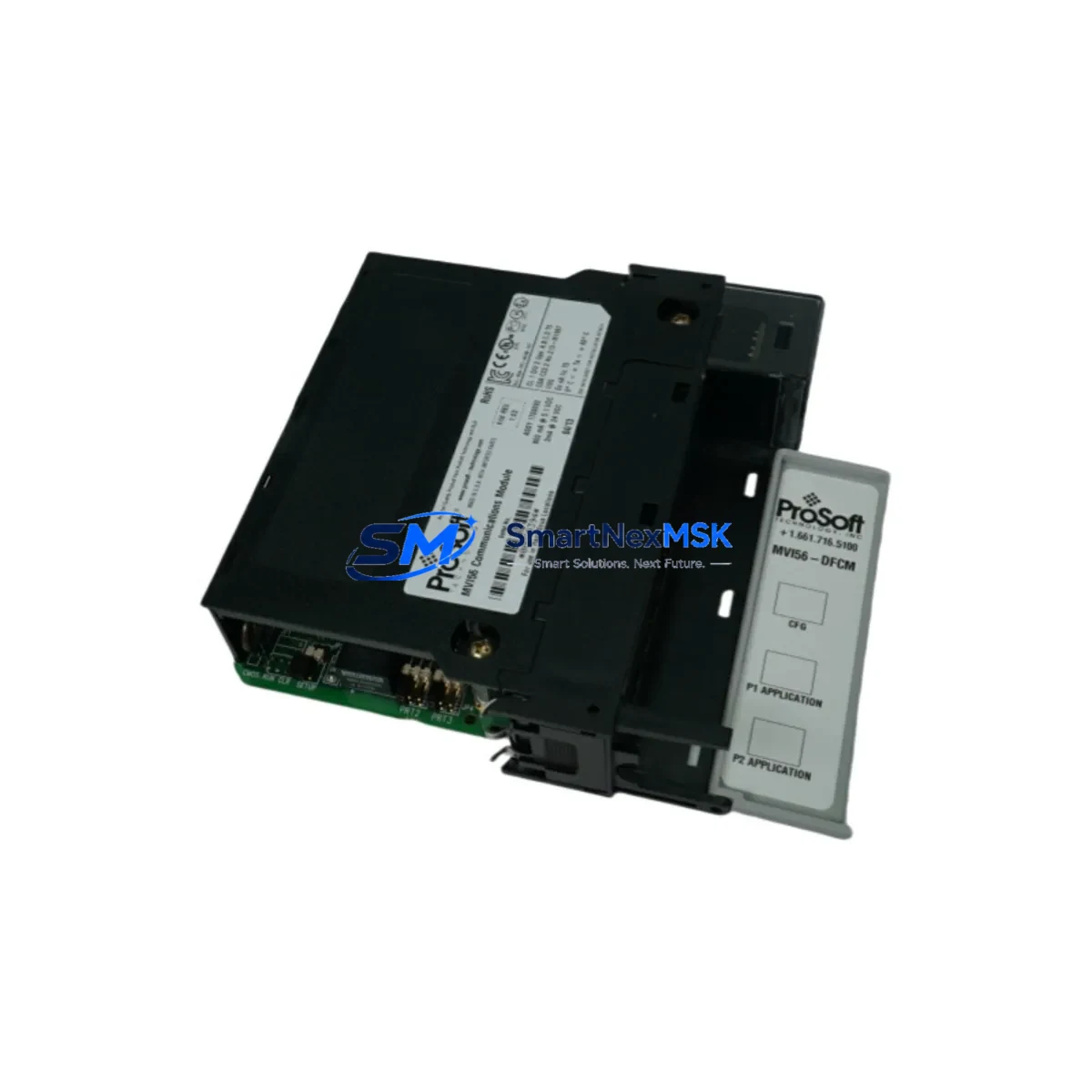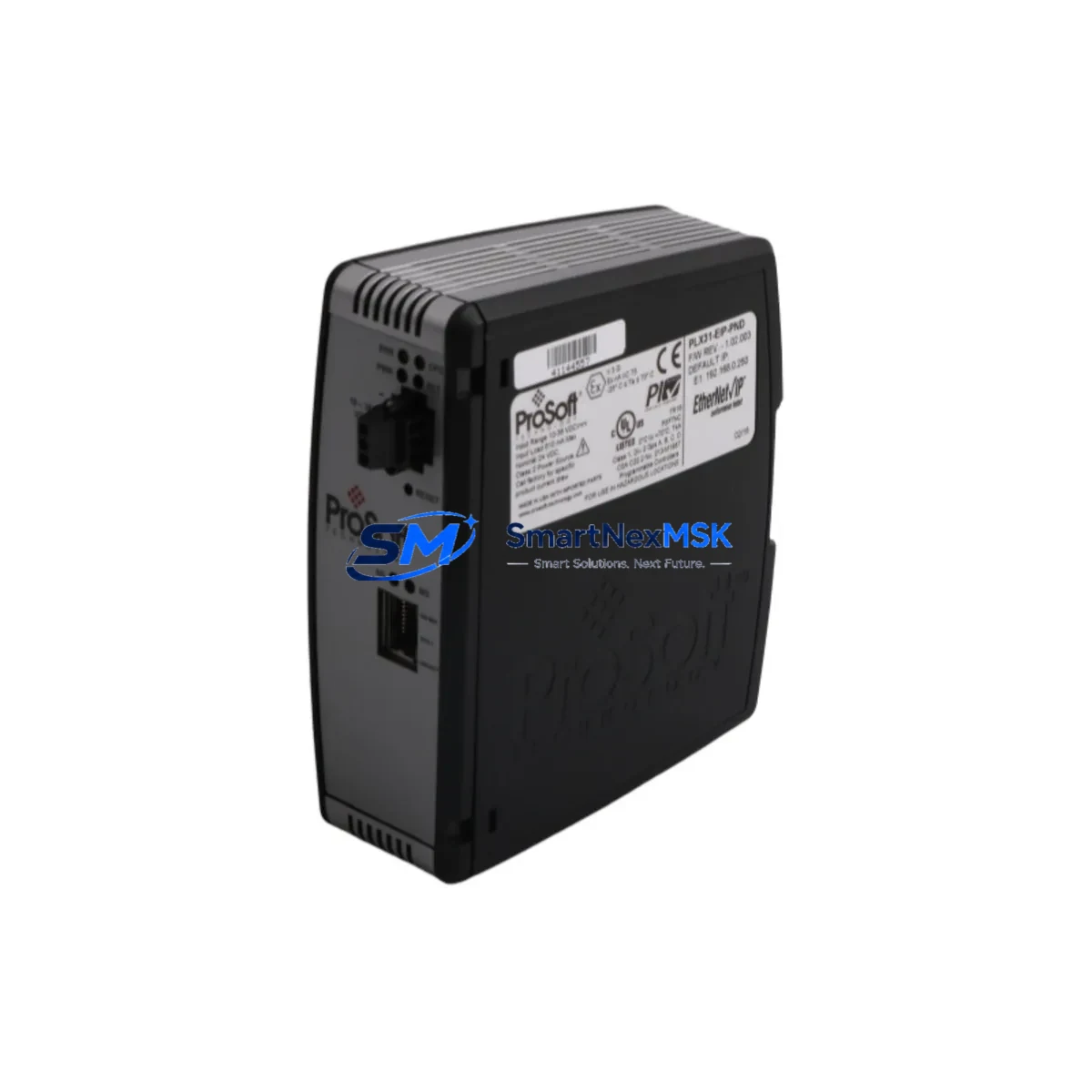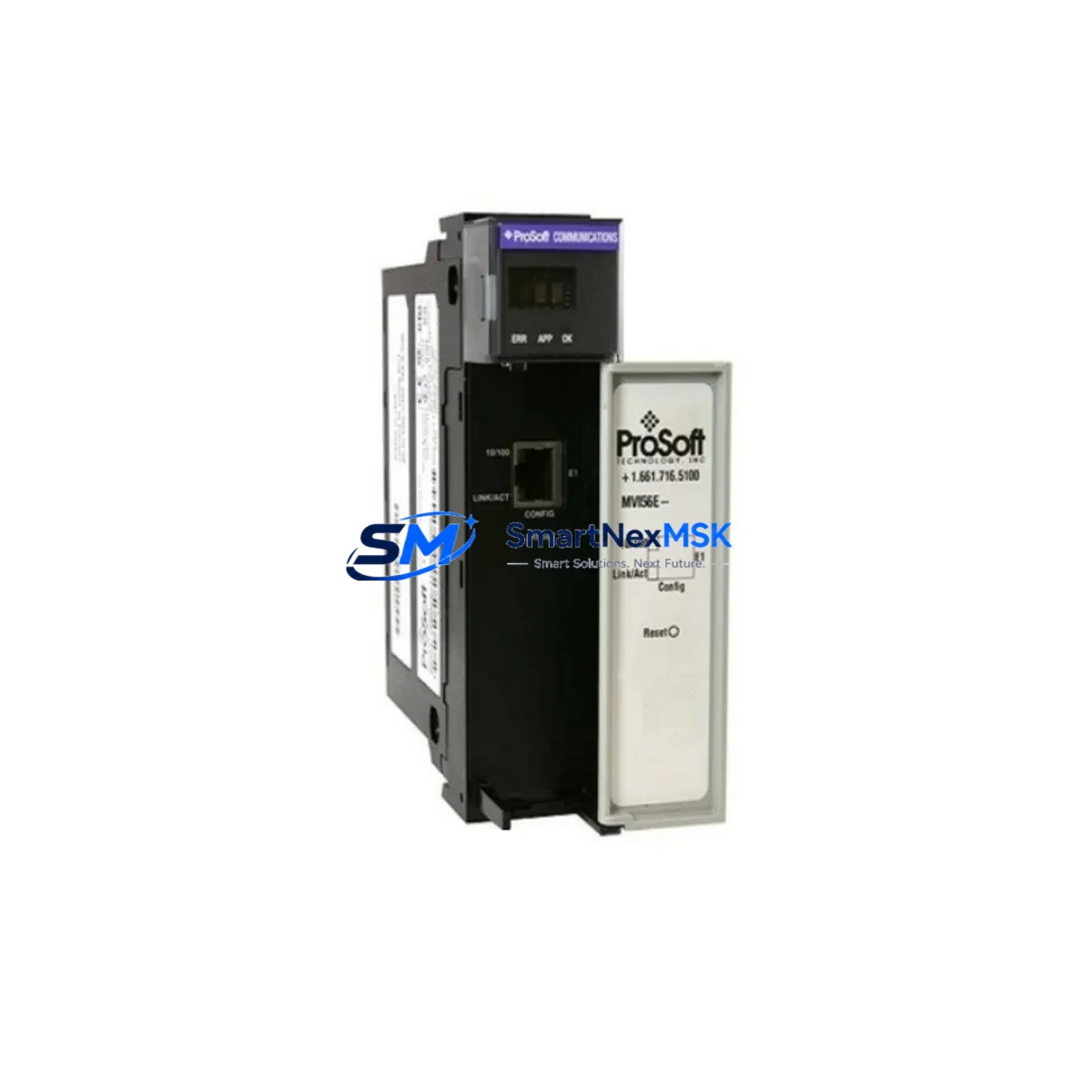
ProSoft MVI56E-MNET Maintenance-Ready Spare for MVI56E Automation
The ProSoft MVI56E-MNET is a Modbus TCP/IP multi-port master/slave communication module designed for Allen-Bradley ControlLogix 1756 rack systems. As a critical interface between Modbus TCP/IP field devices and the ControlLogix PLC backplane, this module is a high-priority spare in any industrial maintenance program. Unplanned failure of the MVI56E-MNET can immediately disrupt communication between the PLC and downstream field instruments, drives, meters, or remote I/O nodes — resulting in process shutdowns, production loss, and extended troubleshooting cycles.
Sourced as an original ProSoft Technology component, this spare is fully compatible with the MVI56E series platform and integrates directly into existing 1756 rack configurations without firmware reconfiguration in most standard deployments. Each unit is pre-shipment tested and backed by a 12-month warranty, making it a reliable choice for both emergency replacement and planned spare inventory programs.
Maintenance engineers and procurement teams managing ControlLogix-based automation systems should treat the MVI56E-MNET as a Tier-1 critical spare — particularly in facilities where Modbus TCP/IP is the primary protocol for energy metering, variable frequency drives, flow computers, or third-party RTUs.
Spare Maintenance Table
| SKU / Part Number | MVI56E-MNET |
| Brand | ProSoft Technology |
| Series | MVI56E |
| Protocol | Modbus TCP/IP (Master & Slave) |
| Host Platform | Allen-Bradley ControlLogix 1756 Rack |
| Backplane Interface | ControlLogix 1756 backplane (SLC/MicroLogix not compatible) |
| Ethernet Ports | 2 × RJ45 (10/100 Mbps) |
| Max Modbus Sessions | Up to 100 simultaneous client/server connections |
| Power Consumption | 800 mA @ 5 VDC (backplane supplied) |
| Operating Temperature | 0°C to 60°C |
| Compatibility | MVI56E series; replaces legacy MVI56-MNET in most applications |
| Firmware | Configurable via ProSoft Configuration Builder (PCB) |
| Installation | Standard 1756 rack slot; no special tools required |
| Application Environment | Industrial automation, process control, energy management, utilities |
| Maintenance Recommendation | Inspect Ethernet connectors and backplane contacts every 12 months; verify firmware version during planned shutdowns |
| Origin | USA |
| Warranty | 12 Months |
| Condition | Original, New / Tested Surplus |
Maintenance Planning for Continuous Operation
When scheduling replacement of the MVI56E-MNET in a ControlLogix control cabinet, a thorough inspection of the surrounding electrical environment is essential to prevent repeat failures and ensure a clean handover. Maintenance engineers should begin by verifying the integrity of the 1756-PA75 or 1756-PB75 power supply module — insufficient or unstable backplane power is a leading cause of premature communication module failure. Confirm output voltage is within specification before inserting the replacement unit.
Next, inspect all Cat5e or Cat6 Ethernet patch cables connecting the MVI56E-MNET to the plant network switch or directly to field devices. Damaged RJ45 connectors, bent pins, or cables routed near high-voltage conductors can introduce intermittent communication faults that are difficult to diagnose after module replacement. Replace any suspect cables as part of the same maintenance window.
The 1756-EN2T or 1756-EN3TR EtherNet/IP communication module in the same rack should also be checked — if the MVI56E-MNET is bridging Modbus TCP/IP data into the ControlLogix tag database for upstream SCADA or DCS consumption, a degraded EN2T can mask the root cause of communication alarms. Verify its diagnostic LEDs and connection statistics via RSLinx or Studio 5000.
For systems where the MVI56E-MNET polls Schneider Electric PowerLogic PM800 series power meters, ABB ACS880 variable frequency drives, or Emerson ROC800 flow computers over Modbus TCP/IP, confirm that the IP addressing scheme and Modbus register maps are documented and backed up in ProSoft Configuration Builder before removing the old module. This eliminates configuration re-entry errors during emergency replacements.
Inspect the 1756 rack chassis itself for backplane connector wear, particularly in high-vibration environments. A worn slot can cause intermittent module seating issues that mimic firmware or network faults. If the rack has been in service for more than 10 years, consider scheduling a chassis replacement during the next planned outage.
Where the MVI56E-MNET interfaces with Phoenix Contact or Weidmüller terminal blocks on the field wiring side, check for loose terminations, corrosion, or thermal discoloration — signs of sustained overcurrent or poor contact. Tighten all field terminals and apply contact protection spray if operating in humid or corrosive environments.
Finally, review the 1756-L7x or 1756-L8x ControlLogix CPU firmware version for compatibility with the replacement MVI56E-MNET. ProSoft periodically releases firmware updates that address Modbus TCP/IP session handling improvements. Aligning CPU and module firmware versions during planned maintenance reduces the risk of post-replacement communication anomalies.
Site Replacement Workflow
Step 1 — Pre-Replacement Preparation: Export the current MVI56E-MNET configuration from ProSoft Configuration Builder and save to a secure network location. Document all Modbus TCP/IP client/server connection parameters, IP addresses, unit IDs, register maps, and polling rates. Capture a screenshot of the module’s diagnostic page in Studio 5000 or RSLogix 5000 for post-replacement comparison.
Step 2 — Safe Removal: Place the ControlLogix CPU in Program mode to suspend ladder logic execution. This prevents false outputs or process upsets during the module swap. Remove the Ethernet cables from both RJ45 ports and label them clearly. Press the module latch and slide the MVI56E-MNET out of the rack slot. Inspect the backplane connector on the removed module for bent pins or burn marks.
Step 3 — Module Installation: Insert the replacement MVI56E-MNET into the same rack slot. Ensure the module seats fully and the latch clicks into place. Reconnect the Ethernet cables in the correct port order. Power cycle the rack if required by site procedures.
Step 4 — Configuration Download: Open ProSoft Configuration Builder, load the saved configuration file, and download to the new module via the Ethernet port. Verify that all Modbus TCP/IP connections initialize without error. Check the module’s scrolling LED display for normal operation codes.
Step 5 — Functional Verification: Return the CPU to Run mode. Monitor the MVI56E-MNET diagnostic tags in Studio 5000 — confirm that all configured Modbus sessions are active and data is updating in the controller tag database. Cross-check live values against field instrument readings to confirm data integrity. Log the replacement date, module serial number, and firmware version in the site maintenance record.
This workflow supports legacy MVI56-MNET replacement with the MVI56E-MNET in most ControlLogix applications, extending system life without requiring PLC program modifications in standard configurations.
Spare Parts Support FAQ
Q1: What is the recommended spare parts lifecycle strategy for the MVI56E-MNET?
ProSoft Technology has positioned the MVI56E series as the long-term replacement platform for the legacy MVI56 series. Facilities should maintain at least one MVI56E-MNET on the shelf for every two to three installed units, particularly in continuous-process environments where Modbus TCP/IP communication is mission-critical. Spare units should be stored in anti-static packaging in a climate-controlled environment and rotated into service on a first-in, first-out basis.
Q2: Is the MVI56E-MNET compatible with all ControlLogix 1756 rack configurations?
The MVI56E-MNET is compatible with all standard 1756 rack chassis and is supported by ControlLogix L6x and L7x/L8x CPU families. It is not compatible with CompactLogix, SLC 500, or MicroLogix platforms. Compatibility with specific Studio 5000 / RSLogix 5000 versions should be confirmed against the ProSoft MVI56E-MNET User Manual prior to installation in systems running older firmware.
Q3: What pre-shipment testing is performed on each unit?
Each MVI56E-MNET supplied by SMARTNEXMSK undergoes functional verification including backplane communication check, Ethernet port integrity test, and firmware version confirmation prior to dispatch. Units are shipped in anti-static packaging with protective port covers. A 12-month warranty covers manufacturing defects and functional failures under normal operating conditions.
Q4: Can the MVI56E-MNET replace the legacy MVI56-MNET directly?
In most applications, yes. The MVI56E-MNET uses the same ProSoft Configuration Builder software and supports the same Modbus TCP/IP master/slave functionality as the MVI56-MNET, with enhanced diagnostics and dual Ethernet ports. The ladder logic Add-On Instruction (AOI) may require updating to the MVI56E version. Review the ProSoft MVI56E-MNET Migration Guide for application-specific compatibility notes before committing to a direct replacement in safety-critical systems.
© 2026 SMARTNEXMSK. All rights reserved.
Original Source: https://smartnexmsk.com
Contact: [email protected] | +86 18259474341