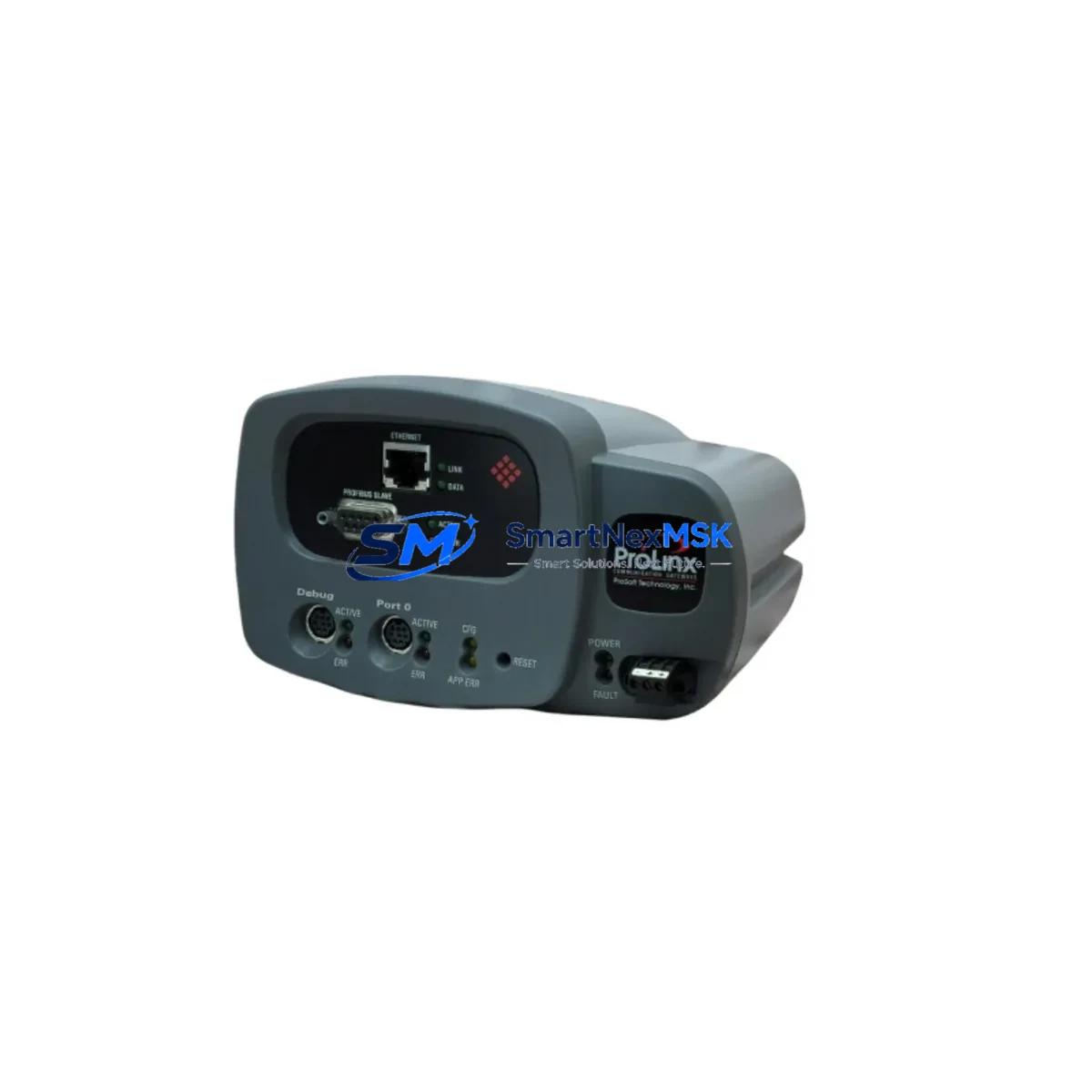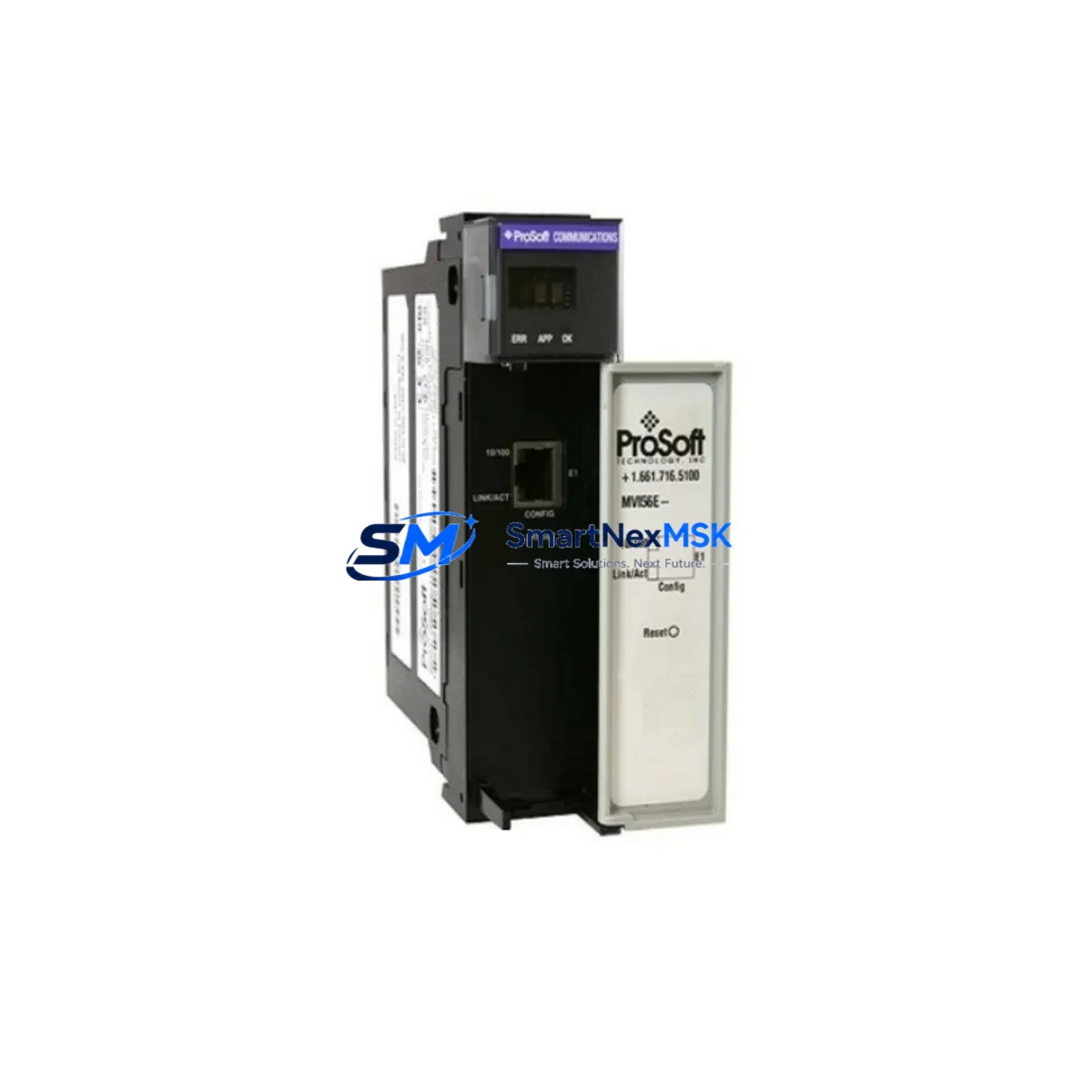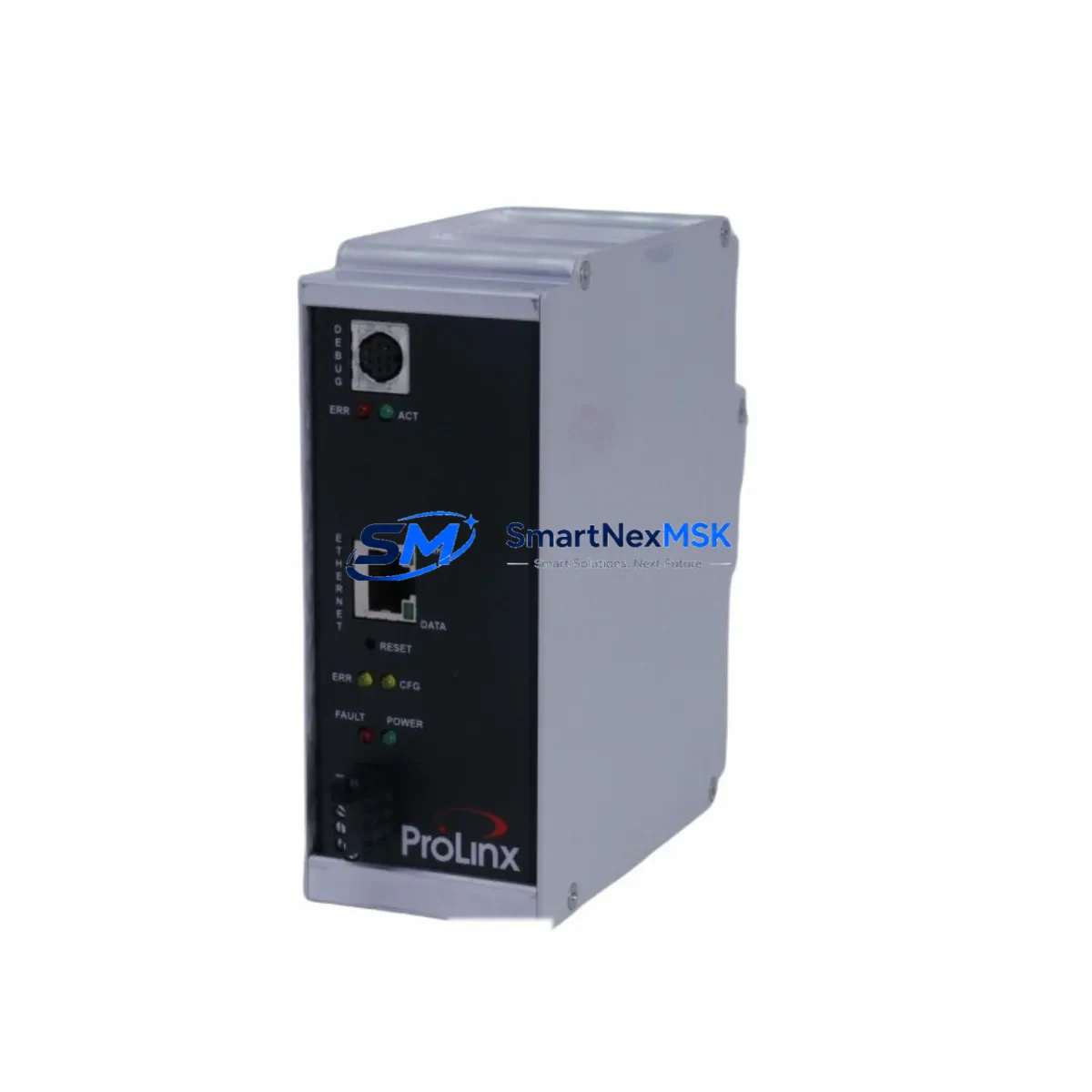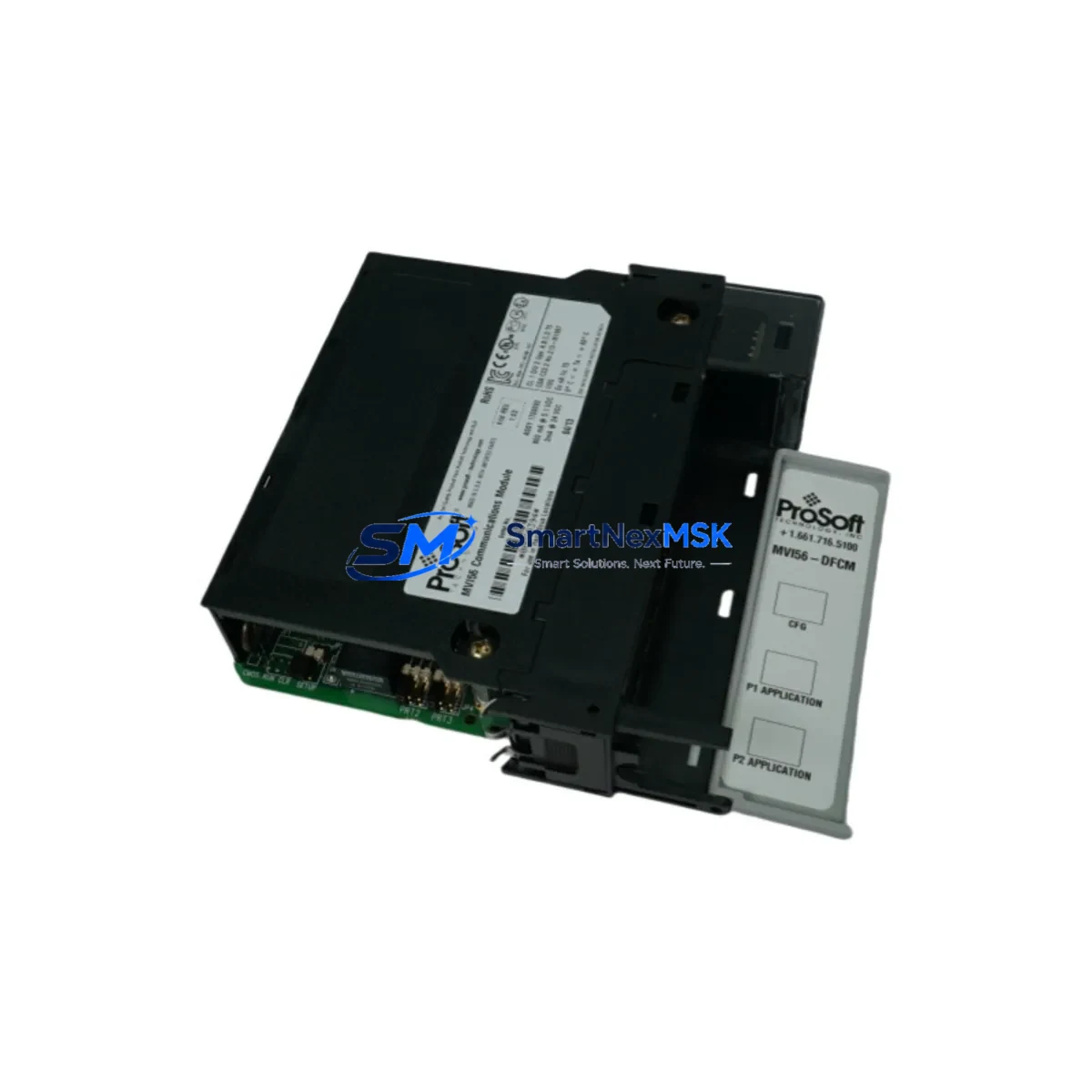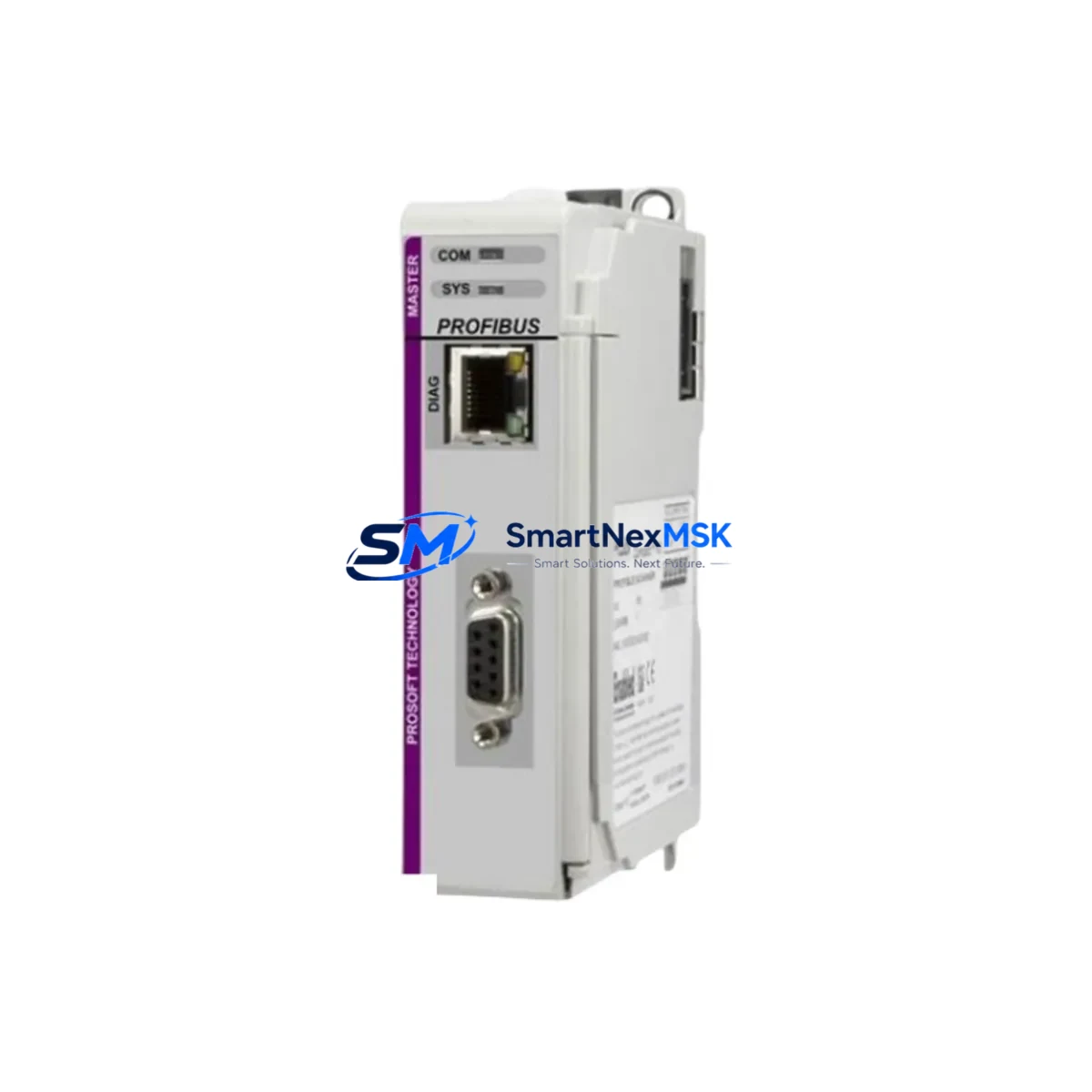
PROSOFT ILX69-PBM Maintenance-Ready Spare for ILX69 Automation
The PROSOFT ILX69-PBM is an original PROFIBUS DP Master communication module designed for the ILX69 Series, engineered for seamless integration into Rockwell Automation ControlLogix backplane environments. For maintenance engineers managing aging PROFIBUS DP networks, unplanned downtime caused by a failed communication module can cascade across an entire production line within minutes. Stocking a verified, tested ILX69-PBM spare is one of the most cost-effective strategies for protecting continuous operation in process control, discrete manufacturing, and utility automation systems.
This module serves as a direct replacement for failed or end-of-life ILX69-PBM units, enabling field engineers to restore PROFIBUS DP master functionality without reconfiguring the ControlLogix rack or rewriting ladder logic. Each unit is tested before shipment and backed by a 12-month warranty, giving procurement engineers confidence in both quality and long-term supply continuity.
Spare Maintenance Table
| Parameter | Specification / Detail |
|---|---|
| SKU / Part Number | ILX69-PBM |
| Brand | PROSOFT Technology |
| Series | ILX69 |
| Module Function | PROFIBUS DP Master Communication Module |
| Protocol | PROFIBUS DP (EN 50170 / IEC 61158) |
| Host Platform Compatibility | Rockwell Automation ControlLogix (1756 series backplane) |
| PROFIBUS DP Baud Rate | 9.6 kbps – 12 Mbps (auto-detect) |
| Max DP Slaves Supported | Up to 125 slave devices per master port |
| Configuration Interface | ProSoft Configuration Builder (PCB) software |
| Backplane Communication | ControlLogix backplane via 1756 rack slot |
| Operating Temperature | 0°C to 60°C (32°F to 140°F) |
| Storage Temperature | -40°C to 85°C |
| Power Consumption | Supplied via ControlLogix backplane (1756 power supply) |
| Mounting | Standard 1756 ControlLogix chassis slot |
| Origin | USA |
| Condition | Original, New / Surplus |
| Pre-shipment Testing | Yes — functional test performed before dispatch |
| Warranty | 12 Months |
| Application Environment | Industrial automation, process control, discrete manufacturing, utilities |
| Maintenance Recommendation | Inspect backplane connectors, verify GSD file version, confirm DP slave address mapping on replacement |
Maintenance Planning for Continuous Operation
When a PROFIBUS DP master module such as the ILX69-PBM fails or is scheduled for replacement during planned maintenance, the scope of inspection should extend well beyond the module itself. Experienced maintenance engineers treat a communication module replacement as an opportunity to audit the entire PROFIBUS segment and the surrounding ControlLogix infrastructure.
Begin by verifying the 1756-PA72 or 1756-PB72 ControlLogix power supply output voltage and ripple — a degraded power supply is a common root cause of intermittent communication faults that are often misdiagnosed as module failures. Next, inspect the 1756-A7 or 1756-A13 ControlLogix chassis backplane connectors for oxidation or mechanical damage, as poor backplane contact can cause the ILX69-PBM to drop off the rack unpredictably.
On the PROFIBUS DP network side, check the PROFIBUS DP bus termination resistors at both cable ends — missing or incorrect termination is a leading cause of communication instability at higher baud rates. Inspect the PROFIBUS DP cable (Type A, shielded twisted pair) for insulation damage, especially at conduit entry points and cable trays in high-vibration environments. Verify that all DB9 PROFIBUS connectors are properly seated and that cable shields are grounded at one end only to prevent ground loops.
For the slave devices on the PROFIBUS segment — which may include Siemens ET 200S distributed I/O stations, ABB AC500 remote I/O adapters, or Phoenix Contact PROFIBUS couplers — confirm that GSD files are current and that slave addresses have not shifted due to prior configuration changes. A mismatch between the master’s expected slave configuration and the actual network topology will prevent the ILX69-PBM from establishing DP communication even after a successful module swap.
Also review the 1756-EN2T EtherNet/IP communication module in the same chassis if the ControlLogix system uses Studio 5000 remote I/O or DCS integration — a firmware mismatch between the EN2T and the ControlLogix controller can affect overall rack stability. Finally, check any signal isolators or PROFIBUS repeaters in the segment, particularly in installations where cable runs exceed 200 meters or cross electrical noise zones such as VFD panels or transformer rooms.
Site Replacement Workflow
Replacing the ILX69-PBM on-site is a structured process that, when followed correctly, minimizes downtime to under two hours in most installations. Before removing the existing module, export the current ProSoft Configuration Builder project file and save a copy of the ControlLogix controller tags associated with the ILX69-PBM instance. This ensures that the replacement module can be configured identically without relying on memory or undocumented field changes.
Power down the ControlLogix chassis using the 1756-PA72 power supply key switch or by following your site’s lockout/tagout (LOTO) procedure. Remove the failed ILX69-PBM from its rack slot, noting the slot number — the replacement must be installed in the same slot to preserve the controller’s I/O tree mapping. Insert the new ILX69-PBM, restore power, and allow the ControlLogix controller to recognize the module. Download the saved PCB configuration to the replacement module via the RS-232 CFG port or Ethernet, depending on your firmware version.
Once the configuration is loaded, verify that all PROFIBUS DP slaves come online by checking the module’s LED status indicators: the BP ACT LED confirms backplane communication, while the PB ST LED indicates PROFIBUS DP network status. Confirm slave device status in the ControlLogix controller tags before returning the system to automatic operation. Document the replacement date, module serial number, and any configuration changes in your site maintenance log to support future audits and warranty claims.
For facilities managing multiple ControlLogix racks with PROFIBUS DP segments, maintaining at least one ILX69-PBM spare per site significantly reduces mean time to repair (MTTR) and eliminates the risk of extended downtime caused by international shipping lead times for specialty communication modules.
Spare Parts Support FAQ
Q1: Is the ILX69-PBM compatible with all ControlLogix chassis sizes?
Yes. The ILX69-PBM is compatible with all standard 1756 ControlLogix chassis, including the 1756-A4, 1756-A7, 1756-A10, and 1756-A13. It occupies a single slot and draws power from the backplane, so no external power connection is required. Confirm that your chassis has an available slot and that the 1756 power supply has sufficient capacity for the additional module load.
Q2: How do I verify compatibility before installation?
Match the replacement ILX69-PBM firmware version to your existing ProSoft Configuration Builder project. Check the PROFIBUS DP GSD file version used in your current configuration and confirm it is supported by the replacement module’s firmware. If your installation uses a specific ControlLogix controller firmware revision, consult the PROSOFT ILX69-PBM user manual for any known firmware compatibility constraints.
Q3: What does the 12-month warranty cover?
The 12-month warranty covers manufacturing defects and functional failures under normal operating conditions. Each ILX69-PBM unit is tested before shipment to verify backplane communication and PROFIBUS DP port functionality. Warranty claims require the original invoice and a description of the failure mode. Units damaged by incorrect installation, overvoltage, or environmental conditions outside the specified operating range are not covered.
Q4: Can I source ILX69-PBM units for long-term spare parts inventory?
Yes. We support long-term spare parts procurement for the ILX69 Series, including the ILX69-PBM, to help facilities maintain aging PROFIBUS DP systems beyond the product’s standard availability window. Contact our team to discuss volume pricing, lead times, and consignment stocking arrangements for critical automation spare parts.
© 2026 SMARTNEXMSK. All rights reserved.
Original Source: https://smartnexmsk.com
Contact: [email protected] | +86 18259474341